Best Online Scoreboard Software (2026 Guide)
Compare the best online scoreboard software for clubs, schools, and streamers. See what to look for and which option fits your sport, budget, and setup.
Article Contents
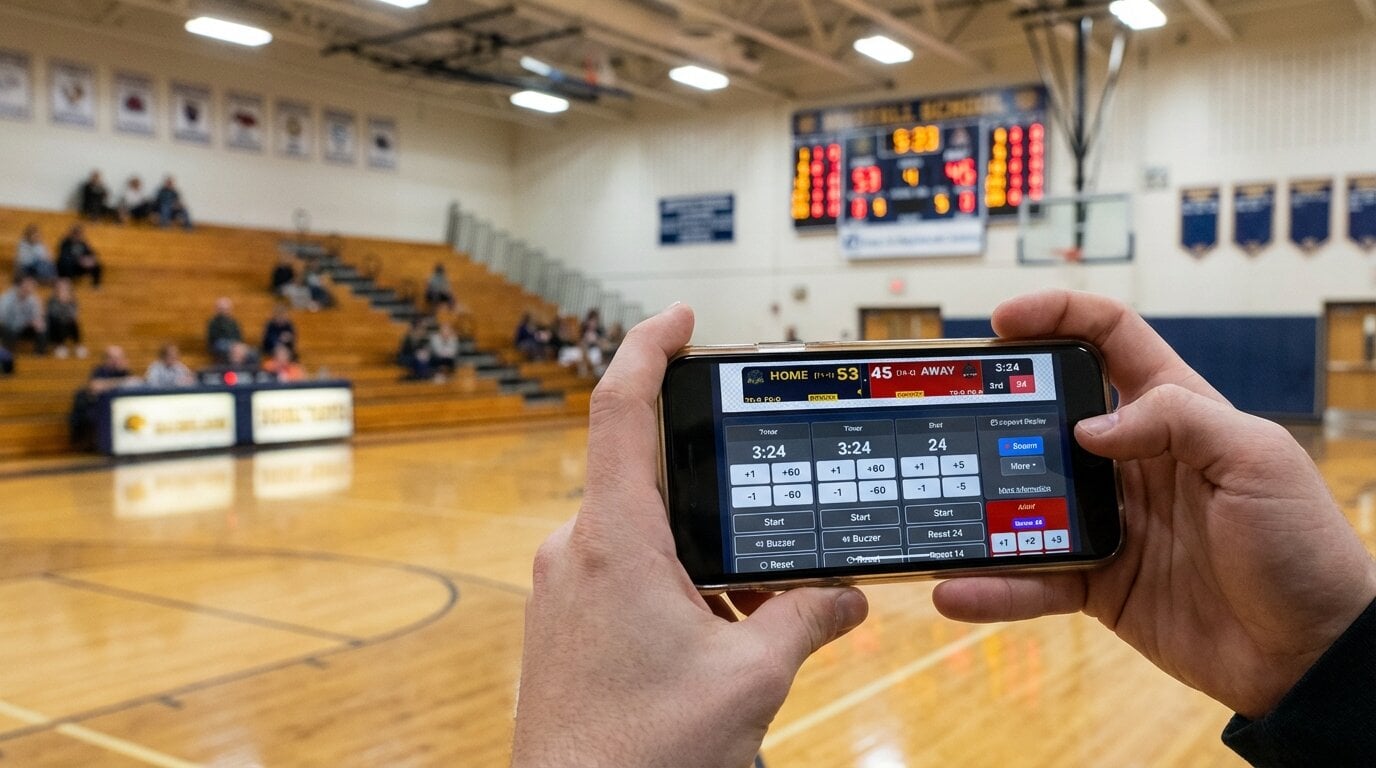
You're running a basketball league at the local rec center. The old whiteboard is embarrassing, the parents keep asking "what's the score?", and you just want something that looks professional without spending thousands on hardware.
That's the situation most people are in when they search for scoreboard software. The good news: you have real options now. The bad news: the market is a mess of overpriced legacy systems, half-baked free tools, and streaming overlays pretending to be scoreboards.
This guide cuts through it. Here's what actually matters when choosing online scoreboard software in 2026, and which options are worth your time.
Quick Answer: Which Scoreboard Software Should You Pick?
If you need a recommendation right now:
- For most schools, clubs, leagues, and churches: KeepTheScore — browser-based, works on any display, phone control, 15+ sports, free tier
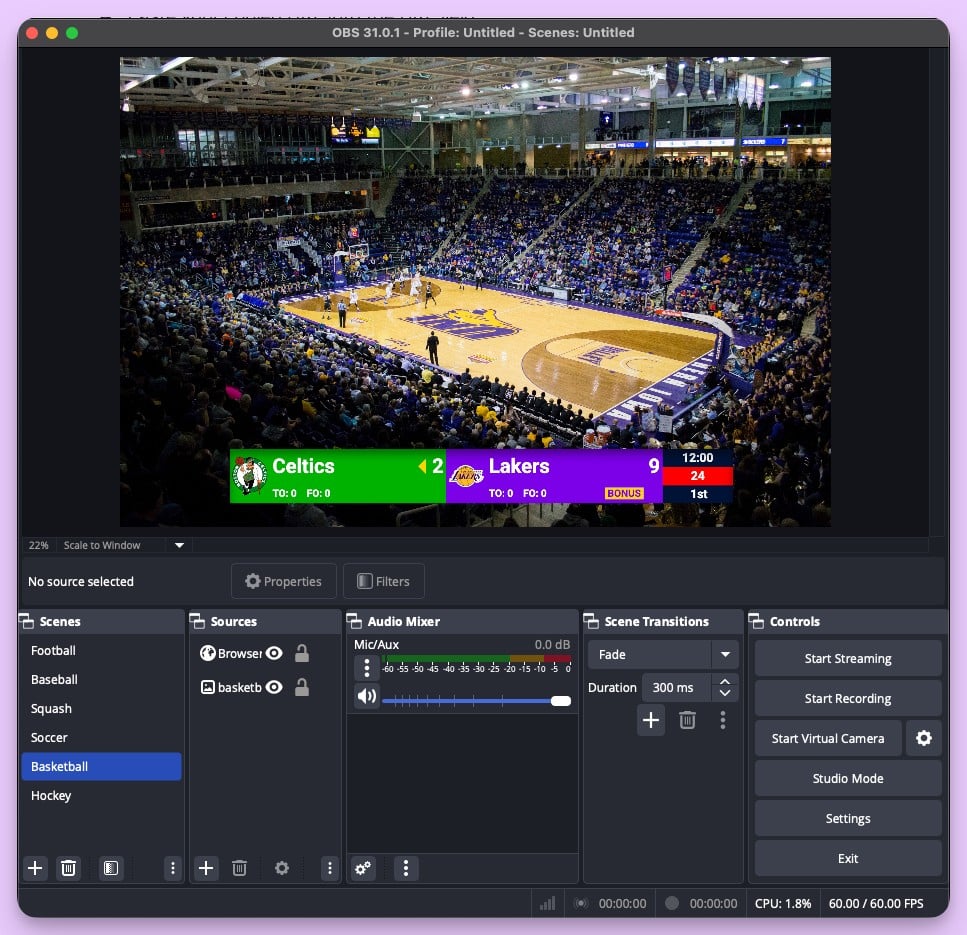
- For streamers who only need an overlay: OBS with browser sources — free, fully customizable, but manual
- For Windows-only setups with no internet: PC Scoreboards — one-time purchase, offline, but Windows only
- For Mac-based AV booths with broadcast workflows: ProScoreboard — $2,500/year, Mac only, NDI output, integrates with ProPresenter
- For permanent outdoor LED installs: Daktronics or similar hardware — weather-rated, sponsor-ready, five-figure budget
Read on if you want to understand why.
What Buyers Should Check Before Choosing
Not all scoreboard software solves the same problem. Before comparing features, figure out which of these matters most to your setup:
1. Where Will the Scoreboard Display?
- Gym TV or LED wall? You need fullscreen display via HDMI
- Live stream overlay? You need OBS/Streamlabs browser source support
- Both? You need a tool that does dual output
2. Who Will Operate It?
- A tech-savvy volunteer? OBS setups are fine
- A rotating cast of parents? You need something anyone can figure out in 30 seconds
- A dedicated scorer? Desktop software works
3. What Sports Do You Cover?
- Single sport? Most tools handle basketball or volleyball
- Multi-sport program? You need a tool that covers your full season without buying separate licenses
4. What's Your Budget Reality?
- $0: OBS with custom overlays (if you have the skills) or KeepTheScore's free tier with branding
- $14-$26/month: Browser-based tools like KeepTheScore — paid plans add custom logos, themes, and an ad-free display
- $100-$200 one-time: Desktop software like PC Scoreboards (per sport, Windows only)
- $2,500/year: ProScoreboard — Mac-only broadcast scoreboard with player profiles and live data feeds
- $1,250-$3,000/year: ScoreVision — scoreboard software that runs on an Apple TV, controlled from an iPad
- $15,000+: Hardware systems like Daktronics (installation, contact sales for pricing)
Best Online Scoreboard Software Options
KeepTheScore
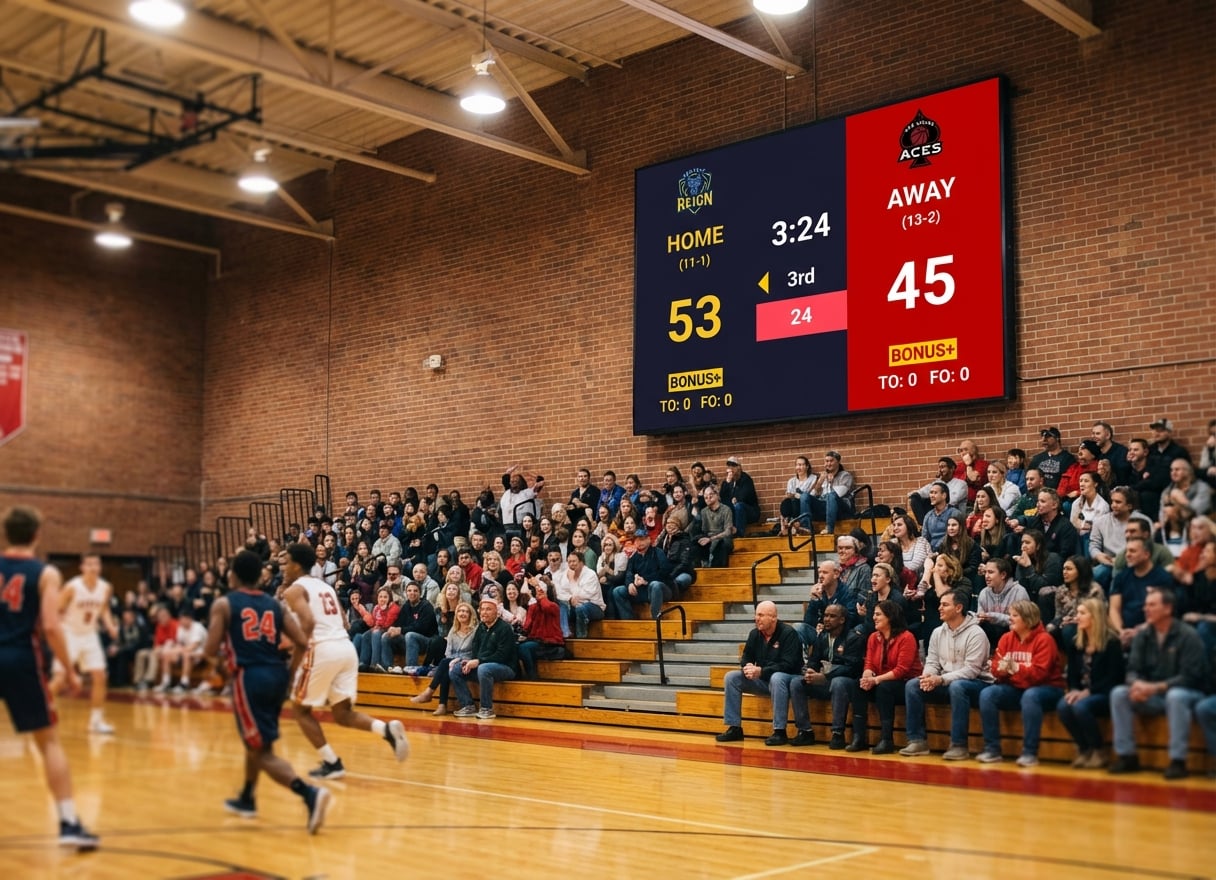
What it is: Browser-based scoreboard software that runs on any device. Control from your phone while the scoreboard displays fullscreen on a TV, projector, or LED wall.
Best for: Schools, youth leagues, community clubs, and streamers who need multi-sport coverage with zero installation.
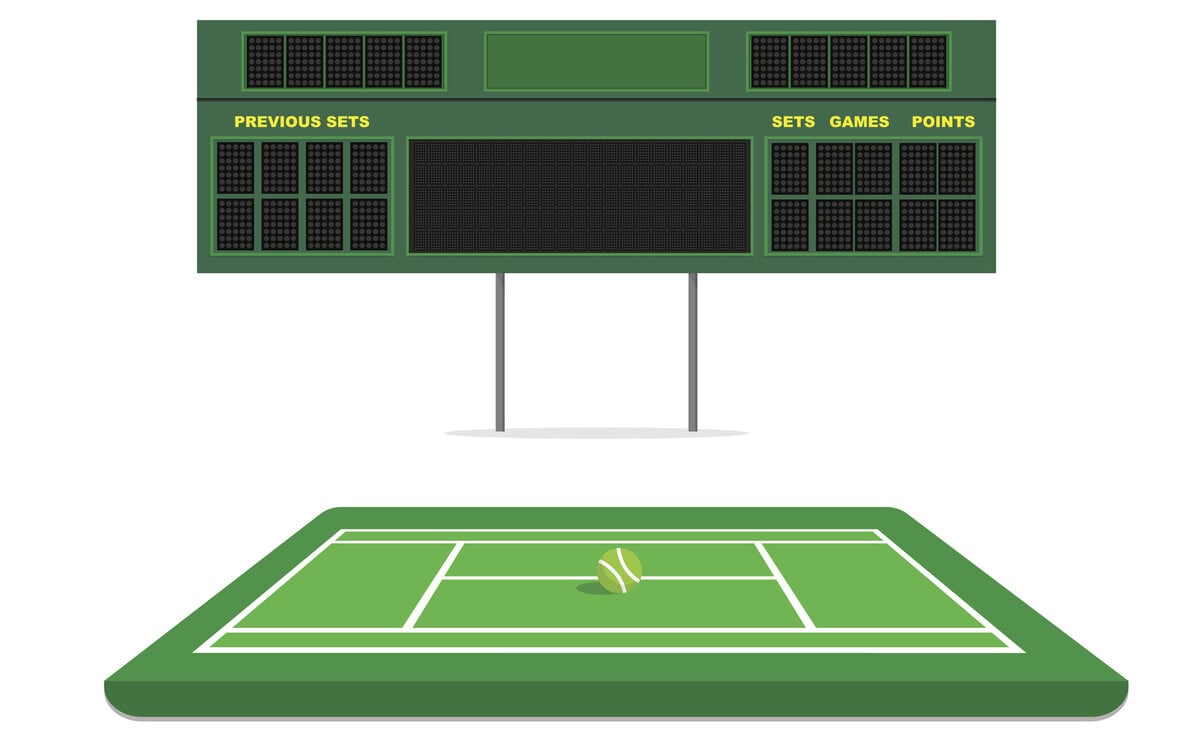
Sports covered: Basketball, volleyball, soccer/football, baseball/softball, hockey, tennis, pickleball, badminton, wrestling, Gaelic football, rugby, table tennis, and more.
Key strengths:
- Works on any device with a browser — Windows, Mac, iPad, Chromebook, phone
- Phone/tablet control panel while scoreboard runs fullscreen on another screen
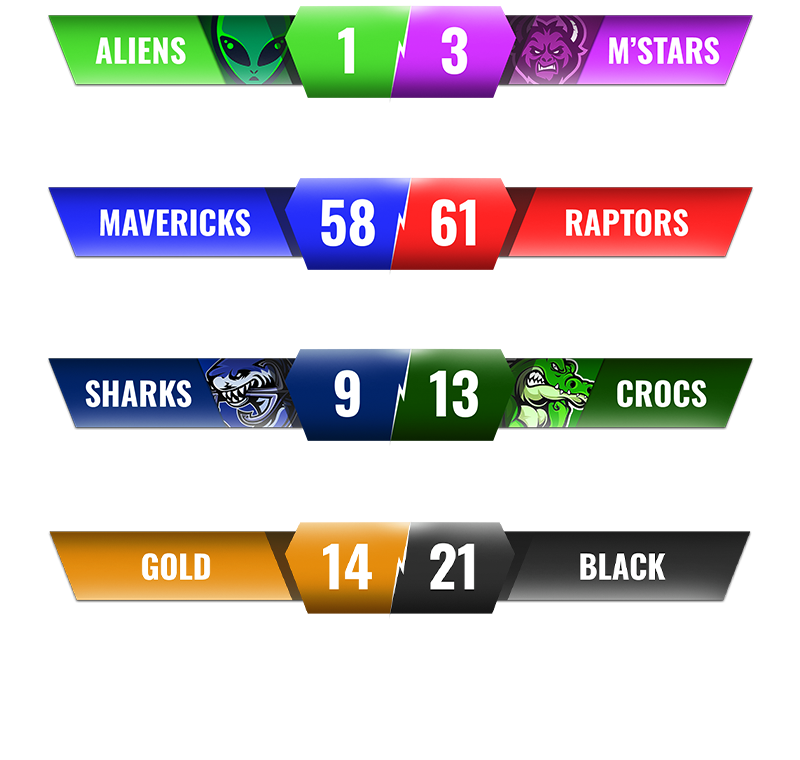
- OBS/Streamlabs/vMix browser source for streaming overlays
- Shareable view-only links for remote fans and parents
- Optional Stream Deck integration for physical button control
- No software installation, no vendor lock-in
Limitations:
- Requires internet connection (a mobile hotspot is enough)
- Free version shows small branding
Pricing: From $14/month billed annually. Free tier available.
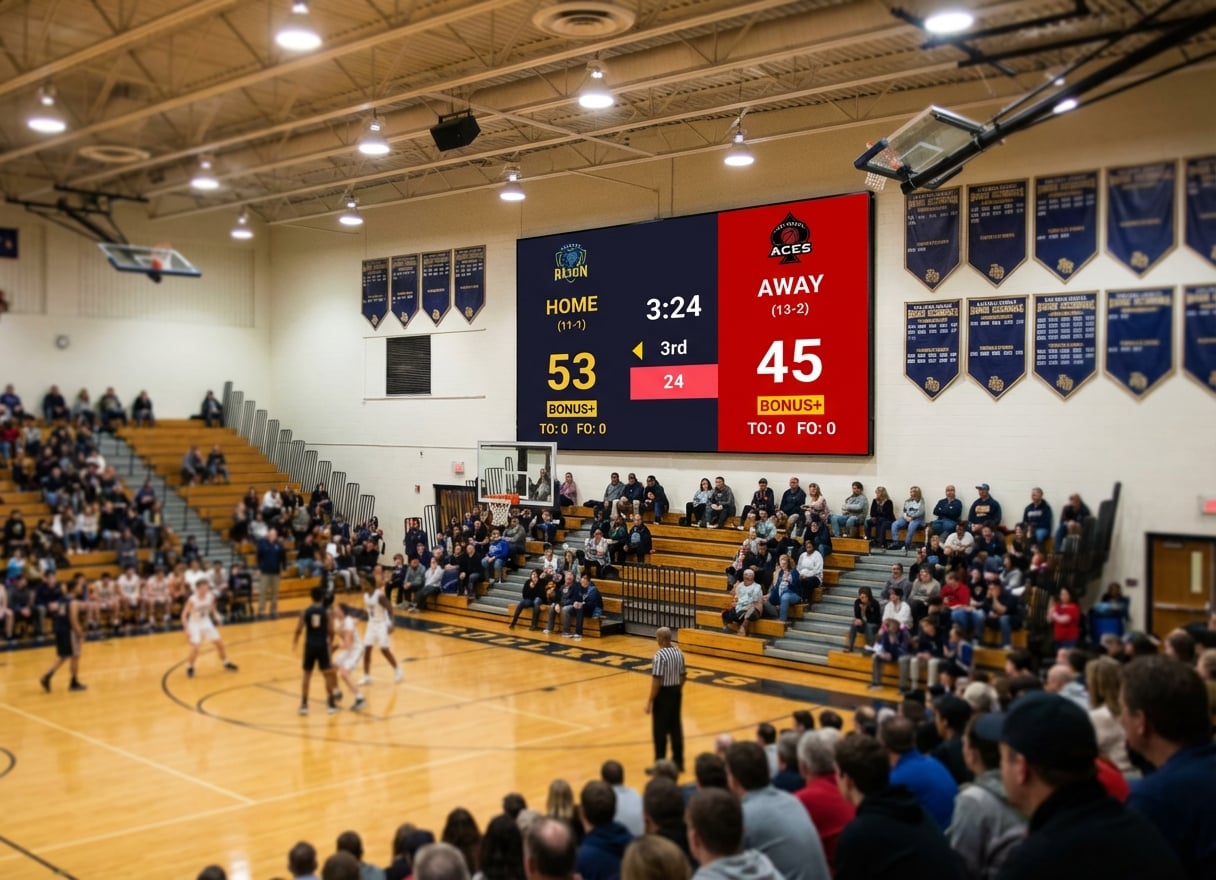
Running the scoreboard on a big venue display — an LED video wall, TV, or projector — is a first-class use case: see our LED scoreboard software page for the full setup.
PC Scoreboards
What it is: Traditional Windows desktop software with sport-specific scoreboard templates. Requires a USB hardware dongle.
Best for: Single-sport setups on a dedicated Windows PC at the scorer's table where internet isn't available.
Key strengths:
- One-time purchase ($100-$200 per sport)
- Works completely offline
- Keyboard-driven controls
Limitations:
- Windows only — won't work on Mac, Chromebook, or tablet
- Web Remote available on supported versions, but no dedicated phone app
- Per-sport licensing (basketball, volleyball, wrestling sold separately)
- USB dongle required
- Basic graphics compared to modern tools
For a detailed comparison, see our PC Scoreboards alternatives guide.
OBS with Custom Scoreboard Overlays
What it is: Free open-source broadcasting software with manually created scoreboard graphics.
Best for: Streamers with technical skills who want full creative control over their overlay design.
Key strengths:
- Completely free
- Unlimited customization
- Industry standard for streaming
Limitations:
- Steep learning curve
- Manual score updates (no phone control panel)
- Not practical for in-venue display
- Requires someone who understands scene management
For streaming setup guides, see how to add a live scoreboard to OBS.
ProScoreboard by Renewed Vision
What it is: Mac-only scoreboard software built around broadcast features — player profiles, NDI/SDI output, and live data ingestion from Statcrew, Genius Sports, and the MLB API. Same company that makes ProPresenter.
Best for: Schools, colleges, and churches with a Mac-based AV booth, a real broadcast workflow, and an AV budget where $2,500/year is a routine line item.
Key strengths:
- Player profiles with photos and stats baked in
- Live data ingestion from Statcrew, Genius Sports, and MLB API
- HDMI / SDI / NDI output for venue display chains
- Sponsor ad zones with impression reporting
- Multi-screen / ribbon-board capability listed as Coming Soon
Limitations:
- Mac only (macOS Mojave through Sequoia)
- $2,500/year for the flagship plan, single device at a time
- Requires demo call or trial — no free tier, no self-serve checkout
- Sport coverage is the major US sports plus Aussie rules (~9 sports)
- A lower-cost Scoretable Edition is sold via hardware resellers (Boostr, Formetco, Digital Scoreboards) — not directly through their site
If you're choosing between ProScoreboard and a browser-based tool, see our KeepTheScore vs ProScoreboard comparison. If you already use ProPresenter for slides and want a live scoreboard inside that flow, the cheaper path is a web slide pointing at KeepTheScore — no separate scoreboard product, no Mac requirement.
ScoreVision
What it is: Cloud-based scoreboard platform targeting schools with sponsor management and centralized control.
Best for: Multi-venue school districts with budget for annual subscriptions and sponsor revenue to offset costs.
Key strengths:
- Cloud-managed across multiple venues
- Sponsor rotation and ad management
- Professional support contracts
Limitations:
- $1,250–$3,000/year at list price (Advanced tier: quote only)
- Requires an Apple TV and an iPhone or iPad, on a wired network
- Overkill for single-venue setups
- Annual contract commitment
Comparison Table
| Solution | Price | Platform | Sports | Mobile Control | Streaming | Offline |
|---|---|---|---|---|---|---|
| KeepTheScore | Free; from $14/mo | Any browser | 15+ | Yes (phone/tablet) | Yes (native OBS overlay) | Partial |
| PC Scoreboards | $100-$200 per sport | Windows only | Per-sport license | Web Remote (some versions) | No | Yes |
| OBS Overlays | Free | Windows/Mac | Custom | No | Yes | No |
| ProScoreboard | $2,500/year | Mac only | ~9 major sports | Yes (browser remote) | Limited | Yes |
| ScoreVision | $1,250–$3,000/year | Apple TV + iOS | 4 at list price; all on Advanced (quote only) | Yes | Yes | No |
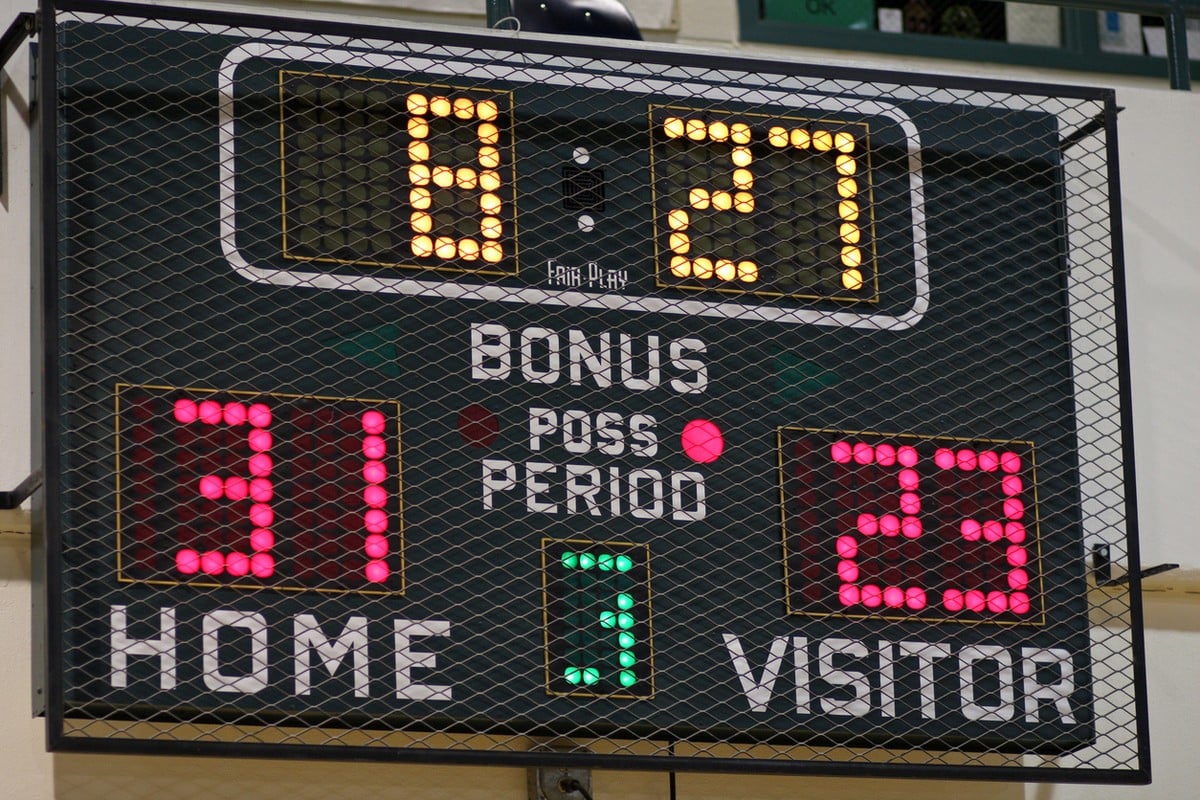
| Daktronics / LED hardware | $5,000+ install | Hardware-driven | Configurable | Bluetooth app | No | Yes |
Why KeepTheScore Fits Most Schools and Leagues
For the majority of youth leagues, school sports programs, and community clubs, the math is straightforward:
- You already have a TV or projector in the gym
- You need something a volunteer parent can operate
- You cover multiple sports through the season
- You don't have $10,000+ in the budget
KeepTheScore handles all of that through a browser. Connect a laptop to your display via HDMI, open the scoreboard, hand the control link to whoever is scoring. They tap the score on their phone. The display updates instantly.
No training manual. No IT department involvement. No annual procurement cycle.
If you also stream games, the same scoreboard works as a browser source in OBS — one tool, two outputs. See our streaming overlay guide for setup details.
What About Churches and Schools Already Running Presentation Software?
A common setup we see: a church or school already pays for a presentation app — ProPresenter, EasyWorship, MediaShout, or Proclaim — for Sunday slides, chapel, or assemblies. Then a basketball or volleyball game happens in the same building, on the same projector, run by the same operator.
The cheapest fix is rarely a second piece of scoreboard software. Every major presentation app supports adding a web slide — a slide that loads any URL. Drop a KeepTheScore presentation link into a web slide and you've got a live scoreboard inside your service set list. No second purchase, no Mac requirement, no extra training for the projection volunteer.
We have a step-by-step walkthrough for embedding a live scoreboard inside ProPresenter, EasyWorship, MediaShout, or Proclaim. If you already run a presentation app on your projection PC, that's the workflow worth trying first.
The Bottom Line
The scoreboard software market splits into three honest categories, not five:
- Browser-based tools that run on anything (KeepTheScore, OBS overlays). Sweet spot for schools, leagues, churches, and streamers. Cheap or free, no installation, works on whatever screen you already own.
- Mac-based broadcast software (ProScoreboard). Built for venues with real broadcast workflows — NDI output, live data feeds, sponsor ad zones. Priced for AV departments, not parent volunteers.
- Installed systems (Daktronics, ScoreVision, PC Scoreboards). For permanent installations, Apple TV setups or fully offline single-PC setups. Five-figure hardware budgets, annual subscriptions or per-sport licensing.
Most buyers belong in category 1 and don't realize it until they price out category 2 or 3. If you're picking a scoreboard for a gym TV, a Wednesday-night church game, or a YouTube stream of your kid's volleyball match, you don't need broadcast hardware. You need a URL that fills a screen.
That's the design point KeepTheScore was built around. Free to try on whatever device you already own — a laptop, an old TV, a phone in your pocket.
Scoreboard Software Buying Guide FAQs
"Do I need to install anything to use online scoreboard software?"
Most browser-based options like KeepTheScore require zero installation. Open a browser, create your scoreboard, and go fullscreen. That's it.
"Can I use online scoreboard software on a TV or projector?"
Yes. Connect any laptop or PC via HDMI to your TV, projector, or LED wall. Open the scoreboard in a browser and press fullscreen. It works with any display that has HDMI input. See our TV scoreboard setup guide for details.
"What about internet reliability during games?"
KeepTheScore requires an internet connection to work, but only a basic one. For venues with unreliable Wi-Fi, a mobile hotspot from your smartphone is a cheap and reliable backup. Once a scoreboard page is loaded, it keeps showing the last known score even if the connection drops mid-game.
"Is free scoreboard software good enough for league games?"
Free tools like OBS overlays work if you have technical skills and time. For consistent game-day operations where volunteers run the board, a paid tool with a simple interface saves hours of frustration. KeepTheScore's free tier is a real working scoreboard with a small piece of branding — most schools use it before deciding whether to upgrade.
"Can parents and fans follow scores remotely?"
With tools like KeepTheScore, every scoreboard has a shareable view-only link. Share it via text, email, or QR code and anyone can follow along in real time.
"Which sports are supported?"
It depends on the tool. KeepTheScore covers 15+ sports including basketball, volleyball, soccer, baseball, hockey, tennis, pickleball, Gaelic football, rugby, and more. ProScoreboard covers the major US sports plus Aussie rules. PC Scoreboards is sold per sport.
"Is ProScoreboard worth $2,500 a year?"
Worth it if you have a Mac-based AV booth running a real broadcast workflow with player profiles, NDI output, and live data feeds from Statcrew or Genius Sports. Not worth it for a gym TV, a church game night, or a youth-league livestream — you'd be paying for capability you won't use. See our full ProScoreboard comparison for the honest tradeoff.
"Can I use a scoreboard inside ProPresenter, EasyWorship, MediaShout, or Proclaim?"
Yes. Every major church presentation app supports adding a web URL as a slide. Drop a KeepTheScore presentation link into the web slide and you've got a live scoreboard inside your service set list. See our step-by-step guide.

Written by Caspar von Wrede
Founder of KeepTheScore. Building tools that help teams track scores and celebrate wins.