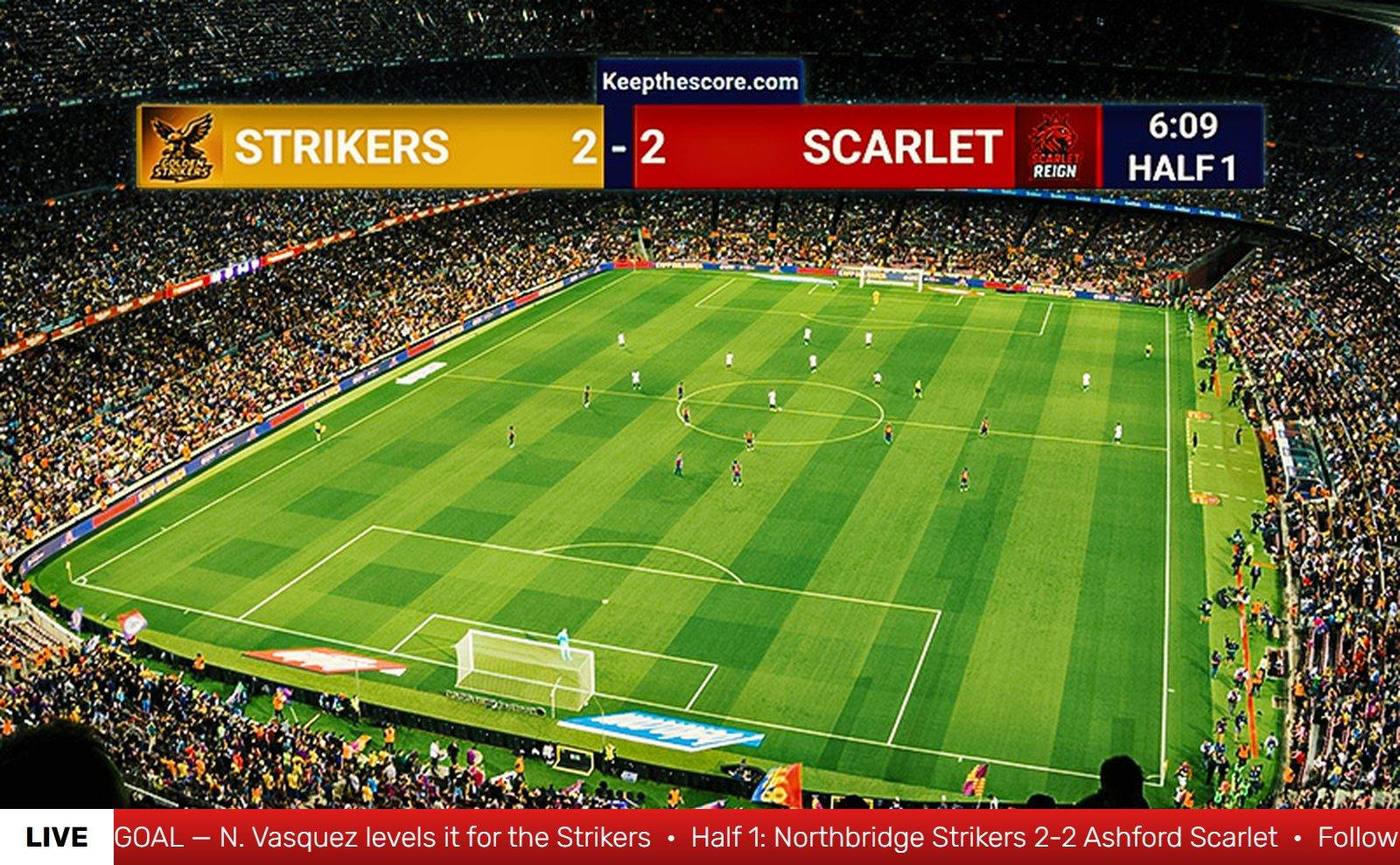
Stream ticker: a scrolling news ticker overlay for your live stream
A lower-third text bar for OBS, Streamlabs, and vMix. Type your messages — results, announcements, sponsor credits — and they run as a scrolling ticker over your video on a transparent overlay you can update live from any device. Free, in your browser, no download.


Fully customizable
Personalize with team colors, logos, and backgrounds for a polished look that matches your brand or event.
Anyone can keep score
Delegate scorekeeping by sharing a simple link or QR code. Any team member can update scores from their own device.
No expensive hardware
Save thousands by eliminating dedicated scoreboard equipment. Transform screens you already own into scoring displays.
5 seconds to setup
Get scoring immediately with one-click setup. No complicated configuration—just select your sport and start.
Live results and updates for sports streams
Scroll standings, finishers, fixtures, and mid-game updates under your broadcast while the action plays on. Pair it with a scoreboard overlay for the score itself — the ticker handles everything that doesn't fit in a scorebug.

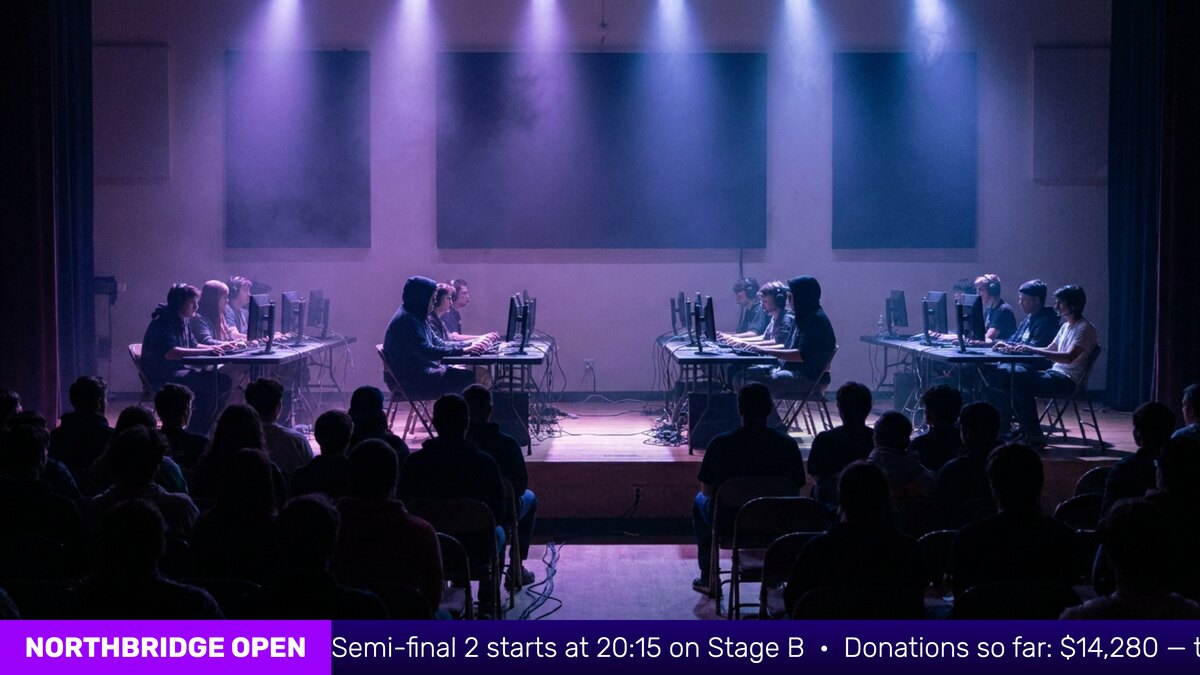
Announcements for events, tournaments and community TV
Schedule changes, court assignments, sponsor thank-yous, donation totals, housekeeping — one scrolling bar keeps your audience informed at conferences, charity streams, church services, and school events.
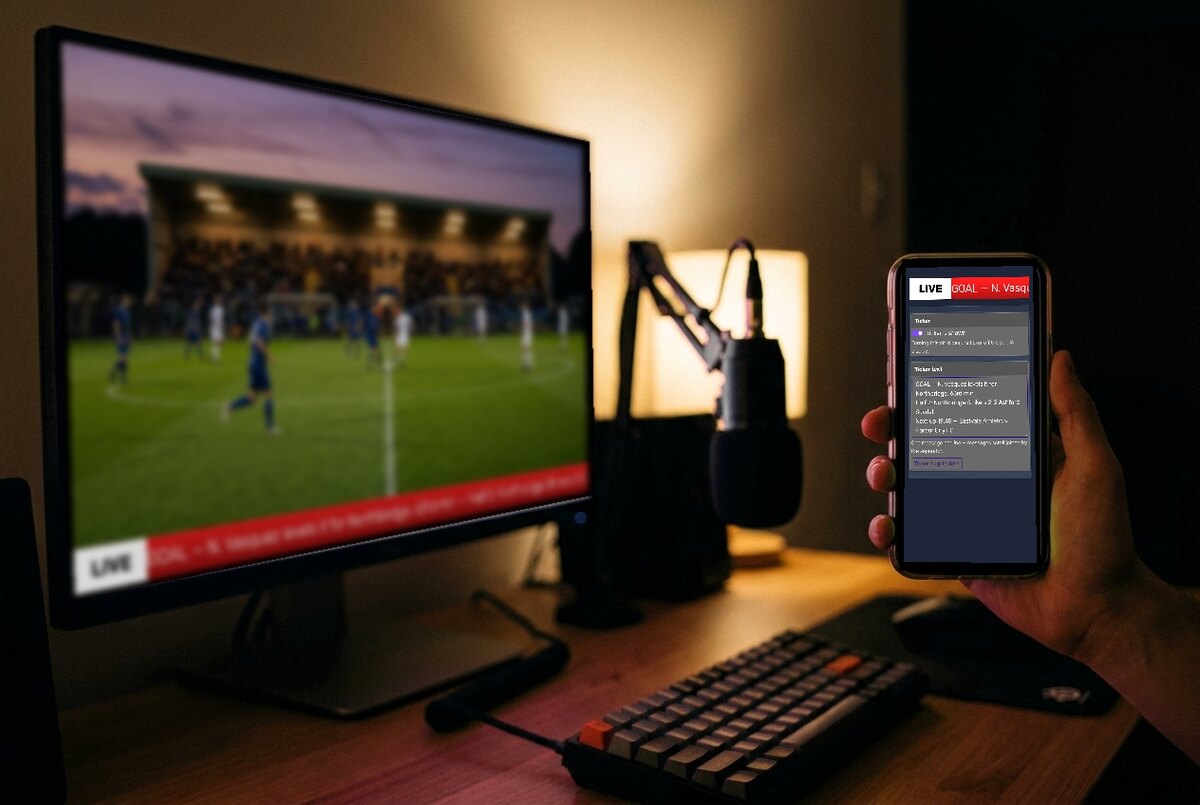
Update it from your phone while the stream runs
The ticker is controlled from a simple admin page. Edit the messages on a phone or laptop, press update, and every viewer sees the new text within a second — no scene reload, no re-export, no interruption.
Features
Type your messages on a phone or laptop and hit update — every screen and stream changes at the same instant, with no scene reload.
The public link renders the bar on a fully transparent page — drop it into OBS, Streamlabs, or vMix and it sits cleanly over your video.
Write each update on its own line — results, announcements, sponsor credits — and they scroll past, joined by a separator you choose.
A pinned label at the left of the bar — "LIVE", your event name, or a sponsor credit — that stays put while the messages scroll past.
Flip the master switch and the ticker slides smoothly off the public display — perfect for breaks, replays, and clean-frame segments.
Anchor the bar to the bottom or top of the frame, pick one of three bar heights, and set the scroll speed to match your broadcast.
A separate scorekeeper link opens just the message editor and the master switch — a helper can update the ticker without touching your setup.
Restyle the bar gradient, the title box, and the text to match your stream. Custom colors show on the public display with a paid plan.
Upload your own PNG strip as the bar background, with a text offset for baked-in title zones. Shows on the public display with a paid plan.
Stream Ticker FAQ
"We use Keepthescore.com to update our livestream through OBS and it is FLAWLESS. I chose it because it was the easiest to incorporate into OBS and easiest to update. No installation needed, just adding a simple weblink and you're up and running!"

"I use Keepthescore.com for an annual Twitch event with roughly 300 players and it never lets me down! Scores are super easy to add or remove, the designs are very clean and adding images and easily being able to share a public link is what made me a loyal user, truly nothing does it better!"

"The scoreboard works amazingly well with OBS. Our scorekeeper has been very happy with how simple it is to operate and keep track. We have the output ran to a large TV and the audience is able to easily see the team names and score throughout our game."

"We are very happy that we found keepthescore.com. As a recreational Baseball & Softball Team we were looking for an affordable digital Scoreboard for our games. The digital board makes it so much easier for our spectators and players to keep track of the action on the field."

"I use Keepthescore for my son's high school ultimate frisbee game streaming. It works great. Very easy to use and I love that another parent can keep score while I'm busy with the video streaming. The interface is so easy that you only need about 30 seconds to train up a new user!"

"I've tricked a lot of people into thinking we're a professional organization by the way our scoreboard looks."

"It's such an easy tool to use. My 6-year-old nephew was able to do it. It had a tournament logo on it, it had all the tournament colors that matched how the club looked."

"There is so much complexity in live-streaming already. Just having the scoreboard be clean and simple and work well and easily — anyone can figure it out — is hugely appreciated."

"I could see the moment we started using KeepTheScore, it grew much more. Not only did it grow in views, but in people staying in the live stream."

"This instantly made our broadcast feel more professional. Now we can focus on the match instead of fighting with our own code."

"Keepthescore has been an invaluable addition to our high school sports broadcasts. The platform is incredibly user-friendly — setup, customization, and execution are seamless — and the team is consistently responsive and receptive to feedback."
"Our entire association uses Keepthescore for our livestream scoreboard. It's reasonably priced and feature rich, and the support is the best part — they actually implement changes based on our feedback. I've used other scoreboards in the past and this is by far the best one."

"This is the start of my 2nd Baseball Season using the scoreboard. It has been an amazing addition to our streams. Communication has been awesome as well. I will continue to recommend this site to anyone looking for a solution."

"Caspar and his team are doing some amazing things with Keep the Score. This should be your 'go to' for embedded score clocks on your livestream!"

"It's incredibly easy to add to my livestream and work with as part of the games that we stream on to Youtube. I have tried so many other scoreboards and this one finally JUST WORKED"

"We had such a great time with this last year, and we are ready to sign up for a new year. We have tried to build out our own board, and it is so complex and not worth the expense. This product is so easy to use and bulletproof."

Trusted worldwide, used every day
Join our growing community of score keepers
7,506
New scoreboards this week
137,841
Registered Users
12,348
Scoreboards in play this week