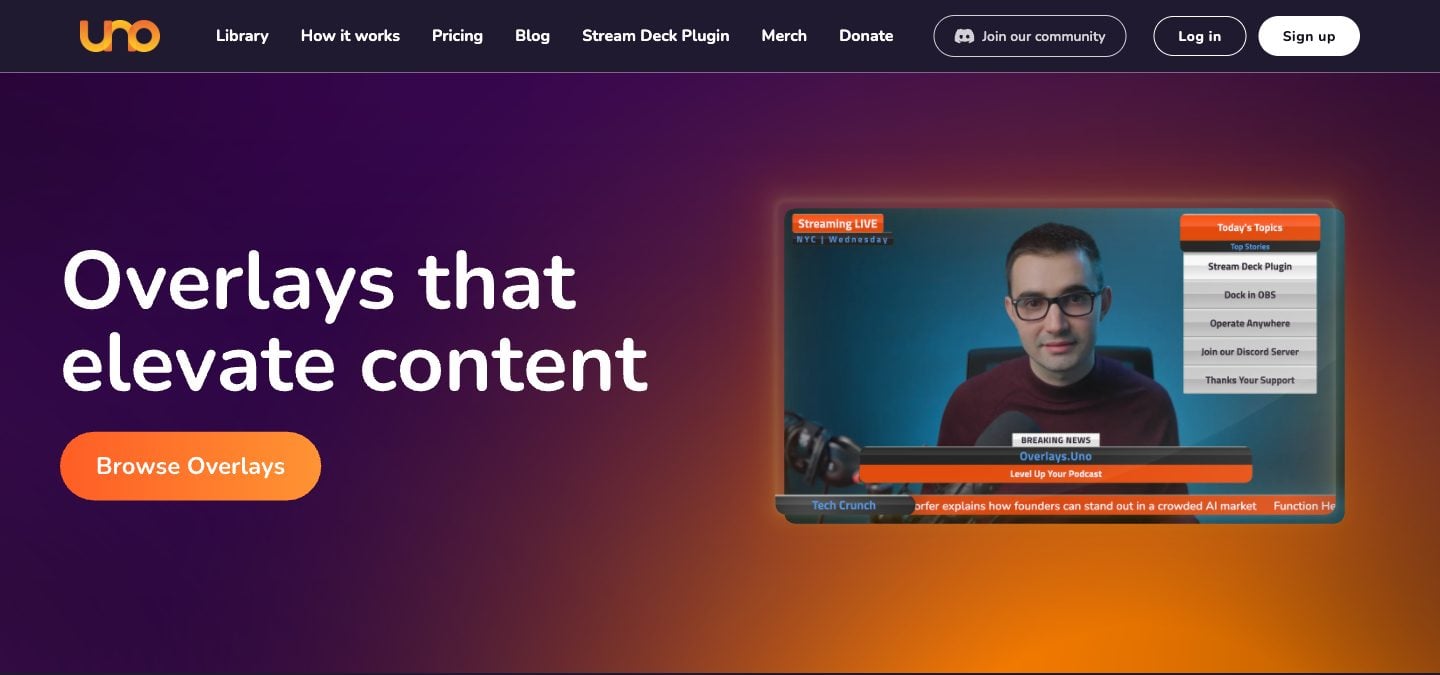
You're streaming a school basketball game on YouTube. The camera's set up, OBS is running, and you added an Uno overlay for the scorebug. It looks clean. Then halftime hits and you realize: there's no way to show the score on the gym TV for the fans in the building. Uno only works as a streaming overlay — it doesn't do in-venue display.
Or maybe the template for your sport doesn't track what you need, like a shot clock or bonus. Either way, it's worth comparing.
This page compares KeepTheScore and Overlays.uno across the dimensions that matter most for sports streamers. We checked uno's plans and features on its website in October 2026.
Purpose-Built Scoreboard vs General Overlay Platform
Overlays.uno, run by Singular.live, is a broadcast toolkit. It offers a large library of templates across many overlay types:
- Scoreboards
- Tickers and countdowns
- Matchup screens
- Sponsor panels
- And more
Scorekeeping is one feature in a much larger platform.
KeepTheScore is scoreboard software built specifically for scoring. Every feature — the control panel, the display layouts, the sport-specific rules — is designed around the act of keeping score during a live game. If your primary need is a scoreboard, you get a deeper, more purpose-built tool.
The trade-off is clear: Overlays.uno gives you breadth across broadcast graphics. KeepTheScore gives you depth in scorekeeping.
Sport-Specific Scoring Logic
This is where the tools diverge most. KeepTheScore includes 15+ sport-specific scoreboards with built-in rules:
- Basketball: shot clocks, foul tracking, and quarter management
- Baseball & softball: innings, outs, and ball/strike tracking
- Tennis: proper set/game scoring with deuce and tiebreak logic
- Pickleball & badminton: rally scoring with automatic set progression
- Volleyball: set-based scoring with configurable point targets
- Soccer & futsal: match clocks and period management
- Hockey & lacrosse: period clocks and penalties
- Football: downs, yards, and quarter management
- Wrestling: period and point-type tracking
Overlays.uno has sport-specific scorebugs, for soccer, basketball, hockey, tennis, volleyball and more, but how much of the sport's rules each one knows varies by template. Many come down to incrementing numbers yourself. For casual streams, that's fine. For games where scoring rules matter (is it a deuce? did the set end?), built-in logic prevents errors.
Ease of Setup
Both tools are browser-based and work as OBS browser sources via URL. The setup process is similar: create a scoreboard, copy the URL, paste into OBS.
Where they differ is in the pre-game workflow.
- KeepTheScore is streamlined for pure scorekeeping — pick your sport, set team names, go.
- Overlays.uno offers more visual customization choices (template browsing, color editing, layout options), which means more decisions before you start.
If you want to score a game quickly with minimal fuss, KeepTheScore gets you there faster. If visual customization is your priority, Overlays.uno gives you more options.
Venue Display vs Stream-Only
KeepTheScore works equally well for two outputs:
- Streaming overlay — appears as a transparent scorebug in OBS
- Venue display — runs fullscreen on a gym TV connected via HDMI
One scoreboard, two audiences, controlled from one phone.
Overlays.uno is built for streaming. It works great inside OBS, but it has no fullscreen venue scoreboard mode for a TV or LED wall.
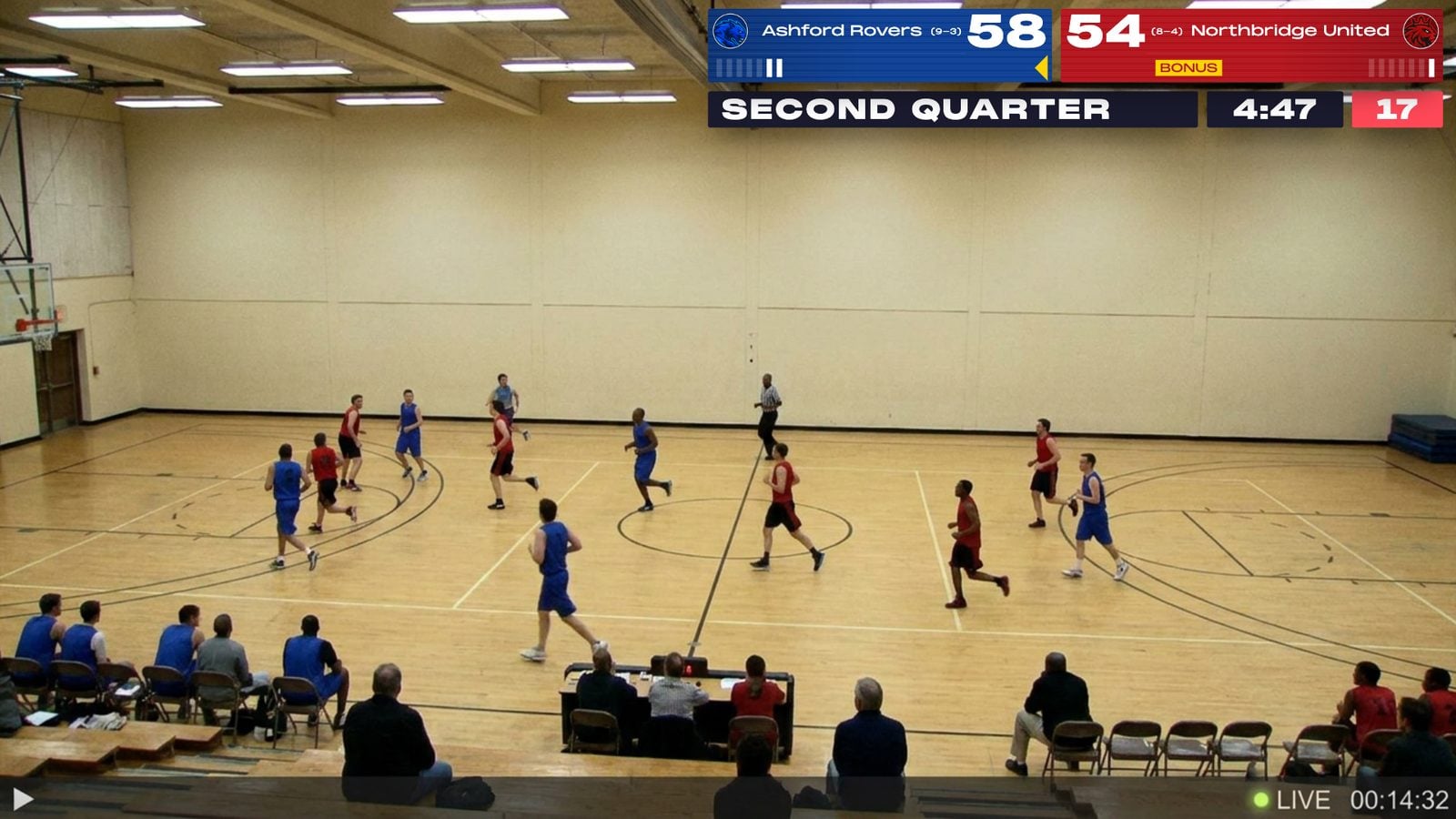
For organizations that need both — a stream for remote families and a TV for the crowd in the building — KeepTheScore handles both from a single control panel.
Pricing
Both tools offer free plans. Overlays.uno's free plan includes the full overlay library and shows ads. KeepTheScore's free tier gives you working scoreboards for any sport, with small KeepTheScore branding and no ads.
Paid plans differ in what they unlock:
- Overlays.uno Plus ($2.99/month, or $1.99/month billed yearly) — no ads, more image storage, editable presets, the full Google Fonts library, and high-resolution screenshot downloads
- KeepTheScore (from $14/month, billed annually) — custom logos, advanced themes, and no KeepTheScore branding
The right choice depends on whether you're primarily buying broadcast graphics or scorekeeping capability.
Feature Comparison
| Feature | KeepTheScore | Overlays.uno |
|---|---|---|
| Dedicated sports scoreboard | ✓ | Yes (part of overlay library) |
| Sport-specific scoring rules | Yes (shot clocks, innings, etc.) | Varies by template |
| Number of supported sports | 15+ | Multiple (template-dependent) |
| Non-scoreboard overlays (tickers, matchups) | ✗ | ✓ |
| Themed visual templates | Yes (several layouts per sport) | Yes (large library across all overlay types) |
| OBS browser source | ✓ | ✓ |
| Stream Deck integration | ✓ | Yes (dedicated plugin) |
| Venue / TV display mode | ✓ | No (stream graphics only) |
| Remote control from phone | ✓ | ✓ |
| Free plan | Yes (small branding, no ads) | Yes (with ads) |
| Paid plan | From $14/month, billed annually | $2.99/month, or $1.99/month billed yearly |
| External data source integration | ✗ | Yes (Scorebird, Scoreboard OCR) |
Which One Should You Choose?
Choose Overlays.uno if...
- You need full broadcast graphics beyond the scoreboard (tickers, matchups, sponsor panels)
- You integrate with external data sources like Scorebird
- You want the widest variety of visual templates across all overlay types
Choose KeepTheScore if...
- Your primary need is accurate, sport-specific scorekeeping
- You need sport-specific features like shot clocks, innings, and foul counts
- You also need venue TV display, not just streaming
- You want a generous free plan with no credit card required
Frequently Asked Questions
"Can I use KeepTheScore as a streaming overlay in OBS?"
Yes. Add the scoreboard URL as a browser source in OBS, Streamlabs, or vMix. It supports transparent backgrounds for clean scorebug overlays. Full streaming setup guide here.
"Does KeepTheScore work as an in-venue scoreboard too?"
Yes. Open the scoreboard URL in a browser, press F11 for fullscreen, and display it on any TV, projector, or LED wall via HDMI. One tool for both streaming and in-venue display.
"Can I control the scoreboard from my phone while streaming?"
Yes. Share the control panel URL with a scorekeeper who updates from their phone or tablet. The stream overlay updates automatically in real-time.
"What sports does KeepTheScore support for streaming overlays?"
Basketball, football, soccer, volleyball, baseball, hockey, tennis, pickleball, badminton, wrestling, and more — all included in one subscription.
"Does it work with Stream Deck?"
Yes. KeepTheScore offers an Elgato Stream Deck integration so you can control scores with physical buttons during a live broadcast.
"What if my internet drops during a stream?"
Once the scoreboard page loads in OBS, it continues working for basic score updates. For best reliability, use a wired connection or mobile hotspot as backup.
Try KeepTheScore Today
Works in OBS, Streamlabs, and vMix. Set up your first streaming scoreboard in under a minute.
Information about Overlays.uno was accurate as of October 2026. Visit https://overlays.uno for latest details.