Online Scoreboard Software Comparison: Features, Pricing & Best Picks (2026)
Compare the best online scoreboard software including features, pricing, streaming overlays, and TV display options for leagues and clubs.
Article Contents
Trying to compare scoreboard software is frustrating. Pricing is hidden behind sales calls, feature lists are vague, and every product claims to be "the best."
This page exists to fix that. Here's a spreadsheet-style comparison of the tools that actually matter for schools, leagues, and streamers — with the numbers and limitations laid out plainly.
For narrative reviews and recommendations by use case, see our best online scoreboard software guide.
The Tools at a Glance
We checked every price and plan on this page on the vendors' own websites in October 2026. Each tool gets the one segment it serves best.
KeepTheScore — Best for Multi-Sport Programs on Screens You Already Own
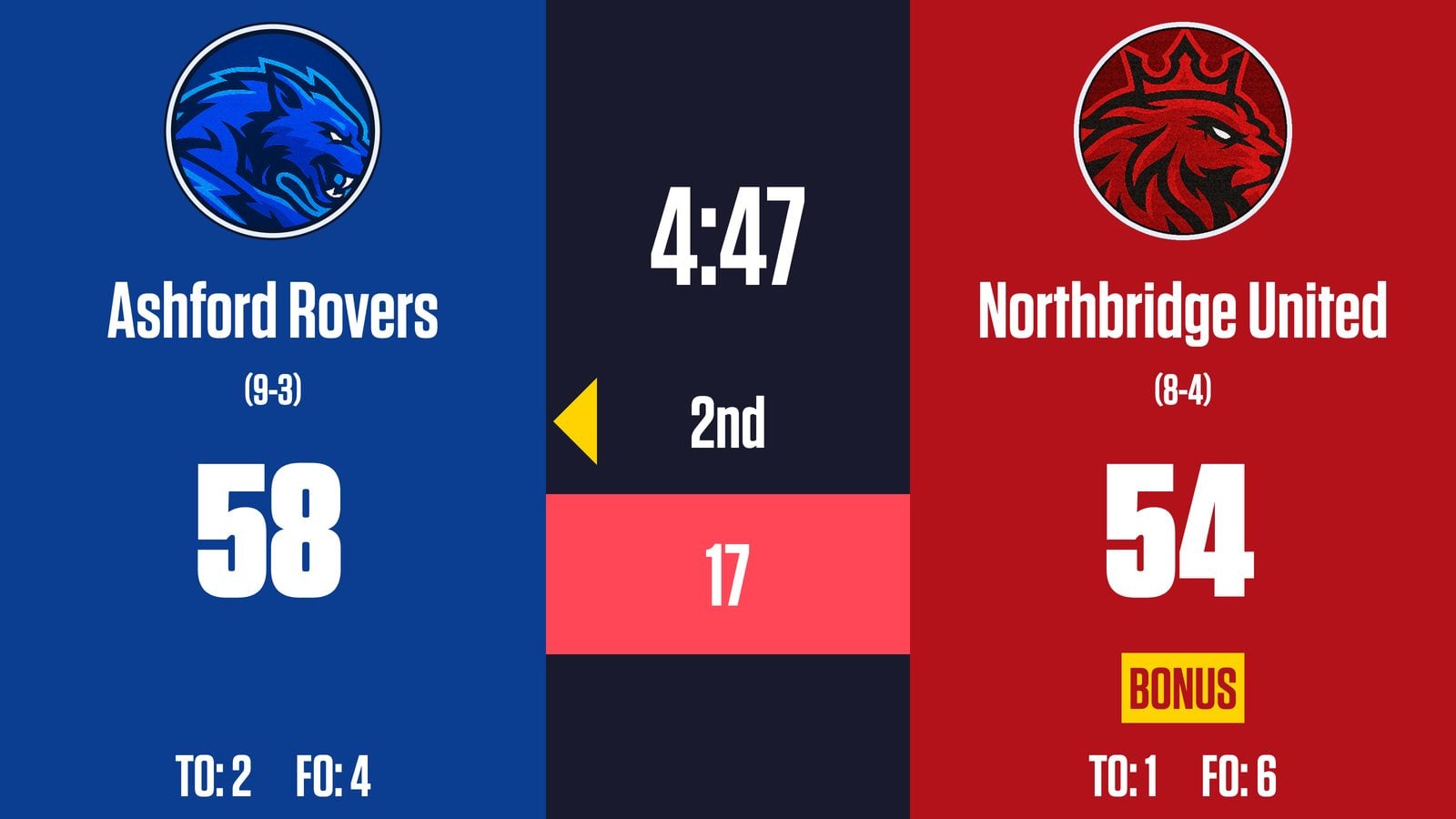
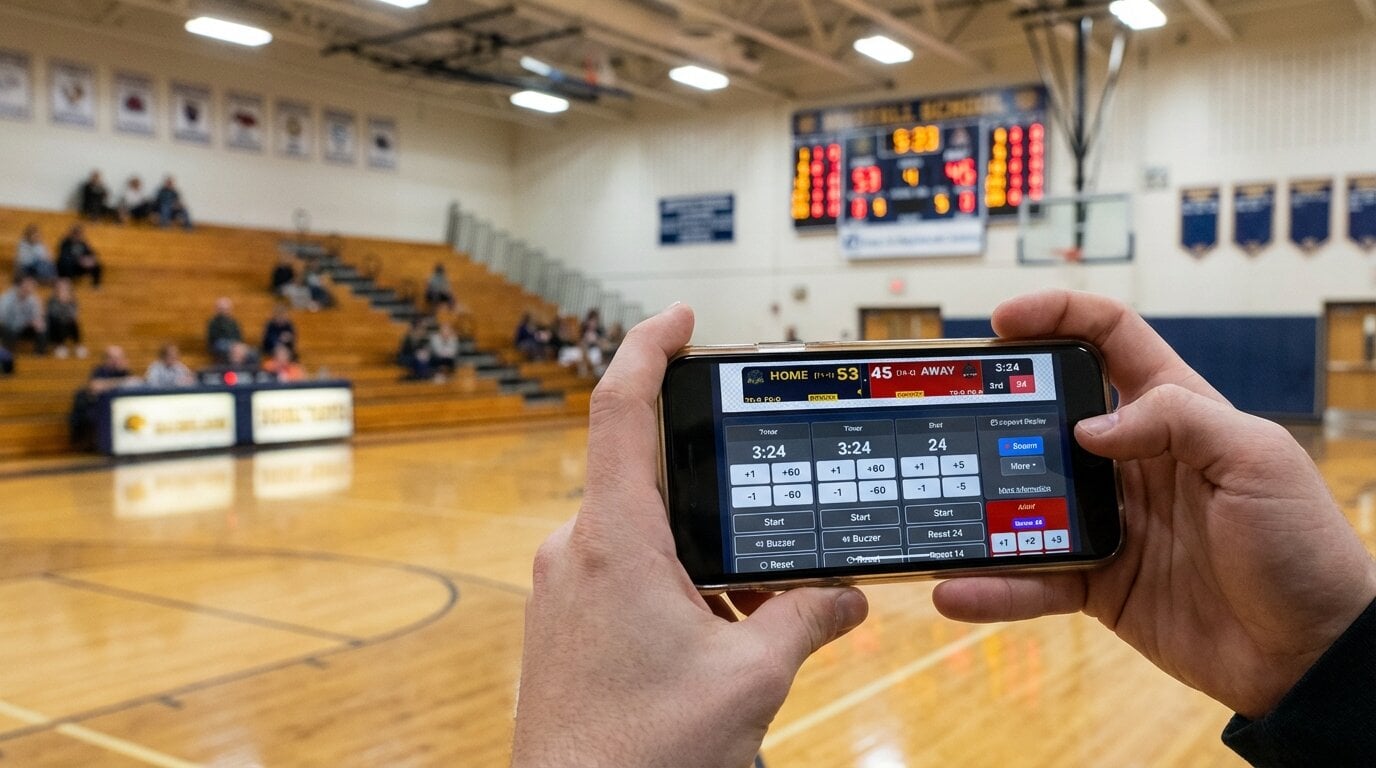
- Pros: runs in any browser; phone scorekeeping; 15+ sports in one plan; venue display and stream overlay from one scoreboard; free tier
- Cons: needs an internet connection; free version shows small branding; no live stat feeds or SDI/NDI output
PC Scoreboards — Best for Offline, Windows-Only Scorer's Tables
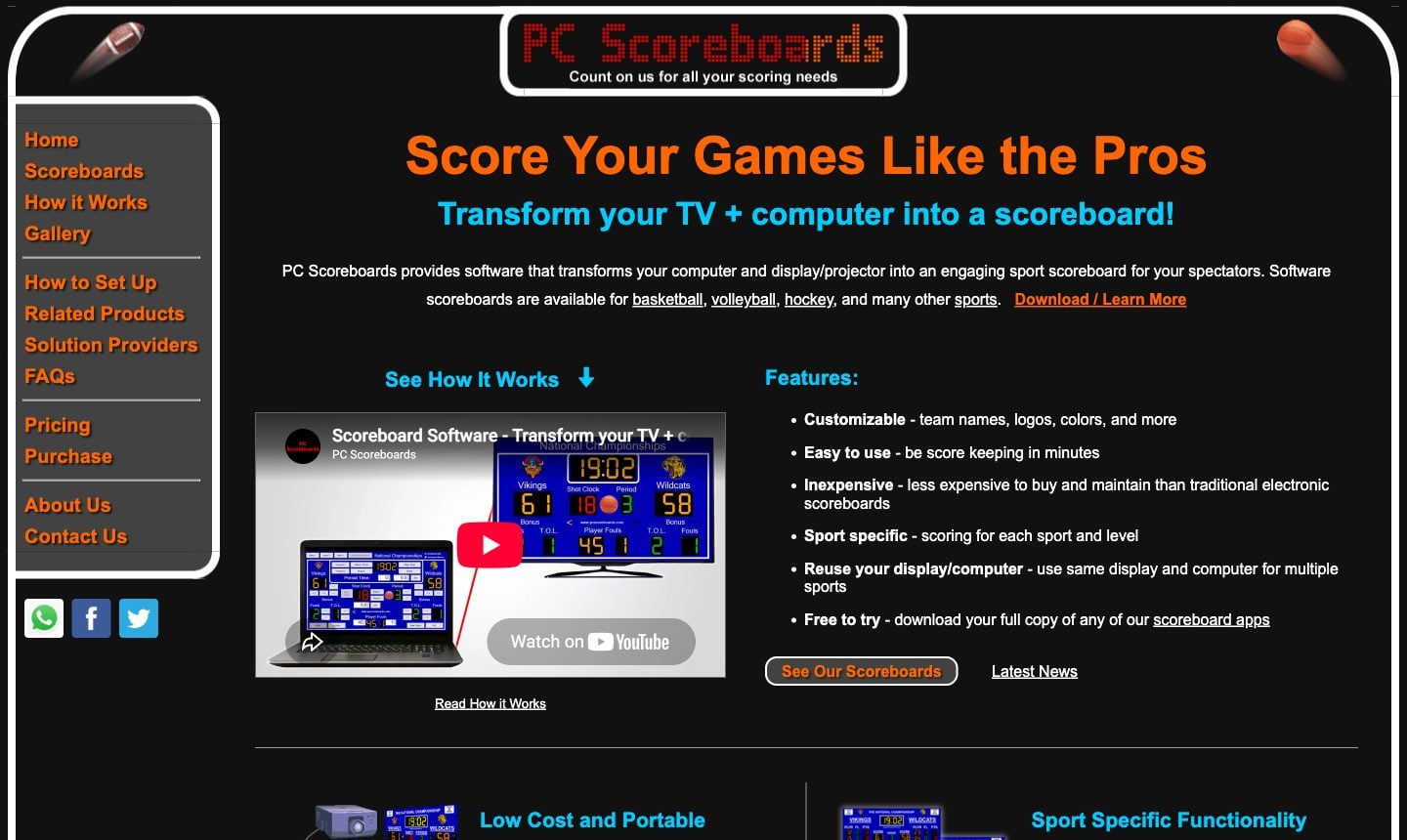
- Pros: fully offline; an app for almost every sport; free to try; Web Remote on Silver tier and up
- Cons: Windows 10/11 only; one licence per sport; yearly and lifetime licences on a USB key
OBS Studio — Best for Streamers Who Want Full Design Control
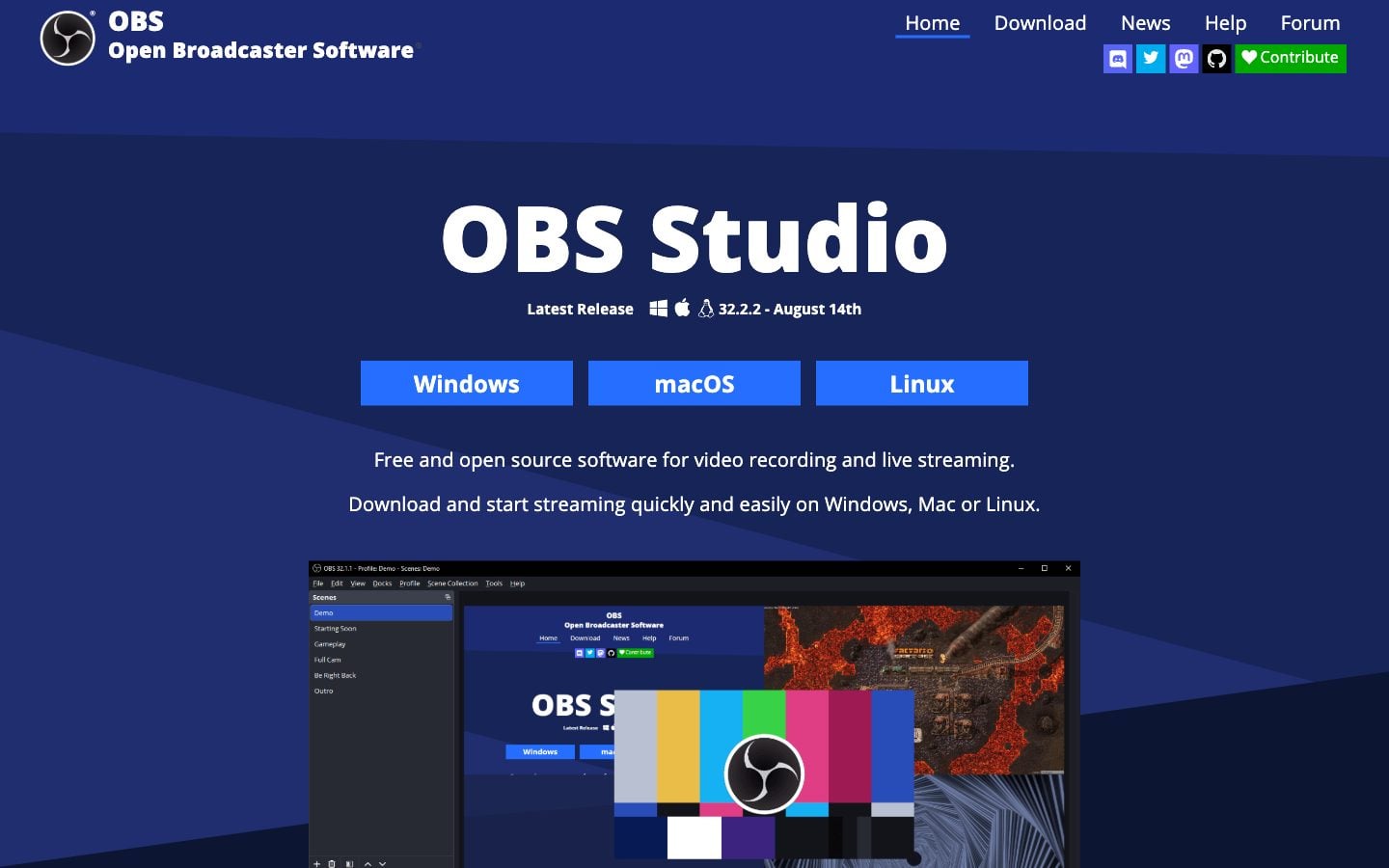
- Pros: free and open source; unlimited design freedom; runs on Windows, Mac and Linux
- Cons: you build and update the score graphic yourself; not made for a venue display
Overlays.uno — Best for Free Stream Scorebugs
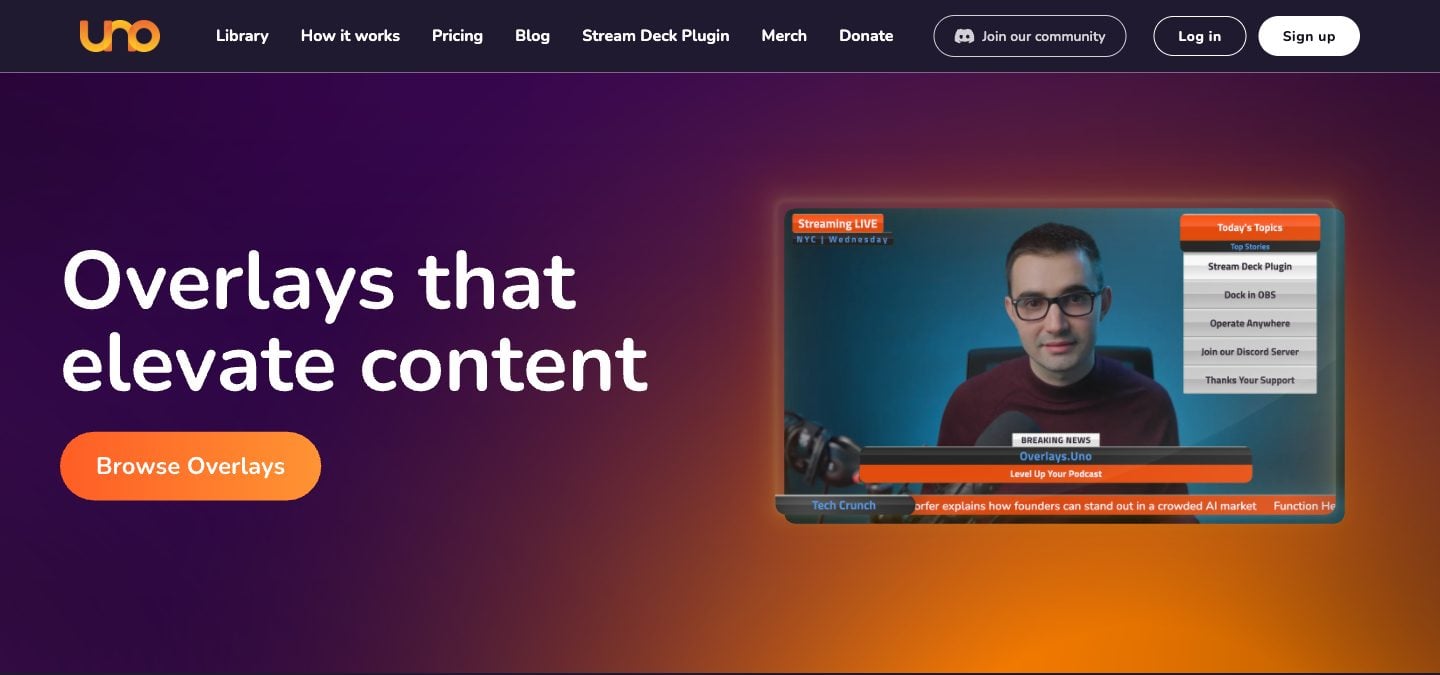
- Pros: free plan with the full overlay library; many sports scorebugs; phone-friendly control; Stream Deck plugin
- Cons: stream graphics only, no gym-TV mode; free plan shows ads
ProScoreboard — Best for Mac-Based Broadcast Booths
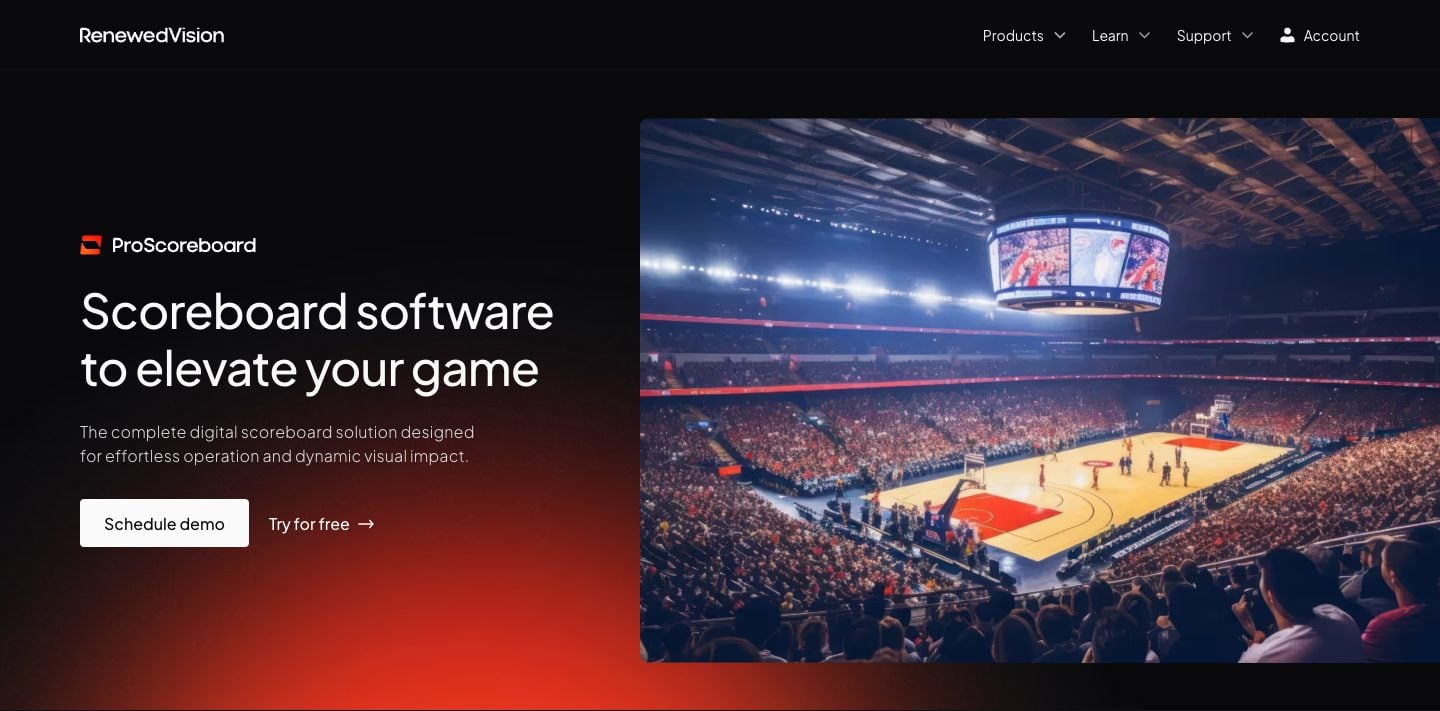
- Pros: player profiles; live data from Statcrew, Genius Sports and the MLB API; HDMI/SDI/NDI output; sponsor ad zones; free trial
- Cons: macOS only; $2,500/year for one device at a time
ScoreVision — Best for Schools Selling Sponsor Ads on the Scoreboard
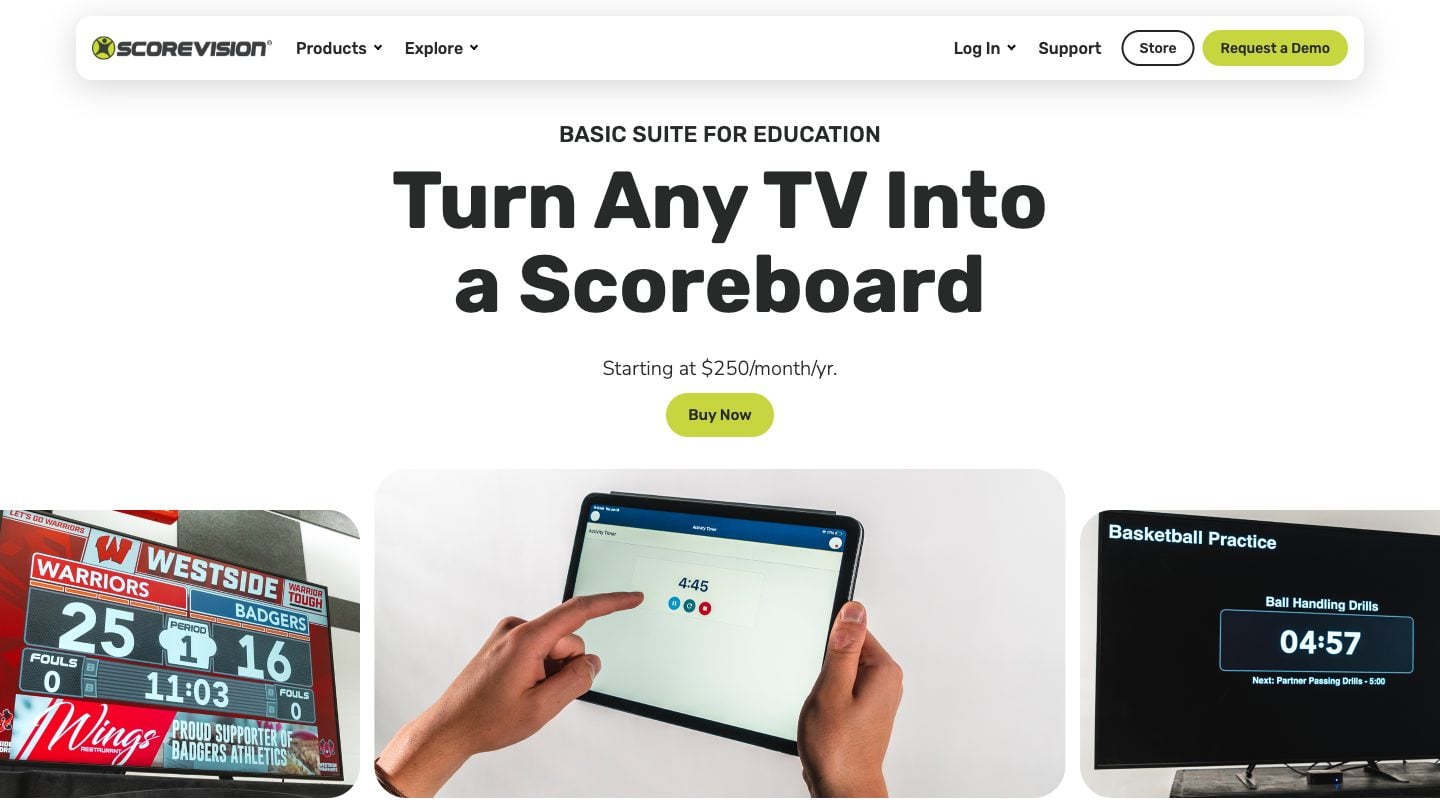
- Pros: sponsor ads with scheduling and reports; cloud-managed teams and games; any HDMI TV via Apple TV
- Cons: $1,250–$3,000/year per venue; base suites cover three sports plus a universal mode; Apple TV, iPhone/iPad and a wired network required
Full Feature Comparison
| Feature | KeepTheScore | PC Scoreboards | OBS Overlays | ProScoreboard | ScoreVision | Uno Overlays |
|---|---|---|---|---|---|---|
| Price | From $14/mo (free tier available) | Per sport: from $139/month or $789+ lifetime | Free | $2,500/year | $1,250–$3,000/year; Advanced quote only | Free (ads) / $2.99/mo |
| Platform | Any browser | Windows only | Windows/Mac/Linux | Mac only | Apple TV + iPhone/iPad | Browser |
| Installation | None | Desktop install (USB key for yearly/lifetime) | Desktop install | Desktop install | Apple TV setup | None |
| Sports covered | 15+ | One app per sport | Custom (manual) | ~9 sports | 3 + universal; more on Advanced (quote) | Many scorebugs |
| Mobile control | Yes (phone/tablet) | Web Remote (Silver+) | No | Web remote | Yes | Yes |
| Fullscreen venue display | Yes (any HDMI display) | Yes (Windows PC) | Not designed for it | Yes (Mac) | Yes | No |
| Streaming overlay | Yes (OBS browser source) | Score Banner window (Silver+) | Yes (native) | NDI/SDI output | Advanced suite only | Yes (primary use) |
| Dual output | Yes (venue + stream) | No | Stream only | Venue only | Venue primarily | Stream only |
| Remote score sharing | Yes (shareable link) | No | No | No | Yes | No |
| Offline support | No (basic connection needed) | Full | Depends on setup | Full | No | No |
| Stream Deck support | Yes | No | Yes (via OBS) | No | No | Yes (plugin) |
| Custom branding | Yes (paid plan) | Limited | Full (manual) | Yes | Yes | Limited |
| Game clock | Yes | Yes | Manual | Yes | Yes | Varies |
| Shot clock | Yes | Some sports | Manual | Some sports | Yes | No |
Pricing Breakdown
Monthly/Annual Costs
| Tool | Upfront | Monthly | Annual | 5-Year Total |
|---|---|---|---|---|
| KeepTheScore | $0 | From $14 | From $168 | From $840 |
| PC Scoreboards | From $789 per sport (lifetime) | Or from $139 per sport | Or a yearly licence per sport | From $789 per sport |
| OBS | $0 | $0 | $0 | $0 |
| ProScoreboard | $0 (free trial) | — | $2,500 | $12,500 |
| ScoreVision | Apple TV + iPad | — | $1,250–$3,000 | $6,250–$15,000 + Apple TV/iPad |
| Overlays.uno | $0 | $0 with ads, $2.99 ad-free | $23.88 ad-free | $119.40 ad-free |
What the Price Gets You
- KeepTheScore: All sports, phone control, streaming support, and custom logos and themes on paid plans
- PC Scoreboards: One sport per licence, Windows desktop app, keyboard controls, offline; Web Remote and Score Banner from Silver tier
- OBS: Unlimited flexibility, but you build and maintain everything yourself
- ProScoreboard: Mac-native broadcast scoreboard with player profiles, NDI/SDI output, and live data feeds — see the full ProScoreboard comparison
- ScoreVision: Enterprise platform with sponsor management, cloud admin, vendor support
- Overlays.uno: Stream scorebugs for many sports; Plus removes ads
Platform and Device Support
| Tool | Windows | Mac | Chromebook | iPad/Tablet | Phone Control | Linux |
|---|---|---|---|---|---|---|
| KeepTheScore | Yes | Yes | Yes | Yes | Yes | Yes |
| PC Scoreboards | Yes | No | No | No | Web Remote (Silver+) | No |
| OBS | Yes | Yes | No | No | No | Yes |
| ProScoreboard | No | Yes | No | No | Web Remote | No |
| ScoreVision | No | No | No | Yes (iPad) | Yes (iPhone) | No |
| Overlays.uno | Yes | Yes | Yes | Yes | Yes | Yes |
Sports Coverage
| Sport | KeepTheScore | PC Scoreboards | ProScoreboard | ScoreVision |
|---|---|---|---|---|
| Basketball | Yes (clock, fouls, shot clock) | Yes | Yes | Yes |
| Volleyball | Yes (sets, rally scoring) | Yes | Yes | Yes |
| Soccer/Football | Yes (match timer, halves) | Yes | Yes | Advanced (quote only) |
| Baseball/Softball | Yes (innings, runs, hits) | Yes | Yes | Advanced (quote only) |
| Hockey | Yes (periods, penalties) | Yes | Yes | Advanced (quote only) |
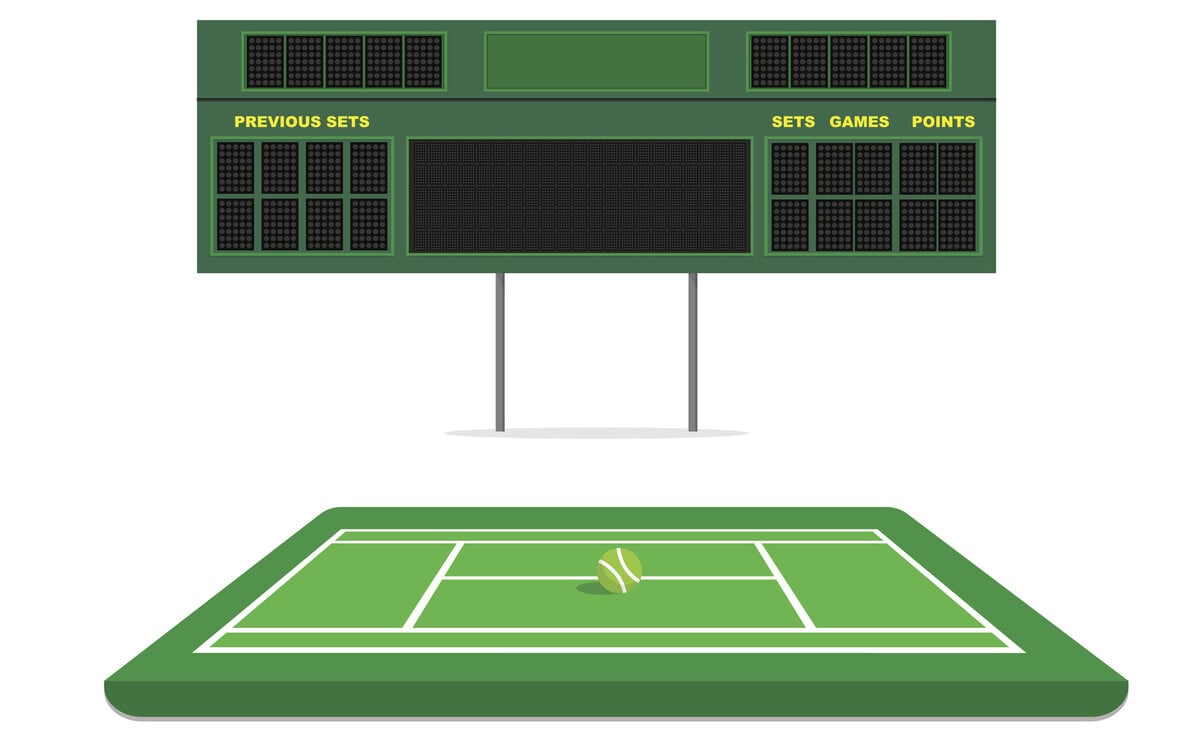
| Tennis | Yes (sets, tiebreaks) | Yes | Yes | Not on base suites |
| Pickleball | Yes (rally scoring, sets) | No | No | No |
| Lacrosse | Yes | No | Yes | Not on base suites |
| Wrestling | Yes (periods, match timer) | Yes | Not listed | Yes |
| Badminton | Yes (rally scoring, sets) | No | No | No |
| Futsal | Yes | No | No | Not listed |
| Universal/Custom | Yes | Multisport app | Limited | Yes |
Display and Streaming Capabilities
| Capability | KeepTheScore | PC Scoreboards | OBS | ProScoreboard |
|---|---|---|---|---|
| Fullscreen on TV (HDMI) | Yes — any browser | Yes — Windows only | Not designed for it | Yes — Mac only |
| LED wall display | Yes — any brand | Yes — Windows PC | Not practical | Yes — Mac only |
| Projector | Yes | Yes | Not practical | Yes |
| OBS browser source | Yes | No | Native | No |
| Streamlabs | Yes | No | Via plugin | No |
| vMix | Yes | No | Via integration | No |
| Score sharing link | Yes (view-only URL) | No | No | No |
Which Tool Fits Your Situation?
You run a multi-sport school program
Pick KeepTheScore. One subscription covers every sport. No per-sport licensing. Works on whatever hardware you already have.
You run a youth sports club with rotating volunteers
KeepTheScore is built for this. Phone control means any parent can score without training. See our youth sports club comparison for a detailed breakdown of what matters for volunteer-run programs.
You only do basketball on a dedicated Windows PC
PC Scoreboards works. Simple and offline, with monthly, yearly or lifetime licences. But you're locked to Windows and pay per sport.
You stream games and want full creative control
Use OBS. It's free and infinitely customizable. But expect to invest hours in setup and maintenance.
You're a community league replacing expensive hardware
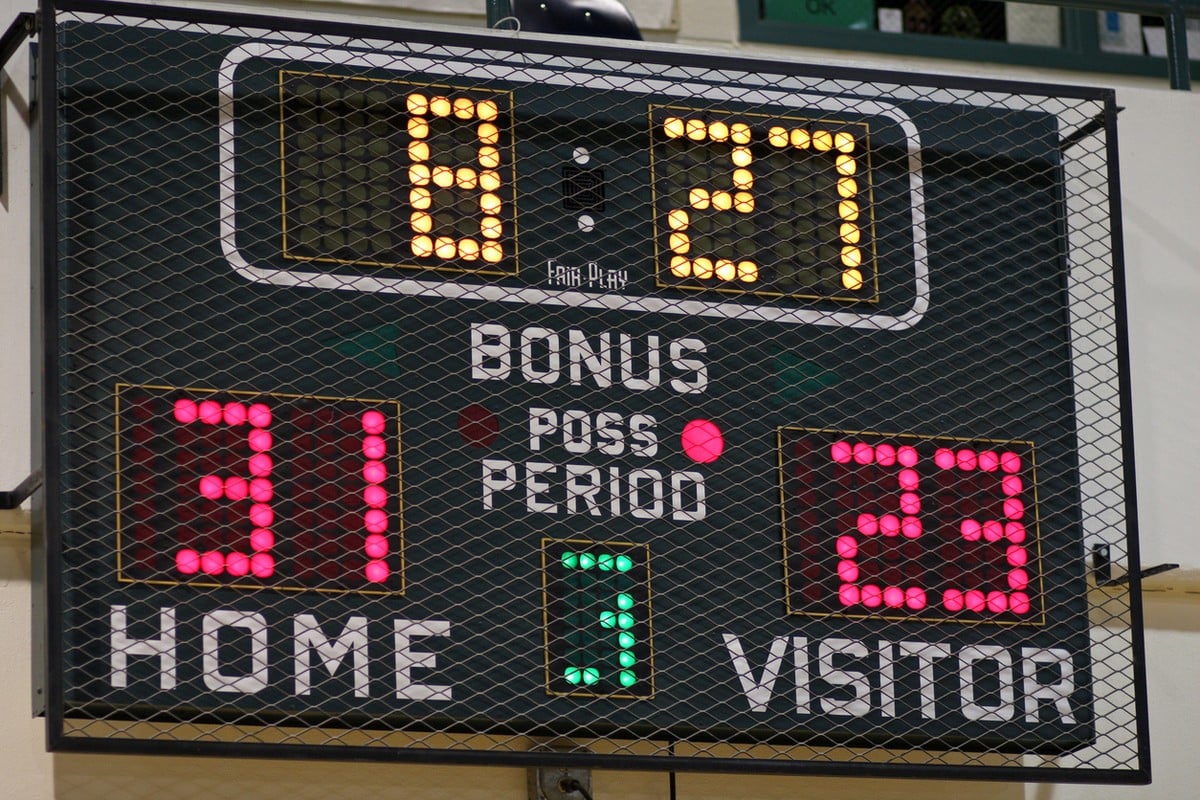
Skip Daktronics. A TV + browser-based software delivers a professional scoreboard at a fraction of the cost. See our Daktronics alternatives guide for the full cost comparison.
You're a large school district with sponsor revenue
ScoreVision may justify its cost if sponsor ad rotation offsets the subscription. The list price starts at $1,250/year, so do the math against your sponsor revenue.
You need both venue display and stream overlay
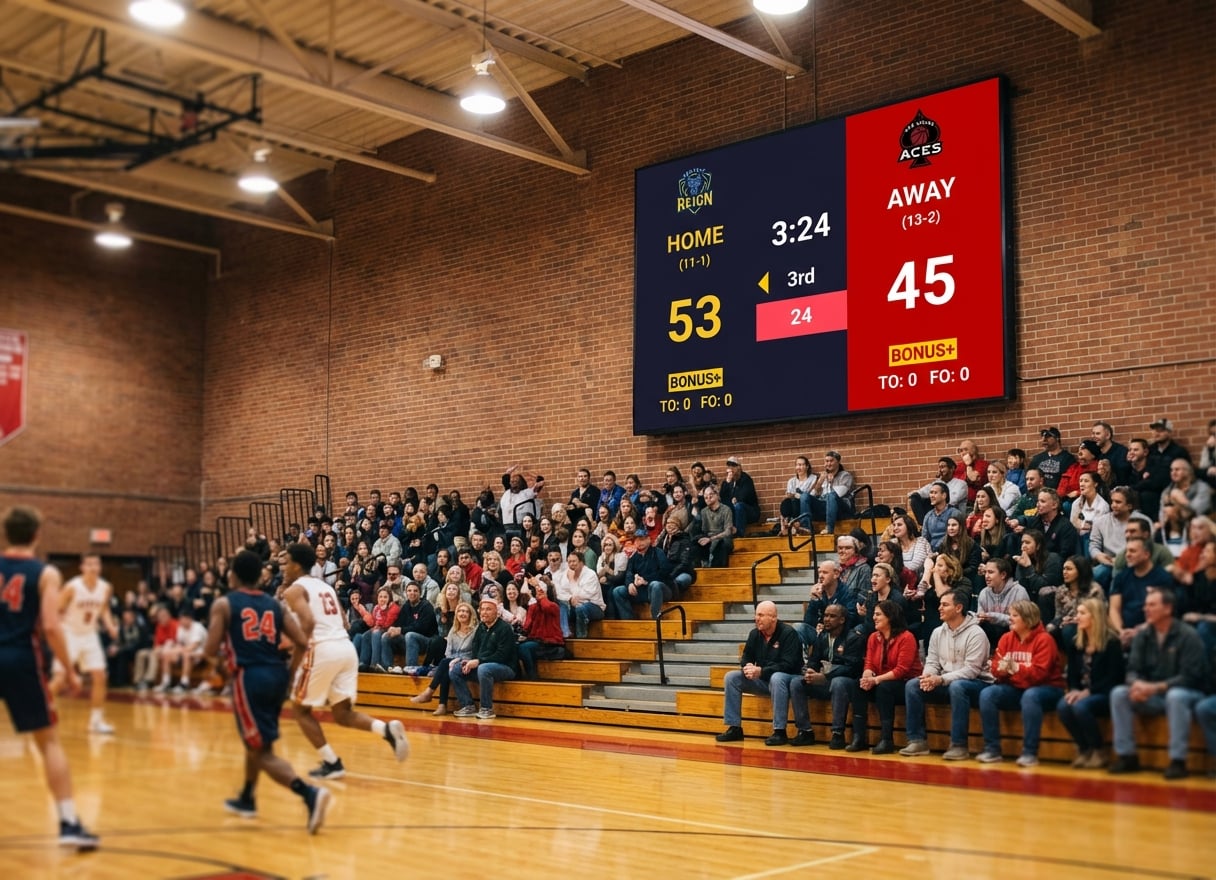
KeepTheScore handles dual output from a single scoreboard. One URL on the HDMI display, the same URL as a browser source in OBS. See our streaming overlay guide for details.
Your church or school already runs ProPresenter, EasyWorship, MediaShout, or Proclaim
Don't buy a second scoreboard product. Every major presentation app supports adding a web URL as a slide. Drop a KeepTheScore presentation link into a web slide and you've got a live scoreboard inside your existing service set list — no separate purchase, no Mac requirement. See our step-by-step embed guide.
You're already on a Mac with broadcast workflows (Statcrew, NDI, sponsor ads)
ProScoreboard is genuinely the right tool for that setup. KeepTheScore doesn't ingest live data from Statcrew or output NDI. If those features are in your spec, see our KeepTheScore vs ProScoreboard comparison for the honest tradeoff.
The Bottom Line
There's no single "best" option — it depends on your platform, budget, and how many sports you need to cover. But for most buyers who want broad sport coverage, mobile control, and a tool that works across devices, browser-based solutions offer the best value per dollar.
Use the tables above to match features against your actual requirements. Skip the sales calls and start with a free trial where available.
Comparison FAQs
"Which scoreboard software has the best free tier?"
KeepTheScore offers a functional free tier with all sports and basic features. OBS is completely free but requires technical skills to set up scoreboard overlays manually.
"Can I switch between tools without losing my setup?"
Browser-based tools like KeepTheScore let you bookmark scoreboard URLs and reuse them across seasons. Desktop tools like PC Scoreboards store data locally on one machine.
"What's the cheapest option that supports mobile control?"
KeepTheScore is the most affordable option with mobile phone/tablet control. PC Scoreboards offers a Web Remote from its Silver tier, on the local network. OBS doesn't offer remote control from a separate device.
"Do any of these work without internet?"
PC Scoreboards works fully offline. KeepTheScore requires an internet connection, but only a basic one — a mobile hotspot is enough. OBS overlays depend on how you've configured them.
"Which option is best for streaming and in-venue display at the same time?"
KeepTheScore supports dual output — fullscreen display on a TV via HDMI and a browser source overlay in OBS/Streamlabs simultaneously from the same scoreboard URL.

Written by Caspar von Wrede
Founder of KeepTheScore. Building tools that help teams track scores and celebrate wins.