Best Online Scoreboard Software (2026 Guide)
Compare the best online scoreboard software for clubs, schools, and streamers. See what to look for and which option fits your sport, budget, and setup.
Article Contents
You're running a basketball league at the local rec center. The old whiteboard is embarrassing, the parents keep asking "what's the score?", and you just want something that looks professional without spending thousands on hardware.
That's the situation most people are in when they search for scoreboard software. The good news: you have real options now. The bad news: the market is a mess of overpriced legacy systems, half-baked free tools, and streaming overlays pretending to be scoreboards.
This guide cuts through it. Here's what actually matters when choosing online scoreboard software in 2026, and which options are worth your time.
Quick Answer: Which Scoreboard Software Should You Pick?
Each tool fits a different setup. Pick the line that describes yours:
- Multi-sport program, volunteers scoring, screens you already own: KeepTheScore — browser-based, phone control, 15+ sports, free tier
- Stream only, and you want to design the overlay yourself: OBS Studio — free, fully customizable, manual updates
- Stream only, and you want a ready-made scorebug: Overlays.uno — free with ads, no venue display
- One Windows PC at the scorer's table, no internet: PC Scoreboards — offline, licensed per sport
- Mac AV booth with a broadcast workflow: ProScoreboard — $2,500/year, NDI/SDI output, live stat feeds
- School selling sponsor ads on the scoreboard: ScoreVision — $1,250–$3,000/year, Apple TV + iPad
- Permanent outdoor or arena LED install: Daktronics — weather-rated hardware, quote only
Read on if you want to understand why.
What Buyers Should Check Before Choosing
Not all scoreboard software solves the same problem. Before comparing features, figure out which of these matters most to your setup:
1. Where Will the Scoreboard Display?
- Gym TV or LED wall? You need fullscreen display via HDMI
- Live stream overlay? You need OBS/Streamlabs browser source support
- Both? You need a tool that does dual output
2. Who Will Operate It?
- A tech-savvy volunteer? OBS setups are fine
- A rotating cast of parents? You need something anyone can figure out in 30 seconds
- A dedicated scorer? Desktop software works
3. What Sports Do You Cover?
- Single sport? Most tools handle basketball or volleyball
- Multi-sport program? You need a tool that covers your full season without buying separate licenses
4. What's Your Budget Reality?
- $0: OBS with custom overlays (if you have the skills), Overlays.uno for stream-only scorebugs, or KeepTheScore's free tier with branding
- $14-$26/month: Browser-based tools like KeepTheScore — paid plans add custom logos, themes, and an ad-free display
- From $139/month or $789+ lifetime, per sport: Desktop software like PC Scoreboards (Windows only)
- $2,500/year: ProScoreboard — Mac-only broadcast scoreboard with player profiles and live data feeds
- $1,250-$3,000/year: ScoreVision — scoreboard software that runs on an Apple TV, controlled from an iPad
- Five figures and up: LED hardware like Daktronics (installed, quote only)
Best Online Scoreboard Software Options
We checked every price and plan below on the vendors' own websites in October 2026. Each tool gets the segment it actually serves best. None of them is "best overall", including ours.
KeepTheScore — Best for Multi-Sport Programs on Screens You Already Own
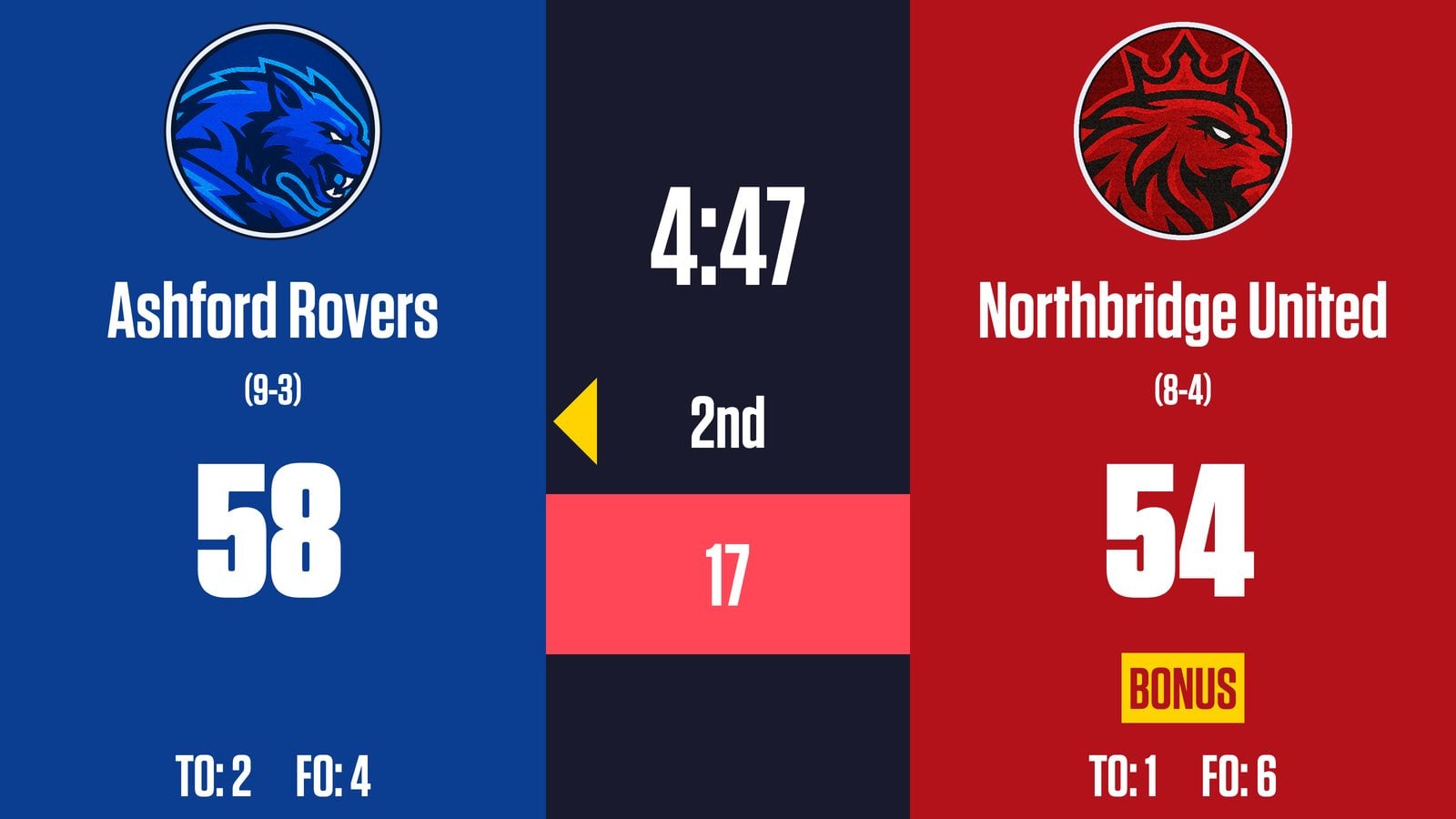
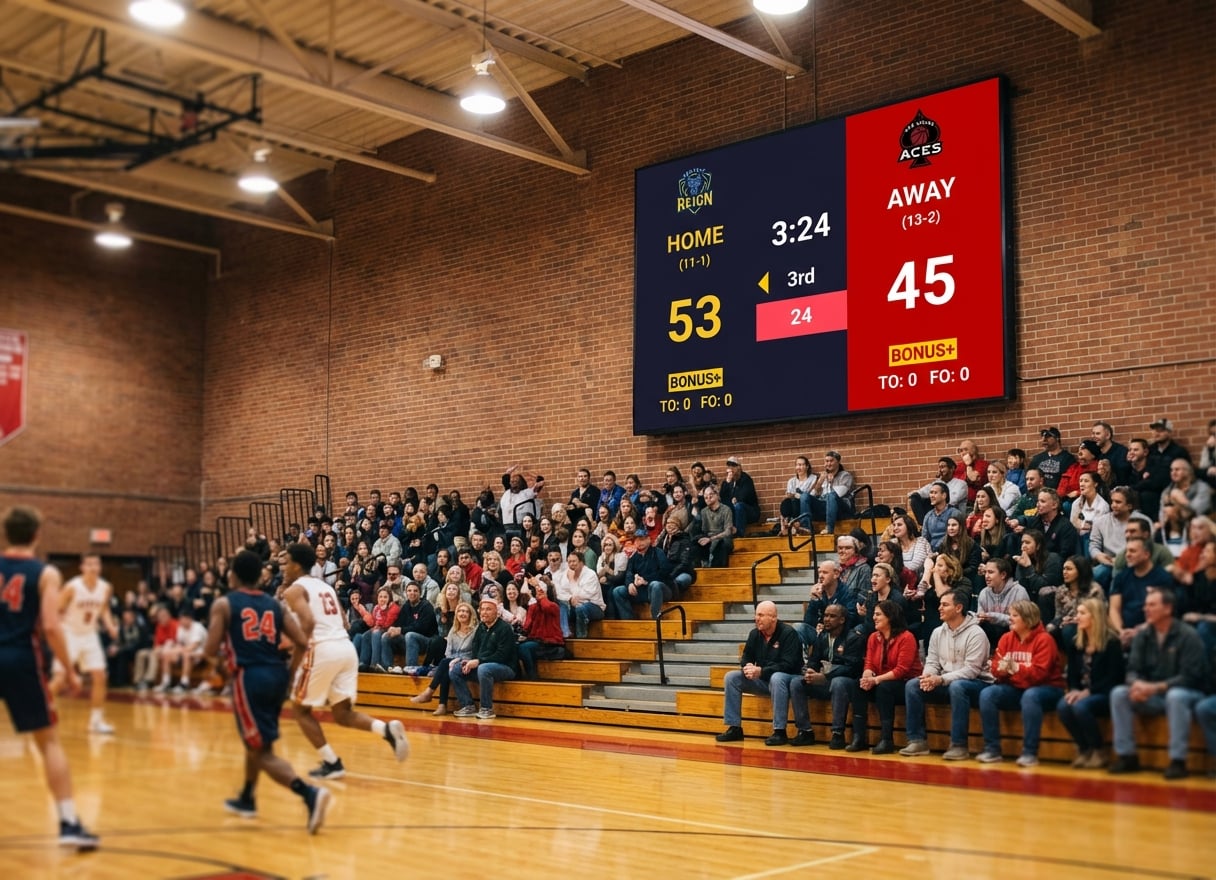
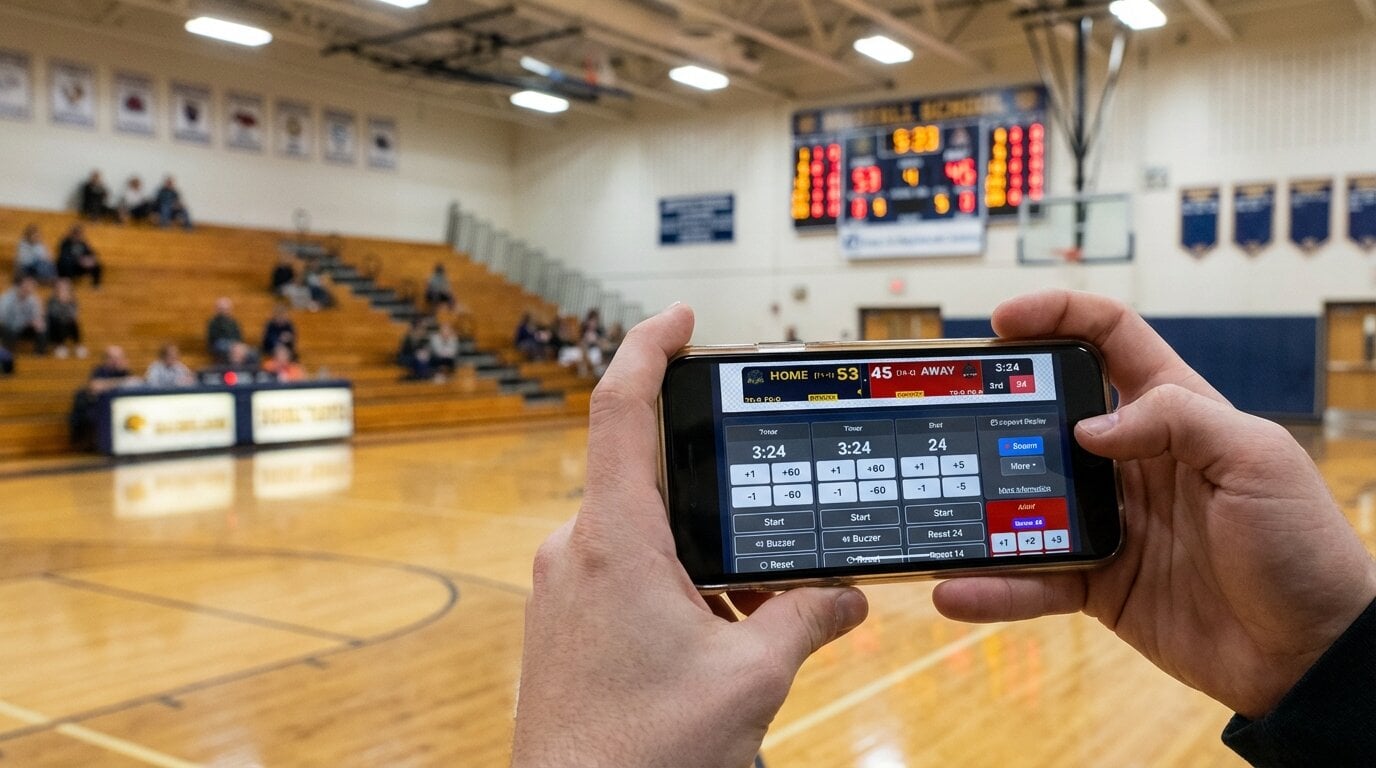
What it is: Browser-based scoreboard software that runs on any device. You control it from a phone while the scoreboard shows fullscreen on a TV, projector, or LED wall.
Sports covered: Basketball, volleyball, soccer/football, baseball/softball, hockey, tennis, pickleball, badminton, wrestling, Gaelic football, rugby, and more.
Pros
- Works on any device with a browser: Windows, Mac, iPad, Chromebook, phone
- Phone or tablet control panel while the scoreboard runs fullscreen on another screen
- The same scoreboard works as an OBS/Streamlabs/vMix browser source for streaming
- Shareable view-only links for remote fans and parents
- Optional Stream Deck integration for physical buttons
- No installation, no per-sport licence, free tier to start
Cons
- Needs an internet connection (a phone hotspot is enough)
- The free version shows small KeepTheScore branding
- No live stat feeds (Statcrew, Genius Sports) or SDI/NDI output for broadcast trucks
Pricing: Free tier available. Paid plans from $14/month, billed annually.
Best for: schools, clubs, leagues and churches that run several sports on a TV, projector or LED wall they already own, with volunteers keeping score.
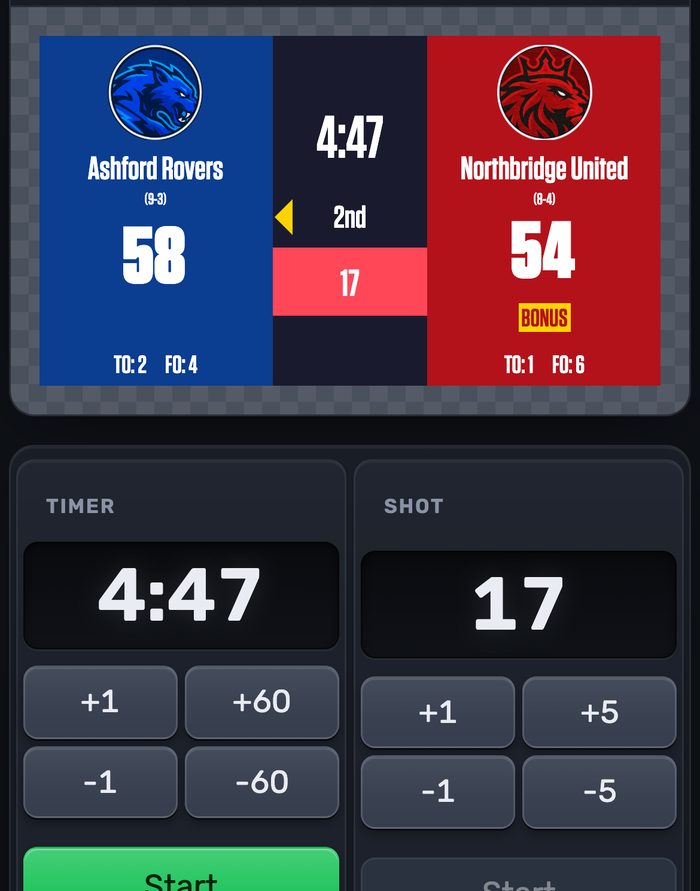
Running the scoreboard on a big venue display is a first-class use case: see our LED scoreboard software page for the full setup.
PC Scoreboards — Best for Offline, Windows-Only Scorer's Tables
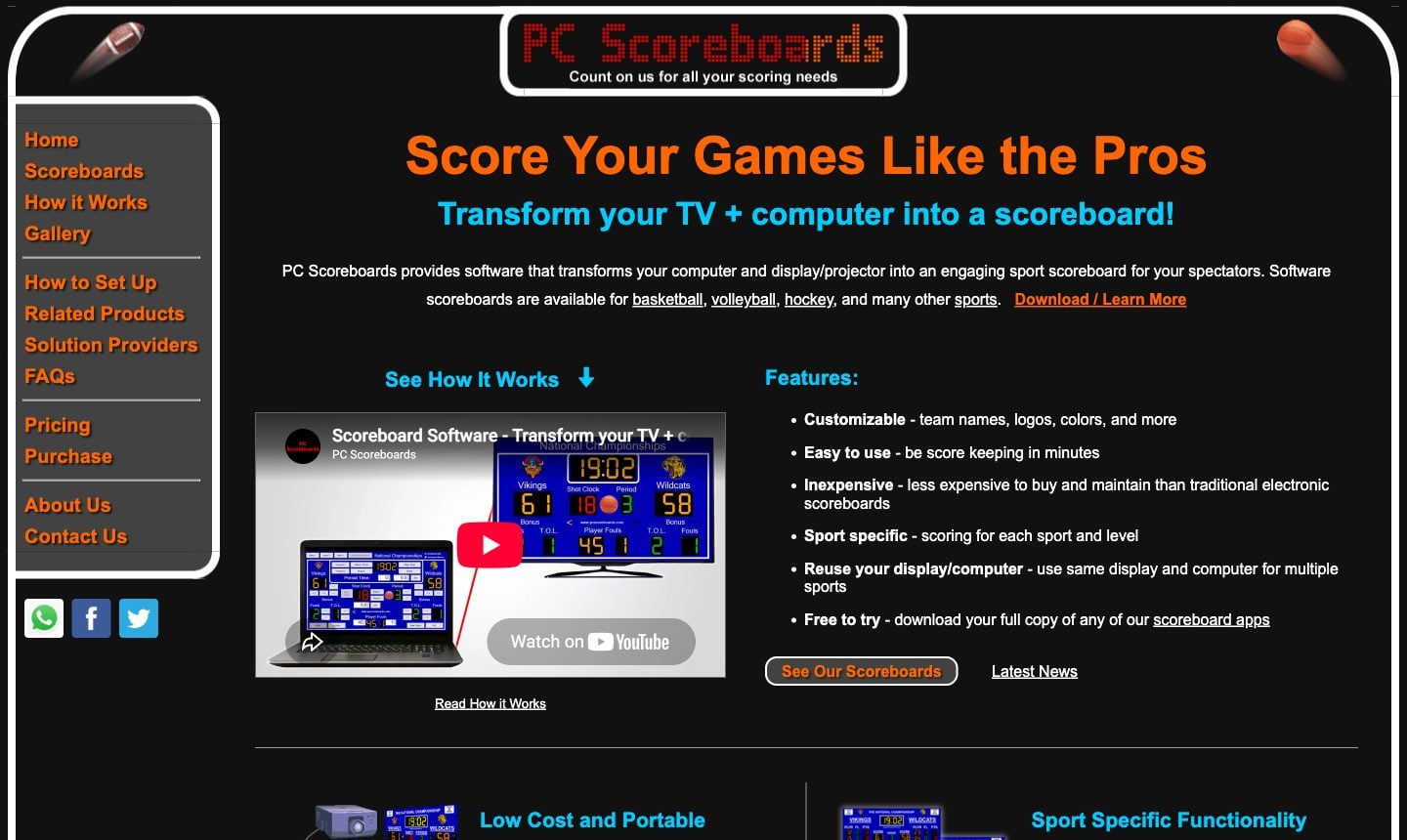
What it is: Windows desktop software with one app per sport (basketball, volleyball, hockey, wrestling, cricket and more). It has been sold for over 20 years.
Pros
- Works fully offline: the PC never needs internet
- Many sport-specific apps, including niche ones like water polo and Australian rules
- Web Remote (Silver tier and up) lets a phone or tablet on the local network run the scoreboard
- Free to download and try, with a reminder message every few minutes
Cons
- Windows 10/11 only. On a Mac it needs Parallels or Boot Camp
- Each sport is a separate licence, priced per month, per year or lifetime
- Yearly and lifetime licences live on a USB key
- Team names, logos and colours are set up on the PC, not from the phone
- Streaming means a separate "Score Banner" window captured by OBS, not a browser source
Pricing: Per sport. From $139/month, or from $789 for a lifetime licence (non-profit prices). Schools pay less than rinks and stadiums.
Best for: a single venue with a dedicated Windows PC at the scorer's table and no reliable internet.
For a detailed comparison, see our PC Scoreboards alternatives guide.
OBS Studio with Custom Overlays — Best for Streamers Who Want Full Design Control
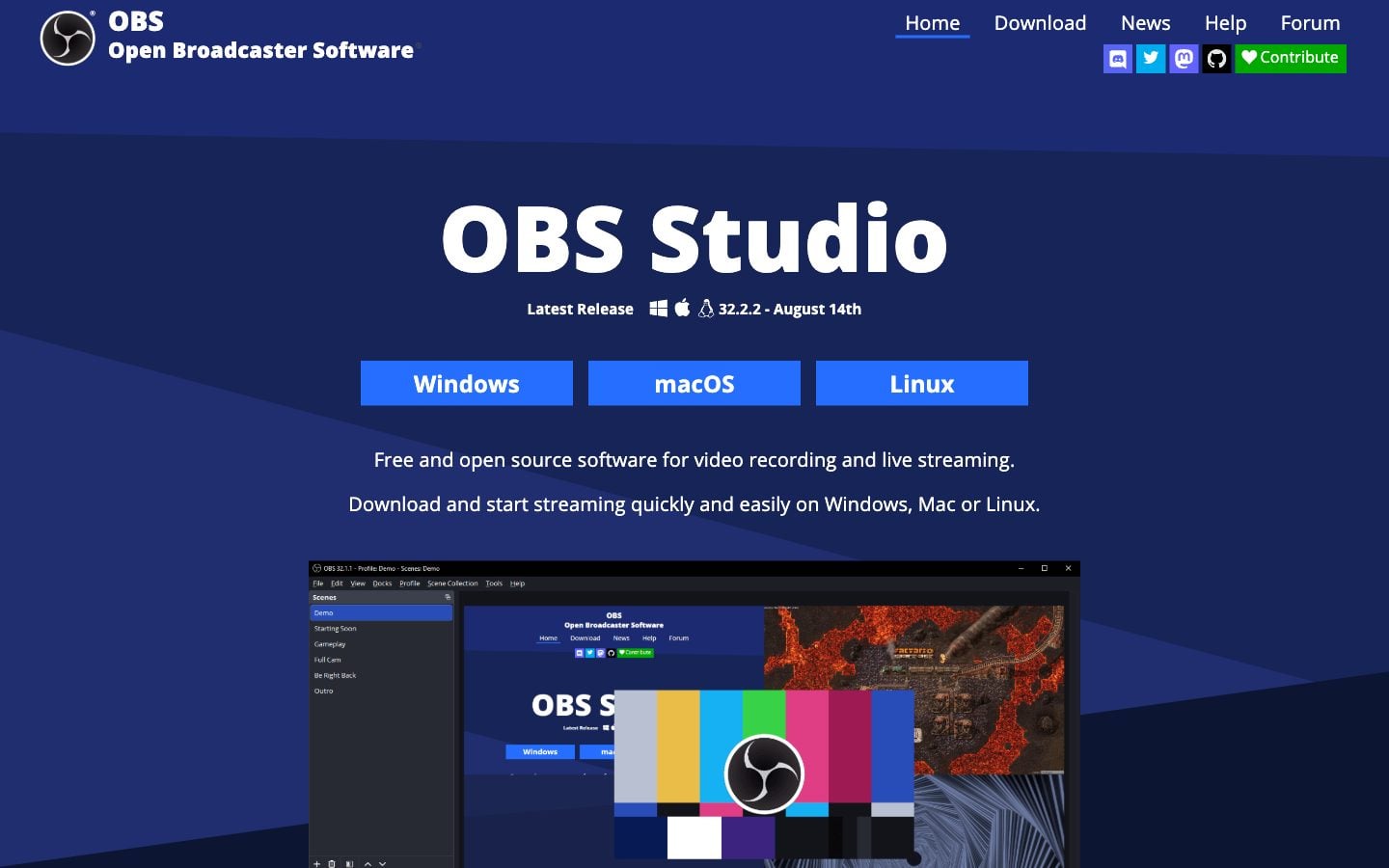
What it is: Free, open-source streaming software for Windows, Mac and Linux. You build the score graphic yourself from text and image sources.
Pros
- Completely free
- Unlimited design freedom
- The industry standard for streaming, with a large community
Cons
- Steep learning curve
- Score updates are manual: there is no scorekeeping panel
- Not built for an in-venue display
- Needs someone who understands scenes and sources
Pricing: Free.
Best for: streamers with technical skills who want to design every pixel of their overlay.
Most people end up using OBS as the host and plugging a ready-made scoreboard into it. Here is a KeepTheScore scoreboard as an overlay on a stream:
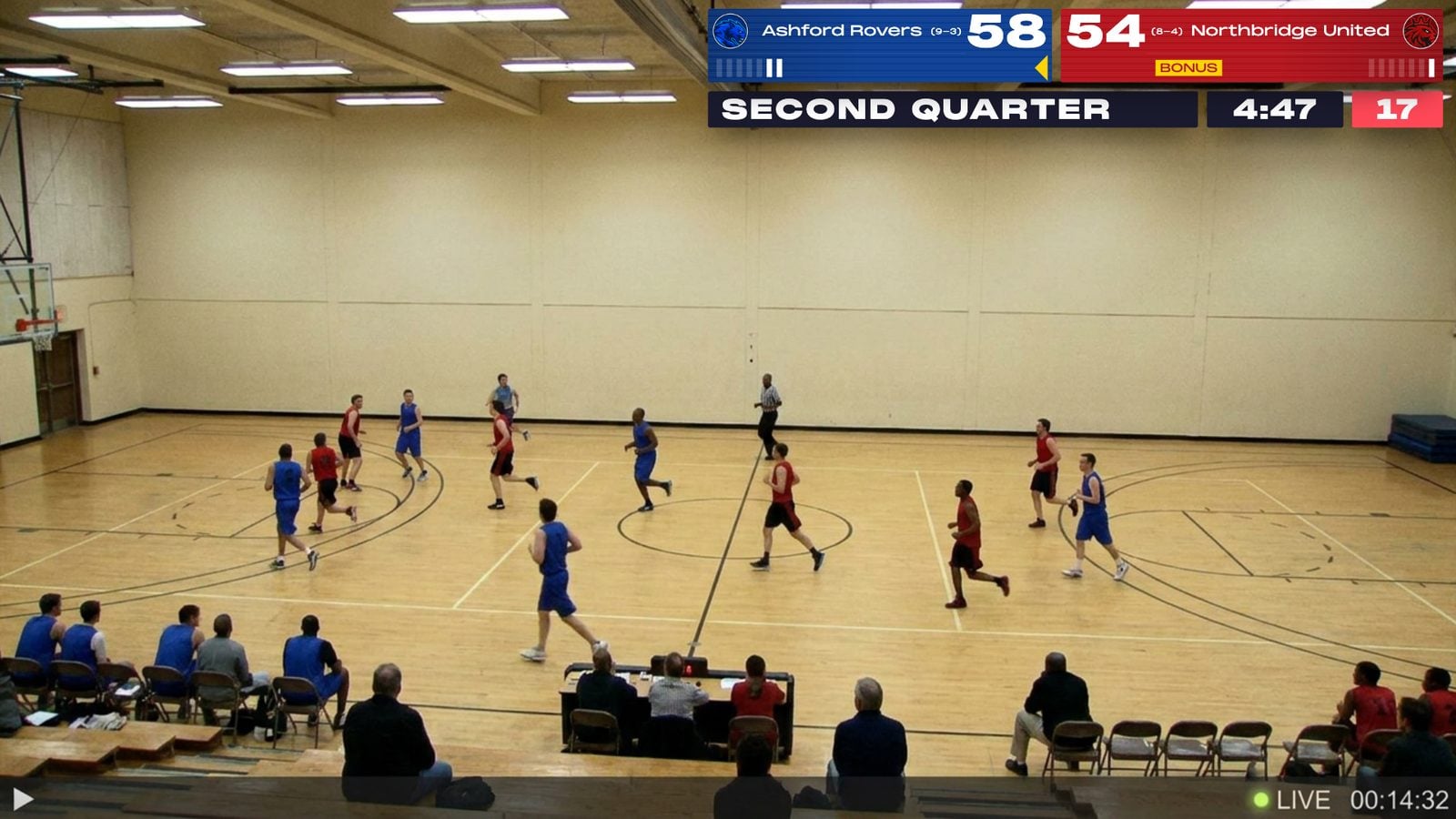
For setup, see how to add a live scoreboard to OBS.
Overlays.uno — Best for Free Stream Scorebugs
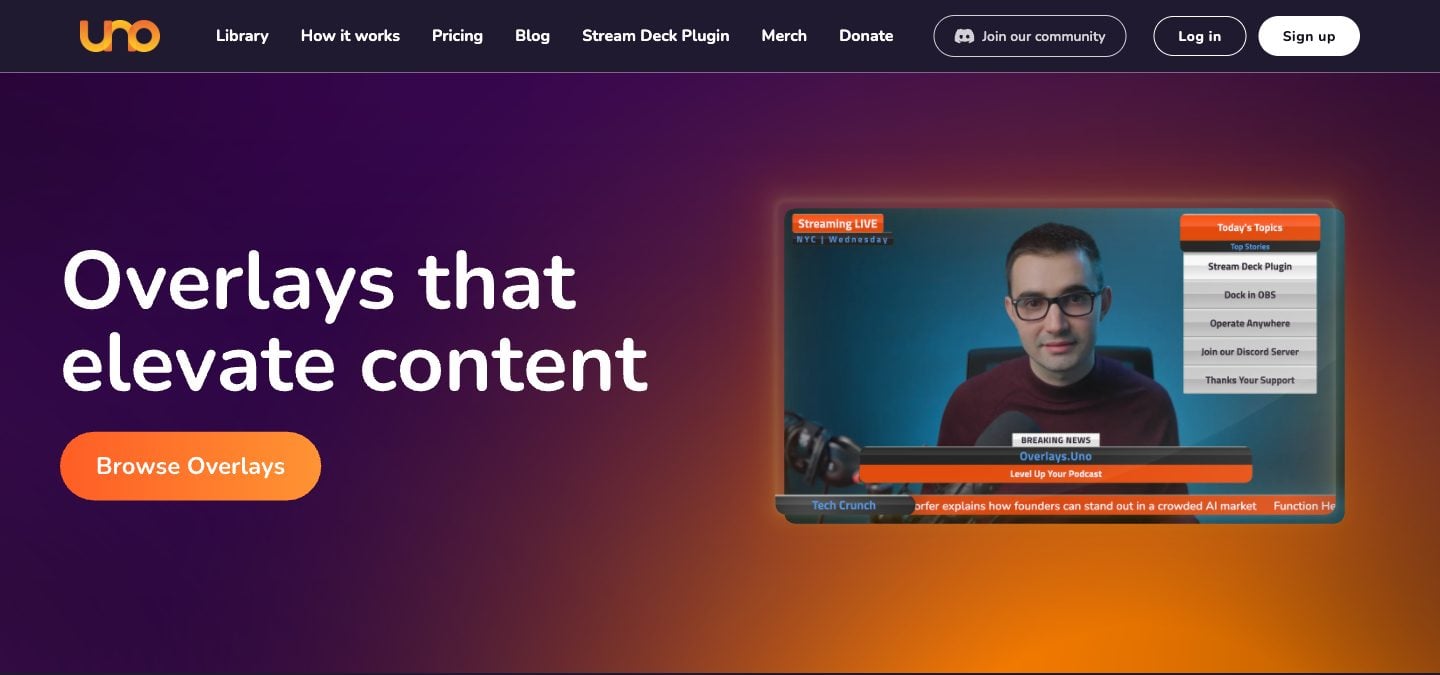
What it is: A library of browser-based stream graphics, run by Singular.live, with scorebugs for soccer, basketball, hockey, volleyball, tennis and more.
Pros
- Free plan with the full overlay library
- Polished sports scorebugs that drop into OBS as a browser source
- Control apps work on a phone
Cons
- Stream graphics only: no fullscreen mode for a gym TV or LED wall
- The free plan shows ads
- General overlay platform, so sport rules (shot clock, bonus, sets) are lighter than in a dedicated scoreboard
Pricing: Free with ads. Plus removes ads for $2.99/month, or $1.99/month billed yearly.
Best for: streamers who only need a scorebug on the stream, not a scoreboard in the venue.
See our KeepTheScore vs Overlays.uno comparison.
ProScoreboard by Renewed Vision — Best for Mac-Based Broadcast Booths
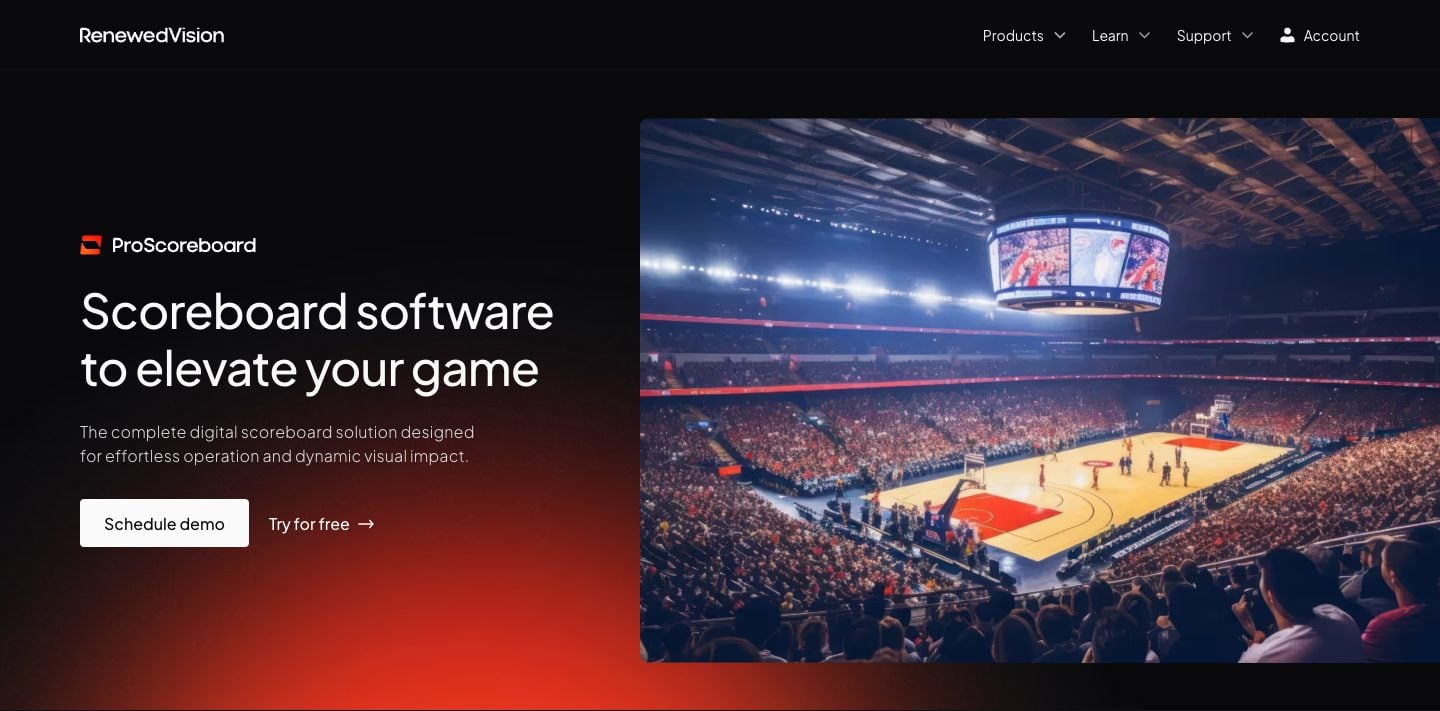
What it is: Mac scoreboard software built around broadcast features: player profiles, HDMI/SDI/NDI output, and live data from Statcrew, Genius Sports and the MLB API. It comes from the company that makes ProPresenter.
Pros
- Player profiles with photos and stats
- Live data from Statcrew, Genius Sports and the MLB API
- HDMI, SDI and NDI output for venue display chains
- Sponsor ad zones with impression reporting
- Free trial download and self-serve subscription
Cons
- macOS only
- $2,500/year, on one device at a time
- Multi-screen output is still listed as "coming soon"
- A cheaper Scoretable Edition is sold only through hardware resellers
Pricing: $2,500/year.
Best for: colleges, large schools and churches with a Mac AV booth, a broadcast workflow and an AV budget.
If you already use ProPresenter for slides, the cheaper path is a web slide pointing at KeepTheScore. See also our KeepTheScore vs ProScoreboard comparison.
ScoreVision — Best for Schools Selling Sponsor Ads on the Scoreboard
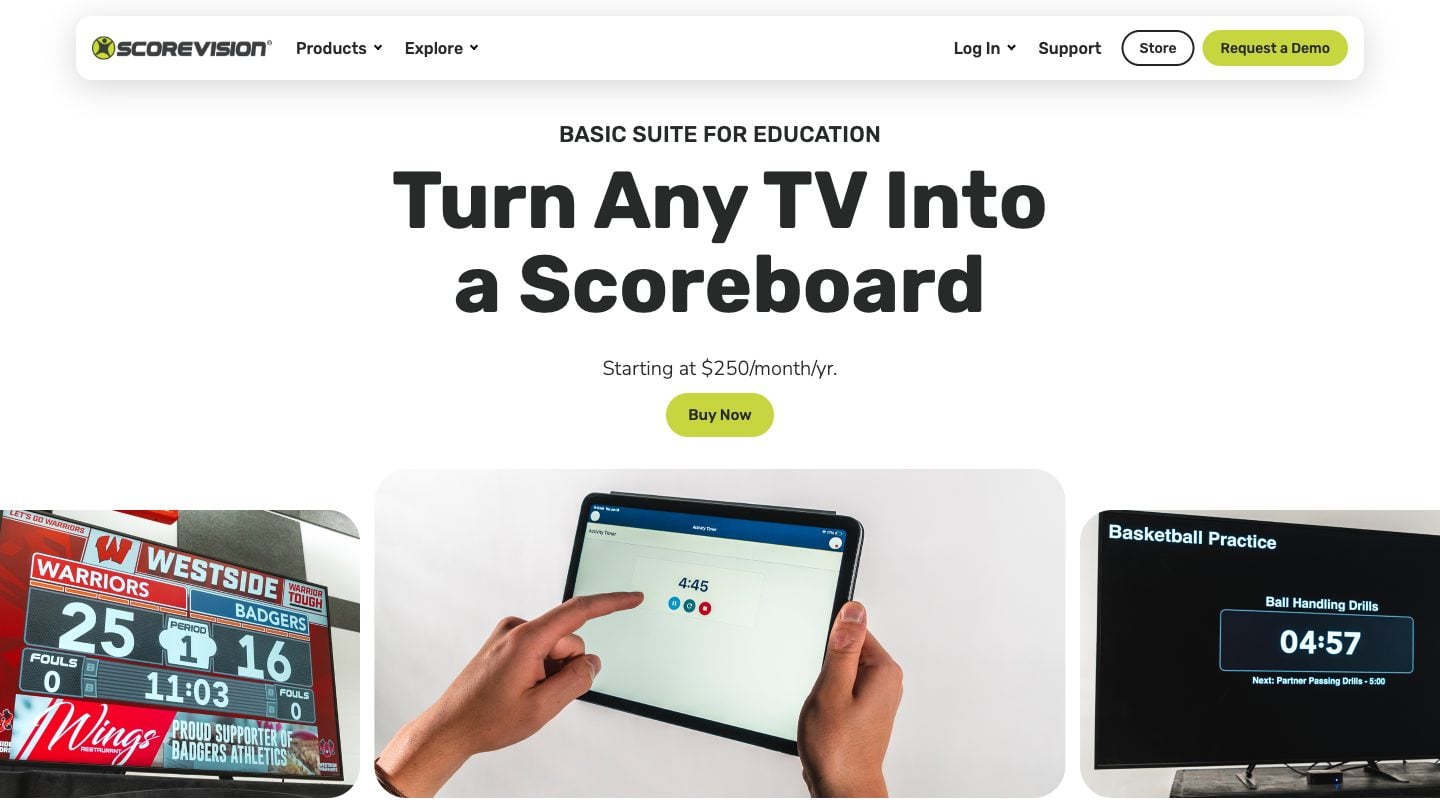
What it is: Scoreboard and advertising software that runs on an Apple TV and is scored from an iPhone or iPad. Teams, games and sponsor ads are managed in their cloud.
Pros
- Sponsor ad rotation, scheduling and reporting built in
- District-wide content and announcements
- Turns any HDMI TV into a scoreboard
- Professional support
Cons
- $1,250–$3,000/year at list price; the Advanced suite is quote only
- Base suites score volleyball, basketball and wrestling (plus a universal mode)
- Needs an Apple TV and an iPhone or iPad, on a wired network
- Live streaming is only in the Advanced suite
Pricing: Basic Scoring $1,250/year, Basic Scoring Suite $2,500/year, Education Suite $3,000/year. Advanced: contact sales.
Best for: school districts that want to sell sponsor ads on the gym scoreboard and have the budget for an annual contract.
Daktronics — Best for Permanent LED Scoreboard Installations
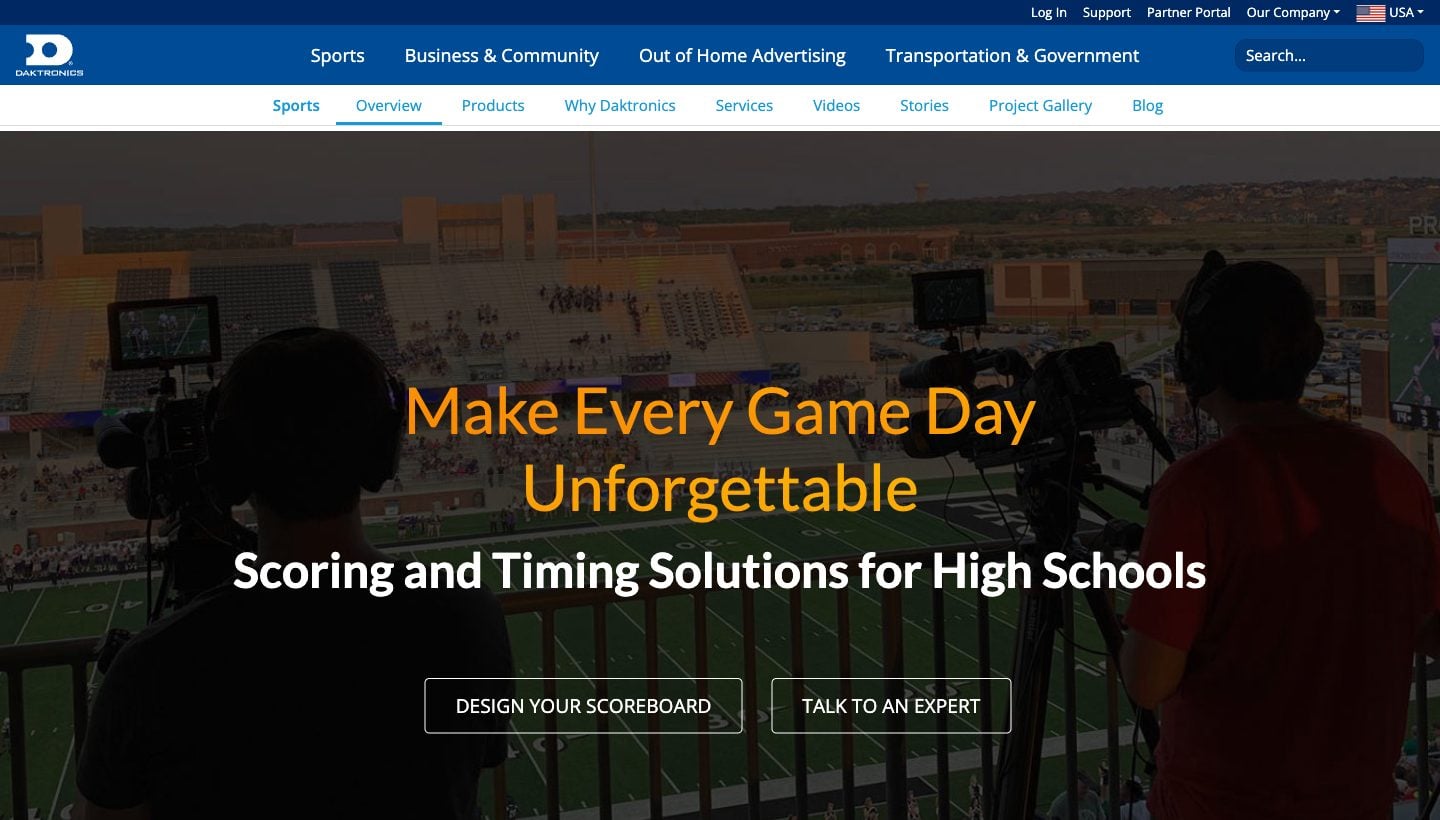
What it is: The largest maker of LED scoreboards and video boards in the US. Hardware, controllers and installation come as one package.
Pros
- Weather-rated displays, readable across a stadium
- Controllers and service built for permanent installs
- Sponsor panels and video boards available
Cons
- Quote only. A school scoreboard typically costs five figures, installed
- Proprietary controllers. The All Sport Lite phone app works only with select models, via a Bluetooth interface box
- Not portable, and doesn't help your other venues
Pricing: Quote only. Daktronics says price depends on display size, pixel pitch, installation and control system.
Best for: new facilities and stadiums that need a permanent outdoor or arena scoreboard, often paid for by sponsorship deals.
See our KeepTheScore vs Daktronics comparison.
Comparison Table
| Solution | Price | Platform | Sports | Mobile Control | Streaming | Venue Display | Best for |
|---|---|---|---|---|---|---|---|
| PC Scoreboards | From $139/month or $789+ lifetime, per sport | Windows only | One app per sport | Web Remote (Silver+) | Score Banner window | Yes | Offline Windows scorer's tables |
| OBS Studio | Free | Windows/Mac/Linux | Custom | No | Yes (native) | No | Streamers who design their own |
| KeepTheScore | Free; from $14/mo | Any browser | 15+ | Yes (phone/tablet) | Yes (browser source) | Yes | Multi-sport programs on existing screens |
| Overlays.uno | Free (ads); $2.99/mo ad-free | Browser | Many scorebugs | Yes | Yes (primary use) | No | Free stream scorebugs |
| ProScoreboard | $2,500/year | Mac only | ~9 major sports | Yes (browser remote) | NDI/SDI output | Yes | Mac broadcast booths |
| ScoreVision | $1,250–$3,000/year | Apple TV + iOS | 3 + universal; more on Advanced (quote) | Yes | Advanced only | Yes | Schools selling sponsor ads |
| Daktronics | Quote only (five figures typical) | Proprietary hardware | Configurable | Bluetooth app (select models) | No | Yes (LED) | Permanent installations |
Why KeepTheScore Fits Most Schools and Leagues
For the majority of youth leagues, school sports programs, and community clubs, the math is straightforward:
- You already have a TV or projector in the gym
- You need something a volunteer parent can operate
- You cover multiple sports through the season
- You don't have $10,000+ in the budget
KeepTheScore handles all of that through a browser. Connect a laptop to your display via HDMI, open the scoreboard, hand the control link to whoever is scoring. They tap the score on their phone. The display updates instantly.
No training manual. No IT department involvement. No annual procurement cycle.
If you also stream games, the same scoreboard works as a browser source in OBS — one tool, two outputs. See our streaming overlay guide for setup details.
What About Churches and Schools Already Running Presentation Software?
A common setup we see: a church or school already pays for a presentation app — ProPresenter, EasyWorship, MediaShout, or Proclaim — for Sunday slides, chapel, or assemblies. Then a basketball or volleyball game happens in the same building, on the same projector, run by the same operator.
The cheapest fix is rarely a second piece of scoreboard software. Every major presentation app supports adding a web slide — a slide that loads any URL. Drop a KeepTheScore presentation link into a web slide and you've got a live scoreboard inside your service set list. No second purchase, no Mac requirement, no extra training for the projection volunteer.
We have a step-by-step walkthrough for embedding a live scoreboard inside ProPresenter, EasyWorship, MediaShout, or Proclaim. If you already run a presentation app on your projection PC, that's the workflow worth trying first.
The Bottom Line
The scoreboard software market splits into three honest categories, not five:
- Browser-based tools that run on anything (KeepTheScore, OBS overlays, Overlays.uno). Sweet spot for schools, leagues, churches, and streamers. Cheap or free, no installation, works on whatever screen you already own.
- Mac-based broadcast software (ProScoreboard). Built for venues with real broadcast workflows — NDI output, live data feeds, sponsor ad zones. Priced for AV departments, not parent volunteers.
- Installed systems (Daktronics, ScoreVision, PC Scoreboards). For permanent installations, Apple TV setups or fully offline single-PC setups. Five-figure hardware budgets, annual subscriptions or per-sport licensing.
Most buyers belong in category 1 and don't realize it until they price out category 2 or 3. If you're picking a scoreboard for a gym TV, a Wednesday-night church game, or a YouTube stream of your kid's volleyball match, you don't need broadcast hardware. You need a URL that fills a screen.
That's the design point KeepTheScore was built around. Free to try on whatever device you already own — a laptop, an old TV, a phone in your pocket.
Scoreboard Software Buying Guide FAQs
"Do I need to install anything to use online scoreboard software?"
Most browser-based options like KeepTheScore require zero installation. Open a browser, create your scoreboard, and go fullscreen. That's it.
"Can I use online scoreboard software on a TV or projector?"
Yes. Connect any laptop or PC via HDMI to your TV, projector, or LED wall. Open the scoreboard in a browser and press fullscreen. It works with any display that has HDMI input. See our TV scoreboard setup guide for details.
"What about internet reliability during games?"
KeepTheScore requires an internet connection to work, but only a basic one. For venues with unreliable Wi-Fi, a mobile hotspot from your smartphone is a cheap and reliable backup. Once a scoreboard page is loaded, it keeps showing the last known score even if the connection drops mid-game.
"Is free scoreboard software good enough for league games?"
Free tools like OBS overlays work if you have technical skills and time. For consistent game-day operations where volunteers run the board, a paid tool with a simple interface saves hours of frustration. KeepTheScore's free tier is a real working scoreboard with a small piece of branding — most schools use it before deciding whether to upgrade.
"Can parents and fans follow scores remotely?"
With tools like KeepTheScore, every scoreboard has a shareable view-only link. Share it via text, email, or QR code and anyone can follow along in real time.
"Which sports are supported?"
It depends on the tool. KeepTheScore covers 15+ sports including basketball, volleyball, soccer, baseball, hockey, tennis, pickleball, Gaelic football, rugby, and more. ProScoreboard covers about nine sports, including the major US sports, lacrosse and Aussie rules. PC Scoreboards sells one app per sport.
"Is ProScoreboard worth $2,500 a year?"
Worth it if you have a Mac-based AV booth running a real broadcast workflow with player profiles, NDI output, and live data feeds from Statcrew or Genius Sports. Not worth it for a gym TV, a church game night, or a youth-league livestream — you'd be paying for capability you won't use. See our full ProScoreboard comparison for the honest tradeoff.
"Can I use a scoreboard inside ProPresenter, EasyWorship, MediaShout, or Proclaim?"
Yes. Every major church presentation app supports adding a web URL as a slide. Drop a KeepTheScore presentation link into the web slide and you've got a live scoreboard inside your service set list. See our step-by-step guide.

Written by Caspar von Wrede
Founder of KeepTheScore. Building tools that help teams track scores and celebrate wins.