Best Scoreboard Software for Leagues and Recreation Departments
Find scoreboard software built for youth clubs, sports departments, and community leagues. Compare features for multi-team management.
Article Contents
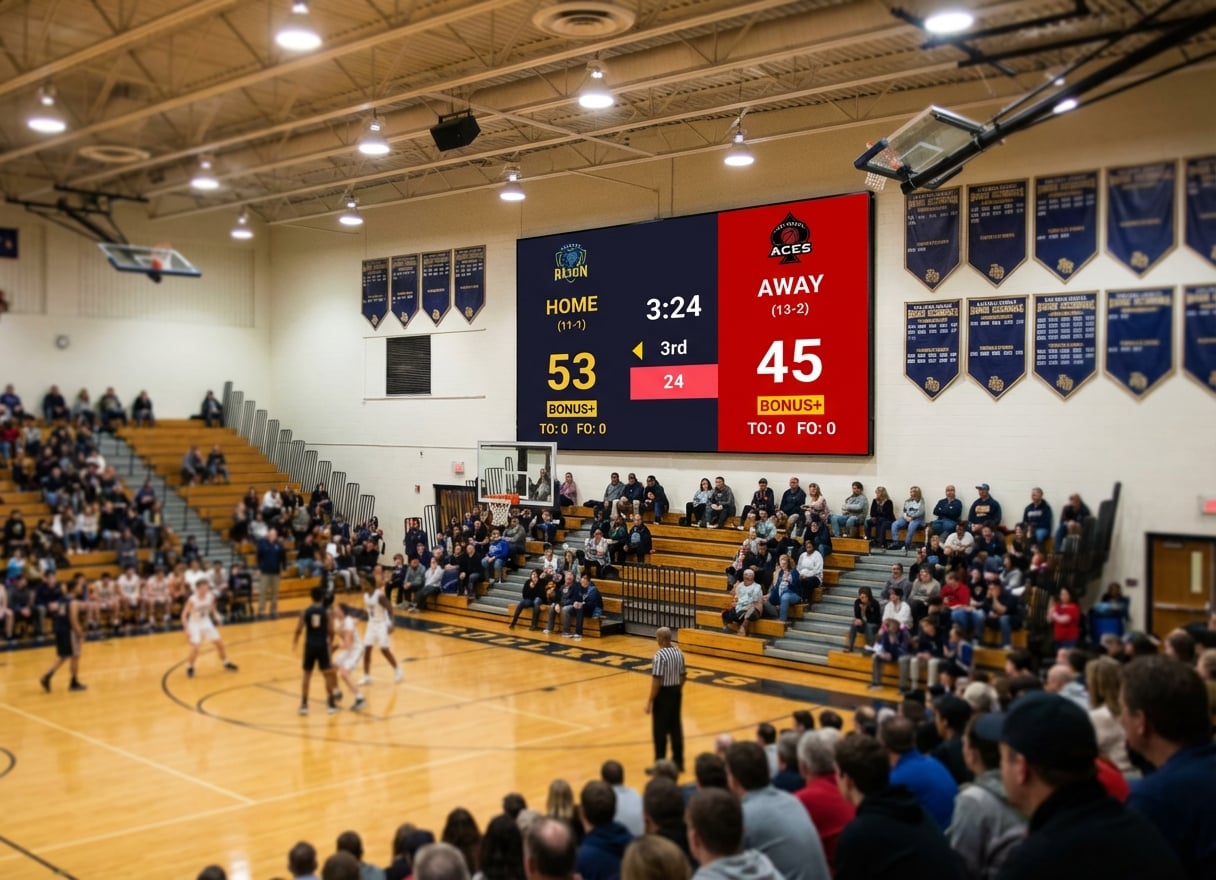
You manage recreation programs across three facilities. Basketball on Monday and Wednesday at the community center. Volleyball on Tuesday at the high school gym. Youth soccer at the outdoor complex on weekends.
Each venue has different staff, different hardware, and different levels of technical expertise. What you need is one scoreboard system that works everywhere, for every sport, without requiring a training session every time someone new starts.
That's a different buying decision than a single school gym or a streaming setup. Here's what matters for leagues and recreation departments specifically.
What Leagues and Rec Departments Actually Need
Consistency Across Venues
When your program spans multiple facilities, the scoreboard experience should be the same everywhere. Same software, same workflow, same level of quality — regardless of which building or which staff member is running it.
Low Training Burden
Rec department staff turn over. Seasonal employees, part-time workers, and volunteers cycle through. The scoreboard tool can't require a training session for every new person.
Multi-Sport Support Without Per-Sport Costs
A rec department runs basketball, volleyball, soccer, pickleball, badminton, and whatever else the community asks for. Per-sport licensing multiplies costs quickly.
Works With Existing Venue Hardware
Every facility has different displays. The community center has a 65-inch TV. The high school gym has an old projector. The outdoor complex has nothing. The tool needs to work with all of them.
Administrative Simplicity
One subscription, one account, one bill. Not six different tools with six different logins and six different renewal dates.
Best Options for Leagues and Rec Departments
Prices and plans below were checked on each vendor's website in October 2026.
KeepTheScore — Best for Multi-Venue, Multi-Sport Programs
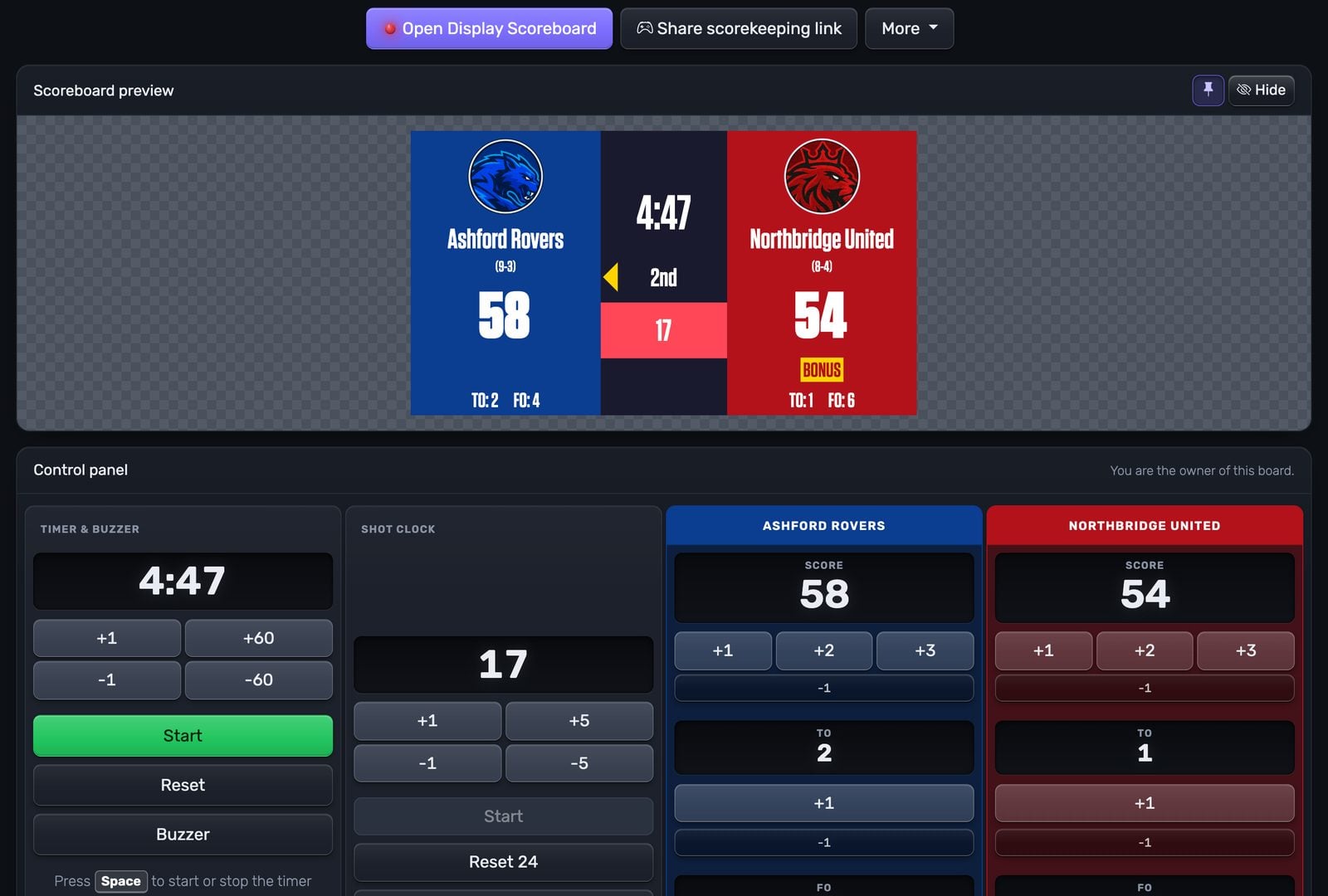
Why it fits leagues: One browser-based tool that covers every sport, works on any display, and needs no training for staff.
Pros
- Multi-venue, one tool. Create scoreboards for each facility. Bookmark URLs. Reuse across seasons.
- 15+ sports included. Basketball, volleyball, soccer, pickleball, badminton, baseball, hockey, and more, in one subscription.
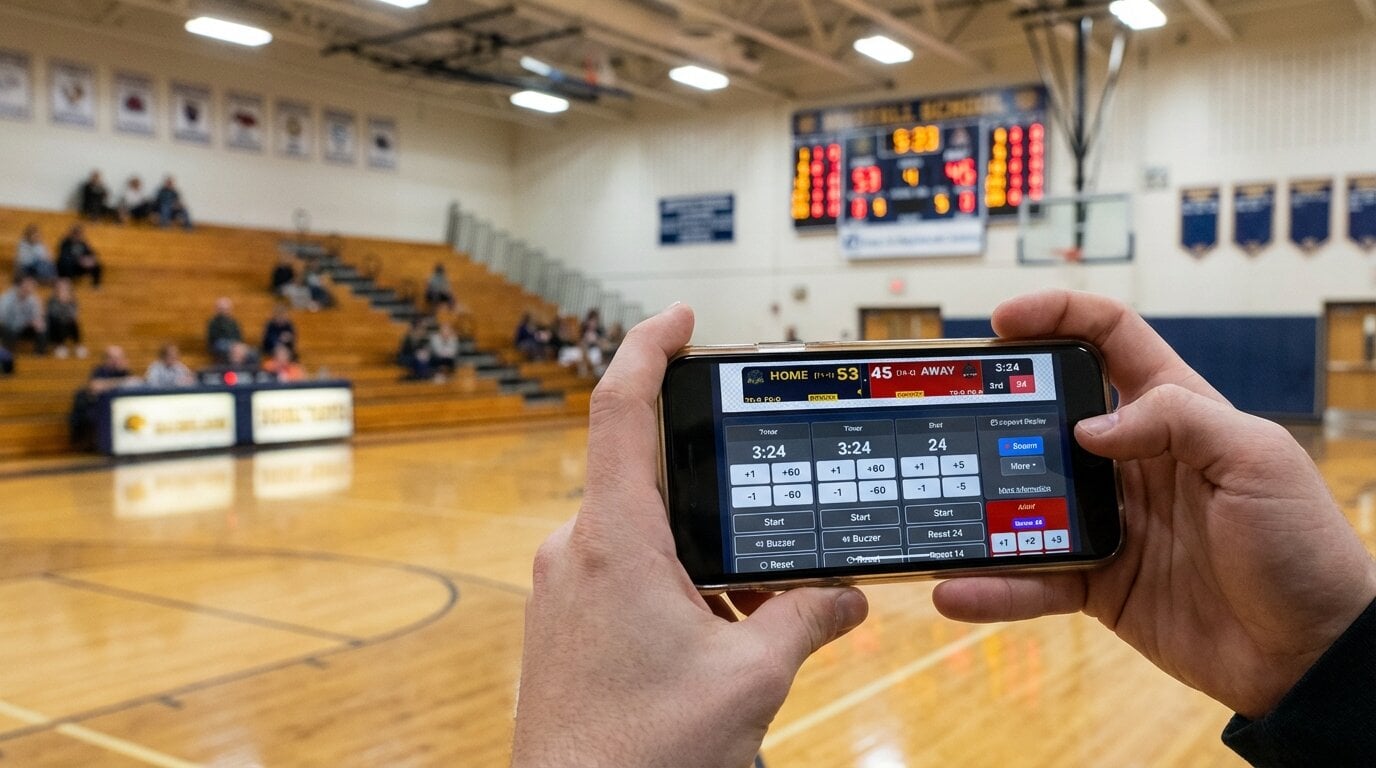
- No training. Share the control link. Staff open it on their phone and tap to score.
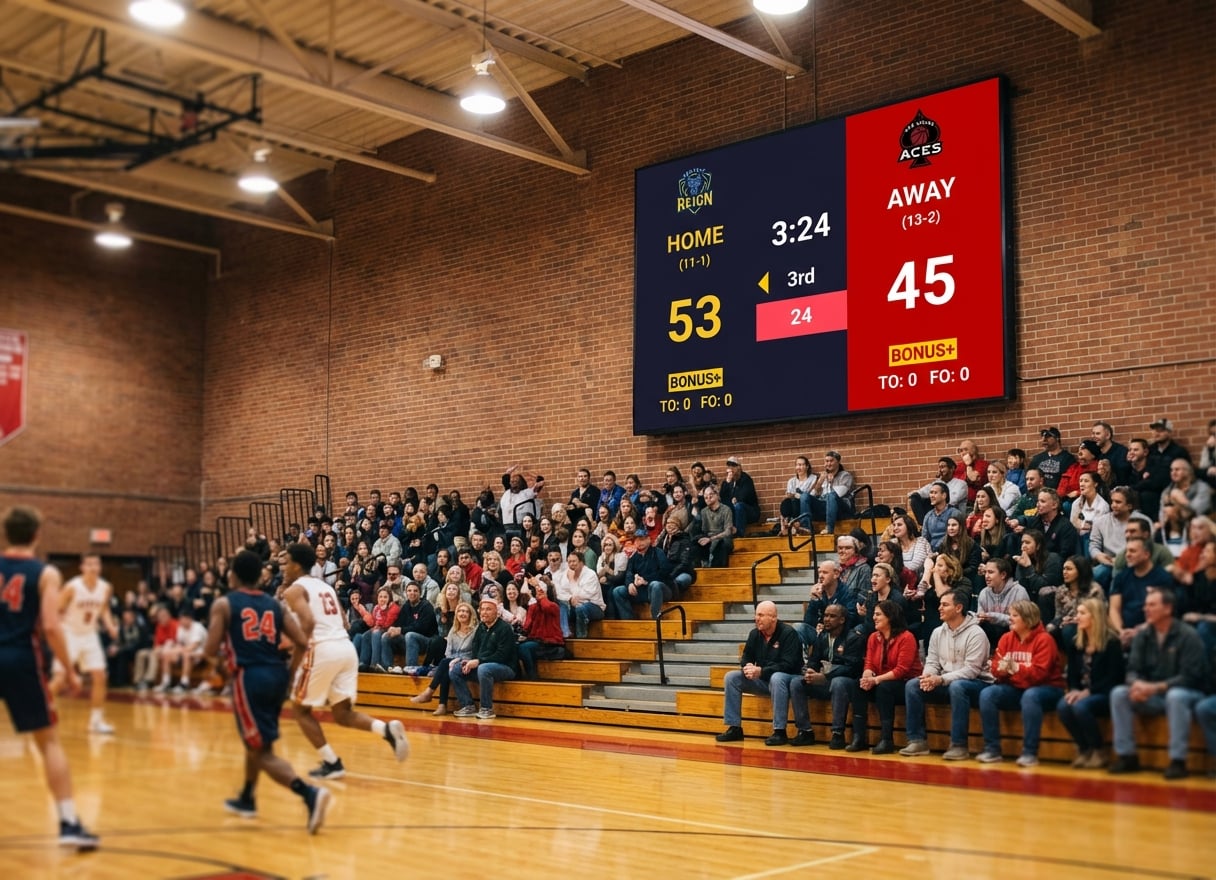
- Works with any display. TV, projector, LED wall, monitor: if it has HDMI input, it works.
- No IT involvement. No installation, no network configuration.
- Public score links. Share view-only URLs on your department website or social media.
Cons
- Needs an internet connection at each venue (a phone hotspot works)
- The free version shows small KeepTheScore branding
- No sponsor ad rotation with impression reports, which ScoreVision has
Pricing: Free tier available. Paid plans from $14/month, billed annually.
Best for: departments running several sports across several venues with rotating staff.
PC Scoreboards — Best for One Offline Windows PC per Venue
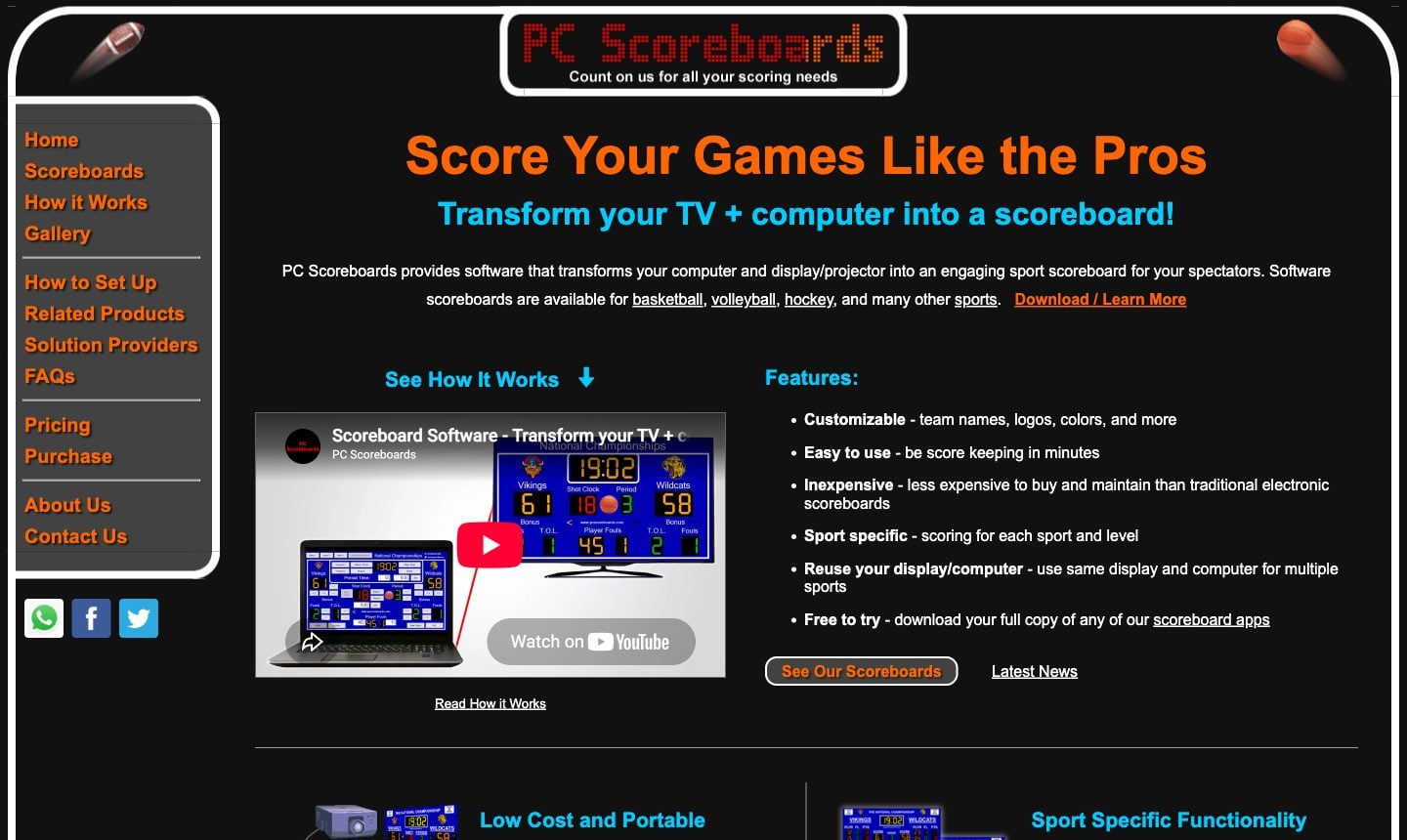
Why it fits some departments: If a venue has a dedicated Windows PC, no internet, and runs one or two sports, it is a proven, offline option.
Pros
- Fully offline
- A dedicated app for almost every sport
- Web Remote (Silver tier and up) lets staff score from a phone on the local network
- Free to try
Cons
- Windows 10/11 only: breaks down if any venue uses a Mac, Chromebook or tablet
- Each sport is a separate licence
- Yearly and lifetime licences live on a USB key tied to that setup
- No cross-venue consistency unless every location has the same Windows setup
Pricing: Per sport, from $139/month or from $789 lifetime (non-profit prices).
Best for: a single venue with a fixed Windows PC and no reliable internet.
See our PC Scoreboards alternatives guide for details.
ScoreVision — Best for Departments With Sponsor Revenue
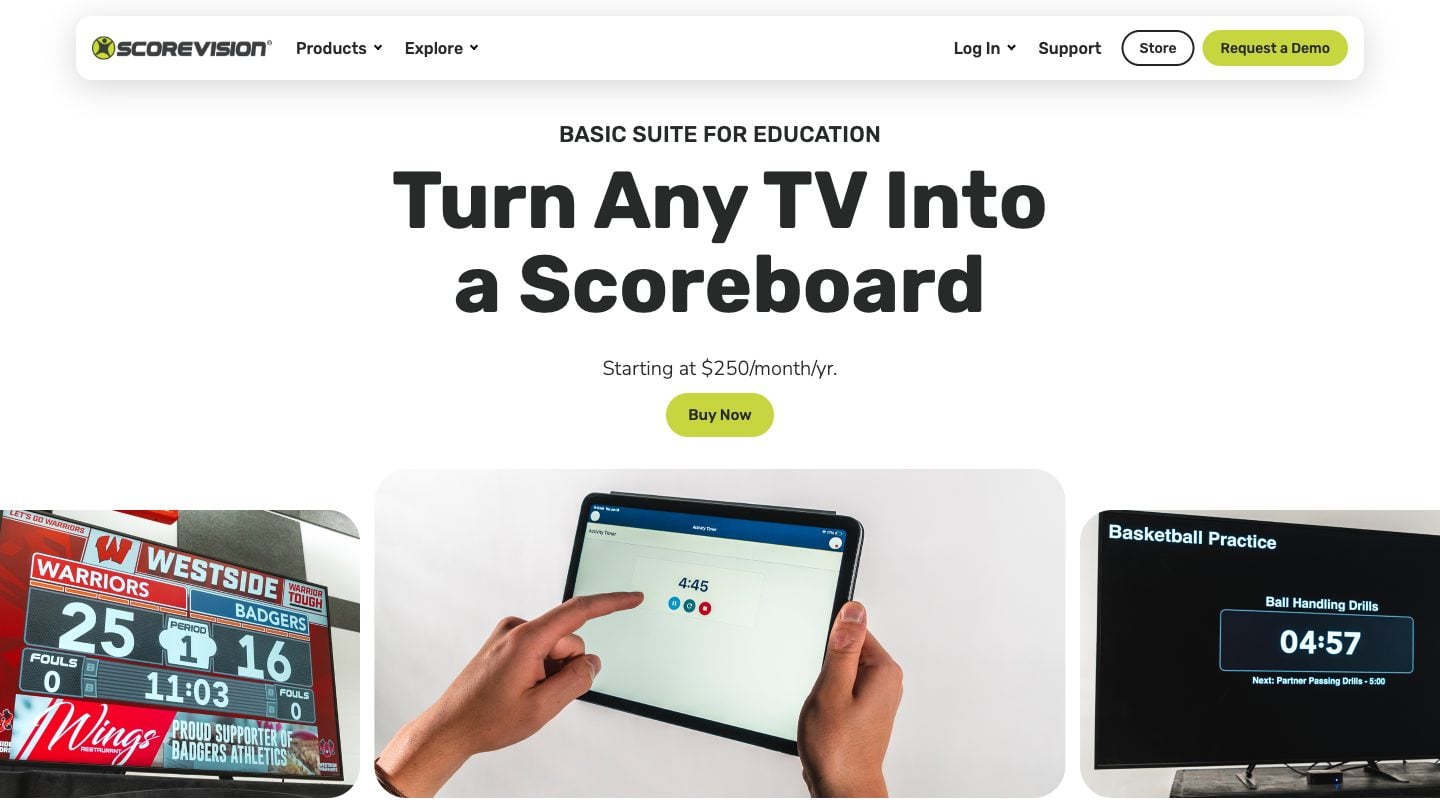
Why it fits funded departments: Cloud-managed scoring with sponsor ad rotation to offset the subscription.
Pros
- Sponsor ad scheduling and reporting built in
- Teams, games and content managed from the cloud
- Works on any HDMI TV, through an Apple TV
Cons
- $1,250–$3,000/year per venue at list price; the Advanced suite is quote only
- Base suites score volleyball, basketball and wrestling (plus a universal mode)
- Needs an Apple TV and an iPhone or iPad at each venue, on a wired network
- Overkill for community rec programs without sponsors
Pricing: Basic Scoring $1,250/year, Basic Scoring Suite $2,500/year, Education Suite $3,000/year, per venue.
Best for: departments with local sponsors who will pay to be on the scoreboard.
See our Daktronics and ScoreVision alternatives guide for cost details.
Daktronics — Best for New Facility Construction
Why it fits some departments: If you're building a new facility and want permanent LED hardware with installation and service.
Pros
- Weather-rated, permanent LED displays
- Installation and service from one vendor
- Sponsor panels and video boards available
Cons
- Quote only, typically five figures per venue, installed
- Proprietary controllers lock you into their ecosystem
- Doesn't help your other venues
- Ongoing service and repair costs
Pricing: Quote only.
Best for: new builds where the scoreboard is part of the construction budget.
Comparison Table: League and Department Focus
| Criteria | PC Scoreboards | KeepTheScore | ScoreVision | Daktronics |
|---|---|---|---|---|
| Annual cost | Licence per sport (from $139/month or $789+ lifetime) | From $168 | $1,250–$3,000 per venue | Quote only, plus service |
| Multi-venue | No (per-PC install) | Yes (any browser) | Yes (cloud) | No (per-venue install) |
| Multi-sport | Per-sport licence | 15+ included | 3 + universal; more on Advanced (quote) | Per-sport config |
| Staff training | Moderate (keyboard) | None (phone control) | Some (cloud admin) | Significant |
| Hardware required | Windows PC + display | Any device + display | Apple TV + iPhone/iPad + display | Proprietary |
| IT involvement | Moderate | None | Some (wired network) | Significant |
| Score sharing | No | Yes (public link) | Yes | No |
| Best for | One offline Windows venue | Multi-venue, multi-sport programs | Departments with sponsors | New facility construction |
Evaluation Criteria for Department Buyers
1. Per-Venue Cost
Calculate the total annual cost per venue. Include software, hardware, maintenance, and staff training time.
- KeepTheScore: From $14/month covers all venues (no per-venue fee)
- PC Scoreboards: a licence per sport per PC, from $139/month or $789+ lifetime each
- ScoreVision: $1,250–$3,000/year per venue (list price, checked October 2026)
- Daktronics: quote only, typically five figures per venue upfront
2. Staff Handoff Time
How long does it take to get a new employee or volunteer operational?
- Phone-controlled software: Under 1 minute. Share a link.
- Desktop software: 10-30 minutes. Show keyboard controls, explain the interface.
- Enterprise systems: Hours to days. Account setup, training sessions, documentation.
3. Sport Coverage vs. Cost
Count the sports your department runs. Multiply by per-sport licensing costs for tools that charge per sport.
- 6 sports at $789+ lifetime per sport = $4,700+ per venue with PC Scoreboards
- 6 sports at $14/month total = $168/year total with KeepTheScore
4. Display Compatibility
Audit the hardware in each venue. Can the tool work with what's already installed?
- Browser-based tools work with any display connected to any computer
- Desktop tools require specific operating systems
- Enterprise tools often require specific display hardware
Setting Up a Department-Wide Scoreboard System
Step 1: Audit Your Venues
List every facility. Note what display hardware exists (TVs, projectors, LED walls). Note what computers are available (laptop carts, fixed PCs, Chromebooks).
Step 2: Choose One Tool
Pick a tool that works across all your venues with existing hardware. Avoid buying different software for different locations — that's how you end up with inconsistency and support headaches.
Step 3: Create Venue-Specific Scoreboards
Create bookmarked scoreboard URLs for each sport at each venue. Staff arrives, opens the bookmark, and starts the game.
Step 4: Share Control Links
Create a simple cheat sheet for each venue:
- Turn on the display
- Open the laptop
- Click the scoreboard bookmark
- Press F11 for fullscreen
- Open control link on phone
- Score the game
Step 5: Share Public Links
Post view-only links on your department website. Parents and community members follow scores from home.
The Bottom Line
Leagues and recreation departments need consistency, not complexity. One tool across all venues, all sports, all staff. The simpler the game-day workflow, the less time you spend on technical support and training.
Browser-based scoreboard software eliminates the hardware dependency, the per-sport licensing math, and the training burden that comes with traditional scoreboard systems.
League and Rec Department FAQs
"Can we use one tool across multiple venues?"
Yes. Browser-based tools like KeepTheScore work anywhere with internet. Create scoreboards for each venue, bookmark the URLs, and reuse them. No per-venue licensing.
"What if we have different sports at different facilities?"
KeepTheScore covers 15+ sports under one subscription. Switch between basketball at the gym and soccer at the outdoor field without buying separate software.
"How do we handle staff turnover?"
Phone-controlled scoreboard software requires no training. Share the control link, and any new staff member or volunteer can operate it immediately. There's nothing to install on their device.
"Can we display scores on existing TVs in our facilities?"
Yes. Connect any laptop or Chromebook to a TV via HDMI, open the scoreboard in a browser, and press fullscreen. Works with any TV, projector, or LED wall.
"Do we need IT support to set this up?"
Not for browser-based tools. No software installation, no network configuration, no server setup. Open a browser, create a scoreboard, connect to a display.
"Can the public follow scores online?"
Yes. Every KeepTheScore scoreboard has a shareable view-only link. Post it on your department's website, share via social media, or print QR codes for venue lobbies.

Written by Caspar von Wrede
Founder of KeepTheScore. Building tools that help teams track scores and celebrate wins.