Best Daktronics & ScoreVision Alternatives for School Sports (2026)
Affordable Daktronics or ScoreVision alternatives for school sports. Compare LED scoreboard software that works with any existing display.
Article Contents
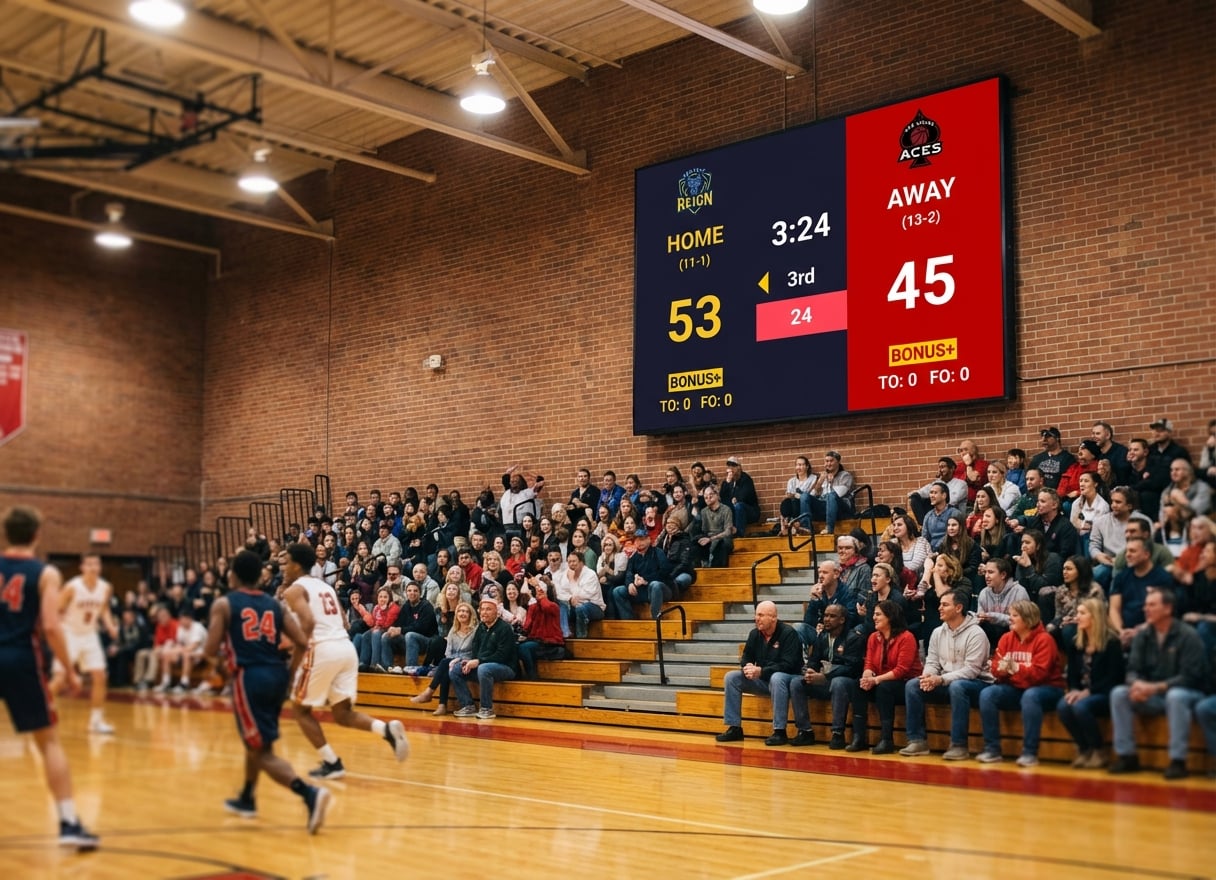
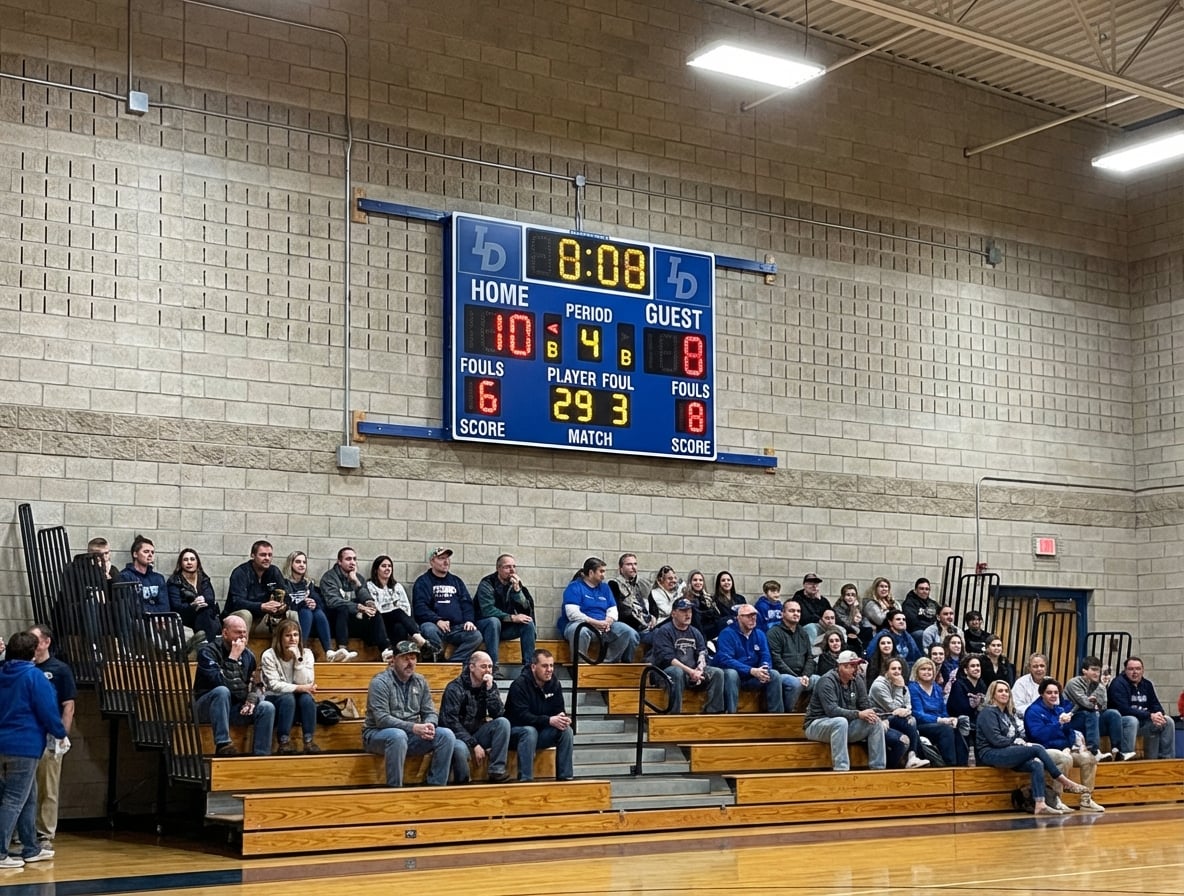
Your school invested in a beautiful LED wall for the gym. The hardware is installed, the HDMI ports are there, and everyone's excited to finally have a modern scoreboard system.
Then the quote comes in. Daktronics doesn't publish prices, but schools report full gym systems landing anywhere from $10,000 to $25,000 depending on size and controls — more for a video-capable display. ScoreVision's entry product is $1,250 a year, and it only runs on an Apple TV driven from an iPad. Suddenly, that "complete" LED scoreboard system has a price tag that makes administrators wince.
Here's the good news: you don't need proprietary scoreboard software to run that LED display. Any Windows or Mac computer connected via HDMI can turn your LED wall into a sports scoreboard. You just need the right software.
Why Traditional Scoreboard Systems Cost So Much
Daktronics
Daktronics pioneered LED scoreboards, and they've built their business on the integration model: sell the hardware, then keep you inside their software and support ecosystem.
What it actually costs
Daktronics doesn't list prices publicly, so every figure here is a reported range, not a catalog price:
- Full system quotes: commonly $10,000 – $25,000 for a gym-sized install, more for a video display
- Proprietary control console: bundled into the quote, not sold separately
- Annual support contracts: recurring, on top of the purchase price
- Phone control: the All Sport Lite app, which works only with select outdoor models and needs a separate Bluetooth interface box
- Staff training, and a fixed hardware configuration that's hard to swap out later
When Daktronics makes sense: if you're building a new stadium and need a complete turnkey solution with guaranteed support, Daktronics delivers reliability. For Division I athletics with dedicated AV staff, the premium is worth it.
ScoreVision
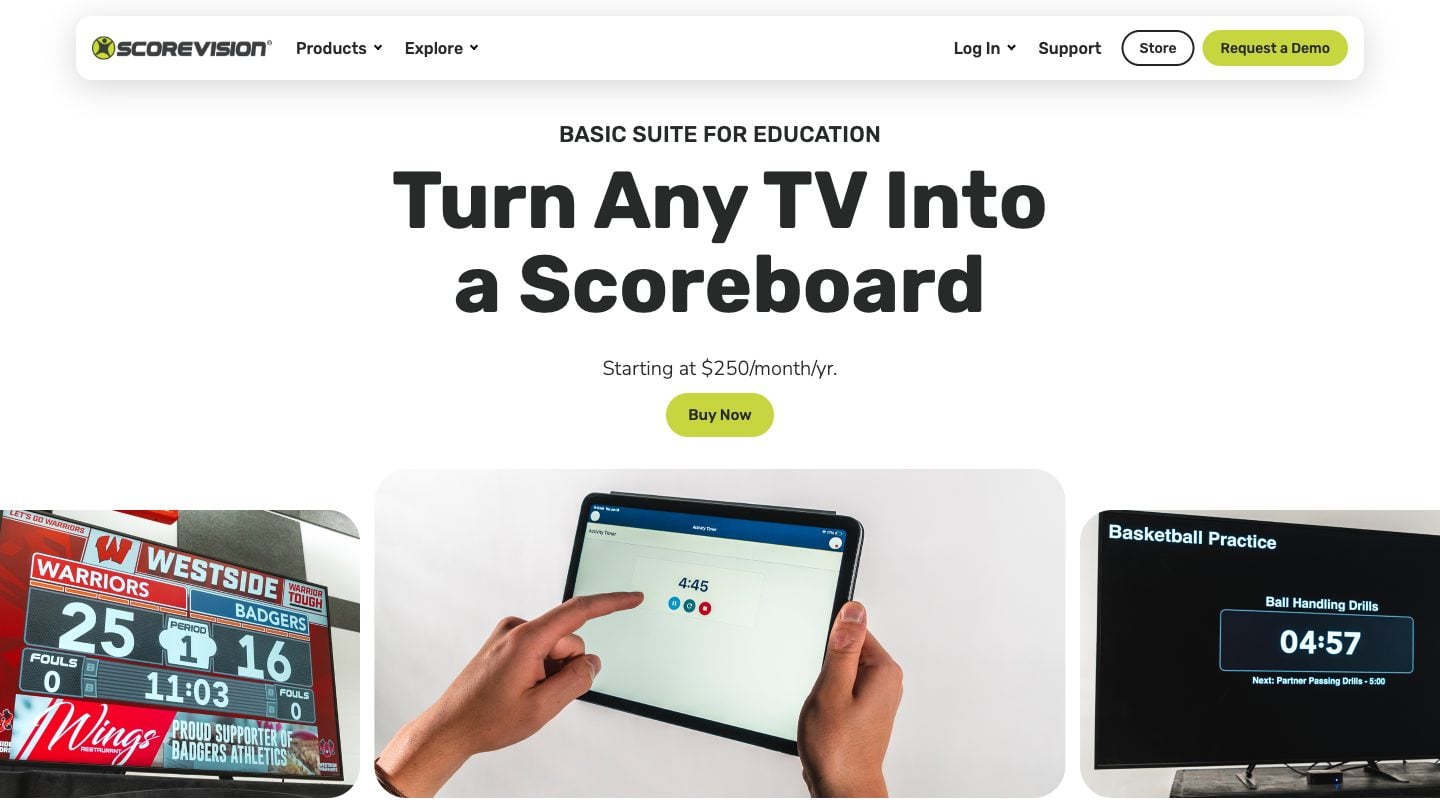
ScoreVision entered the market as the "modern" alternative: software-driven displays with cloud control and sponsor management, sold to schools mostly through AV resellers and installers rather than direct.
What it actually costs
Unlike Daktronics, ScoreVision publishes list prices in its online store (checked October 2026), all billed annually:
- Basic Scoring: $1,250/year — score, clock, timers and fouls for volleyball, basketball, wrestling and a universal board; no advertising tools
- Basic Scoring Suite: $2,500/year — adds advertising and media management
- Basic Scoring Suite – Education: $3,000/year — adds a slideshow and an activity timer
- Table Advertising: $1,250/year
- Advanced Scoring and Production: quote only, via a sales call
Some schools get a "free" board through a sponsor-funded deal instead. School board minutes show what those cost: the school pays ScoreVision $7,500 a year for the software on a 10-year term, and keeps a share of the ad revenue.
ScoreVision makes software, not displays. It needs specific hardware to run: an Apple TV plugged into your display over HDMI, controlled from an iPhone or iPad, on a wired internet connection.
When ScoreVision makes sense: if you run multiple venues, need centralized sponsor rotation, and have the budget for an annual subscription, ScoreVision's cloud features and season/roster management provide real value.
The Real Question: Do You Need a Five-Figure System or an Annual Subscription?
For most K-12 schools and small colleges, the answer is no.
If you already have an LED display or TV in your gym, you need three things:
- A laptop or PC with HDMI output
- Scoreboard software
- A way to control it during games
That's it. No proprietary hardware, no vendor lock-in, no annual contracts.
Affordable Scoreboard Software Alternatives
PC Scoreboards (from $139/month or $789 lifetime, per sport)
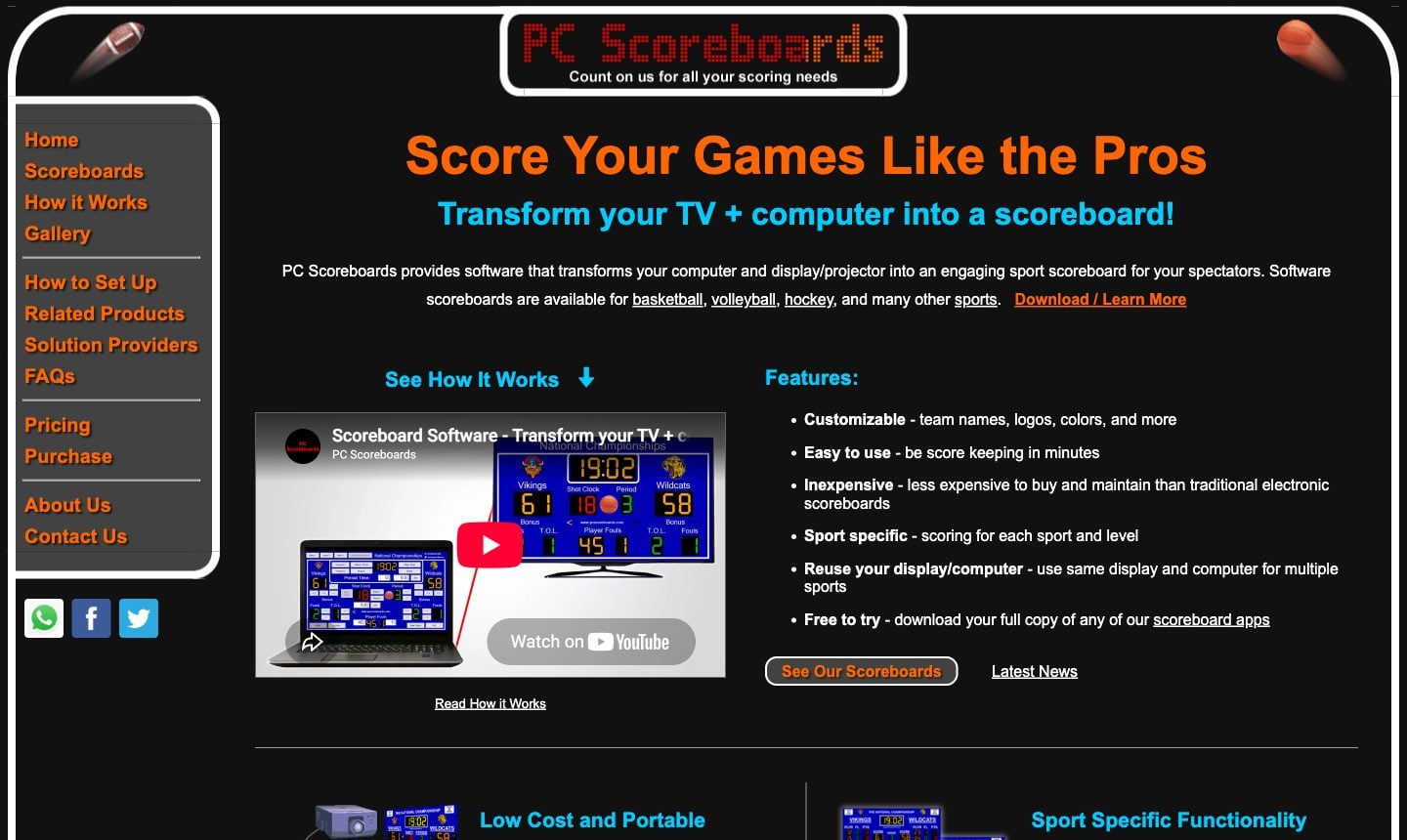
What it is: Windows software, one app per sport, that runs on a PC connected to your display.
Pros
- Lifetime licence option, so no subscription if you pay upfront
- Works fully offline, with any HDMI display
- An app for almost every sport, with detailed stats like player fouls
- Free to download and try
Cons
- Windows 10/11 only
- Each sport is a separate licence; schools pay non-profit prices, rinks and stadiums more
- Web Remote (phone control) only from the Silver tier up
- Dated graphics
Best for: schools with a dedicated, offline Windows PC at the scorer's table who prefer keyboard controls.
KeepTheScore (from $14/month)
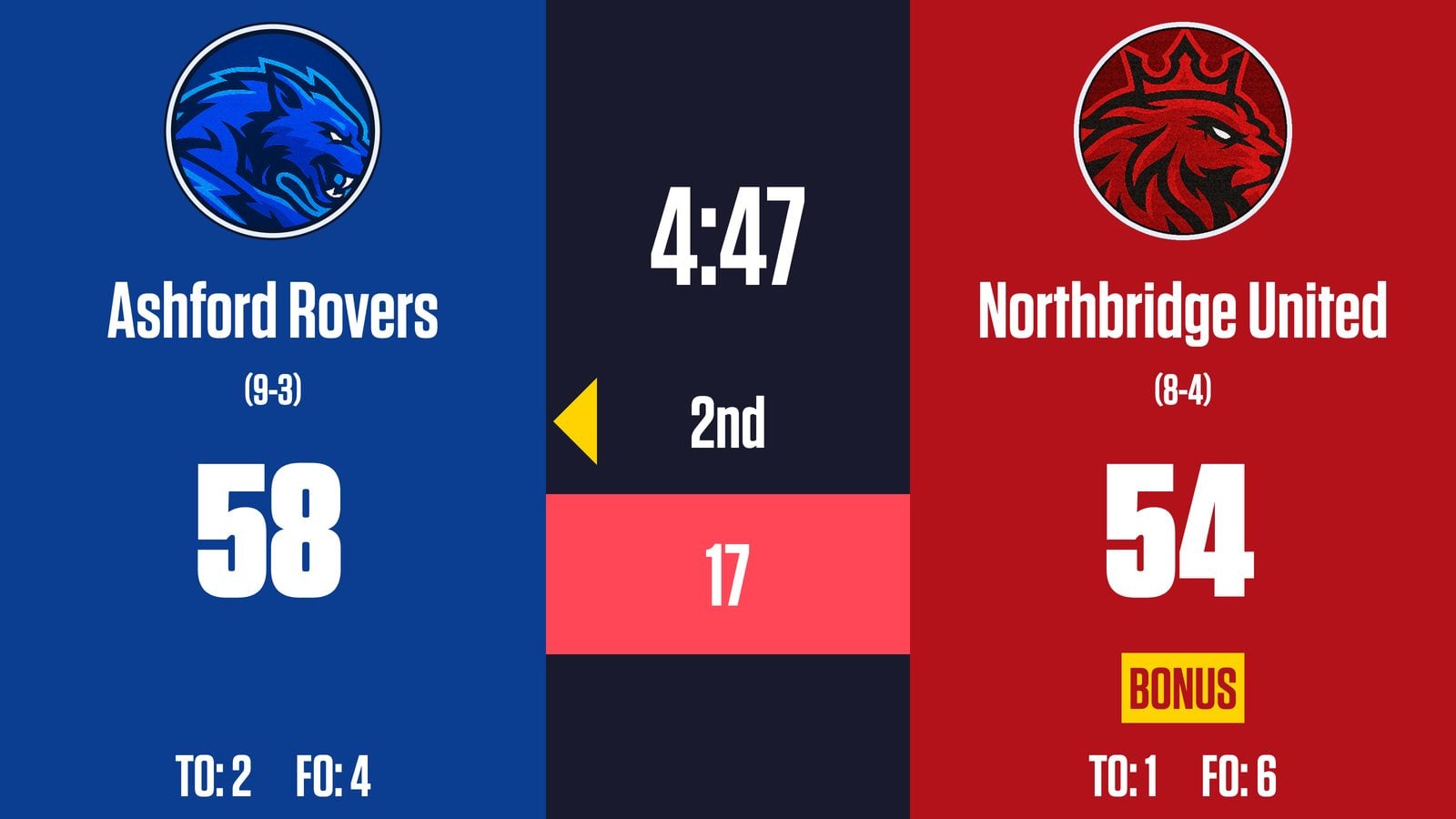
What it is: Web-based scoreboard software that runs in any browser. Control from your phone while the scoreboard displays fullscreen on your LED wall.
How it works with LED displays
- Connect a laptop/PC to your LED wall via HDMI
- Open KeepTheScore.com in a browser
- Set the scoreboard to fullscreen mode
- Control scores from your phone, tablet, or another device
Sports supported
- Basketball (with shot clock, game clock, periods, fouls)
- Volleyball (rally scoring, sets, timeouts)
- Wrestling (match timer, period tracking)
- Baseball/Softball (innings, runs, hits, errors)
- Hockey (period timer, penalties)
- Soccer/Football (match timer, halftime)
- Tennis, Badminton, Pickleball
- Multi-sport universal scoreboard
Pros
- Works on any device (Windows, Mac, iPad, Chromebook)
- Control from phone while scoreboard displays on LED wall
- No installation required
- Works with any HDMI display
- Optional Elgato Stream Deck integration for physical button control
Cons
- Requires an internet connection (a phone hotspot is enough)
- Free version includes small branding
- No sponsor ad scheduling or impression reports, which ScoreVision has
Best for: schools that already have an LED wall or TV and run several sports on it, scored from a phone.
OBS with Scoreboard Overlays (Free, but technical)
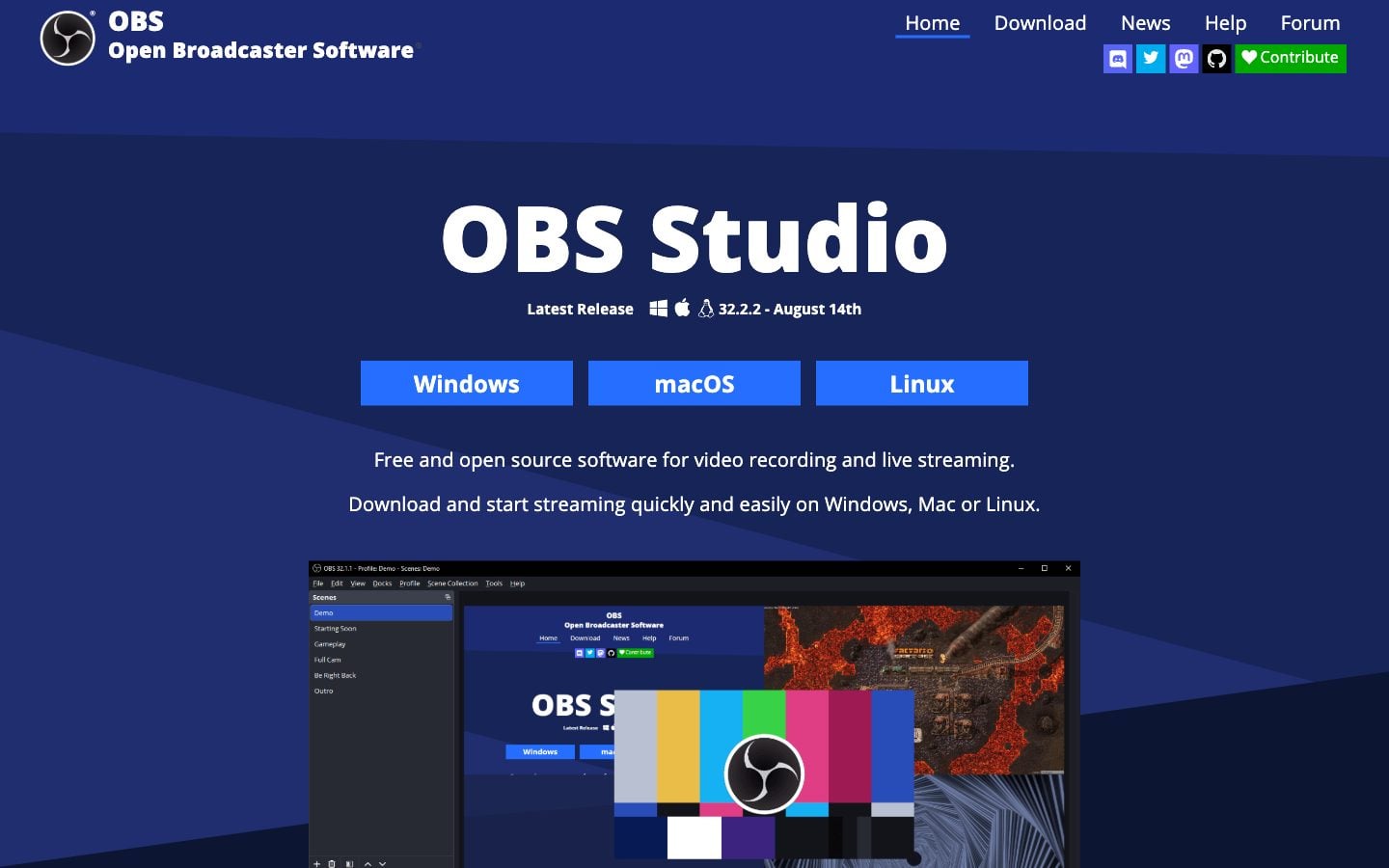
What it is: Open Broadcaster Software (OBS) with custom scoreboard graphics layered as overlays.
Pros
- Completely free
- Full customization if you know design
- Great if you're already streaming games
Cons
- Steep learning curve
- Manual score updates
- Time-consuming setup
Best for: schools with a dedicated AV student or tech-savvy volunteer who enjoys tinkering.
ProScoreboard by Renewed Vision ($2,500/year)
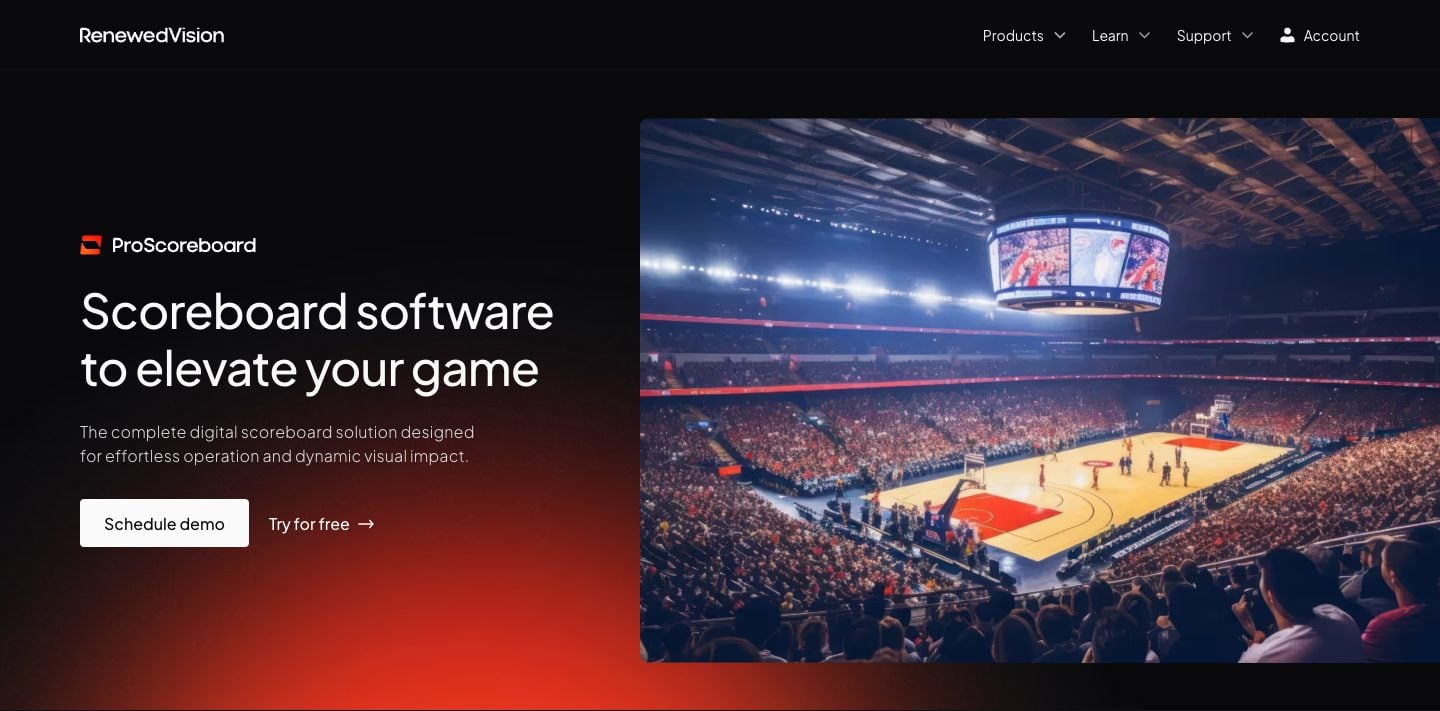
What it is: Mac-only broadcast scoreboard software with player profiles, NDI/SDI output, and live data ingestion from Statcrew, Genius Sports, and the MLB API. Same company that makes ProPresenter.
Pros
- Player profiles with photos and stats
- Live data feeds for broadcast workflows
- HDMI / SDI / NDI output
- Sponsor ad zones with impression reporting
Cons
- macOS only
- $2,500/year flagship plan, single device at a time
- No free plan (there is a free trial download)
- Covers about 9 sports, against KeepTheScore's 15+
Best for: schools and venues with a Mac-based AV booth running real broadcast workflows. For everyone else, see our KeepTheScore vs ProScoreboard comparison, or — if you already use ProPresenter — the embed guide for putting a live scoreboard inside ProPresenter, EasyWorship, MediaShout, or Proclaim.
Comparison Table
| Solution | Price | Hardware Required | Sports Supported | Mobile Control | Ongoing Costs | Best for |
|---|---|---|---|---|---|---|
| Daktronics | Quote only (reported $10k–$25k+) | Proprietary | All major sports | All Sport Lite app (select models, Bluetooth box) | Annual support contract | New builds and stadiums |
| ScoreVision | $1,250–$3,000/yr (Advanced: quote only) | Apple TV + iPhone/iPad, wired network | 3 + universal at list price; more on Advanced (quote only) | Yes (iOS app) | Annual subscription | Schools selling sponsor ads |
| PC Scoreboards | From $139/month or $789+ lifetime, per sport | Windows PC + display | One app per sport | Web Remote (Silver+) | None with a lifetime licence | Offline Windows scorer's tables |
| KeepTheScore | From $14/mo | Any PC/Mac + display | 15+ sports | Yes (phone/tablet) | From $14/mo | Multi-sport gyms with an existing screen |
| OBS + Overlays | Free | Any PC/Mac + display | Custom | No | None | Tech-savvy streamers |
| ProScoreboard | $2,500/year | Mac + display | ~9 sports | Web remote | $2,500/year subscription | Mac broadcast booths |
Why KeepTheScore Works for School Gyms
The Setup (3 Steps)
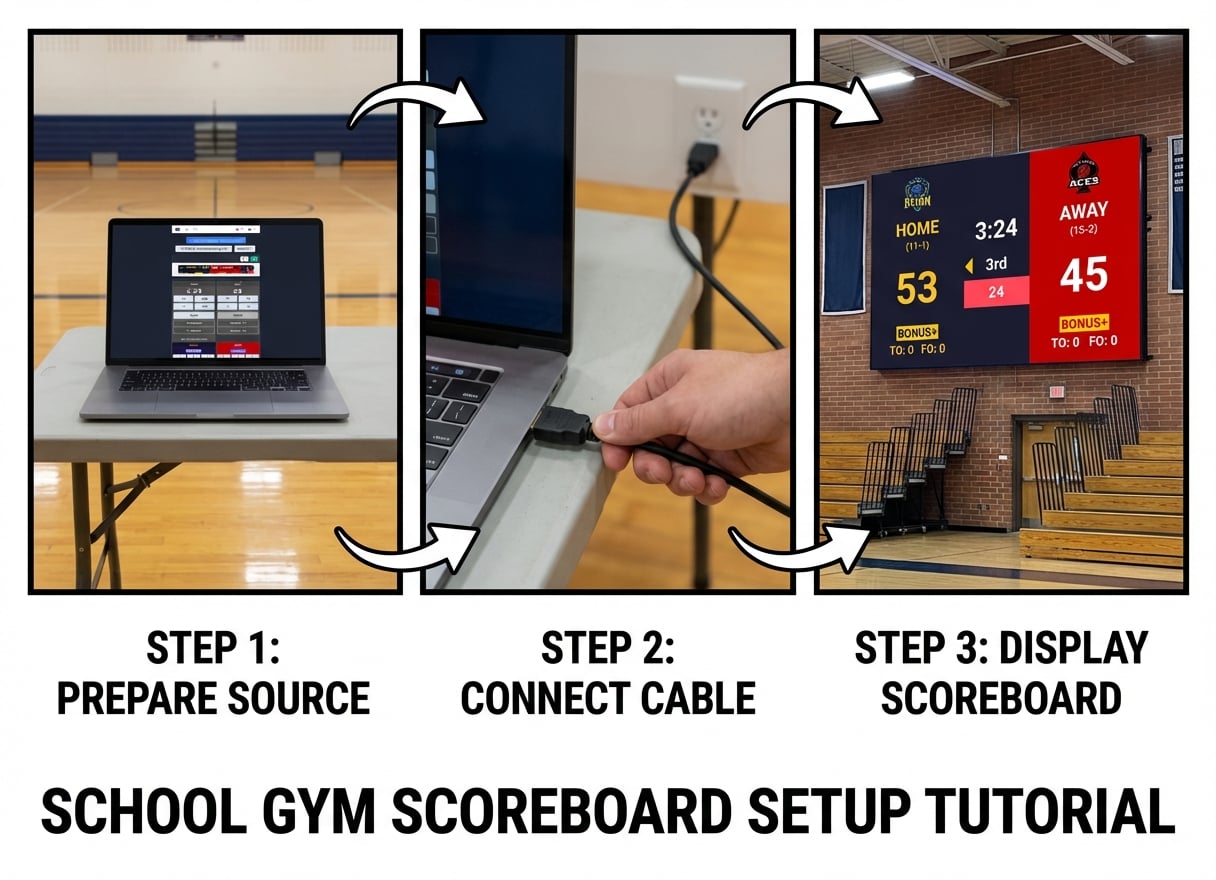
- Connect your laptop to the LED display — use the existing HDMI connection
- Open KeepTheScore in a browser — go to keepthescore.com and create your scoreboard (no download, no installation)
- Press fullscreen — your scoreboard fills the LED wall. Control scores from your phone.
Real Basketball Game Example
Before the game
- Create a basketball scoreboard on KeepTheScore (30 seconds)
- Set team names and logos (paid plan)
- Connect your laptop to the LED wall via HDMI
- Open the scoreboard link and press F11 for fullscreen
During the game
- Sit at the scorer's table with your phone or tablet
- Open the control panel link
- Update scores, fouls, timeouts with a tap
- The LED wall updates instantly
- Game clock and shot clock run automatically
Mobile Control: The Real Advantage
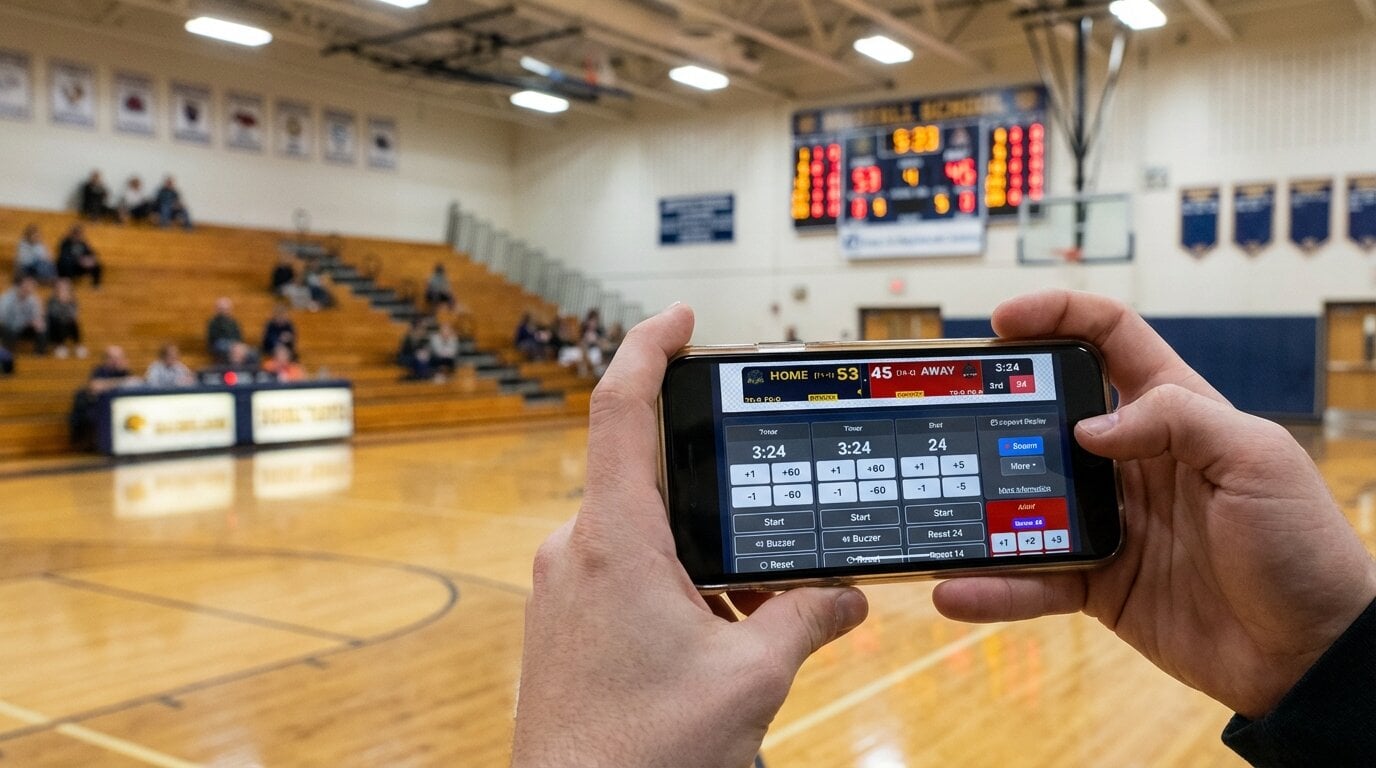
With Daktronics, you're tied to their control console at the scorer's table. With KeepTheScore, anyone with the control link can update scores from any device.
Why this matters
- Announcer updates scores from the press box (phone)
- LED wall shows the scoreboard (laptop via HDMI)
- Athletic director monitors from office (iPad)
- All connected, all real-time, no special hardware
Works with What You Already Have
You don't need to buy anything except the laptop (which you probably already have):
- LED walls — any brand, any resolution
- TVs — any size with HDMI
- Projectors — standard or short-throw
- Displays — 1080p, 4K, ultrawide
If it has HDMI input, KeepTheScore will display on it.
What People Actually Score on KeepTheScore
The sport list above isn't a features checklist we made up — it's what people actually build. Basketball is the single most common sport on KeepTheScore, with more than 140,000 basketball scoreboards set up so far, and football is a close second. Baseball and softball together account for roughly 90,000, and soccer for more than 85,000. Hockey and volleyball are both comfortably into five figures, and even a lower-volume sport like wrestling has more than 2,400 scoreboards.
Whatever combination your gym runs — basketball on Tuesday, wrestling on Thursday, volleyball on Saturday — thousands of other organizers have already set up a scoreboard for that exact sport.
The Bottom Line
Most schools don't need a $10,000+ Daktronics system, or a ScoreVision subscription from $1,250 a year plus the Apple hardware to run it.
You need:
- A scoreboard that works with your existing LED display
- Something coaches and volunteers can operate without training
- A solution that doesn't require annual contracts or vendor lock-in
- Flexibility for different sports throughout the year
KeepTheScore delivers all of that through any web browser, controlled from any device, from $14/month billed annually. See our pricing page for options.
If you're a Division I program with dedicated AV staff and unlimited budget, Daktronics or ScoreVision make sense. But if you're a K-12 school or small college looking to maximize your LED display investment without breaking the budget, web-based scoreboard software gives you most of the functionality for a fraction of the cost.
Try KeepTheScore Today
No software installation. No commitment.
Test it on a TV or projector before your next game. Scoreboard software for less than the cost of a few basketballs per month.
Common Questions from Athletic Directors
"Will this work with our existing LED wall?"
If your LED wall has HDMI input (which it almost certainly does), yes. KeepTheScore doesn't care about the brand or model of your display — it's just a browser showing fullscreen content over HDMI.
"What if our internet goes out during a game?"
Once the scoreboard page loads, it works offline for basic score updates. For best reliability, use a mobile hotspot as backup or make sure your gym has stable Wi-Fi.
"Can we use this for multiple gyms?"
Yes. Create a separate scoreboard for each gym, save the links, and use whichever one you need. There's no per-venue licensing fee.
"What about streaming games?"
KeepTheScore works well as a browser source in OBS, Streamlabs, or vMix. Plenty of schools use it for both the in-gym LED wall and the live stream overlay, from the same board.
"Can parents see the score remotely?"
Yes. Every scoreboard has a shareable presentation link — view-only, no login. Parents, fans, or scouts can follow the game in real time from anywhere with the link or a QR code.

Written by Caspar von Wrede
Founder of KeepTheScore. Building tools that help teams track scores and celebrate wins.