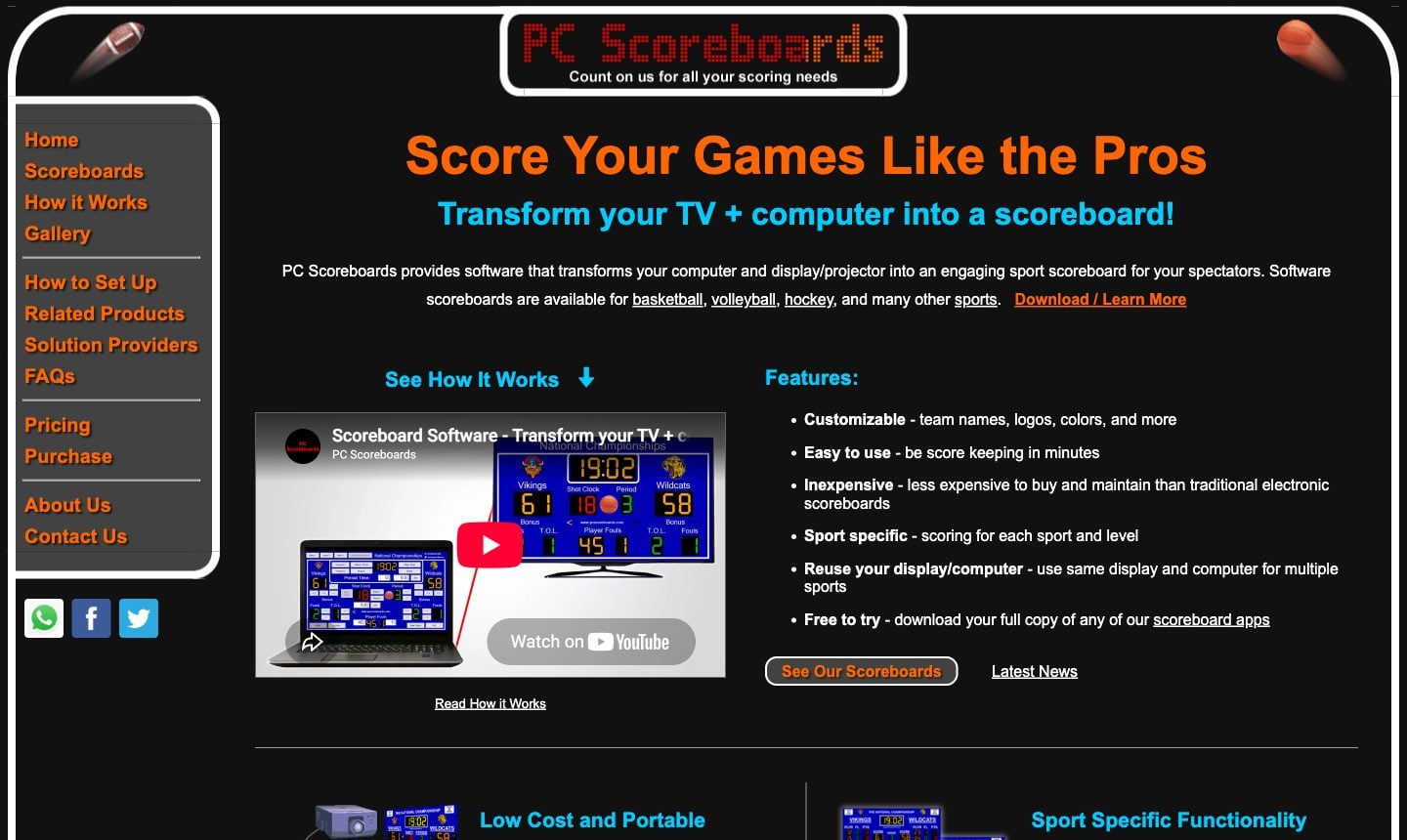
You searched for "scoreboard software," landed on PC Scoreboards, and it looked like the answer. Then the friction started piling up. Windows only. A USB licence key for the yearly and lifetime licences. A separate licence for every sport. Phone control only on the pricier tiers.
There's a simpler path now. A handful of scoreboard tools run in a browser, work on basically any device, and cover every sport on one plan. This page lays out how KeepTheScore and PC Scoreboards stack up on the things schools and leagues actually care about. We checked PC Scoreboards' prices and features on its website in October 2026.
Cloud vs desktop
PC Scoreboards is a classic Windows app (Windows 10 or 11). You download it, install it on a specific PC, and that's where it lives. A monthly licence is tied to that one computer. Yearly and lifetime licences live on a USB key you move between PCs: leave it in the other gym bag, and you don't have a scoreboard.
KeepTheScore goes the other way: it's scoreboard software that runs in a browser. Open a URL and you've got a scoreboard, on whatever device is closest. Nothing to install, no licence key. A volunteer can pull it up on a personal laptop five minutes before tipoff.
If you run multiple venues with rotating volunteers, that difference shows up fast. You're no longer tied to "the scoreboard computer" that only one person knows how to drive.
Streaming
If you stream games, KeepTheScore has a real advantage. Every scoreboard has a URL you drop into OBS, Streamlabs, or vMix as a browser source. Transparent backgrounds are built in. The overlay updates live as scores change.
PC Scoreboards handles streaming with a separate "Score Banner" window (Silver tier and up). You capture that window in OBS or vMix and key it out with a chroma key. It works, but it's an extra window to manage on the same PC that drives the venue display, and there's no browser source.
If you broadcast to YouTube or Facebook for the families who can't make it, that's a chunk of setup you just don't have to do.
Pricing
PC Scoreboards sells each sport as its own app, with a monthly, yearly or lifetime licence in four tiers (Bronze to Platinum). Non-profit prices start at $139 for a month or $789 for a lifetime licence per sport; a popular basketball app runs $839-$1,089 lifetime, and rinks and stadiums pay more. Basketball, football and baseball is three separate buys. You can download any app and try it free, with a reminder message every few minutes.
KeepTheScore works differently. There's a free tier you can use forever, with functional scoreboards for any sport. Paid plans add custom logos, advanced themes, and an ad-free display. All sports are included on every plan. You can try the whole thing before you put in a credit card.
For a school watching every line item, "test it first, all sports included" takes the financial risk out of the decision.
Remote score control
With PC Scoreboards, the scorer sits at the computer running the software, unless you buy the Silver tier or above. Those include a Web Remote that lets a phone or tablet on the same local network run the scoreboard. Team names, logos and colours are still set up on the PC.
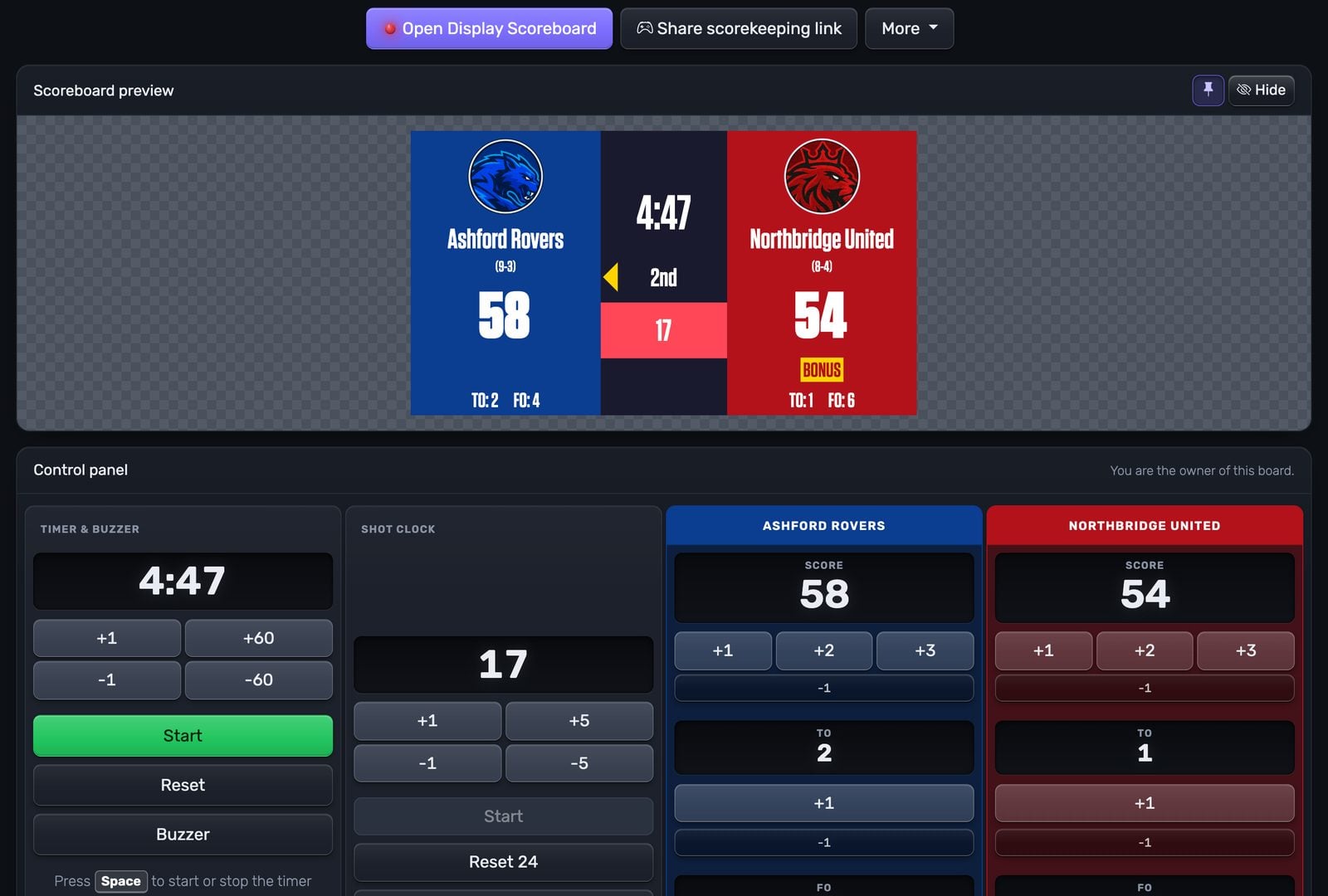
KeepTheScore splits the display from the controls. The scoreboard shows on one screen (TV, projector, LED wall, whatever has HDMI). Scorekeepers control it from their phones, tablets, or any other browser. Two people can control the same board at once: one runs the score, another handles the clock.
For volunteer-run events where you can't always count on a dedicated person at a fixed station, that flexibility matters more than it sounds.
Updates and maintenance
PC Scoreboards updates the desktop way: download the new version and install it.
KeepTheScore updates in the cloud. Every time you open a scoreboard, you're on the current version. There's nothing to maintain on your end.
When PC Scoreboards is the right pick
Worth saying clearly: if you have a Windows PC bolted to a desk in a gym with bad internet, PC Scoreboards has been doing this for over 20 years and it works offline. That's a real advantage KeepTheScore can't match. If offline operation is non-negotiable, stop reading and go with them. For everyone else, the browser-based approach removes a lot of friction.
Feature Comparison
| Feature | KeepTheScore | PC Scoreboards |
|---|---|---|
| No software installation | ✓ | ✗ |
| Works on Mac / Chromebook / tablet | ✓ | ✗ |
| Free to use | Yes (free tier) | Free trial (reminder message every few minutes) |
| One-click OBS integration | ✓ | No (capture the Score Banner window) |
| Remote score control from phone | Yes (over the internet) | Web Remote, Silver tier and up (local network) |
| Multiple simultaneous scorekeepers | ✓ | Not advertised |
| Transparent overlay for streaming | ✓ | Chroma key or floating window (Silver tier and up) |
| Sport-specific scoreboards | Yes (15+) | ✓ |
| Game clock / shot clock | ✓ | ✓ |
| Team logos and custom colors | Yes (paid) | ✓ |
| Pricing | Free tier; all sports from $14/month, billed annually | Per sport: from $139/month or from $789 lifetime (non-profit) |
| Offline operation | ✗ | ✓ |
| Full local hardware control | ✗ | ✓ |
Which One Should You Choose?
Choose PC Scoreboards if...
- You need fully offline operation with no internet
- You have a dedicated Windows PC at your venue
- You prefer a lifetime licence over a subscription
Choose KeepTheScore if...
- You stream games and need easy OBS integration
- You want multiple people controlling the scoreboard from their own devices
- You need cross-platform support (Mac, Chromebook, tablet, phone)
- You want to try free before paying
Frequently Asked Questions
"Can I use KeepTheScore on a Mac or Chromebook?"
Yes. KeepTheScore runs in any browser on any operating system — Windows, Mac, Linux, ChromeOS, iOS, or Android. No installation required.
"What if my internet goes out during a game?"
Once the scoreboard page loads, it works offline for basic score updates. For best reliability, use a mobile hotspot as backup.
"Do I need to buy a separate license for each sport?"
No. KeepTheScore includes all sports — basketball, football, volleyball, baseball, soccer, and more — in a single subscription.
"Can multiple people control the scoreboard at the same time?"
Yes. Share the control panel URL with scorekeepers, coaches, or announcers. Each person can update scores from their own device simultaneously.
"Is it good enough for live streaming?"
Yes. KeepTheScore works as a browser source in OBS, Streamlabs, or vMix with transparent background support. Many schools use it for both in-venue display and live stream overlay. Full streaming guide here.
"How do I switch from PC Scoreboards?"
There's nothing to migrate. Create a new scoreboard on KeepTheScore, bookmark the URL, and you're ready. Most organizations test during practice games, then switch for regular games once scorekeepers are comfortable.
Try KeepTheScore Today
No installation. No licence key. No commitment. Create your first scoreboard in 30 seconds and test it on any screen before your next game.
Information about PC Scoreboards was accurate as of October 2026. Visit https://pcscoreboards.com for latest details.