Stream a World Cup 2026 Watch Party (No Copyright Strike)
You can't restream World Cup matches without a copyright strike. The watch party setup that works: your camera, your commentary, and a live score bug.
Article Contents
The World Cup is on. 104 matches across the US, Canada and Mexico between June 11 and the final on July 19 — and your community wants to watch them with you. There's just one problem: the moment FIFA's broadcast feed appears in your stream, you're racing toward a copyright takedown. On Twitch, repeated strikes end the channel.
So you do what the big football channels figured out during Qatar 2022: you don't show the match at all.
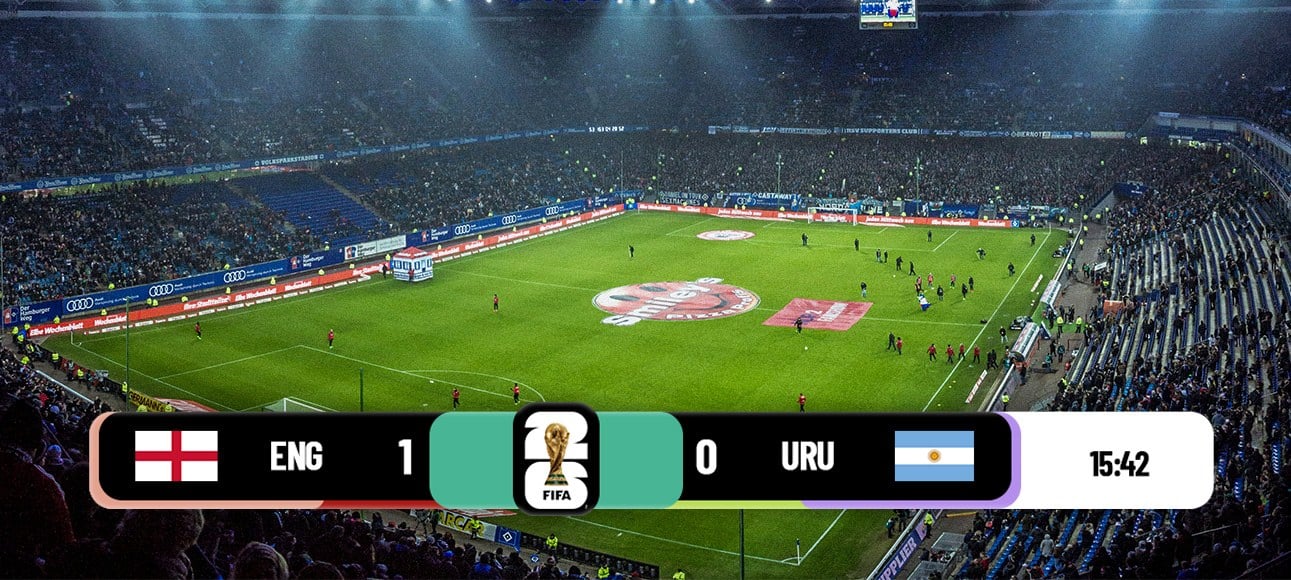 Your stream, your scorebar: live scores and a match clock on screen — without the broadcast feed
Why you can't just restream the game
FIFA sells broadcast rights per territory, and the broadcasters who paid for them run automated content matching during the tournament. Restreaming the feed — even shrunk into a corner of your "reaction" layout — isn't covered by fair use, and the takedowns during a World Cup are fast. Twitch's DMCA guidelines are blunt about what repeated claims do to an account, and YouTube's Content ID flags live broadcast footage within minutes.
Some streamers risk it anyway. Don't. Not during the most-watched sporting event on the planet.
What a watch party actually looks like
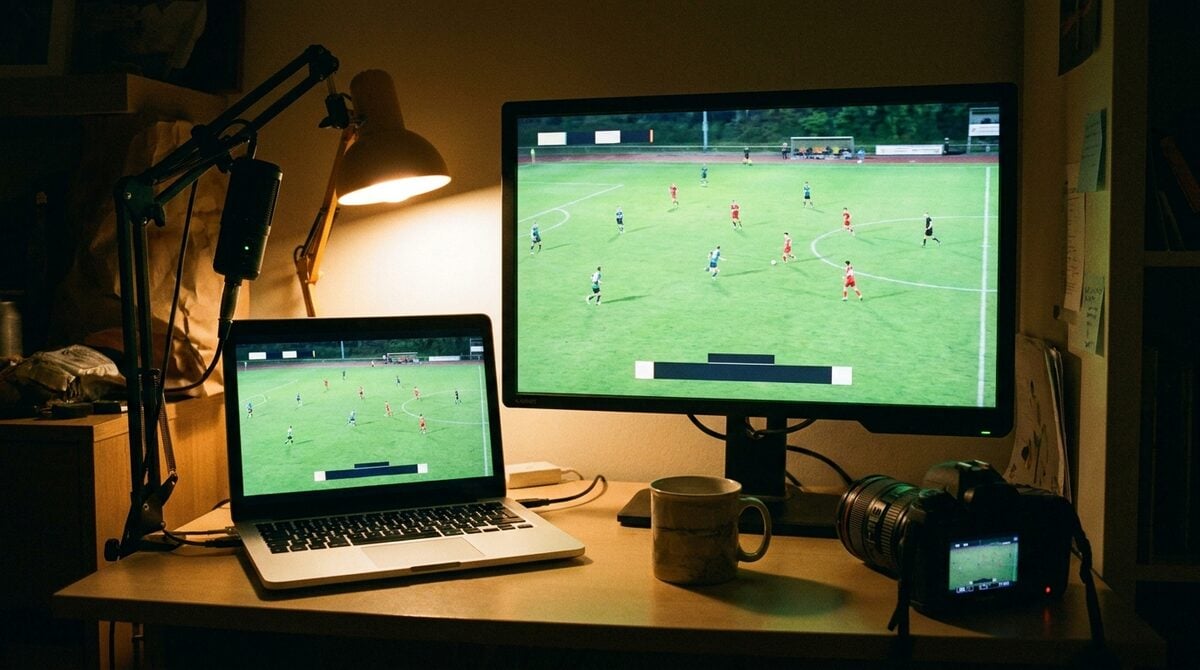
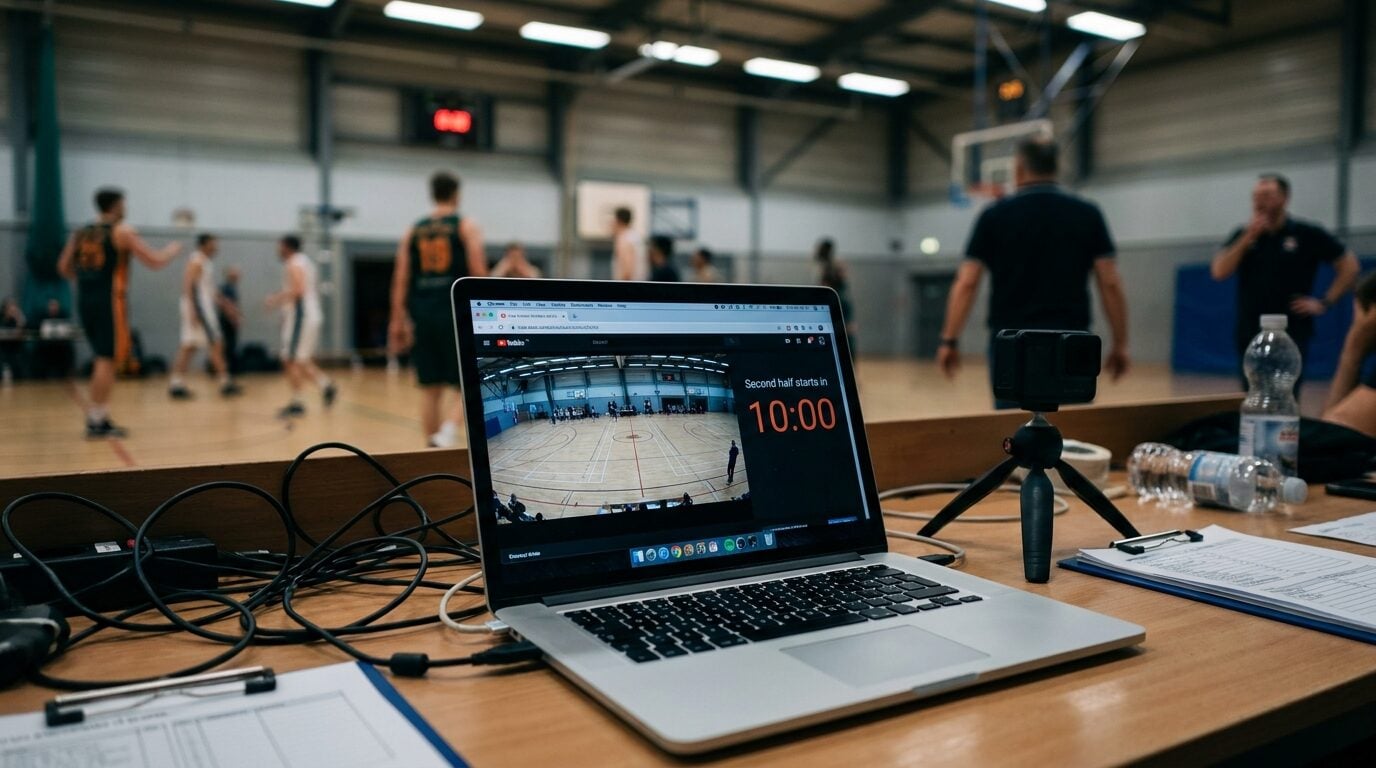
Your camera. Your commentary. Chat melting down over a goal that never appears on your screen. Everyone watches the official broadcast on their own TV or phone, and your stream is the pub table — not the television.
It works because the match itself was never the thing your viewers couldn't get elsewhere. Your take on it is.
One thing the format genuinely needs, though: the score. People drop into a watch party mid-match, and "wait, what's the score?" is the first thing they type. A live score bug on your overlay answers it before they ask.
A World Cup score bug in one click
We made a ready-to-go World Cup 2026 scorebar for exactly this. One click creates your own copy: a tournament-styled lower third with live scores, a running match clock, and a half indicator. No design work, no fiddling with positions — type in the team names and you're set for kickoff. Creating it is free.
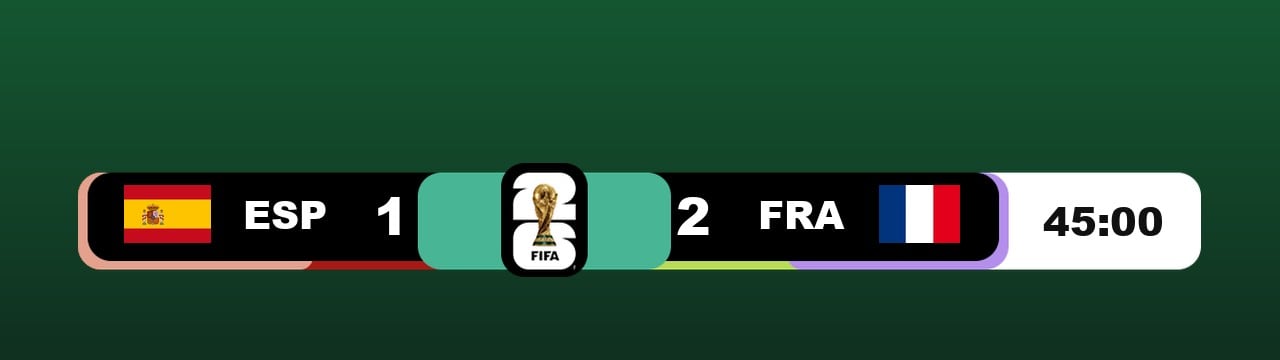 The ready-made World Cup 2026 scorebar: live scores, match clock, and half indicator
Adding it to OBS
The scorebar is a web page with a transparent background, so it drops into OBS (or vMix, Streamlabs, anything with a browser source) like this:
- In the Sources panel, click + and choose Browser
- Paste your board's display URL
- Set width to 1800 for a 1080p stream (1200 for 720p)
- Drag it to the lower third of your scene
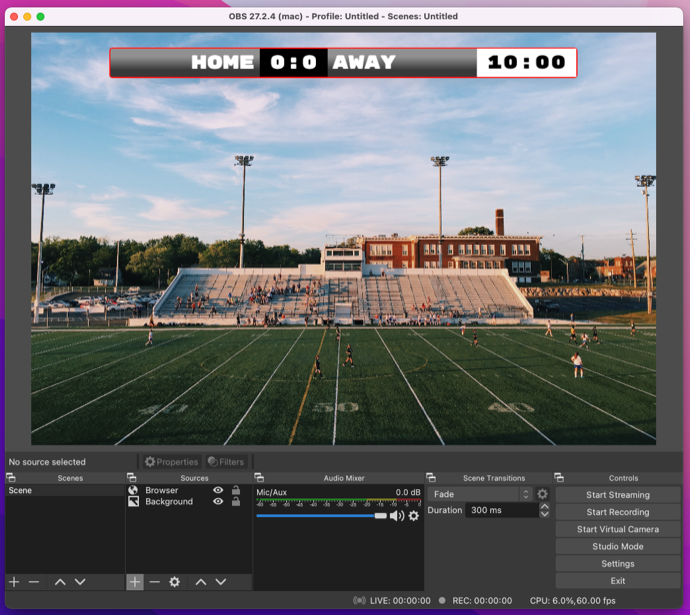 A score bug positioned as a browser source in OBS
You'll probably resize it twice before it sits right next to your camera frame. That's normal — the browser source preview and your actual canvas never quite agree on the first try.
Updating the score while you're on camera
Keep the control page open on your phone. Goal scored — tap once, and the overlay updates on stream instantly. No refresh, no scene switching. If you stream with a co-host, hand them the link and make scorekeeping their job; the board doesn't care whose phone the tap comes from.
One honest caveat: your viewers' broadcast feeds run anywhere from a few seconds to a minute apart depending on cable, satellite, or app. Whatever you do, your score update will spoil the goal for someone. Watch party audiences know this and don't care — they're there for your reaction, not the surprise.
Make it match your channel
The scorebar now lets you pick the font — choose a broadcast-style typeface from the dropdown and the score bug switches to it instead of the default. Small thing, but it's the difference between "streamer with an overlay" and "broadcast".
Running your own World Cup?
If your club, school, or office is running its own tournament this summer, the same scorebar works for matches you're actually filming — pitch-side phone, OBS overlay, done. For a regular soccer board without the World Cup styling, start from the soccer scoreboard page instead.
The group stage runs for two more weeks. Plenty of matches left to stream.

Written by Caspar von Wrede
Founder of KeepTheScore. Building tools that help teams track scores and celebrate wins.