How to Use QR Codes at Your Next Tournament or Sports Event
Put a QR code on a printed sign so players and spectators can scan for the schedule, the rules, or the live score. Here's how to set one up the right way.
Article Contents
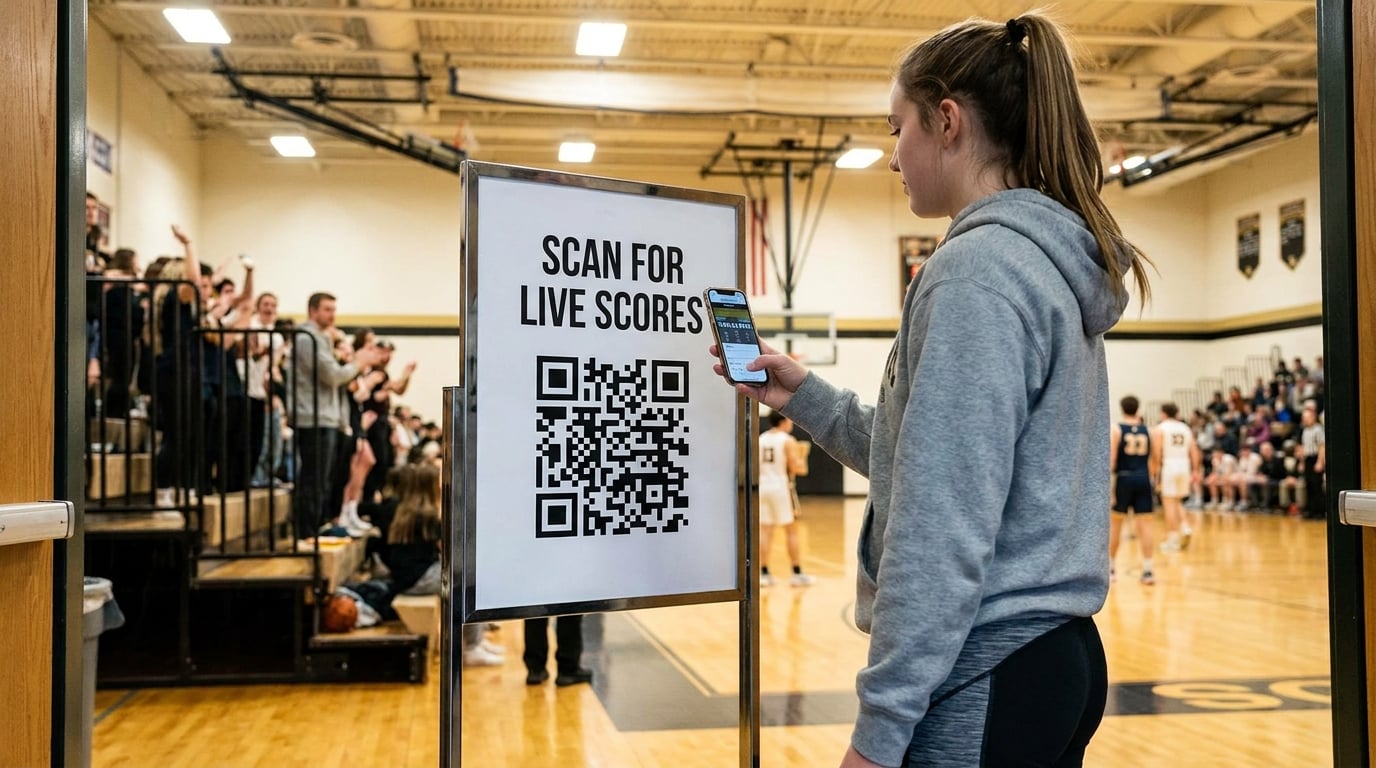
Anyone who has run a tournament knows the questions never stop. Where's the schedule? What's the score on court 3? Which bracket am I in? Where do I register? A volunteer ends up answering the same five things all afternoon — or taping a wall of printed paper to the door that nobody reads.
A QR code on a single printed sign can answer all of it. Players point their phone at it, and the information they need opens instantly — and it can stay up to date even after the sign is printed and stuck to the wall.
Here's how to set one up the right way.
A QR code is only half the job
This is the part most people miss. A QR code is not information — it's an address. When someone scans it, their phone opens whatever web page that address points to. So before you can make a useful QR code, you need a page for it to open.
That's where a lot of event organizers get stuck. They run their event details through a free QR generator, and the code works — but it points to a long, ugly link, or to nothing at all. The scan succeeds and the visitor still has no idea where to go.
What you actually need is two things: a mini website with your event info on it, and a QR code that opens it. Build both, and the sign on the wall does the work for you.
Build both halves in a few minutes
You don't need a website or a developer for this. A small builder like QRpage handles both halves at once: you fill in a few fields — event name, schedule, a map, a contact — and it builds the mini website and the printable poster together, with the QR code already placed on it. You print the poster, stick it up, done. If anything changes, the page behind the code updates without reprinting the sign.
A few minutes of setup gets you:
- A clean mini website with your schedule, rules, venue map, and contact
- A print-ready poster with the QR code sized correctly (too small and phones can't read it from a normal distance)
- A short link you can also drop into a WhatsApp group or an email to participants
Point the QR straight at your live scoreboard
Here's the trick worth stealing for a sports event specifically: the page behind the QR doesn't have to be static info. It can be your live scoreboard.
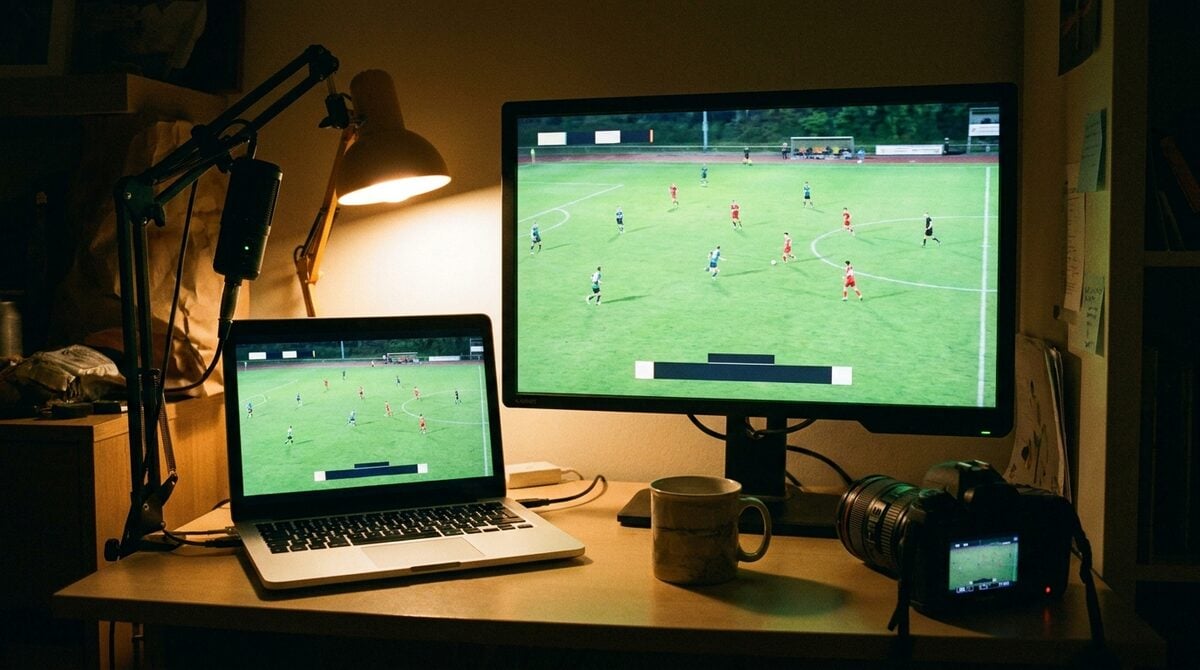
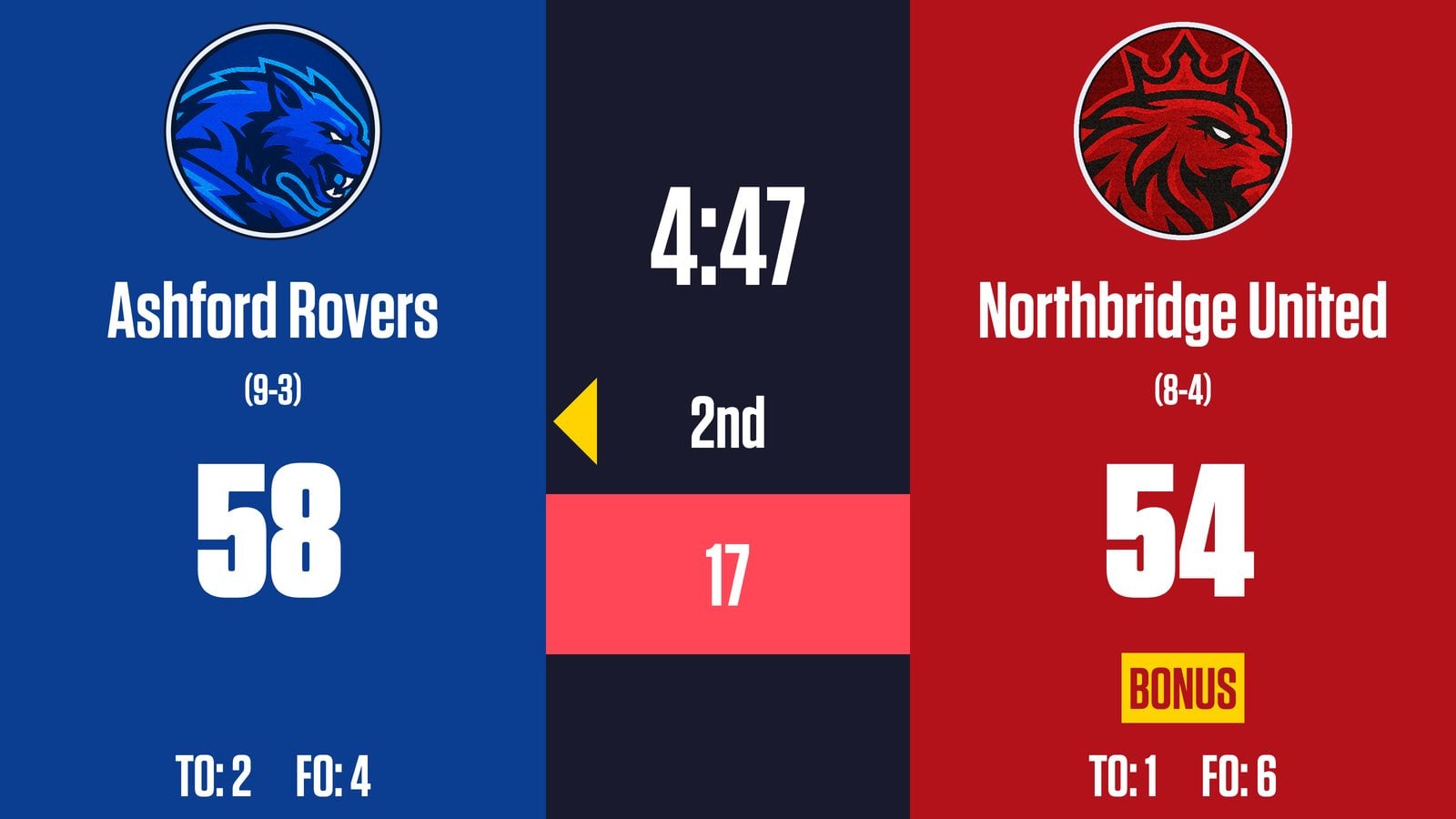
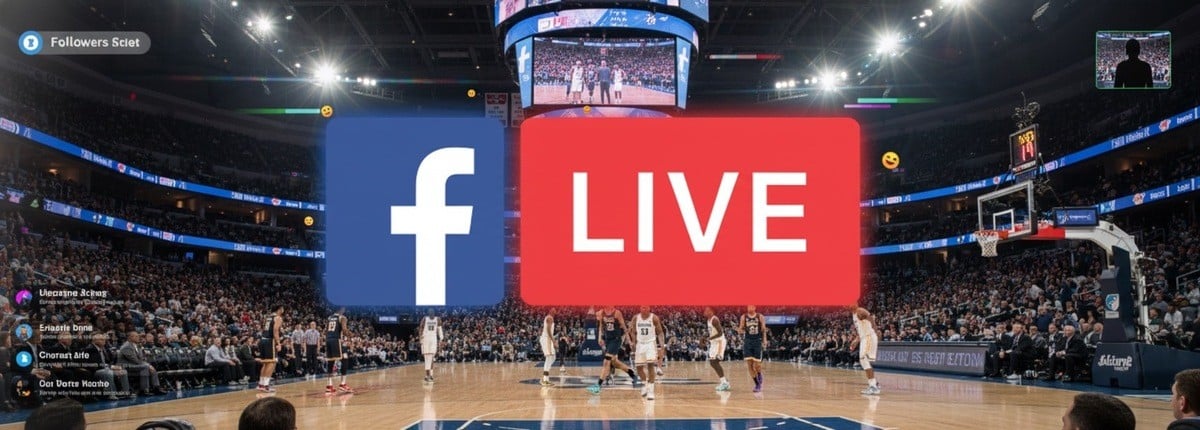
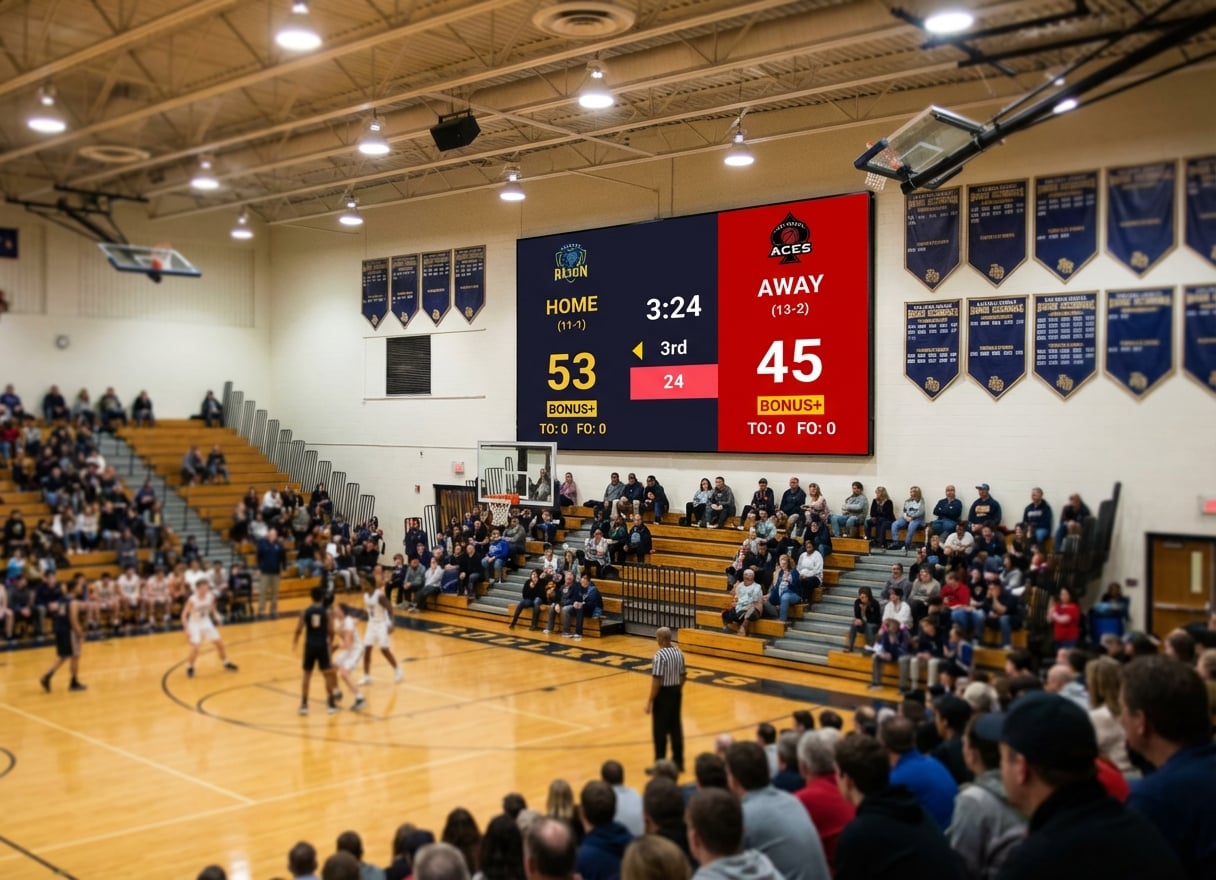
If you're already running scores on KeepTheScore, every board has its own presentation link — the view-only link built for exactly this. Put that link behind a QR code, print it big, and tape it to the wall by the entrance. Spectators scan once and watch the score update on their own phone in real time — no app, no refreshing, no crowding around one screen. The same works for a live tournament bracket or a league table, and if you're streaming the event the same board can drive your overlay.
Where to put the codes
A few placements that earn their keep at a real event:
- At the entrance — one code for "everything you need to know": schedule, map, today's results.
- On each court, table, or pitch — a code that opens the live score or bracket for that specific game.
- At the registration desk — a code straight to the sign-up sheet or the rules.
- On the printed programme — so the paper in someone's hand links to the version that's actually current.
The point
The printed sign is what people see. The page behind the QR code is what makes it useful — and keeps it useful after it's printed. Build the page first, put a well-sized QR code on a clean poster, and point it at the information your players keep asking for. For a live event, pointing it at a real-time scoreboard turns one taped-up sheet of paper into something every spectator can carry in their pocket.

Written by Caspar von Wrede
Founder of KeepTheScore. Building tools that help teams track scores and celebrate wins.