Halftime countdown overlays for live streams
Keep viewers through the break: add a halftime or starting-soon countdown to your sports stream, synced live from the scorer's table to the second.
Article Contents
Halftime is where streams bleed viewers. The whistle goes, the camera points at an empty court, and every viewer makes the same calculation: is anything going to happen here, or should I go watch something else? A static "Back soon" card answers nothing. "Soon" is not a time.
A countdown is a promise: second half at 0:00. Viewers will happily tab away and come back for a number. They won't come back for "soon".
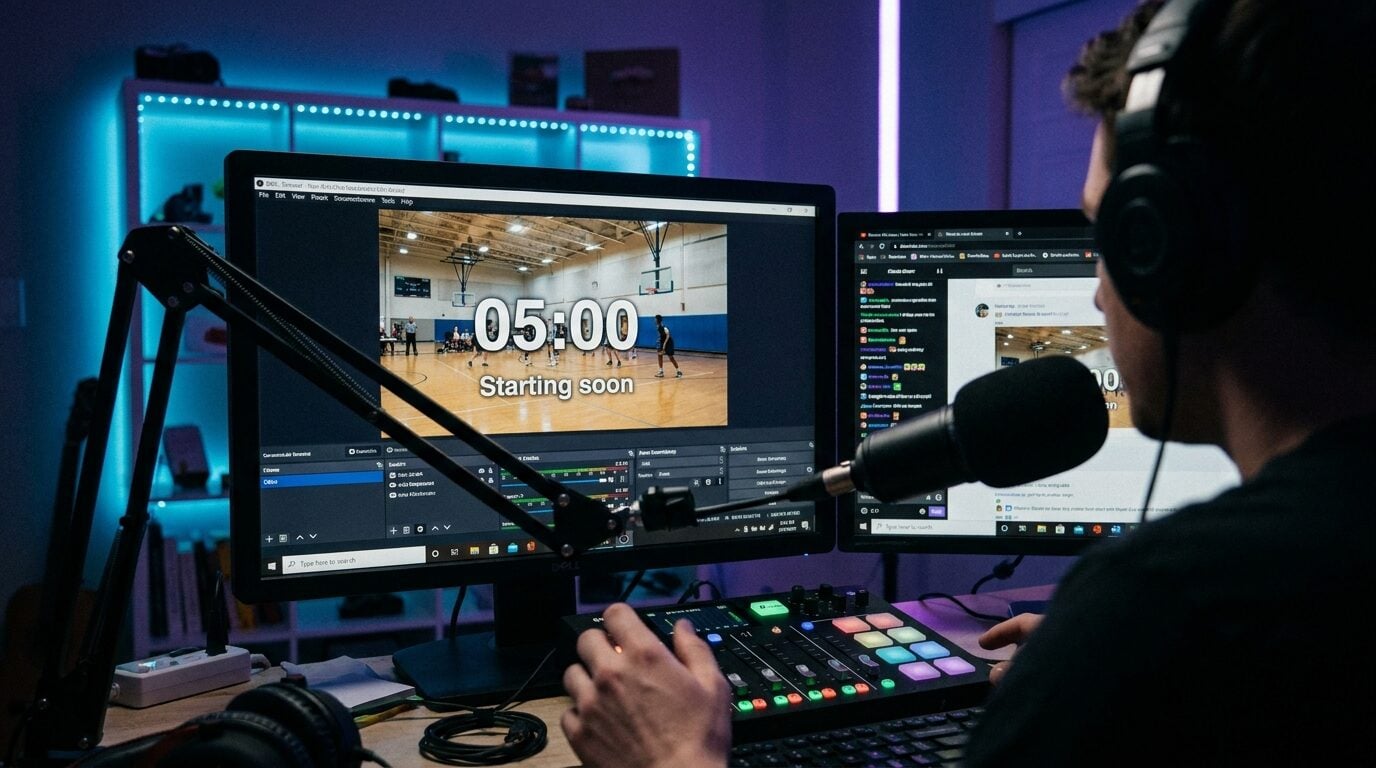
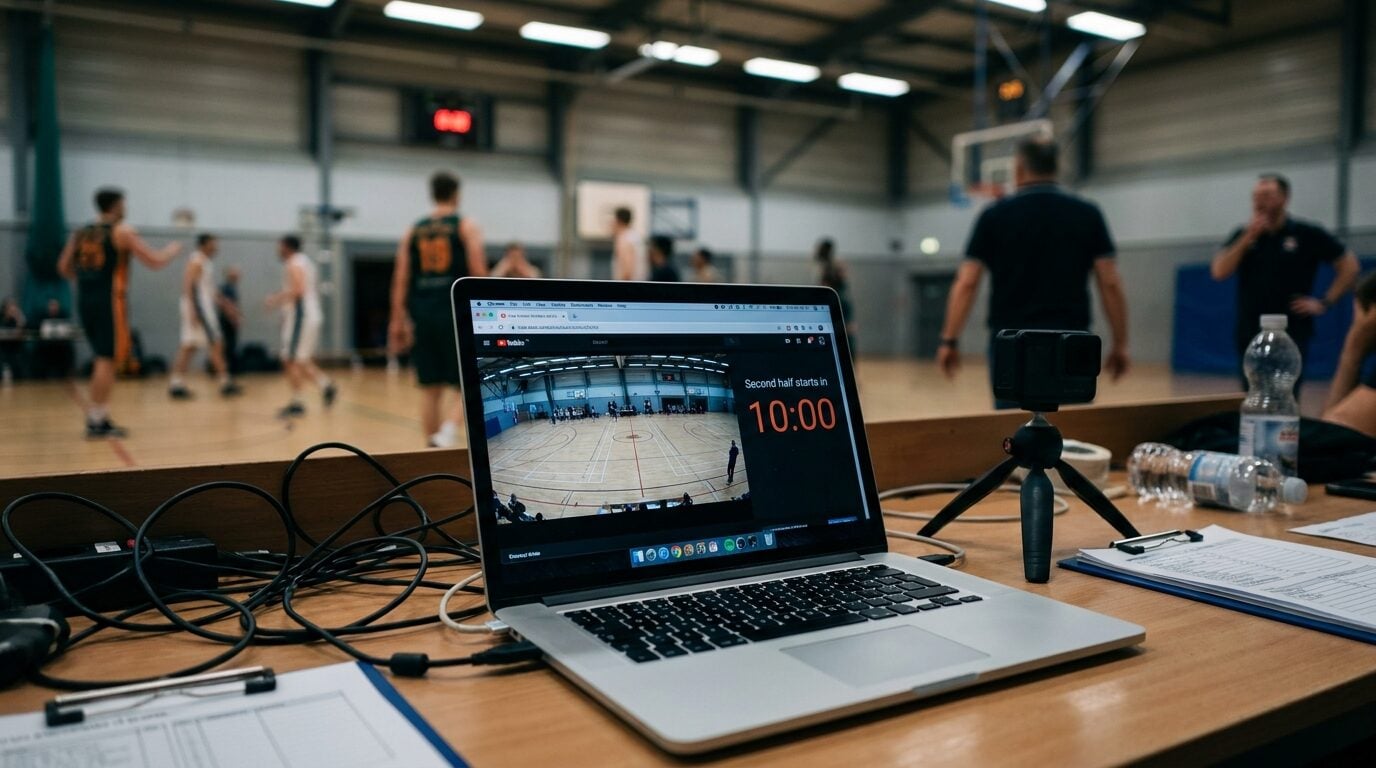 The stream during the break: court wide shot, plus the only information that matters.
The five-minute setup
The countdown is a KeepTheScore online timer — a timer that runs at a URL, where every screen that opens the link shows the same countdown, synced in real time. Drop it into your streaming software as a browser source, build the scene once, and reuse it every match:
- Create a timer (free account) on the online timer page. Title: "Second half starts in". End message: "We're back!". Colors to match your stream package.
- In OBS, make a dedicated Halftime scene: your wide camera shot, with the timer's link added as a browser source — big and centered, or sharing the screen with a sponsor card. The click-by-click is in our OBS countdown timer guide, and it works the same in Streamlabs, vMix, and anything else with browser sources.
- At the whistle: switch to the Halftime scene and start the timer.
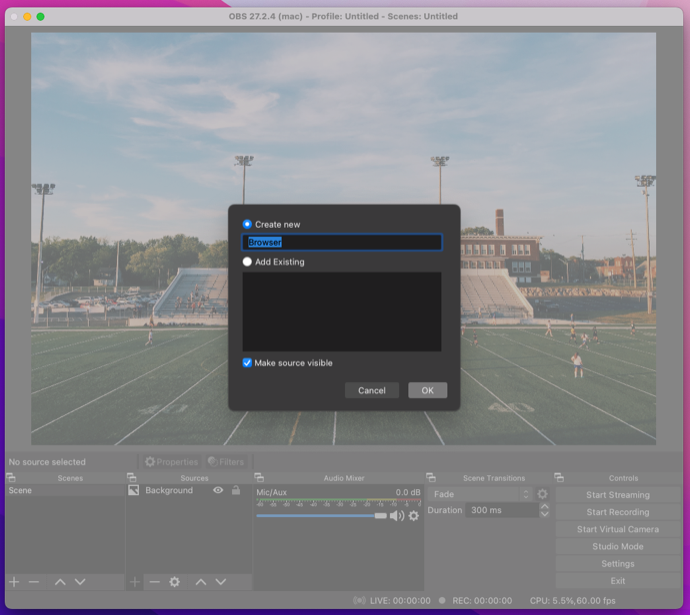 One browser source, reused every match.
The sync is the trick
Here's the part that makes this work operationally: the timer's display link shows the same countdown, live, on every device that opens it. You start the clock from your phone wherever you actually learn how long the break is — at the scorer's table, courtside, next to the fourth official. The OBS overlay follows instantly. Nobody has to run to the streaming PC, and the same display link on the venue's TV shows the hall the identical countdown the stream sees, accurate to the second.
That's one timer doing the job of a stream graphic, a PA announcement, and a hallway clock. It's the same control-from-anywhere pattern that makes a remote-controlled scoreboard work for small crews.
One limit to know: the timer counts a length of time, not down to a clock time. If the second half kicks off at 15:05, set the minutes left and press start. Fumble the start by a minute? Add or remove time from your phone and every screen corrects itself.
More breaks, same overlay
- Starting-soon screens — the pre-game version of the same scene, counting down to your published start. This is the single biggest viewer-retention graphic a small stream can run.
- Timeouts and quarter breaks — a 0:60 timeout clock in the corner keeps the broadcast feeling produced instead of stalled.
- Between matches — tournaments live on "Court 1 — next match in 12:00" screens. Park the countdown next to your bracket.
- Technical difficulties — "Back in 3:00" converts an apology into a commitment. Use sparingly; only promise numbers you can hit.
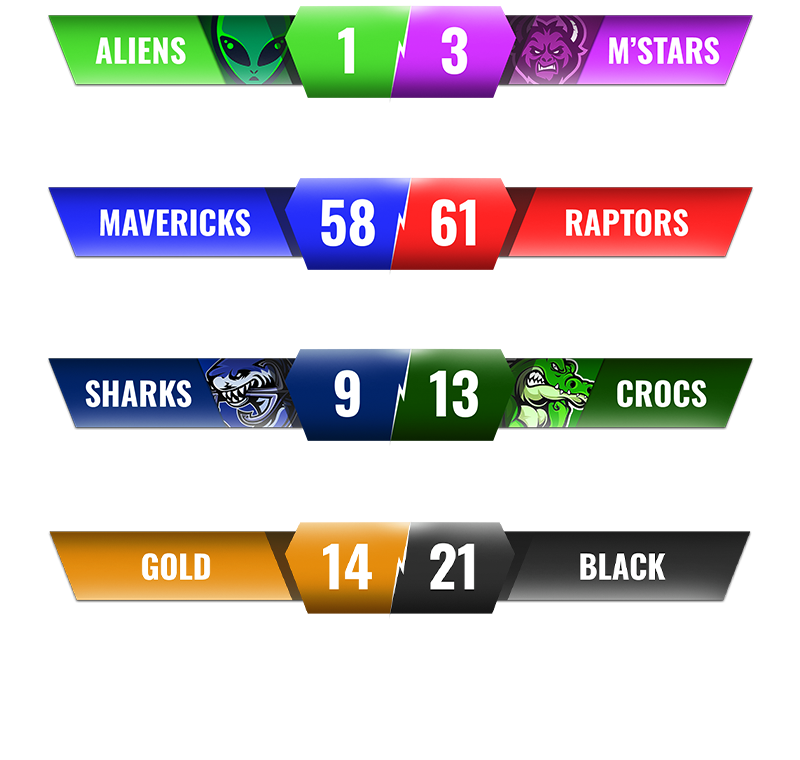
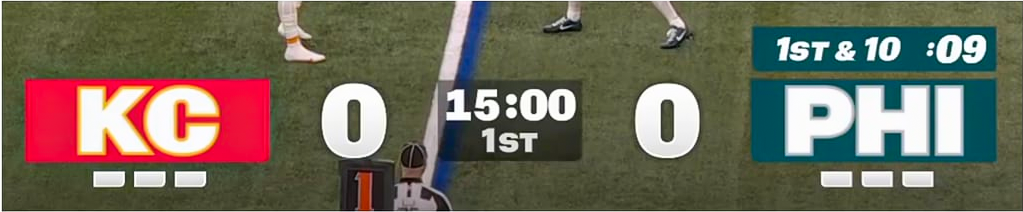
During the action itself, the overlay duty passes to the scoreboard overlay — see the stream scoreboard overlay guide and the deeper dive on score bugs for that half of the package. Broadcast-design folklore agrees on the principle: viewers tolerate almost anything except not knowing what's happening — which is why even giant productions never cut to black at halftime (NFL halftime is its own show precisely because dead air is unthinkable).
Make the break part of the broadcast
The whole rig is free and survives contact with real matchdays: the timer's clock is server-anchored, so a browser source that idled hidden through the first half is still second-accurate when you switch to it. Create the timer once, bookmark the halftime scene, and your break screen stops being dead air.

Written by Caspar von Wrede
Founder of KeepTheScore. Building tools that help teams track scores and celebrate wins.