Best Uno Overlays Alternatives for Sports Streaming (2026)
Looking for Uno Overlays alternatives? Compare sports scoreboard overlays for streaming. Options that work for both live streams and in-venue display.
Article Contents
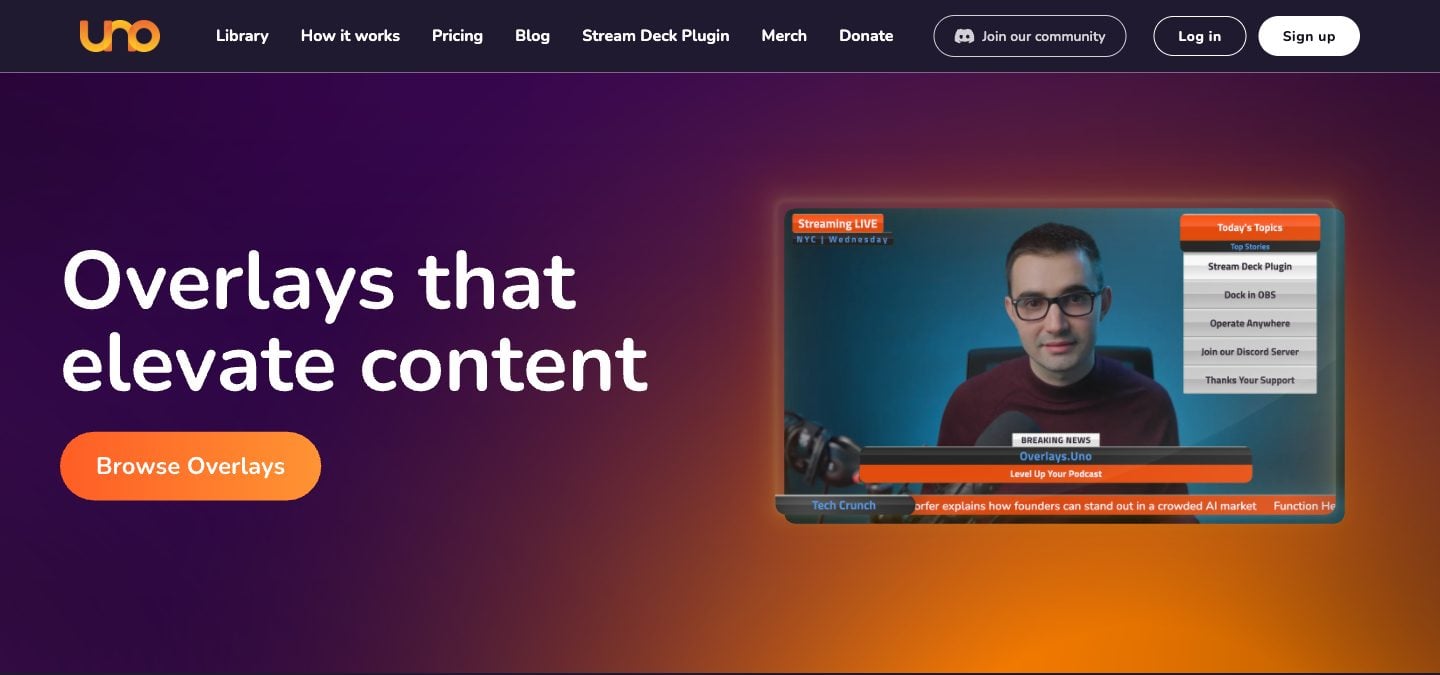
You're streaming a school basketball game on YouTube. The camera's set up, OBS is running, and you added an Uno overlay for the scorebug. It looks clean. Then halftime hits and you realize: there's no way to show the score on the gym TV for the fans in the building. Uno only works as a streaming overlay — it doesn't do in-venue display.
Or maybe the overlay for your sport doesn't track what you need, like a shot clock or bonus, or you want parents at home to follow the score without watching the stream. Either way, there are tools that give you more flexibility.
Where Uno Overlays Falls Short
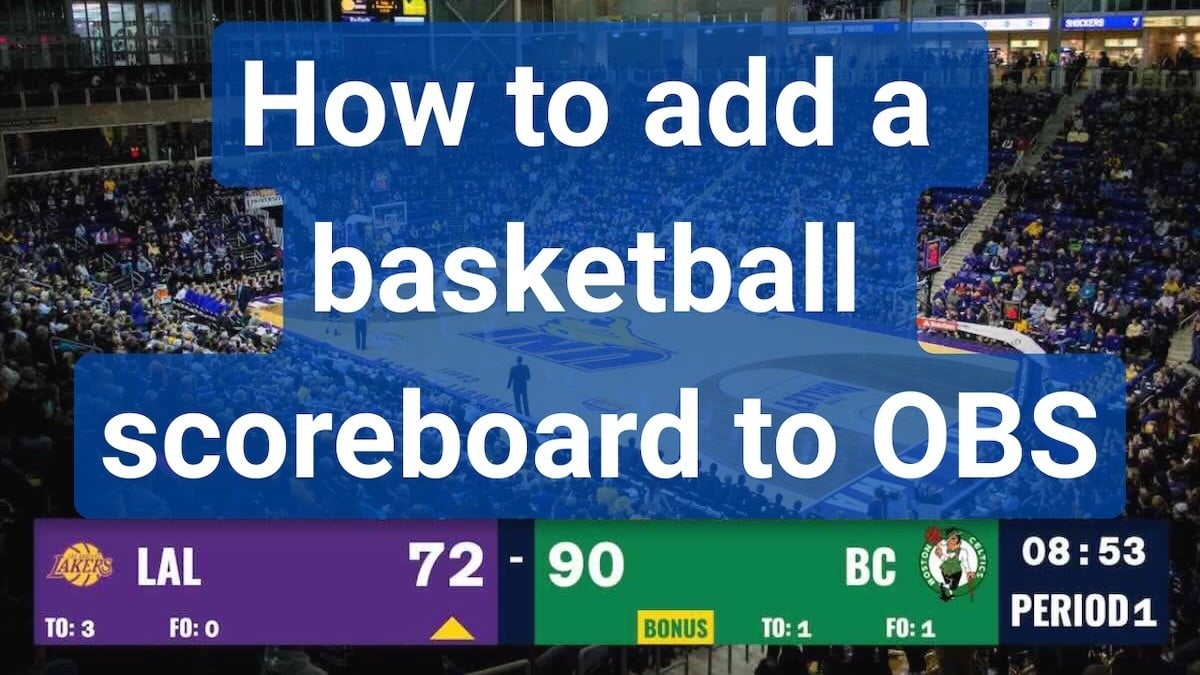
Uno (overlays.uno), run by Singular.live, is a popular free tool for adding scorebugs and tickers to live streams. It offers a library of pre-designed overlays, including scorebugs for soccer, basketball, hockey, volleyball, tennis, rugby and more, that you customize and paste into OBS as a browser source. We checked its plans on its website in October 2026.
The reality
- Streaming only: no fullscreen scoreboard mode for TVs or LED walls
- Sport rules vary by overlay: each scorebug decides which clocks, fouls or sets it tracks
- The free plan shows ads; Plus removes them for $2.99/month, or $1.99/month billed yearly
- Customization is limited to the pre-designed templates
- No shareable score link for fans who aren't watching the stream
When Uno Overlays makes sense
If you're streaming games, only need a scorebug, and don't need in-venue display, uno's free plan is hard to beat. The templates look professional, setup is fast, the control apps work on a phone, and there's a Stream Deck plugin. For streamers who just need a score on screen, it does the job.
Do You Need a Dedicated Overlay Tool, or a Scoreboard That Does Both?
Most sports streamers eventually hit the same wall: the overlay tool handles the stream, but they also need a scoreboard for the venue. That means running two separate systems — one for the stream overlay and one for the gym TV or LED wall.
What if one tool did both?
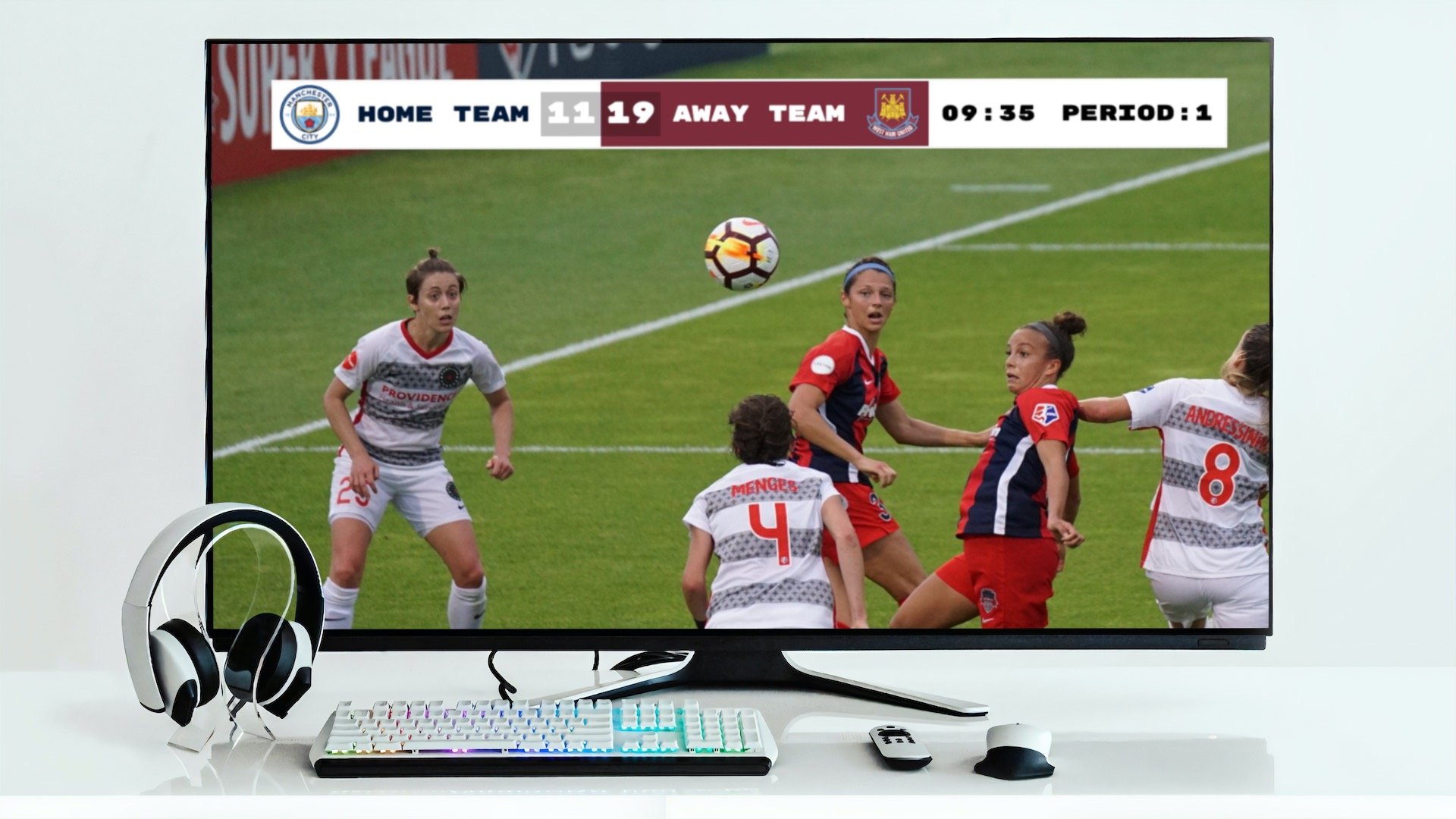
Modern web-based scoreboards work as OBS browser sources for streaming AND display fullscreen on TVs for in-venue use. Same score data, same controls, two outputs.
Sports Scoreboard Overlay Alternatives
OBS Custom Score Scenes (Free)
What it is: Building your own scoreboard graphics in OBS using text sources, image overlays, and manual scene switching.
Pros
- Completely free
- Total creative control over the look
- No external dependencies
Cons
- Time-consuming to build and maintain
- Manual score updates (click into OBS to change text)
- No game clock or shot clock automation
- Breaks easily if you accidentally move elements
Best for: Streamers with design skills who only need a simple score display and don't mind manual updates.
KeepTheScore (from $14/month)
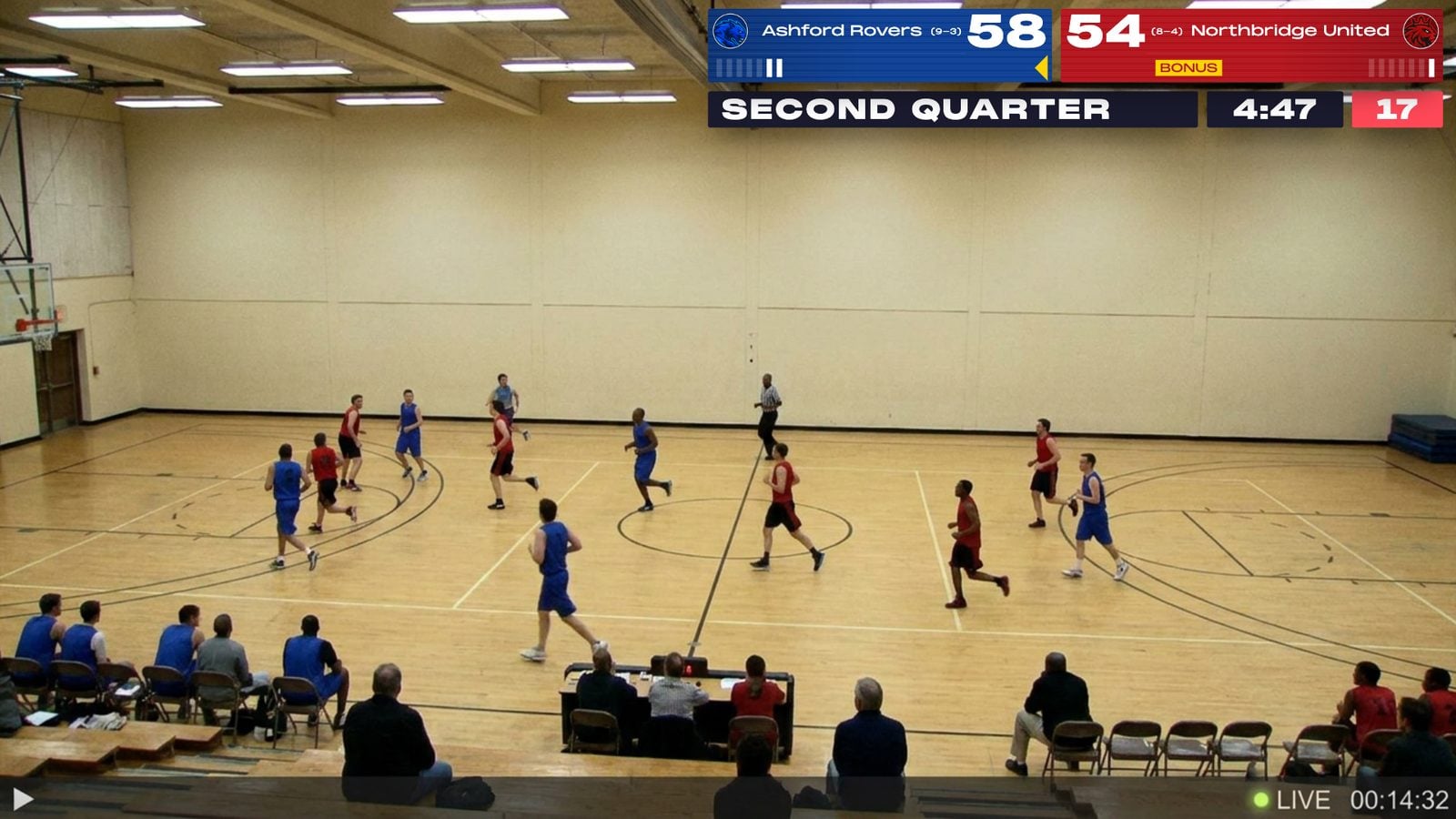
What it is: Web-based scoreboard software that works as both a streaming overlay (browser source in OBS) and a fullscreen in-venue scoreboard. Control everything from your phone.
How it works for streaming
- Create a scoreboard on KeepTheScore.com and pick your sport
- Copy the scoreboard URL and add it as a browser source in OBS
- Enable transparent background for a clean overlay
- Control scores from your phone — the OBS overlay updates in real-time
How it works for in-venue display
- Open the same scoreboard URL in a browser on a laptop connected to a TV
- Press F11 for fullscreen
- Both the stream overlay and the gym TV update simultaneously from the same phone controls
Sports supported
- Basketball (shot clock, game clock, periods, fouls)
- Football (quarters, downs, play clock)
- Soccer (match timer, halftime, cards)
- Volleyball (rally scoring, sets, timeouts)
- Baseball/Softball (innings, runs, hits, errors)
- Hockey (period timer, penalties)
- Tennis, Pickleball, Badminton
- Wrestling (match timer, period tracking)
Pros
- Works as OBS browser source AND fullscreen in-venue scoreboard
- Transparent background for clean stream overlays
- Control from phone while streaming
- Sport-specific features (shot clocks, game clocks, period tracking)
- All sports included in one subscription
- Stream Deck integration for physical button control
- Compatible with OBS, Streamlabs, vMix, and more
Cons
- Requires an internet connection (a phone hotspot is enough)
- Free version includes small branding
- Fewer overlay styles than a dedicated graphics library
Best for: schools and leagues that need the stream overlay and the in-venue scoreboard from one tool, with sport rules built in.
Scoreboard OCR (from $150/month, 30-day free demo)
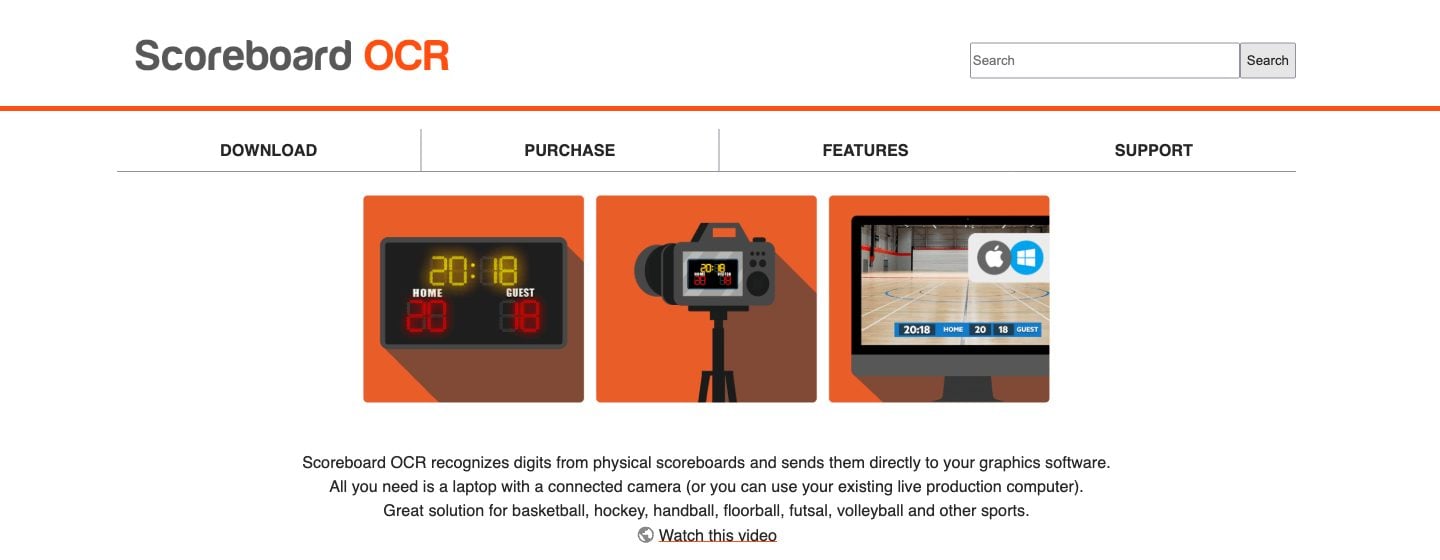
What it is: Windows and macOS software that reads the digits on an existing physical scoreboard through a camera and sends them to your graphics software, including uno, vMix and more than 30 other engines.
Pros
- Works with existing physical scoreboards
- No manual score entry needed
- Keeps stream in sync with the venue scoreboard
Cons
- Requires a camera pointed at the physical scoreboard
- OCR can misread scores in poor lighting
- Setup is complex (camera positioning, calibration)
- Doesn't help if you don't have a physical scoreboard
- Paid only: $390/year, $150 for a one-month event licence, or $780/year for an offline licence (plus a USB dongle)
Best for: Venues with existing physical scoreboards that want to add score overlays to streams without manual entry.
Singular.live (Free / $150/mo Pro / $350/mo Enterprise)
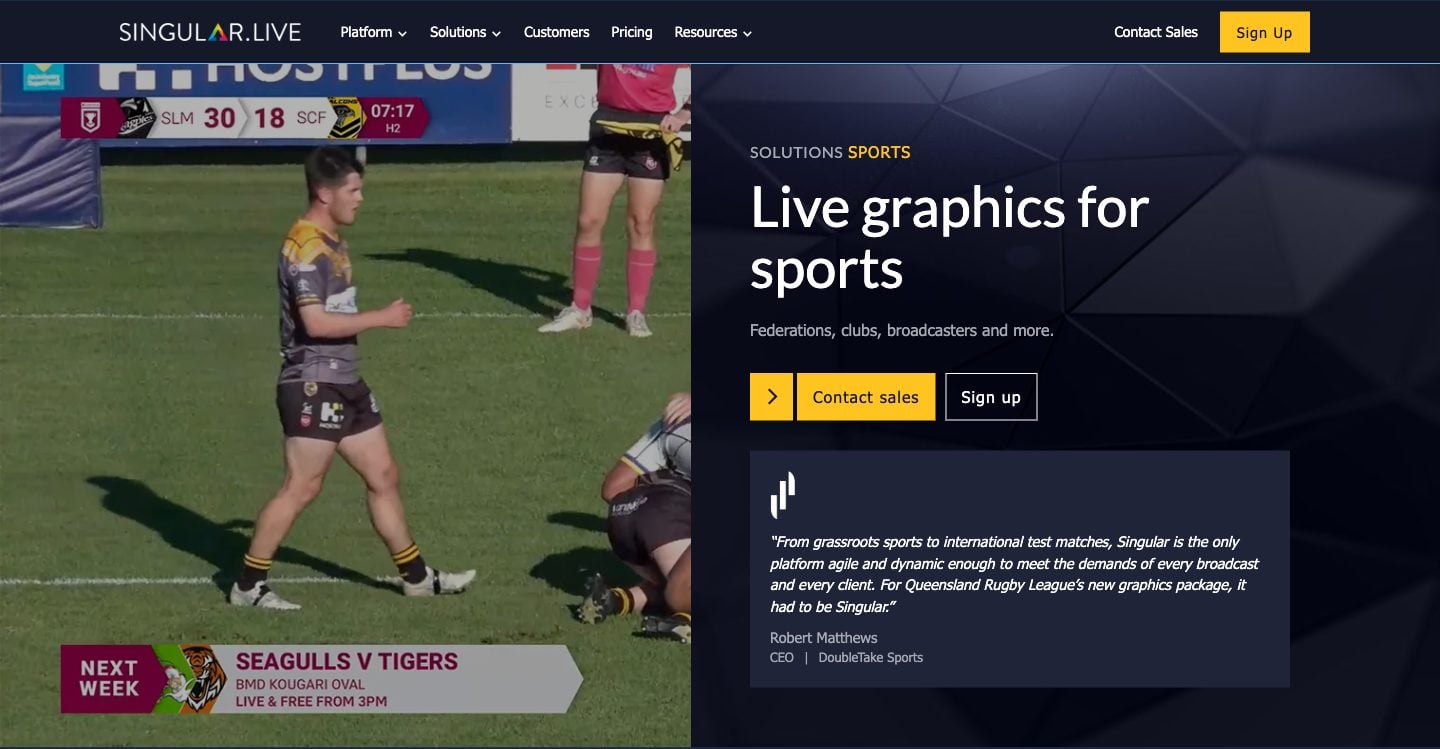
What it is: The broadcast graphics platform behind uno, offering professional graphics, custom templates, and API integrations for larger operations.
Pros
- Professional broadcast-quality graphics
- Custom template design tools
- API integrations for automated data feeds
- Multi-output support (extra outputs on Enterprise)
- Free plan, plus event passes from $250 for 3 days
Cons
- The free plan has one watermarked output; Pro is $150/month, Enterprise $350/month
- Designed for professional broadcasters
- Overkill for school or recreational sports
- Steep learning curve
Best for: Professional sports broadcasters and media organizations with dedicated production teams and budgets to match.
Comparison Table
| Solution | Price | Streaming Overlay | In-Venue Display | Mobile Control | Sport Features | Best for |
|---|---|---|---|---|---|---|
| Overlays.uno | Free (ads) / $2.99/mo | Yes | No | Yes | Varies by overlay | Free stream scorebugs |
| OBS Custom Scenes | Free | Yes (manual) | No | No | None | Streamers who design their own |
| KeepTheScore | From $14/mo | Yes | Yes | Yes | Shot clock, game clock, periods | Stream overlay plus venue scoreboard |
| Scoreboard OCR | From $150/month; $390/year | Yes | No (reads existing) | No | Depends on physical board | Venues with a physical scoreboard |
| Singular.live | Free (watermarked) / $150 Pro / $350 Enterprise | Yes | Yes | Yes | Custom | Broadcast teams with an API workflow |
Why KeepTheScore Works for Sports Streamers
The Setup for Streaming (4 Steps)
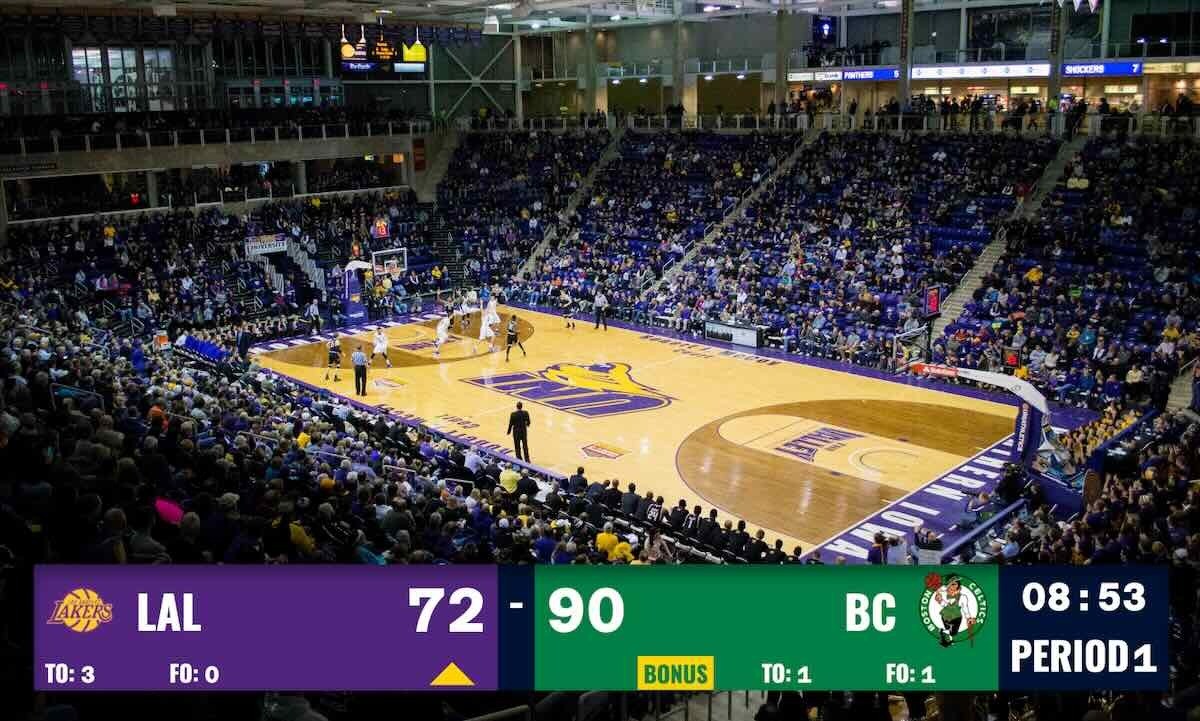
- Create a scoreboard — Pick your sport on KeepTheScore.com (30 seconds, no download required)
- Add to OBS — Copy the scoreboard URL, add as a browser source, enable transparent background
- Position the overlay — Resize and place the scorebug where you want it on screen
- Control from your phone — Open the control panel URL and update scores in real-time
Real Basketball Streaming Example
Before the game
- Create a basketball scoreboard with team names and logos
- Add the scoreboard URL as a browser source in OBS
- Set transparent background and position the scorebug
- Optional: connect a laptop to the gym TV for in-venue display using the same URL
During the game
- Scorekeeper updates from their phone at the scorer's table
- OBS overlay updates automatically on the live stream
- Gym TV updates simultaneously (if connected)
- Game clock and shot clock run in real-time
- Fans at home and fans in the gym see the same score
One Tool, Two Outputs: The Real Advantage
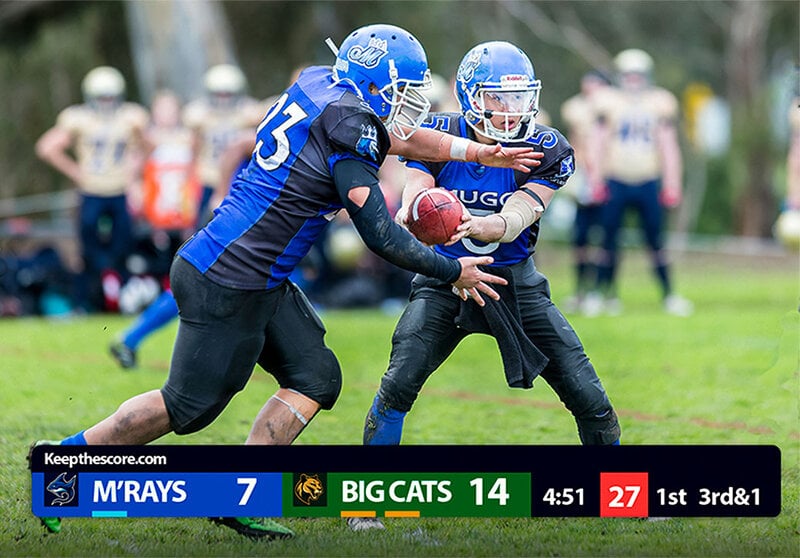
With Uno, you get a stream overlay. With KeepTheScore, you get a stream overlay AND an in-venue scoreboard from the same controls.
What this looks like in practice
- Scorekeeper controls from their phone (one interface)
- OBS picks up the overlay via browser source (stream output)
- Gym TV shows the fullscreen scoreboard via HDMI (venue output)
- Both update in real-time from the same phone controls
- No duplicate data entry, no sync issues
This matters for schools that stream games but also need a visible scoreboard for fans, players, and referees in the building.
The Bottom Line
Uno Overlays is a solid free tool for simple streaming scorebugs. If all you need is a basic score display on a live stream and you're happy with pre-designed templates, Uno's free tier is a great starting point.
But if you need sport-specific features like shot clocks and game clocks, want to control scores from your phone, or need a scoreboard that works for both streaming and in-venue display, a web-based scoreboard gives you more flexibility. KeepTheScore handles both outputs from a single control panel — one subscription, every sport, streaming overlay and gym TV scoreboard in one.
Try KeepTheScore Today
No installation. No ads. Works in OBS, Streamlabs, and vMix.
Set up your first streaming scoreboard in under a minute — then add it to OBS and see it live.
Common Questions
"Can I use KeepTheScore as a streaming overlay in OBS?"
Yes. Add the scoreboard URL as a browser source in OBS, Streamlabs, or vMix. It supports transparent backgrounds for clean scorebug overlays. Full streaming setup guide here.
"Does KeepTheScore work as an in-venue scoreboard too?"
Yes. Open the scoreboard URL in a browser, press F11 for fullscreen, and display it on any TV, projector, or LED wall via HDMI. One tool for both streaming and in-venue display.
"Can I control the scoreboard from my phone while streaming?"
Yes. Share the control panel URL with a scorekeeper who updates from their phone or tablet. The stream overlay updates automatically in real-time.
"What sports does KeepTheScore support for streaming overlays?"
Basketball, football, soccer, volleyball, baseball, hockey, tennis, pickleball, badminton, wrestling, and more — all included in one subscription.
"Does it work with Stream Deck?"
Yes. KeepTheScore offers an Elgato Stream Deck integration so you can control scores with physical buttons during a live broadcast.
"What if my internet drops during a stream?"
Once the scoreboard page loads in OBS, it continues working for basic score updates. For best reliability, use a wired connection or mobile hotspot as backup.

Written by Caspar von Wrede
Founder of KeepTheScore. Building tools that help teams track scores and celebrate wins.