Broadcast Scorebugs by Network: Fox, CBS, NBC & ESPN Compared (2026)
How every major US network designs its scorebug — Fox, CBS, NBC, ESPN, NFL Network — plus the latest redesigns and why fans love (and hate) them.
Article Contents
No graphic in sports gets more obsessive fan attention than the scorebug. Every network designs its own, every season brings a redesign someone hates, and the debates are relentless. Here's how Fox, CBS, NBC, ESPN, and the newer streaming broadcasters each handle the most important element on screen.
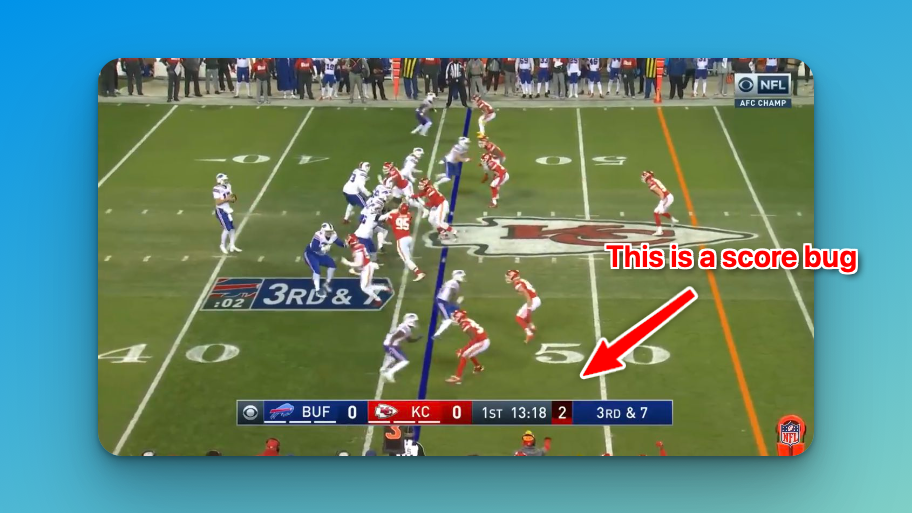
New to the term? See our guide to what a scorebug is and how to make your own — this post is about how the broadcasters do it.
The Fox scorebug ("Fox Box")
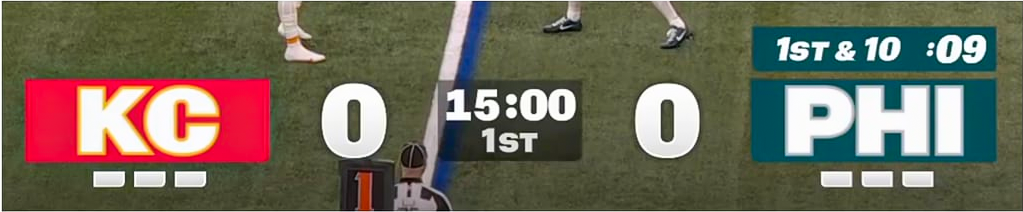
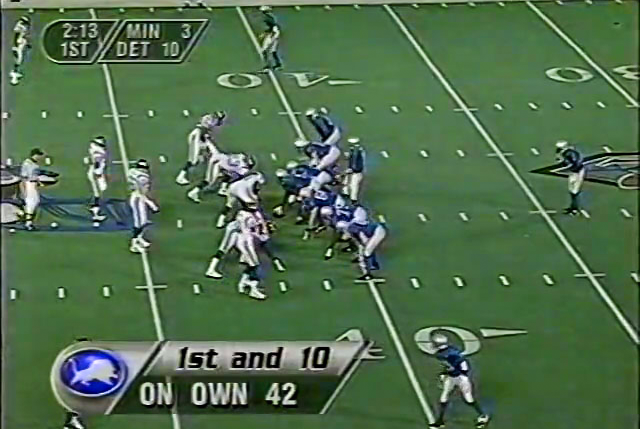
Fox is where the modern scorebug started. David Hill, who had added a persistent score graphic to a Premier League broadcast at Sky Sports in 1992 (his supervisor called it "the stupidest thing he had ever seen"), jumped to Fox and shipped the "Fox Box" for NFL coverage in 1994. Other US networks followed within a few years.
Fox's current design leans on transparency, and that's a polarizing choice. When the action lines up behind the scorebug, the scores can disappear into the play — the single most common complaint fans raise about it.
The CBS scorebug ("Eyebar")

CBS calls theirs the "Eyebar." It lives at the top of the screen and packs in down/distance, timeouts, and possession without feeling cramped. It's usually near the top of fan rankings — it's clean, and the solid background keeps it readable regardless of what's behind it on the field.
CBS rebuilt theirs for the 2025 season with a bigger score font and shoved fantasy stats off into a separate element — a direct response to the readability complaints aimed at transparent designs.
The NBC scorebug
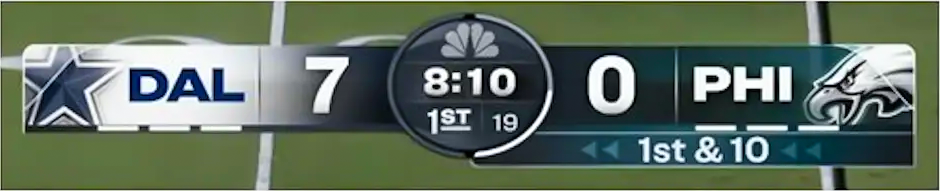
NBC's Sunday Night Football scorebug goes minimalist — fewer elements, more whitespace, leaning on the prestige feel of the primetime window. NBC also drives a lot of seasonal search interest whenever it reworks the look for its NFL and NBA coverage, and around the Super Bowl when it has the broadcast.
The ESPN scorebug

ESPN takes a different approach for nearly every property. Monday Night Football gets one design, college football games get another, and the network's various studio and streaming feeds vary again. That fragmentation is deliberate — each property gets a scorebug tuned to its audience rather than one house style across everything.
NFL Network, Netflix & streaming broadcasts
The streaming era added new players with their own scorebugs. Netflix's Christmas Day NFL games, Amazon Prime's Thursday Night Football, and Peacock's exclusive windows each ship a distinct look — and because they're new, every debut drives a wave of "what is that scorebug?" curiosity. NFL Network runs its own design across its in-house programming too.
The trend across all of them: cleaner type, more betting and fantasy data tucked into expandable elements, and a constant tug-of-war between "show more information" and "stay readable."
Latest redesigns & controversies
Networks re-skin their scorebugs almost every season, and each change kicks off a fresh round of fan rankings and arguments. The recurring flashpoints:
- Transparency vs. solid backgrounds — the core Fox-vs-CBS divide. Transparent bugs look sleek but vanish into bright or busy footage.
- Score font size — fans consistently want bigger, bolder scores; networks keep shrinking them to fit more data.
- Fantasy and betting clutter — odds, fantasy points, and win probability keep creeping in, and viewers keep pushing back.
- Leaks and reveals — new-season scorebug designs routinely leak before launch and get dissected frame by frame.
We update this section as networks ship new designs, so check back at the start of each season.
Scorebug elements by sport
What a scorebug shows depends heavily on the sport. The richer the game state, the more the bug has to carry.
Football scorebugs

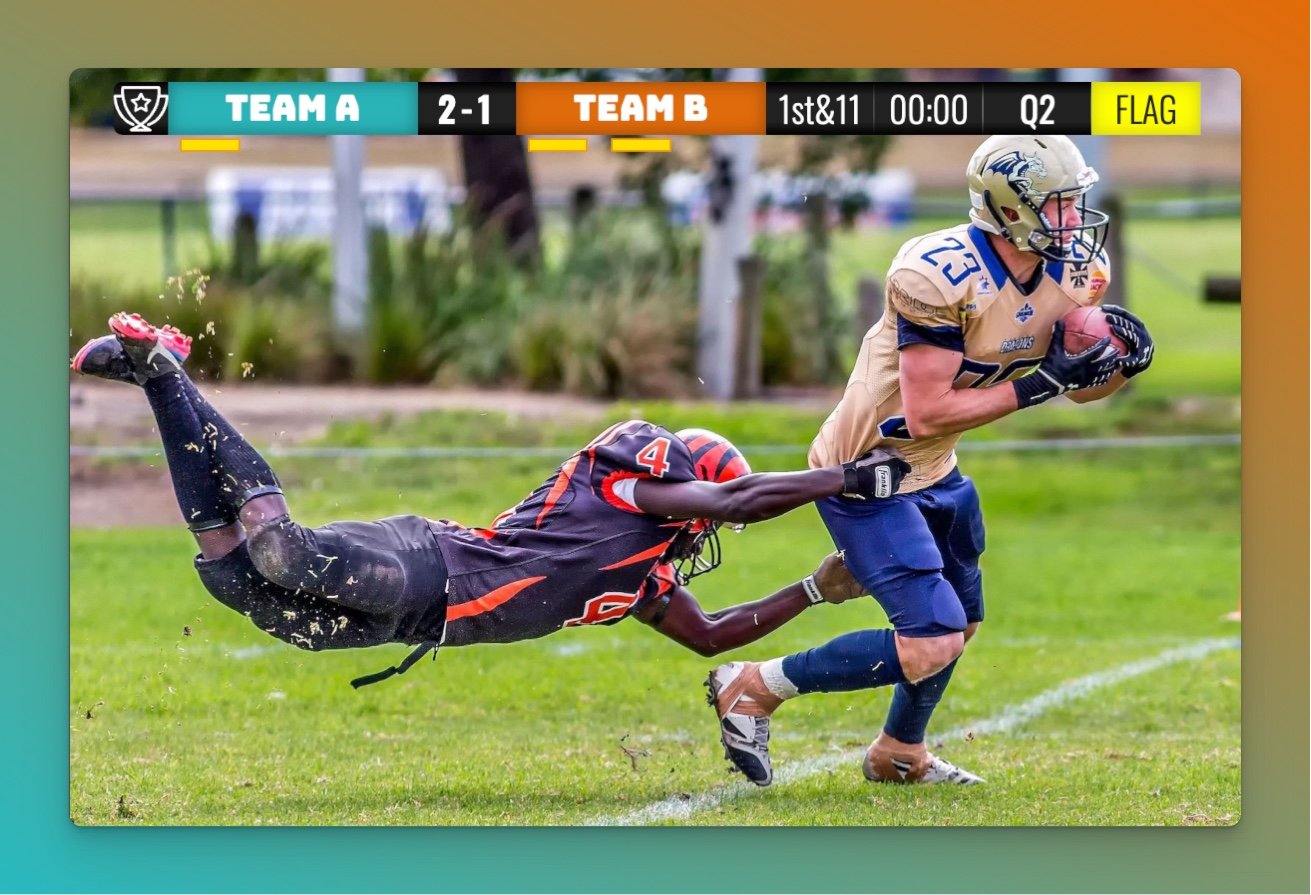
Football scorebugs carry the most data of any sport: down and distance (1st & 10, 3rd & 7), a possession indicator, timeouts remaining for each team, a play clock on some broadcasts, and a red-zone indicator when teams are inside the 20.
Basketball scorebugs

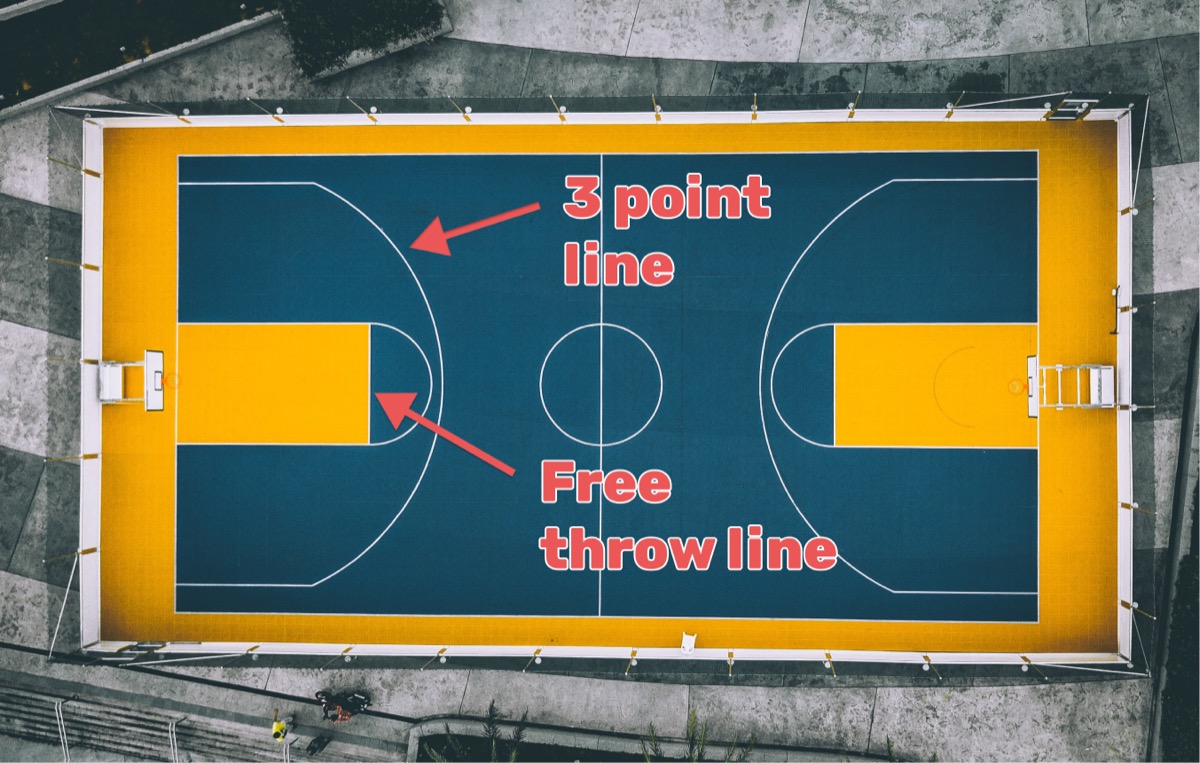
Shot clock (separate from the game clock), team fouls, bonus indicators, and a possession arrow. See our full basketball scoring guide.
Baseball scorebugs

Current inning, outs (usually dots), base runners (a diamond graphic), pitch count, and balls and strikes. See our baseball scoring guide.
Other sports
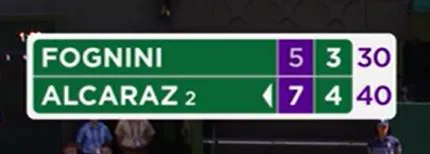
- Tennis: sets won, games in the current set, serve indicator, tiebreak scores
- Volleyball: set scores, points in the current set, serve indicator
- Hockey: period, power-play indicators, shots on goal on some broadcasts
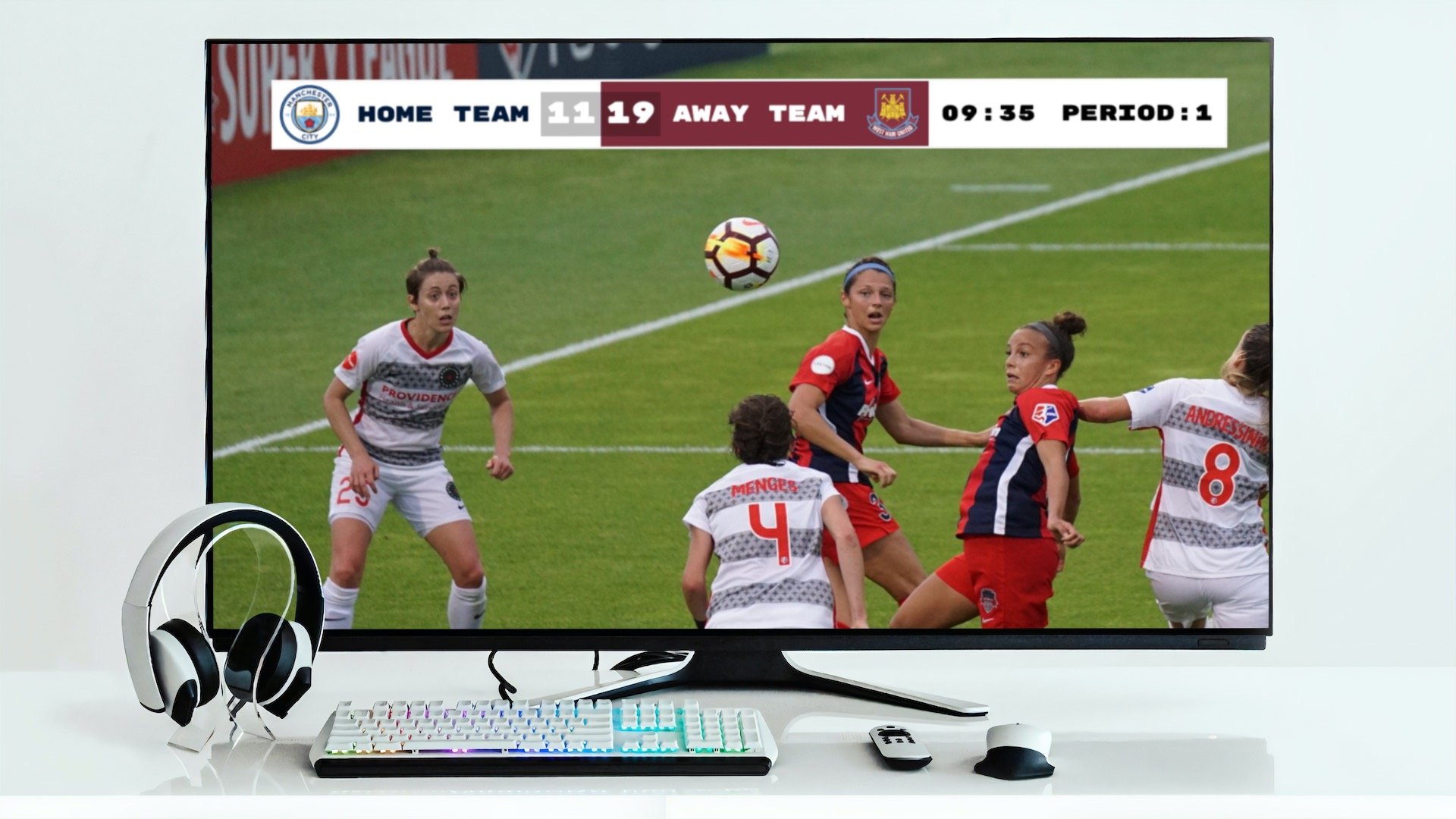
- Soccer: match time, added time, aggregate scores in tournament play
Want to make your own?
You don't need a network's budget — or its graphics department — to put a clean scorebug on your own stream. A web-based scoreboard works as an OBS browser source, updates live from your phone, and makes a youth soccer game or a local pickleball tournament read like a real broadcast.

Written by Caspar von Wrede
Founder of KeepTheScore. Building tools that help teams track scores and celebrate wins.