Gym timer: HIIT and intervals on the big screen
Put a gym timer on the wall TV: HIIT blocks, station rotations, and AMRAP clocks synced across every screen, controlled from the coach's phone.
Article Contents
Class of twenty, four stations, music loud enough to feel. The coach's job during the workout is coaching — fixing a kettlebell swing, spotting the box jumps — but in most gyms the coach spends half the class as a human stopwatch, yelling "SWITCH!" over the playlist.
Put the clock on the wall instead. The screen does the yelling; the coach coaches.
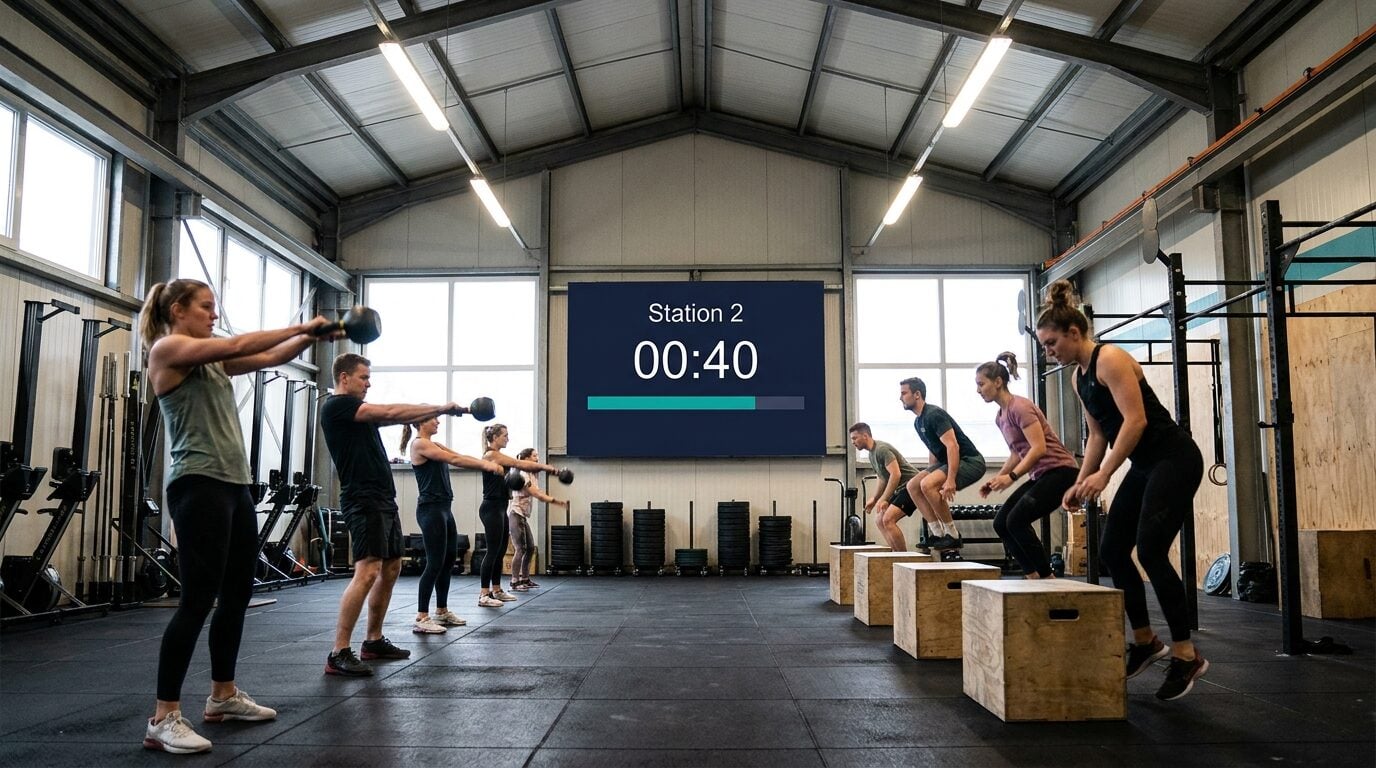 Station 2, forty seconds left. Nobody's watching the coach's stopwatch.
Any TV becomes the gym clock
KeepTheScore's gym timer is a countdown that lives at a link. Open the link in the wall TV's browser, hit full-screen, and you've got a class-readable clock — big digits, a progress bar, custom colors that match the room, and a buzzer at zero. No app on the TV, no HDMI laptop sacrifice, no $400 LED interval clock.
The difference from every free timer site: the same link, on any number of screens, shows the same clock at the same instant. The TV at the rig, the tablet by the rowers, and the coach's phone are one synced timer. Start the block from anywhere on the floor; pause it when the bar needs loading; the buzzer fires everywhere at once. Outdoor block in the parking lot? The phone in your pocket shows the identical countdown the indoor TV does.
It's also why a browser timer survives a gym environment: the countdown is anchored to a server-side end time, so a TV that lags, sleeps, or drops Wi-Fi for a moment snaps back to the correct number instead of drifting.
Programming the common formats
The honest caveat first: the timer runs one countdown at a time — there's no automatic work/rest auto-cycling yet (a dedicated interval mode is on the roadmap). For coach-led classes this is a small tax: the coach restarts the clock between blocks from their phone, which they were doing anyway the day the wall clock was a stopwatch. Here's how the staples map:
- Station rotations — set the work interval (0:40), title it "Station 2", buzzer at zero, restart as the class moves. The 10 seconds of transition is your reset window.
- Tabata-style blocks — 0:20 on the screen, restart for the 0:10 rest, eight times. Workable, but this is the format where a dedicated auto-cycling timer is genuinely less effort if you run Tabata daily.
- AMRAP — one countdown for the whole cap (12:00). The screen does exactly what it should: count down while athletes count rounds. End message: "TIME — log your score."
- For-time workouts — flip to count-up mode and the wall shows the running clock athletes finish against.
- EMOM — set 1:00 and restart on the buzzer, or put the full EMOM duration up and let athletes work to the minute marks. Neither is perfect; pick the one that matches how much you cue.
- Class countdown — title a countdown "Next class 18:00" and set the minutes left, which turns the idle TV into front-desk signage between sessions.
The training logic behind the screen is well established — work/rest interval training delivers outsized conditioning returns for the time spent (the HIIT literature is unusually consistent on this) — but only if the intervals are honest. A visible clock keeps the rest minute from quietly becoming ninety seconds.
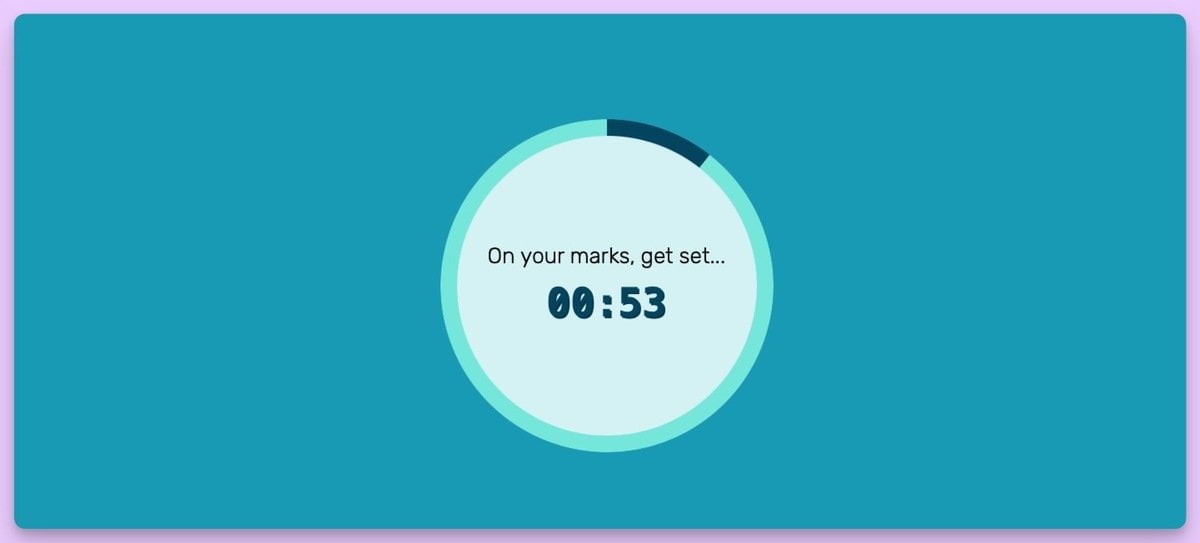 Title, countdown, progress bar. The same link runs the TV, the tablet, and your phone.
Details coaches end up caring about
The end message is doing more work than expected — "SWITCH", "REST", "LAST ROUND" in your own words beats a generic beep. Nine display formats mean a 40-second interval shows as 0:40, not 00:00:40. And the buzzer plays from every device with sound on, so the music PC can carry the bell even if the TV is muted.
Durations run from seconds to 100 hours, which nobody needs in a gym, but it does mean the same timer covers the 12-hour charity row.
The clock is half the screen
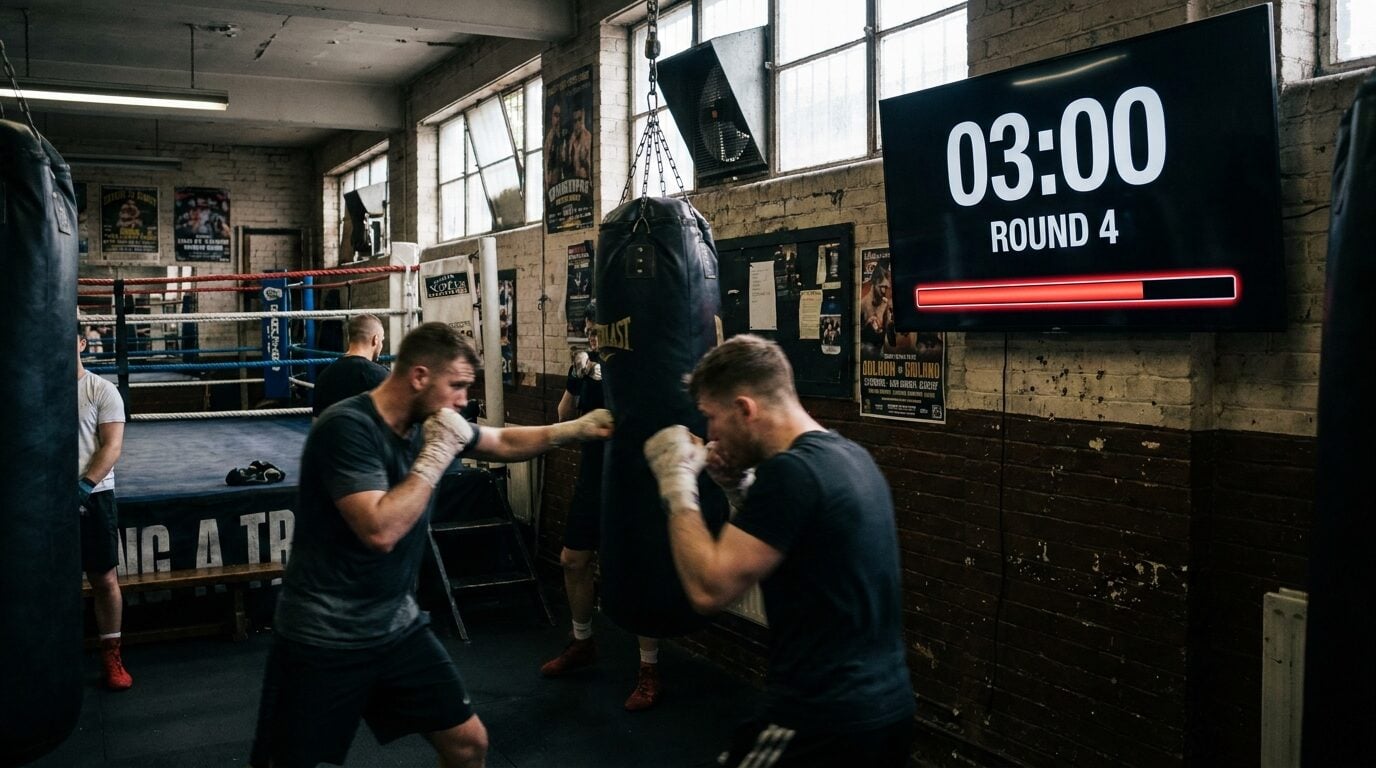
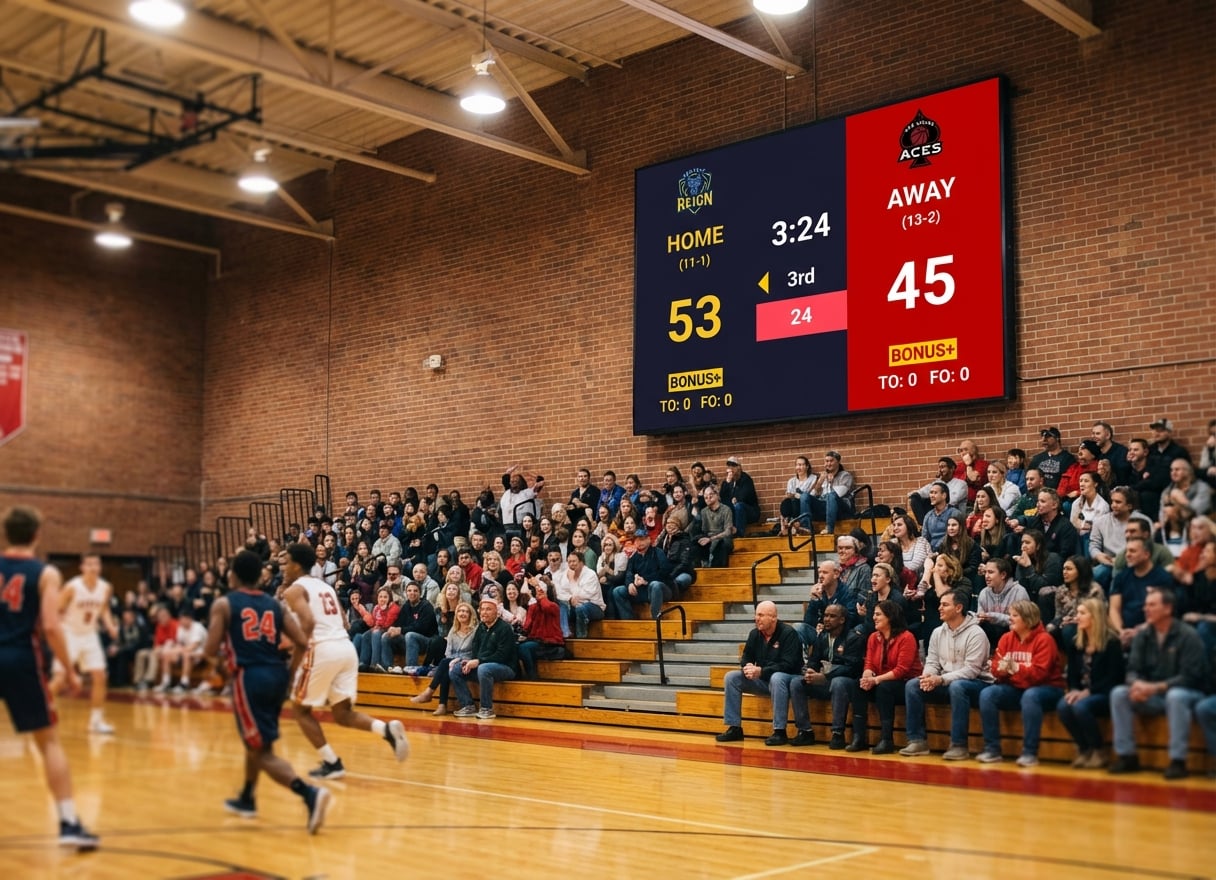
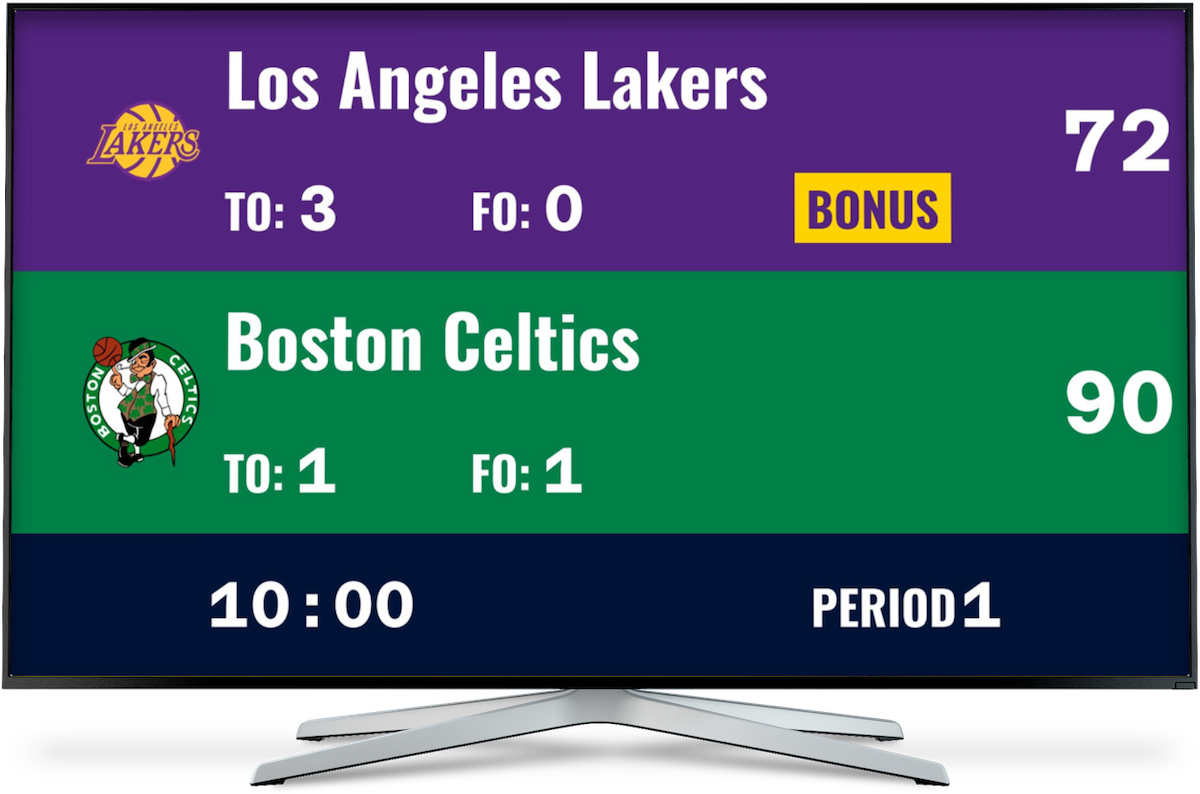
The other half is the scoreboard. Gyms that put the clock on the TV usually end up putting scores next: WOD results, a monthly gym leaderboard, without LED-display prices, or a full scoreboard on the gym TV. Boxing and combat gyms have their own round-clock patterns — covered in the boxing round timer guide.
The timer is free: the coach needs an account to create and control it, and every screen in the gym just opens the link.

Written by Caspar von Wrede
Founder of KeepTheScore. Building tools that help teams track scores and celebrate wins.