Boxing timer: round countdowns on the gym screen
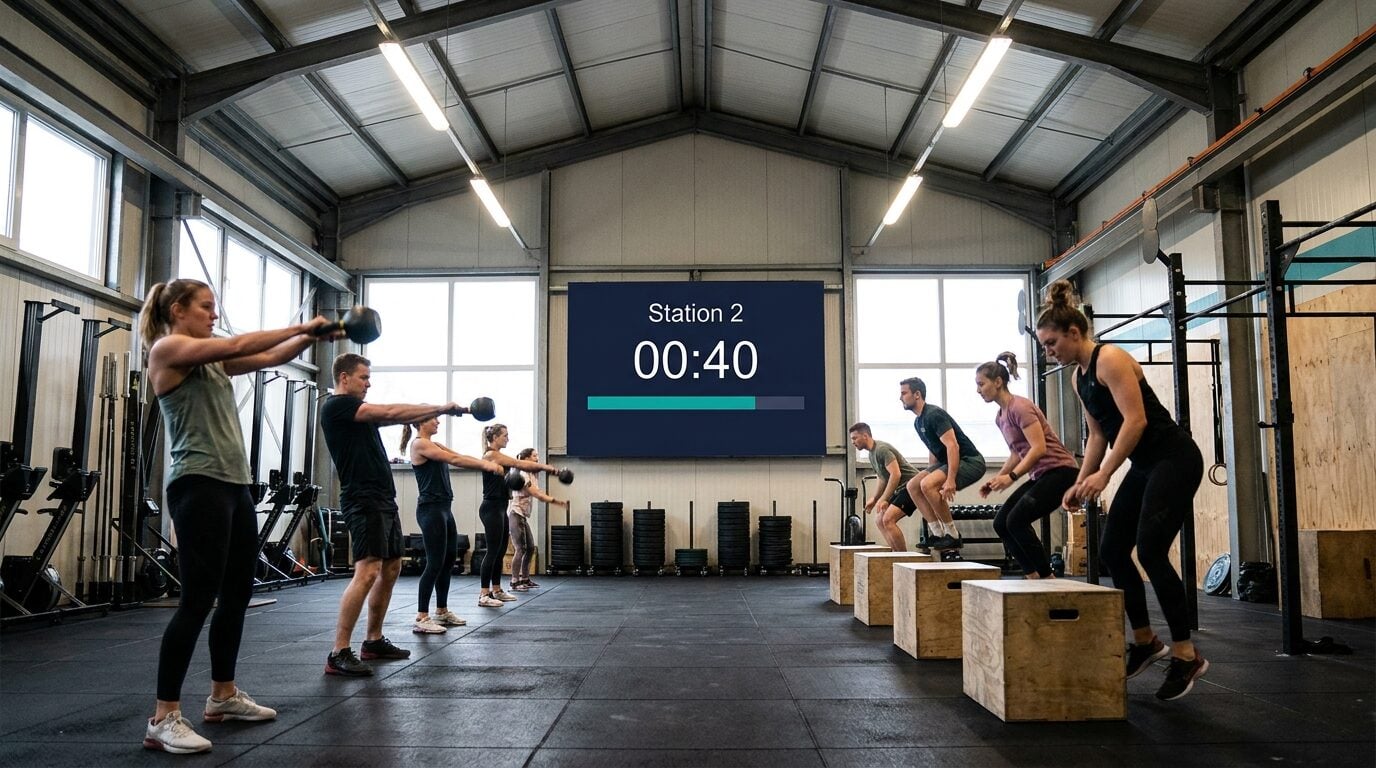
Run rounds and rest on a boxing timer the whole gym can see — a wall-TV countdown with a buzzer for the bell, controlled from the coach's phone.
Article Contents
A boxing gym runs on the bell. Three minutes on, one minute off, everyone moves together — bag work, pads, sparring, conditioning, all to the same clock. When the clock is a coach glancing at a stopwatch, rounds drift. When it's a dedicated gym timer bolted to the wall, it costs real money and does exactly one thing.
There's a third option: the TV you already have on the wall, showing a countdown everyone can read from across the gym, with the bell controlled from the coach's phone.
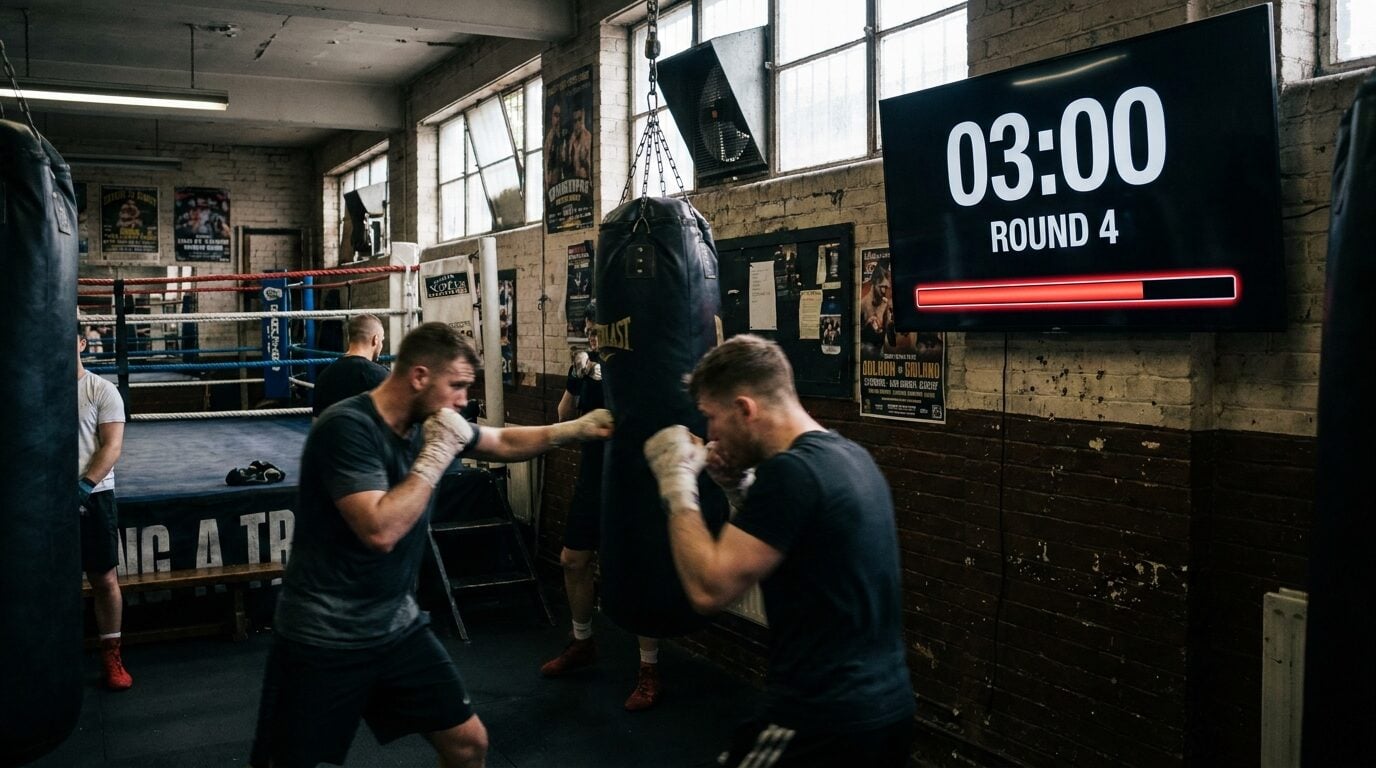 Round 4 on the wall. Nobody asks "how long left in the round?"
The wall TV becomes the round clock
KeepTheScore's online timer runs in any browser, so any screen that can open a web page becomes the gym clock — the wall TV, a tablet zip-tied to the ring post, a phone propped on the apron. Set the duration, hit full-screen, done.
The part a dedicated wall timer can't do: every screen showing the link stays in sync, live, to the second. The coach carries the controls in their pocket. Start the round from the middle of the floor, pause it when something needs fixing, restart it without walking to the wall. With a second screen at the far end by the bags, both displays show the identical clock — server-synced, not "roughly the same".
At zero you get a buzzer, which is your bell, plus an end message in your own words: "REST", "SWITCH PARTNERS", "WATER". Go white digits on black and they're readable from the parking lot. There are four text sizes, custom colors and fonts, and nine display formats, so 3:00 looks like a fight clock and not a spreadsheet.
One gotcha: browsers often refuse to play sound on a page nobody has clicked. On the wall TV, click the page once before class, and check the bell is audible from the far corner. Do this the first time, not at the start of round one.
Running rounds with it (the honest version)
There's no automatic round and rest cycling yet. The timer runs one countdown at a time, and a work/rest interval mode is on the roadmap. In a coached session that matters less than you'd think, because the coach is calling the changes anyway. Two ways to run it:
- One timer, retriggered. Set 3:00. Buzzer sounds, you call "rest", tap restart at the end of the minute. Your phone is the bell rope.
- Two timers, two tabs. A "ROUND — 3:00" timer and a "REST — 1:00" timer, each a bookmarked link. Swap between them on the TV browser; each starts from your phone.
If you need an unattended timer that cycles 12 rounds with nobody at the controls, say an empty-gym circuit on a loop, use a dedicated interval app. It does that better today. The synced timer wins whenever a coach is present, a class moves together, or the clock has to show on several screens.
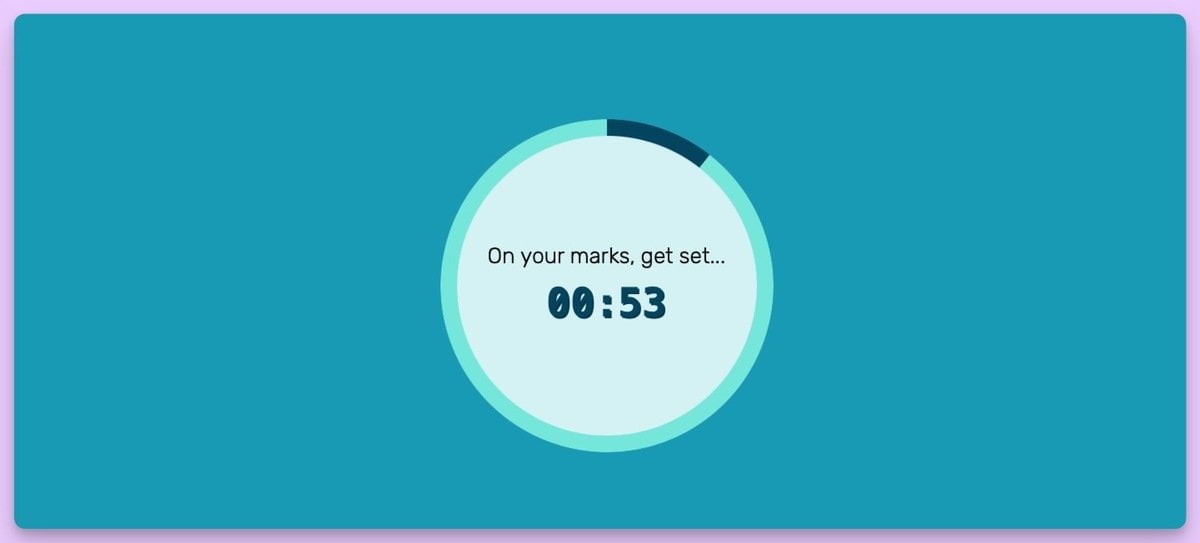 One link. The wall TV, the ring-post tablet, and the coach's phone all show this — at the same second.
Round formats worth programming
- Pro format — 3:00 work / 1:00 rest, the standard for professional boxing and most adult classes.
- Amateur format — 3×3:00 is standard for elite bouts, with shorter rounds common in junior and novice divisions. Check your federation's rulebook before fight camp.
- Beginner classes — 2:00 / 1:00 keeps technique from collapsing in round three.
- Sparring — shorter rest (0:30) to simulate championship pace, with the clock visible ringside so corners can work to it.
- Conditioning tests — flip to count-up mode and time the 3-round shadowboxing benchmark or a max-effort row.
MMA gyms: same tool, 5:00 rounds. Muay Thai: 3:00 with 2:00 rest. The timer doesn't care — it's just a duration and a buzzer.
Beyond the bell
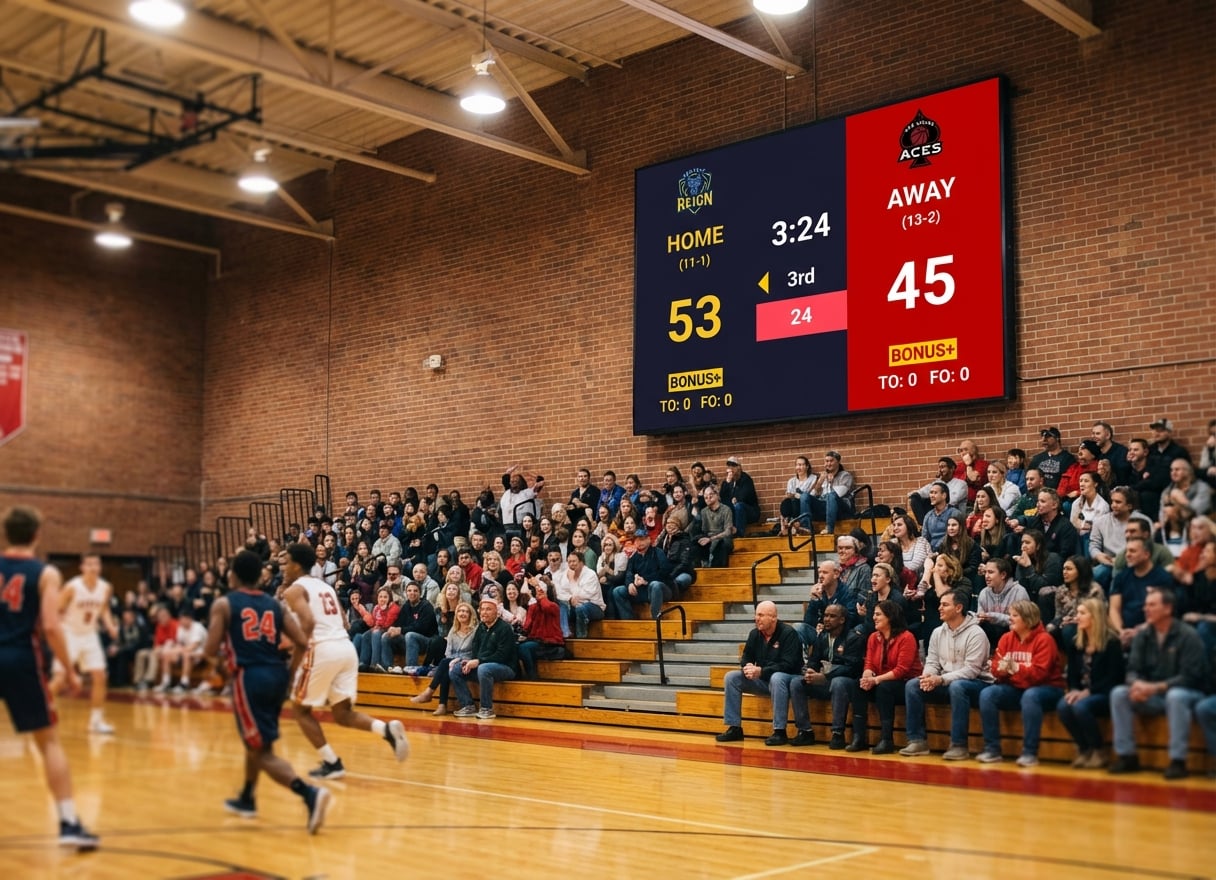
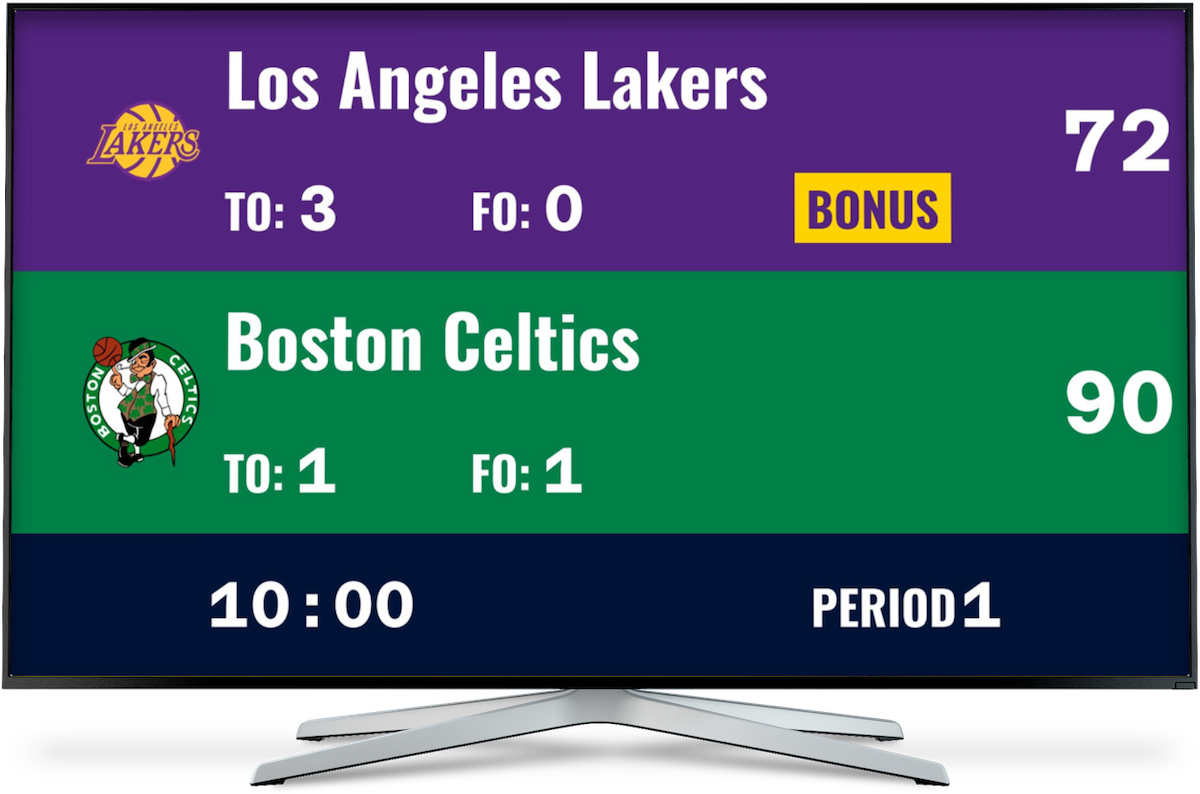
The same screen that runs your rounds can run your gym's competitive layer — fight-night scoring, conditioning leaderboards, a gym scoreboard setup that doesn't cost LED-board money. And if your gym runs circuit or HIIT classes between boxing sessions, the gym interval timer guide covers station rotations on the same wall TV.
The timer is free. The coach needs an account to create and control it, and every other screen just opens the link.

Written by Caspar von Wrede
Founder of KeepTheScore. Building tools that help teams track scores and celebrate wins.