Online game clock for any sport, on any screen
Run a game clock on any screen — period countdowns paused from the bench, shot-clock drills, and venue displays synced to the second from one link.
Article Contents
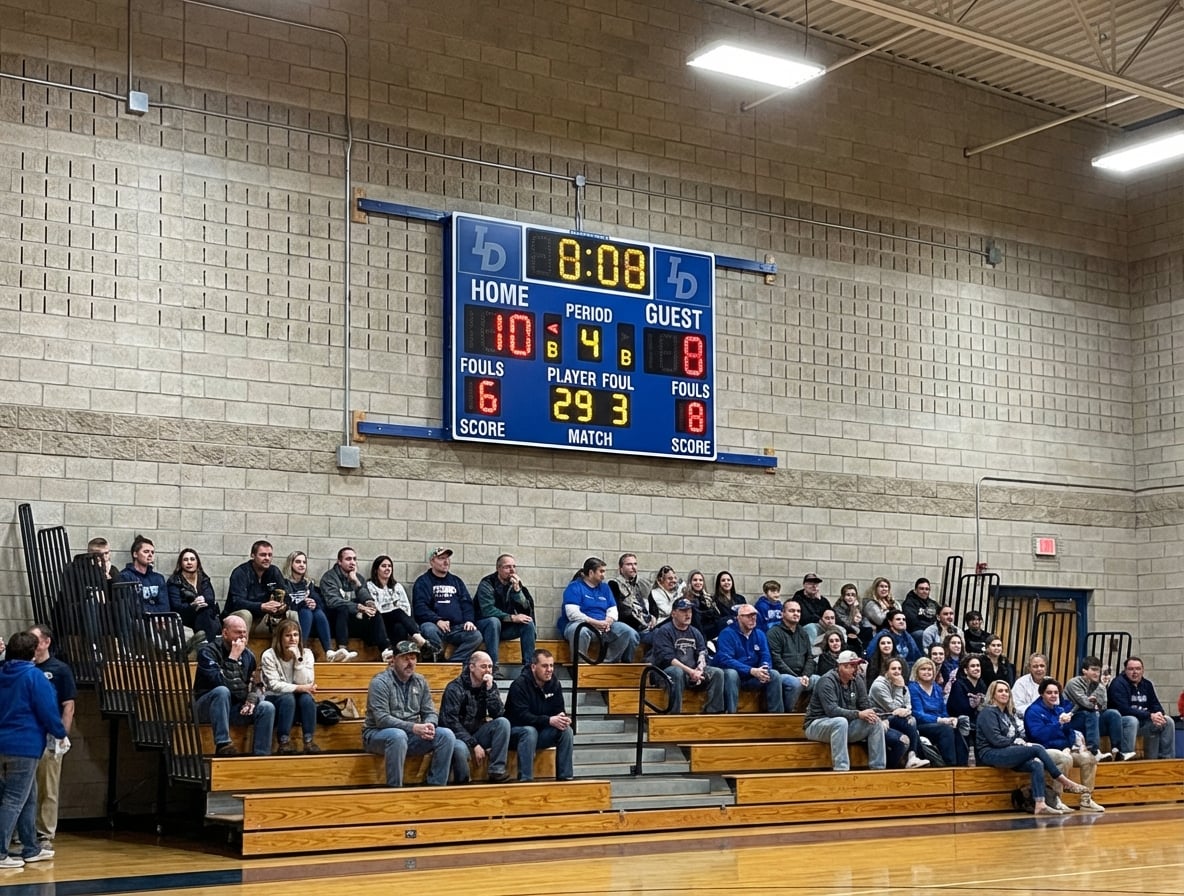
Rec-league basketball, no scoreboard in the hall, and the period ends when the ref's watch says so. Nobody else can see the watch. The trailing team wants two more minutes, the leading team is sure time expired a while ago, and the argument takes longer than the time in dispute.
A game clock settles arguments by existing where everyone can see it. The arena version costs thousands. The version below costs nothing and runs on the TV, tablet, or projector the venue already has.
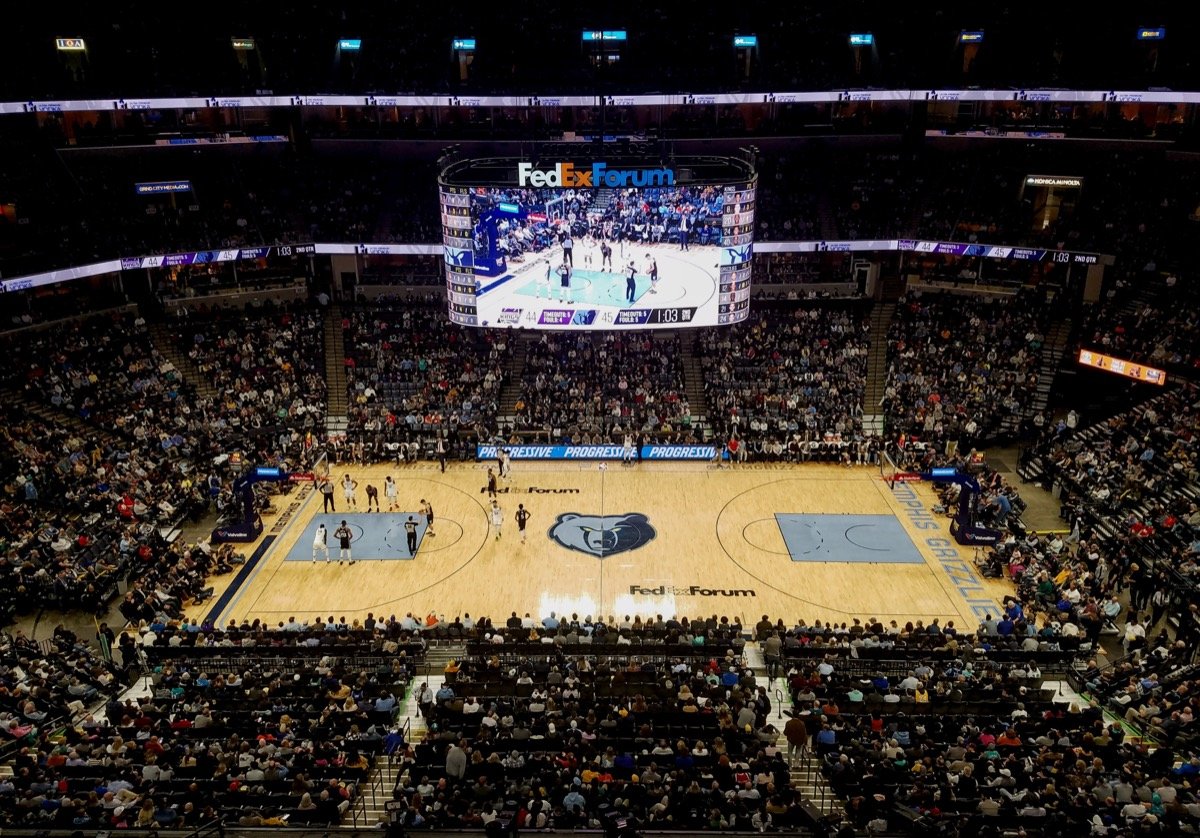
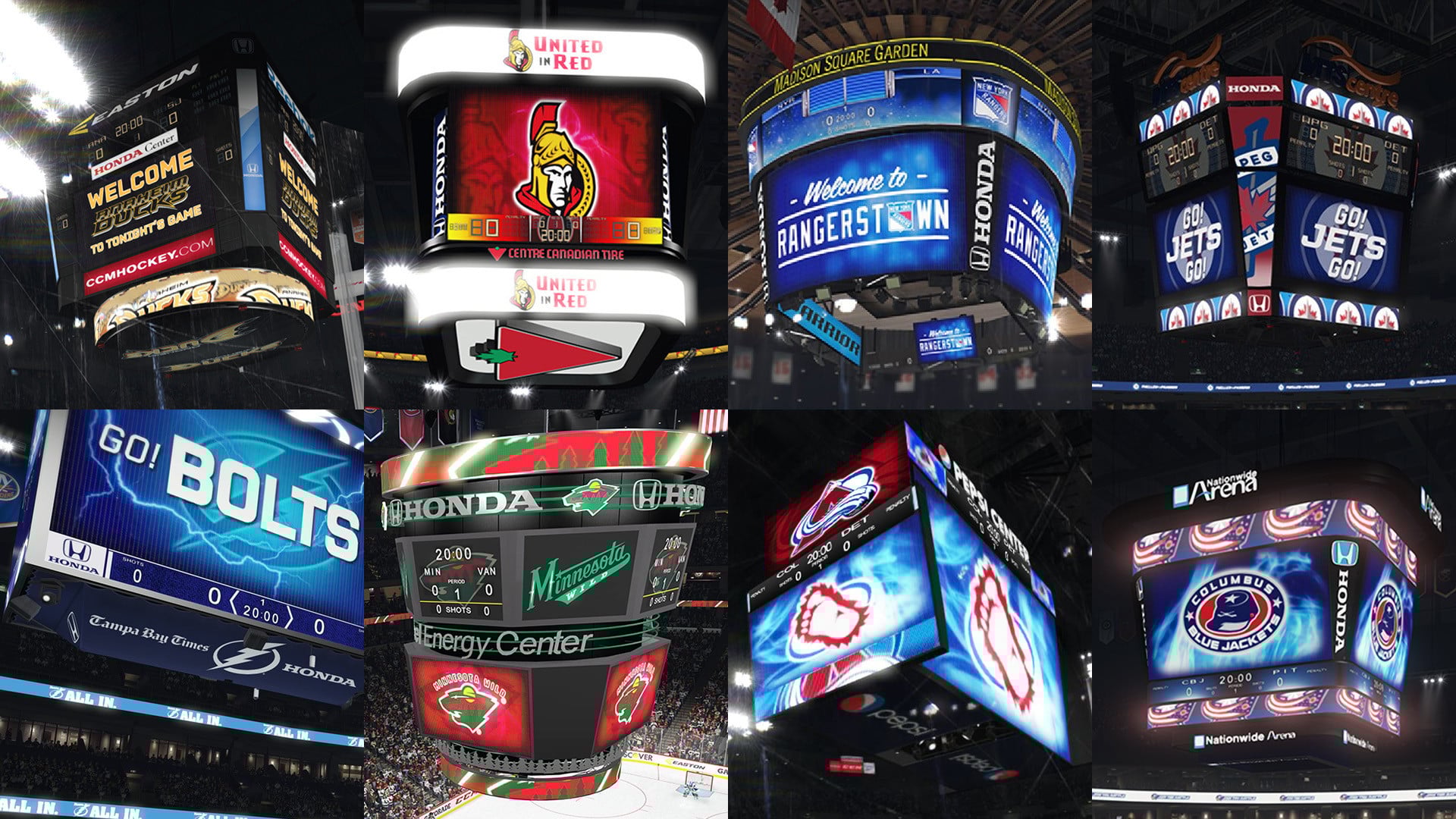
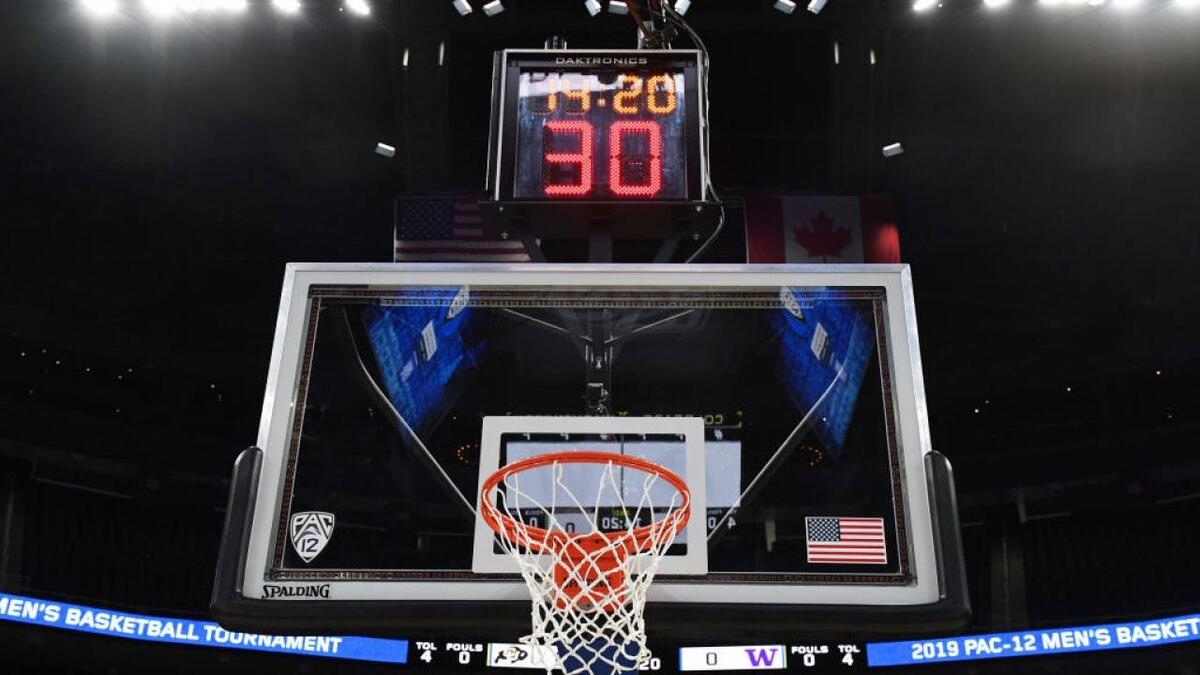 The pros mount it above the backboard. You can open a link.
A game clock at a URL
KeepTheScore's online game clock is a timer that runs at a shareable link. Set the period length, open the link full-screen on the sideline TV, and the hall has a clock — big digits readable from the far bleachers, custom colors, a buzzer at zero.
What makes it work as a game clock rather than a kitchen timer is the sync: every screen showing the link displays the same clock, live, to the second. The table official carries the controls on a phone — start at the jump, pause on the whistle, restart on the inbound — and the wall display follows instantly. Hang a second screen at the other end of the hall, or let the benches open the link on their own phones: one clock, everywhere, no wiring. The clock is anchored server-side, so a display that sleeps or drops Wi-Fi comes back showing the right time instead of drifting.
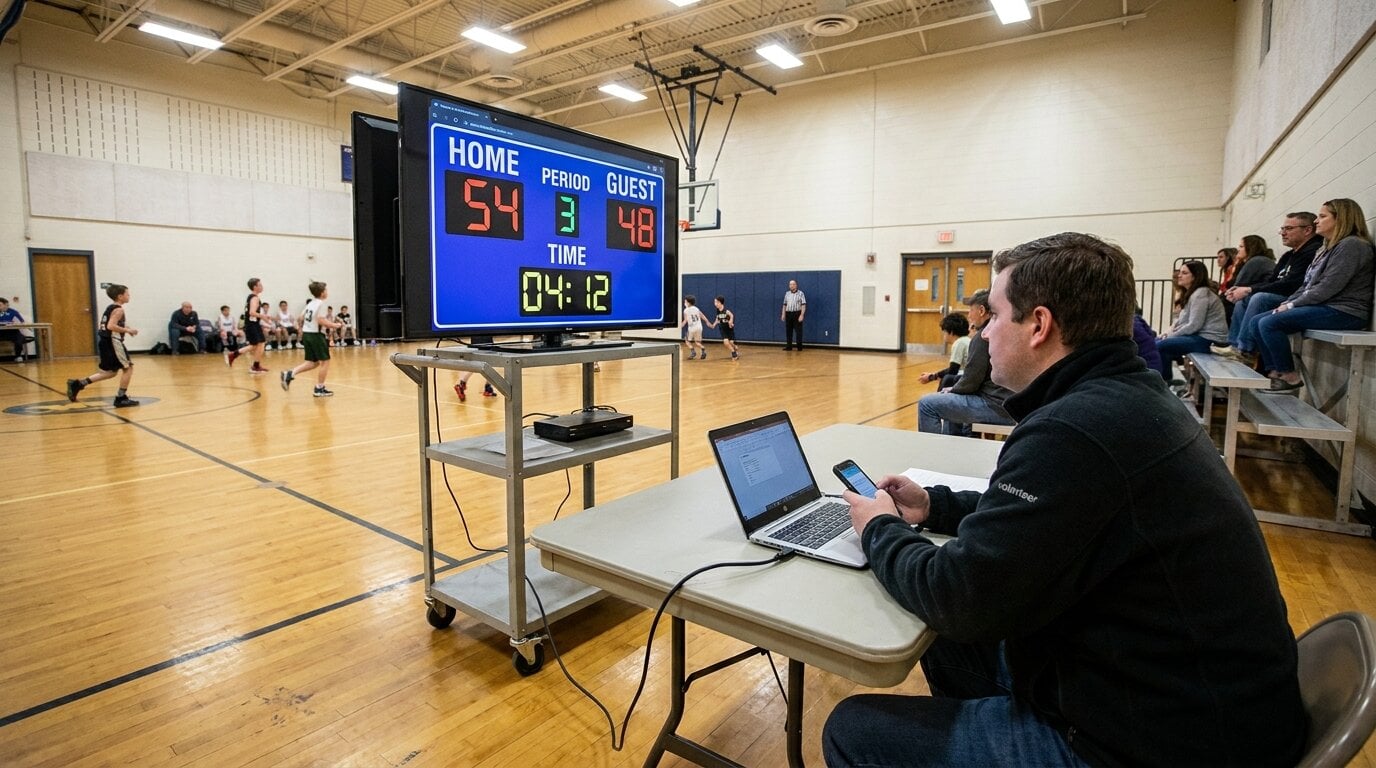 A TV on a cart and a volunteer with a phone — the whole timing crew.
Period patterns by sport
- Basketball — 10:00 quarters under FIBA rules, 12:00 in the NBA, 8:00 in most youth leagues. Stop-clock discipline (pause on every whistle) is what separates a real game clock from a wall clock; with the controls on a phone, the table official actually does it.
- Hockey and futsal — 20:00 stop-time periods. Same pattern: pause on the whistle, buzzer at zero.
- Soccer — runs up, not down. Flip the timer to count-up mode for the running 45:00 half, and the ref keeps stoppage in their head, exactly like the big leagues.
- Handball, lacrosse, floorball — countdown periods with a horn; set the duration and go.
- Combat sports — rounds rather than periods; that workflow has its own guide in the boxing round timer post.
The end message is your horn text — "END OF 3RD" beats a bare 0:00 — and nine display formats keep a 10-minute period reading as 10:00, not 0:10:00.0.
Shot clocks: where to be honest
The 24-second clock changed basketball precisely because it's unforgiving — and running one officially means hardware: synced horns, rim lights, reset buttons at the table. If you're running sanctioned league play with shot-clock rules, that's dedicated scoreboard-controller territory.
Where a browser shot clock shines is everything below that bar: practice drills (24s on a tablet at each basket, reset from the coach's phone), 3x3-style pickup with a 12-second informal count, or teaching youth players what playing against a visible clock feels like before they meet the real one.
When you want the full scoreboard instead
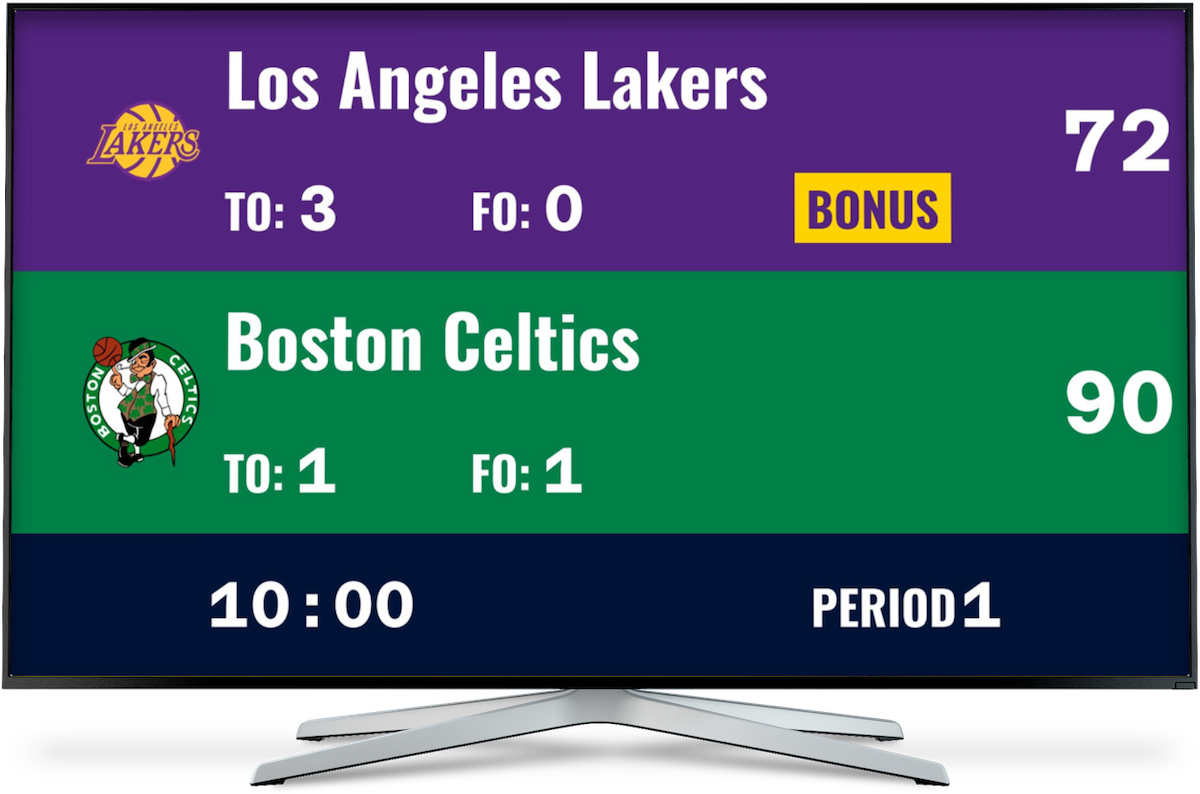
A game clock alone suits sports nights, training matches, and venues that just need time on a screen. The moment you also want score, period, and team names on that screen, use the dedicated boards instead — the basketball scoreboard and hockey scoreboard have the game clock built in, next to the score, controlled from the same phone. The TV-display setup guide covers getting either onto the venue screen.
Both routes are free; you need an account to create and control the clock, and every other screen — benches, spectators, the second display — just opens the link.

Written by Caspar von Wrede
Founder of KeepTheScore. Building tools that help teams track scores and celebrate wins.