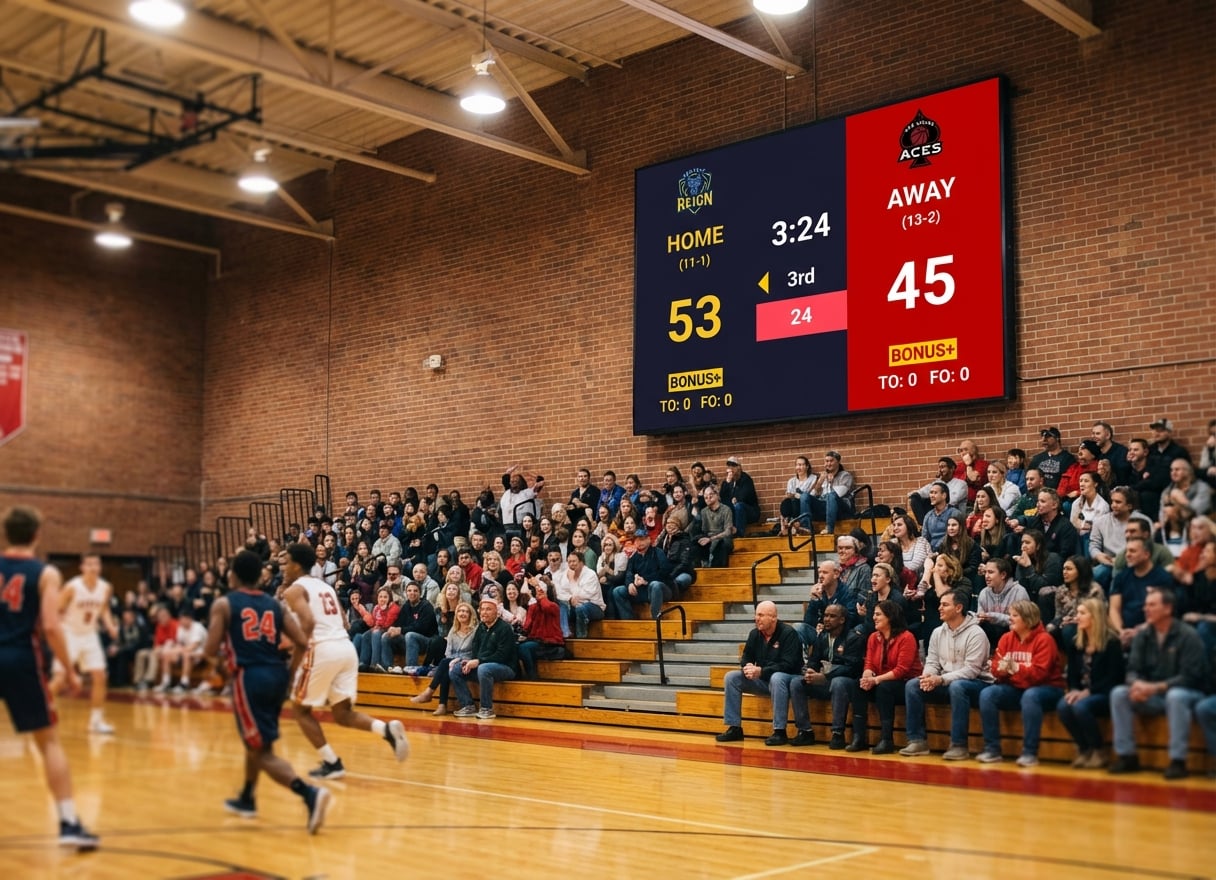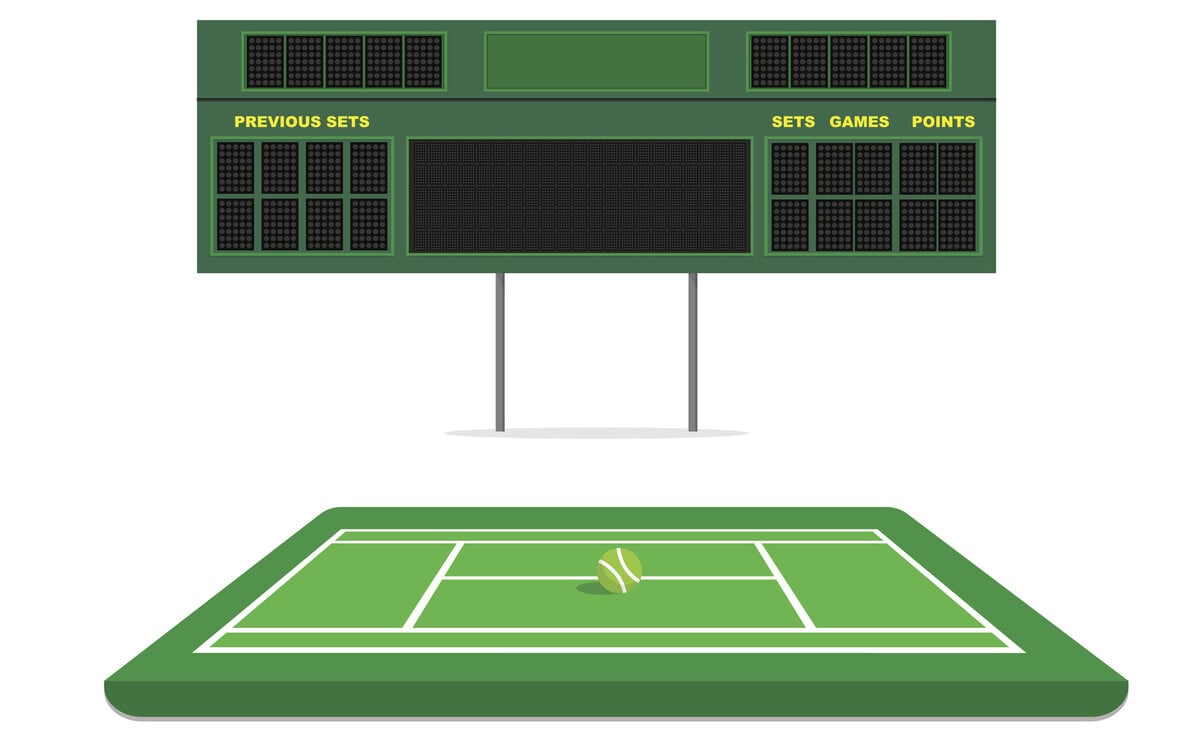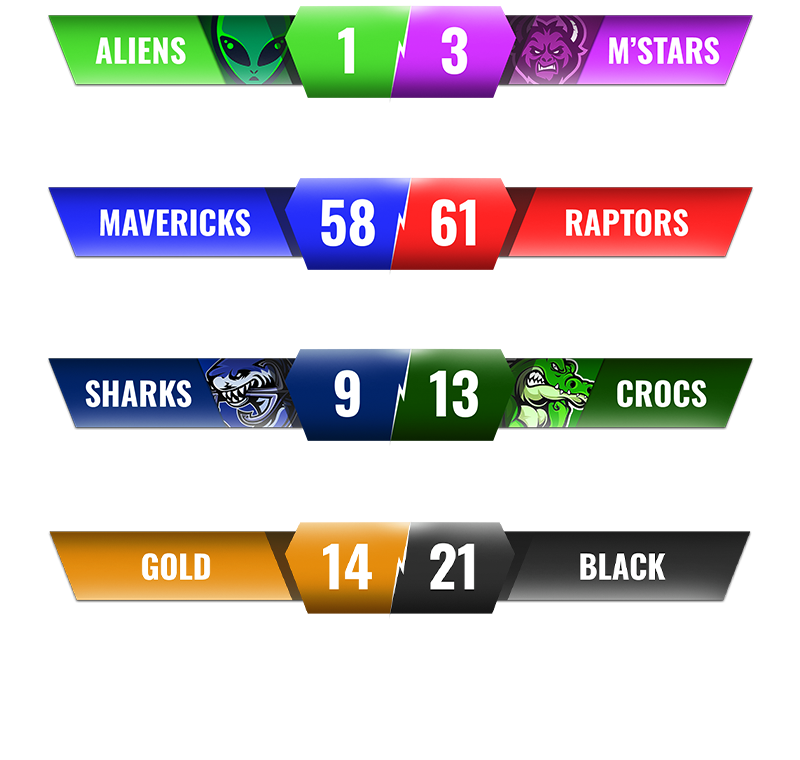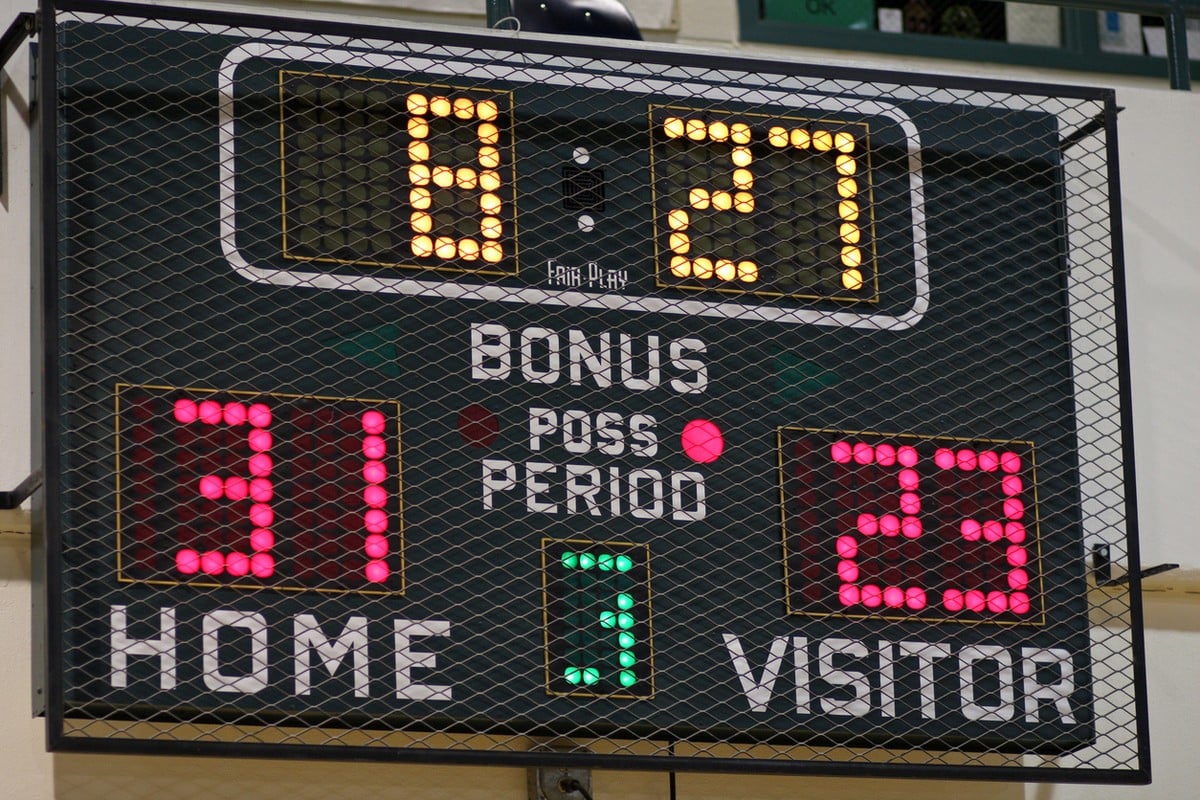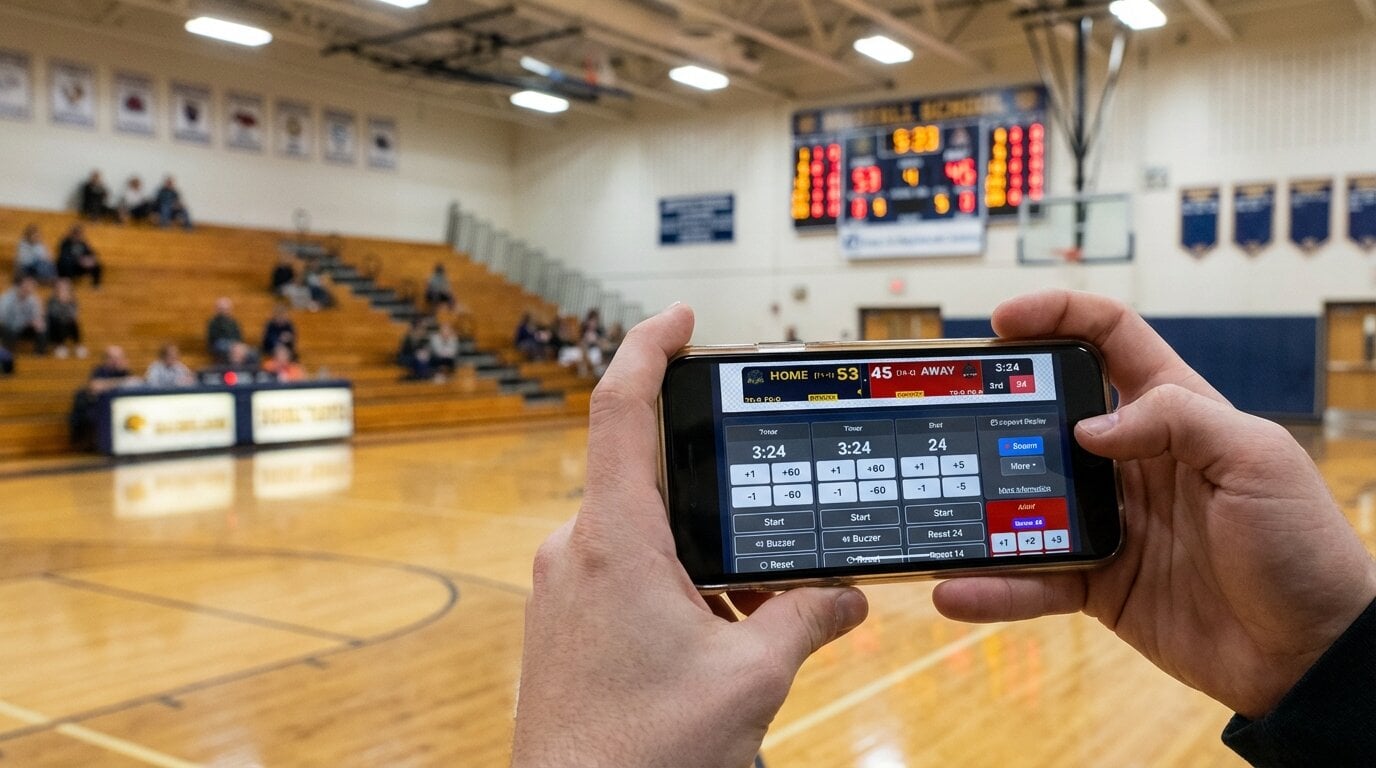
You're running a basketball league at the local rec center. The old whiteboard is embarrassing, the parents keep asking "what's the score?", and you just want something that looks professional without spending thousands on hardware.
That's the situation most people are in when they search for scoreboard software. The good news: you have real options now. The bad news: the market is a mess of overpriced legacy systems, half-baked free tools, and streaming overlays pretending to be scoreboards.
This guide cuts through it. Here's what actually matters when choosing online scoreboard software in 2026, and which options are worth your time.
Quick Answer: Which Scoreboard Software Should You Pick?
If you need a recommendation right now:
- For most schools, clubs, and leagues: KeepTheScore — browser-based, works on any display, phone control, 15+ sports
- For streamers who only need an overlay: OBS with browser sources — free, fully customizable, but manual
- For Windows-only setups with no internet: PC Scoreboards — one-time purchase, offline, but limited
- For schools already using Renewed Vision: ProScoreboard — Mac-only, integrates with ProPresenter
Read on if you want to understand why.
What Buyers Should Check Before Choosing
Not all scoreboard software solves the same problem. Before comparing features, figure out which of these matters most to your setup:
1. Where Will the Scoreboard Display?
- Gym TV or LED wall? You need fullscreen display via HDMI
- Live stream overlay? You need OBS/Streamlabs browser source support
- Both? You need a tool that does dual output
2. Who Will Operate It?
- A tech-savvy volunteer? OBS setups are fine
- A rotating cast of parents? You need something anyone can figure out in 30 seconds
- A dedicated scorer? Desktop software works
3. What Sports Do You Cover?
- Single sport? Most tools handle basketball or volleyball
- Multi-sport program? You need a tool that covers your full season without buying separate licenses
4. What's Your Budget Reality?
- $0: OBS with custom overlays (if you have the skills)
- $14-$26/month: Browser-based tools like KeepTheScore
- $100-$200 one-time: Desktop software like PC Scoreboards
- $15,000+: Enterprise systems like ScoreVision or Daktronics (contact sales for pricing)
Best Online Scoreboard Software Options
KeepTheScore
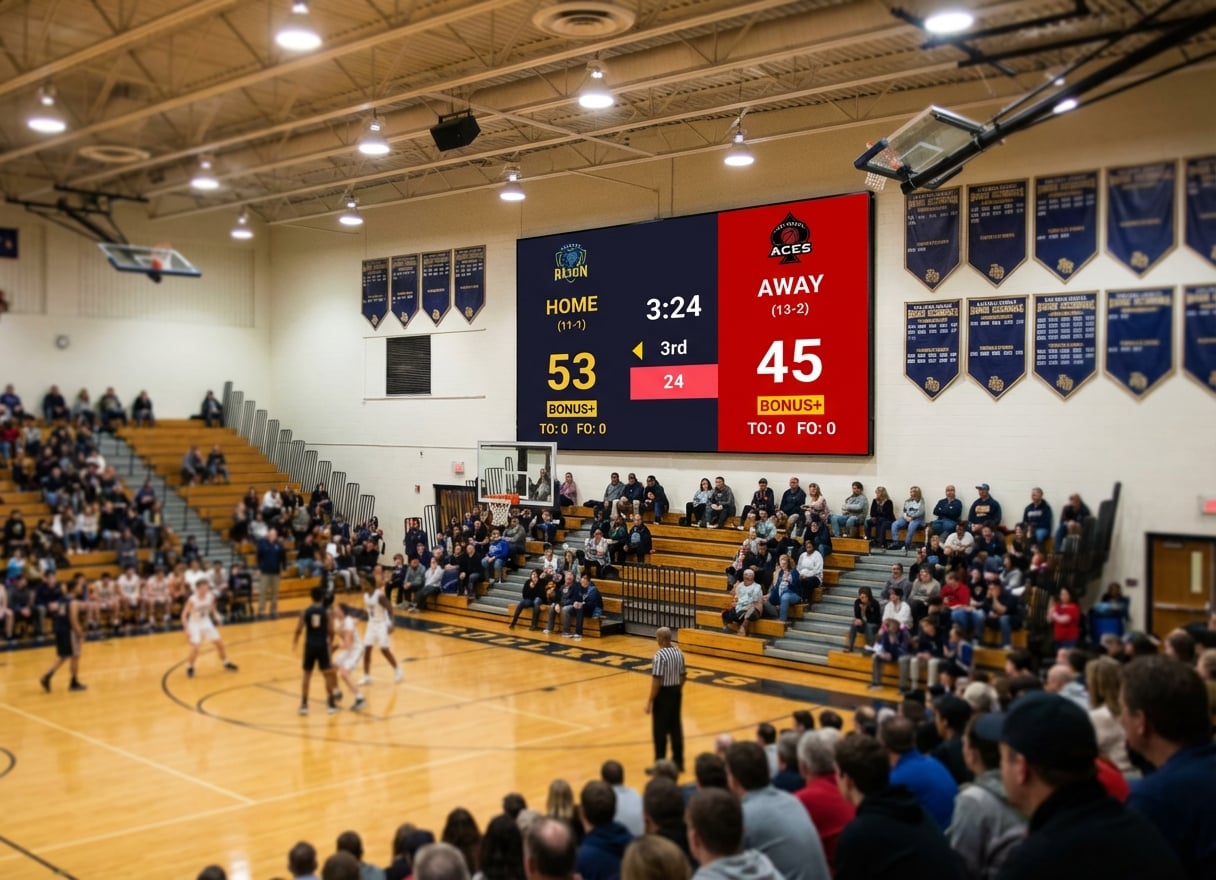
What it is: Browser-based scoreboard software that runs on any device. Control from your phone while the scoreboard displays fullscreen on a TV, projector, or LED wall.
Best for: Schools, youth leagues, community clubs, and streamers who need multi-sport coverage with zero installation.
Sports covered: Basketball, volleyball, soccer/football, baseball/softball, hockey, tennis, pickleball, badminton, wrestling, table tennis, and more.
Key strengths:
- Works on any device with a browser — Windows, Mac, iPad, Chromebook, phone
- Phone/tablet control panel while scoreboard runs fullscreen on another screen
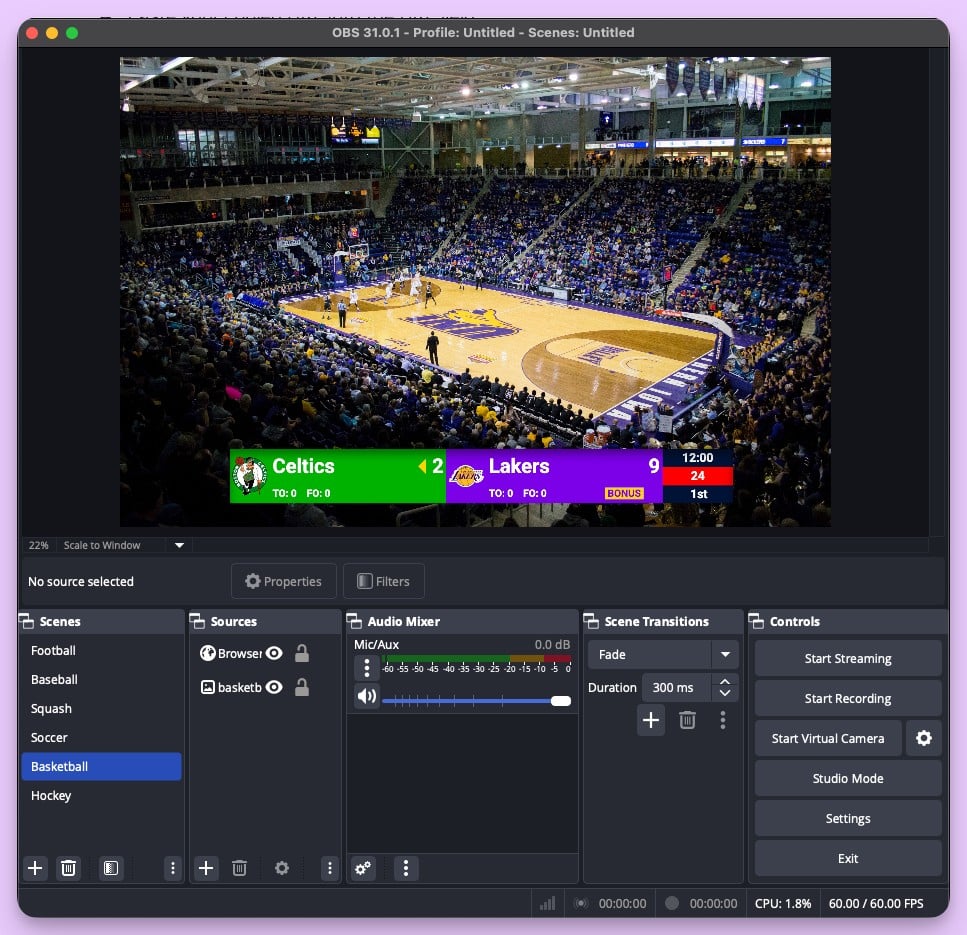
- OBS/Streamlabs/vMix browser source for streaming overlays
- Shareable view-only links for remote fans and parents
- Optional Stream Deck integration for physical button control
- No software installation, no vendor lock-in
Limitations:
- Requires internet connection (a mobile hotspot is enough)
- Free version shows small branding
Pricing: From $14/month billed annually. Free tier available.
PC Scoreboards
What it is: Traditional Windows desktop software with sport-specific scoreboard templates. Requires a USB hardware dongle.
Best for: Single-sport setups on a dedicated Windows PC at the scorer's table where internet isn't available.
Key strengths:
- One-time purchase ($100-$200 per sport)
- Works completely offline
- Keyboard-driven controls
Limitations:
- Windows only — won't work on Mac, Chromebook, or tablet
- Web Remote available on supported versions, but no dedicated phone app
- Per-sport licensing (basketball, volleyball, wrestling sold separately)
- USB dongle required
- Basic graphics compared to modern tools
For a detailed comparison, see our PC Scoreboards alternatives guide.
OBS with Custom Scoreboard Overlays
What it is: Free open-source broadcasting software with manually created scoreboard graphics.
Best for: Streamers with technical skills who want full creative control over their overlay design.
Key strengths:
- Completely free
- Unlimited customization
- Industry standard for streaming
Limitations:
- Steep learning curve
- Manual score updates (no phone control panel)
- Not practical for in-venue display
- Requires someone who understands scene management
For streaming setup guides, see how to add a live scoreboard to OBS.
ProScoreboard by Renewed Vision
What it is: Professional scoreboard software for Mac, designed to integrate with ProPresenter workflows.
Best for: Schools and churches already using Renewed Vision products with Mac hardware.
Key strengths:
- Professional-quality graphics
- Integrates with ProPresenter
- Designed for venue display
Limitations:
- Mac only
- Higher upfront cost (starting at $2,999)
- Requires ProPresenter knowledge
- Limited sport coverage compared to multi-sport tools
- Web remote available for many sports
ScoreVision
What it is: Cloud-based scoreboard platform targeting schools with sponsor management and centralized control.
Best for: Multi-venue school districts with budget for annual subscriptions and sponsor revenue to offset costs.
Key strengths:
- Cloud-managed across multiple venues
- Sponsor rotation and ad management
- Professional support contracts
Limitations:
- Custom pricing (contact sales)
- Requires compatible displays
- Overkill for single-venue setups
- Annual contract commitment
Comparison Table
| Solution | Price | Platform | Sports | Mobile Control | Streaming | Offline |
|---|---|---|---|---|---|---|
| KeepTheScore | From $14/mo | Any browser | 15+ | Yes (phone/tablet) | Yes (OBS/Streamlabs) | Partial |
| PC Scoreboards | $100-$200 | Windows only | Per-sport license | Web Remote (supported versions) | No | Yes |
| OBS Overlays | Free | Windows/Mac | Custom | No | Yes | No |
| ProScoreboard | From $2,999 | Mac only | Major sports | Web remote | Limited | Yes |
| ScoreVision | Contact sales | Cloud + displays | All major | Yes | Yes | No |
Why KeepTheScore Fits Most Schools and Leagues
For the majority of youth leagues, school sports programs, and community clubs, the math is straightforward:
- You already have a TV or projector in the gym
- You need something a volunteer parent can operate
- You cover multiple sports through the season
- You don't have $10,000+ in the budget
KeepTheScore handles all of that through a browser. Connect a laptop to your display via HDMI, open the scoreboard, hand the control link to whoever is scoring. They tap the score on their phone. The display updates instantly.
No training manual. No IT department involvement. No annual procurement cycle.
If you also stream games, the same scoreboard works as a browser source in OBS — one tool, two outputs. See our streaming overlay guide for setup details.
The Bottom Line
The scoreboard software market ranges from free-but-complex to absurdly expensive. For most buyers, the sweet spot is a browser-based tool that works across devices, covers your sports, and doesn't lock you into proprietary hardware.
If you're a Division I program with dedicated AV staff, enterprise tools like Daktronics or ScoreVision make sense. If you're everyone else — and that's most of us — you want something that works in five minutes and costs less than a few basketballs per month.
Scoreboard Software Buying Guide FAQs
"Do I need to install anything to use online scoreboard software?"
Most browser-based options like KeepTheScore require zero installation. Open a browser, create your scoreboard, and go fullscreen. That's it.
"Can I use online scoreboard software on a TV or projector?"
Yes. Connect any laptop or PC via HDMI to your TV, projector, or LED wall. Open the scoreboard in a browser and press fullscreen. It works with any display that has HDMI input.
"What about internet reliability during games?"
KeepTheScore requires an internet connection to work, but only a basic one. For venues with unreliable Wi-Fi, a mobile hotspot from your smartphone is a cheap and reliable backup.
"Is free scoreboard software good enough for league games?"
Free tools like OBS overlays work if you have technical skills and time. For consistent game-day operations where volunteers run the board, a paid tool with a simple interface saves hours of frustration.
"Can parents and fans follow scores remotely?"
With tools like KeepTheScore, every scoreboard has a shareable view-only link. Share it via text, email, or QR code and anyone can follow along in real time.
"Which sports are supported?"
It depends on the tool. KeepTheScore covers 15+ sports including basketball, volleyball, soccer, baseball, hockey, tennis, pickleball, and more.