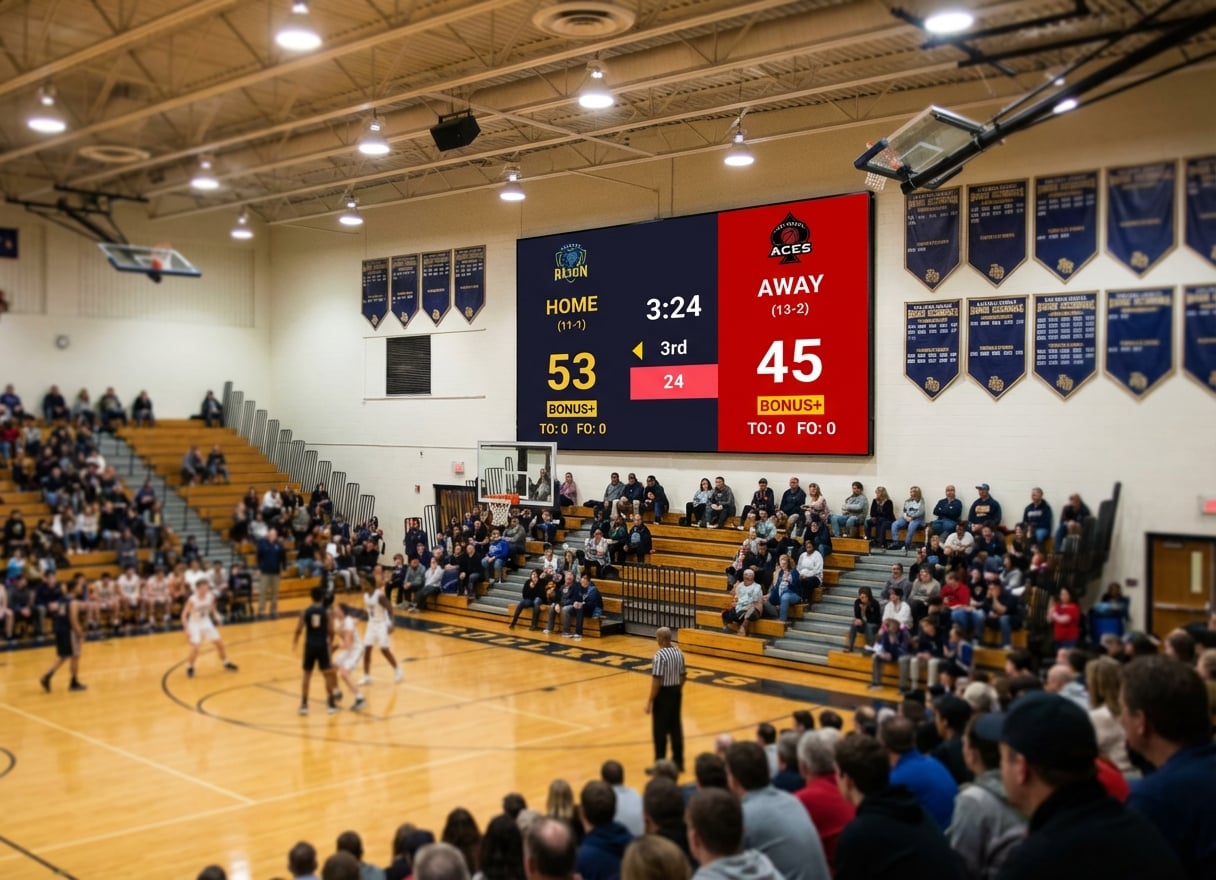
You manage recreation programs across three facilities. Basketball on Monday and Wednesday at the community center. Volleyball on Tuesday at the high school gym. Youth soccer at the outdoor complex on weekends.
Each venue has different staff, different hardware, and different levels of technical expertise. What you need is one scoreboard system that works everywhere, for every sport, without requiring a training session every time someone new starts.
That's a different buying decision than a single school gym or a streaming setup. Here's what matters for leagues and recreation departments specifically.
What Leagues and Rec Departments Actually Need
Consistency Across Venues
When your program spans multiple facilities, the scoreboard experience should be the same everywhere. Same software, same workflow, same level of quality — regardless of which building or which staff member is running it.
Low Training Burden
Rec department staff turn over. Seasonal employees, part-time workers, and volunteers cycle through. The scoreboard tool can't require a training session for every new person.
Multi-Sport Support Without Per-Sport Costs
A rec department runs basketball, volleyball, soccer, pickleball, badminton, and whatever else the community asks for. Per-sport licensing multiplies costs quickly.
Works With Existing Venue Hardware
Every facility has different displays. The community center has a 65-inch TV. The high school gym has an old projector. The outdoor complex has nothing. The tool needs to work with all of them.
Administrative Simplicity
One subscription, one account, one bill. Not six different tools with six different logins and six different renewal dates.
Best Options for Leagues and Rec Departments
KeepTheScore — Best for Multi-Venue, Multi-Sport Programs
Why it fits leagues: One browser-based tool that covers every sport, works on any display, and requires zero training for staff.
Key strengths for departments:
- Multi-venue, one tool. Create scoreboards for each facility. Bookmark URLs. Reuse across seasons.
- 15+ sports included. Basketball, volleyball, soccer, pickleball, badminton, baseball, hockey, and more — all in one subscription.
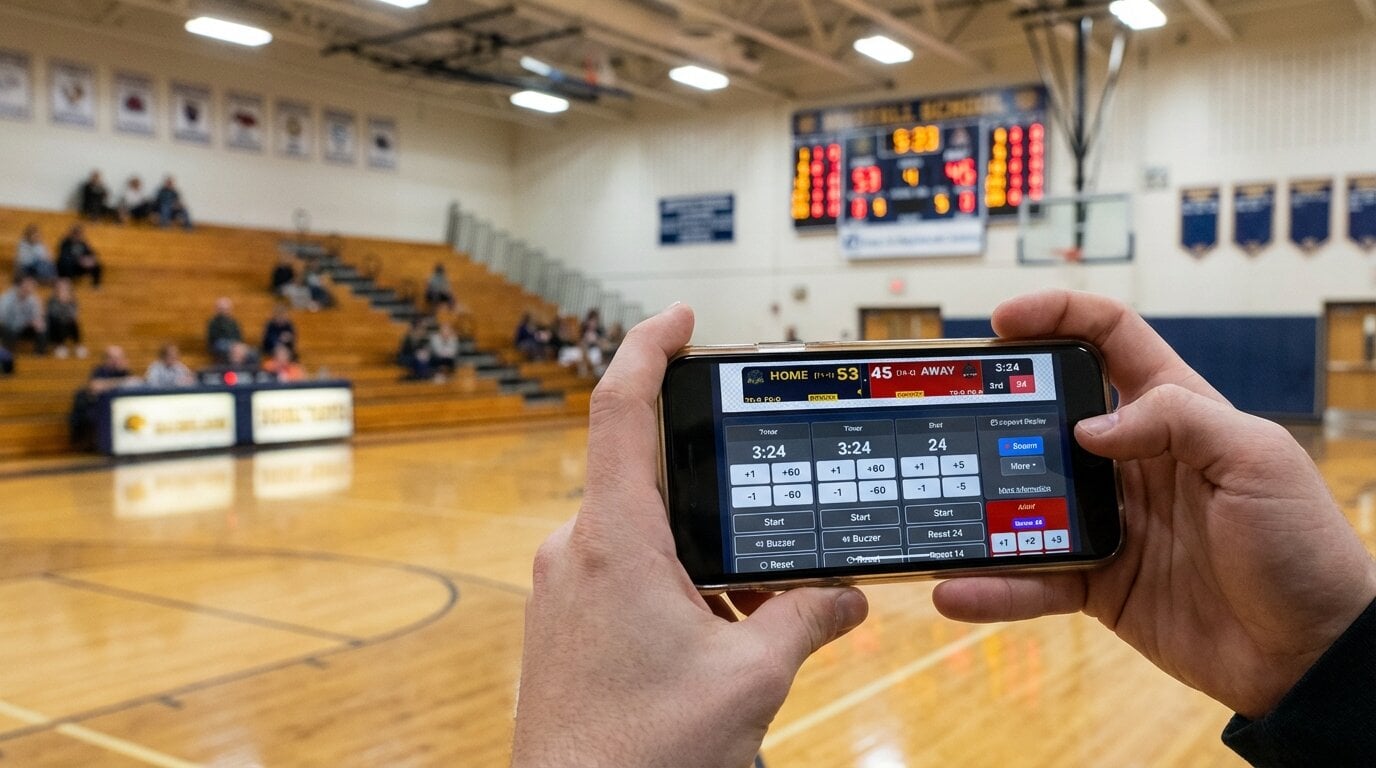
- Zero training. Share the control link. Staff opens it on their phone. Tap to score. Done.
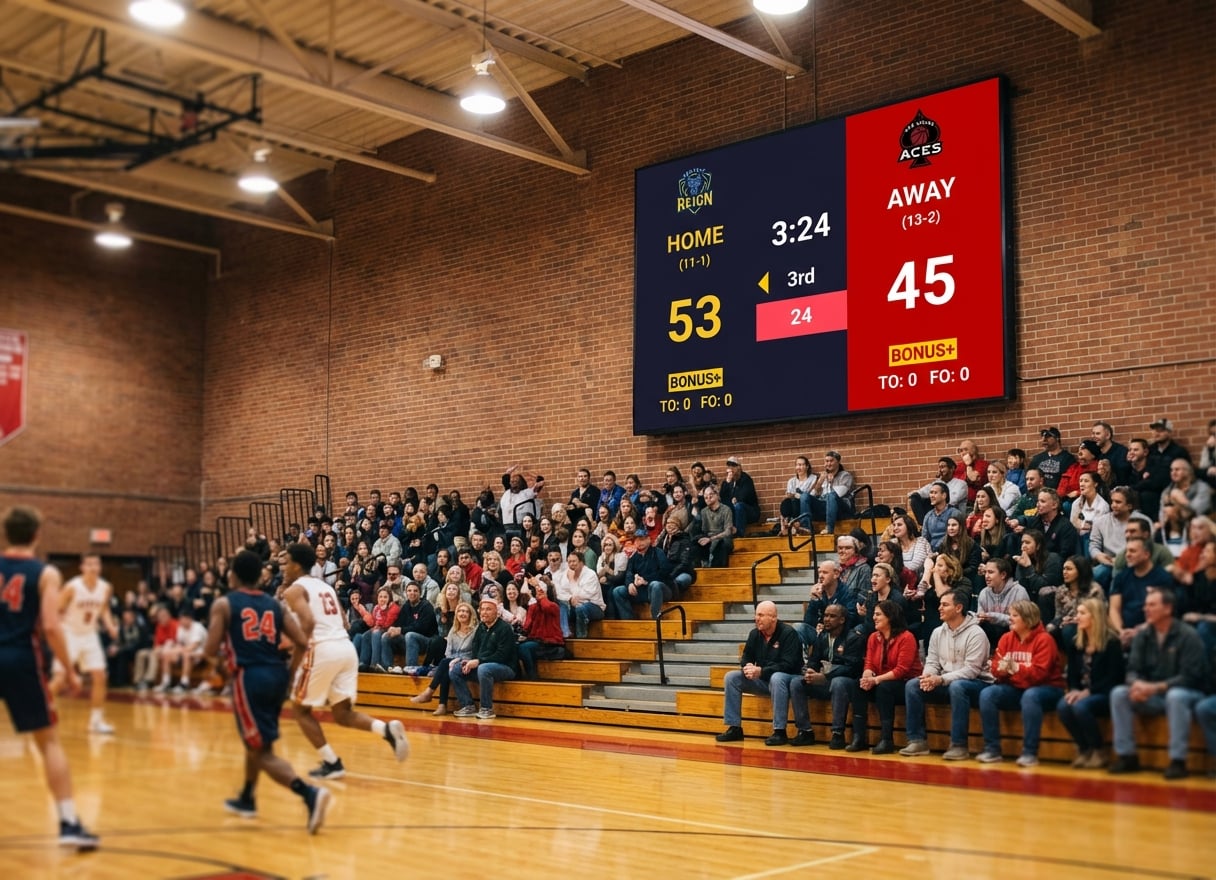
- Works with any display. TV, projector, LED wall, monitor — if it has HDMI input, it works.
- No IT involvement. No software installation, no network configuration. Open a browser.
- Public score links. Share view-only URLs on your department website or social media.
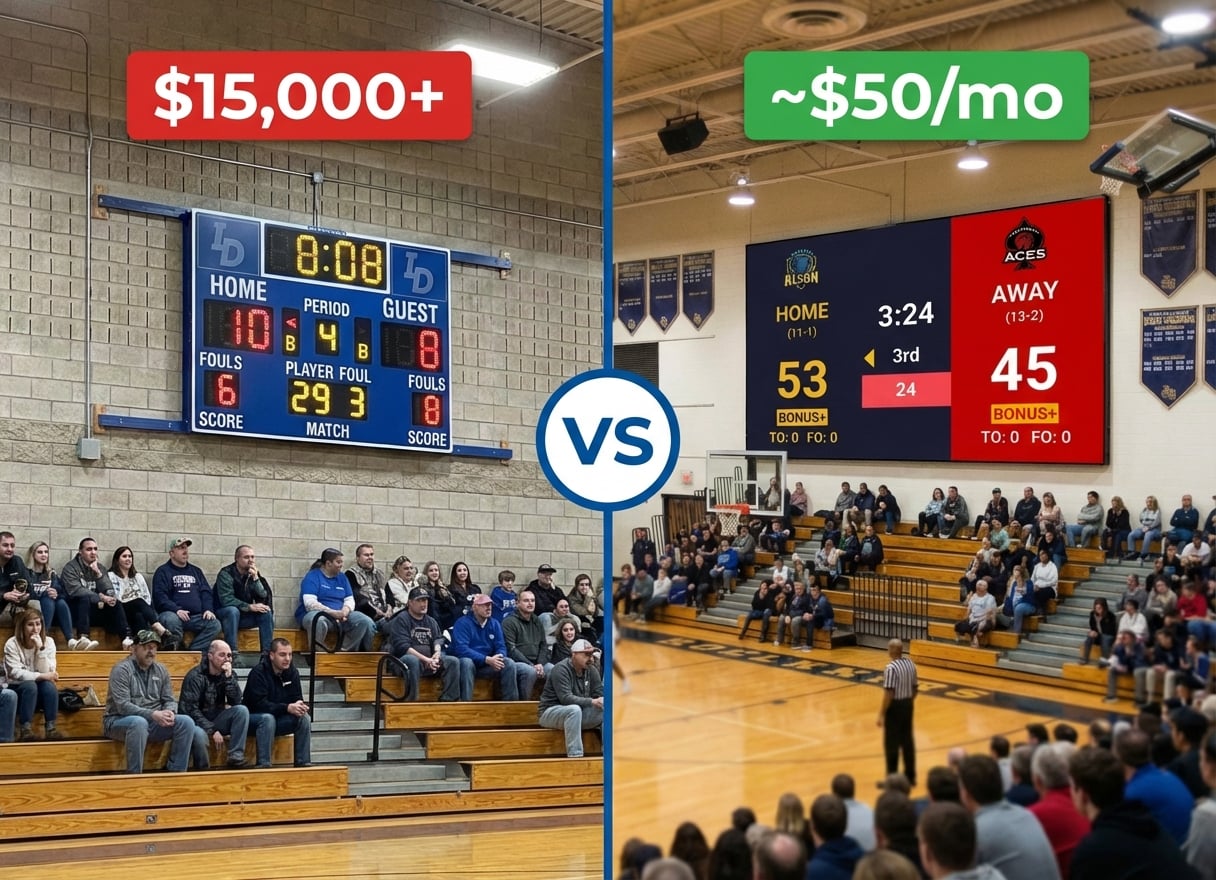
Pricing: From $14/month billed annually. Free tier available.
PC Scoreboards — Best for Windows-Only, Budget-Minimum
Why it fits some departments: If every venue has a dedicated Windows PC and you only need a few sports, the one-time cost is attractive.
Limitations for departments:
- Windows only — breaks down if any venue uses Mac, Chromebook, or tablet
- Per-sport licensing ($100-$200 per sport)
- Web Remote on supported versions, but primarily keyboard-driven
- No cross-venue consistency unless every location has the same Windows setup
- USB dongle tied to one machine
Pricing: $100-$200 one-time per sport.
See our PC Scoreboards alternatives guide for details.
ScoreVision — Best for Departments With Sponsor Revenue
Why it fits funded departments: Cloud-managed, professional-grade, with sponsor ad rotation to offset subscription costs.
Limitations for most departments:
- Custom pricing — contact sales
- Requires specific compatible hardware
- Implementation and onboarding process
- Overkill for community rec programs
See our Daktronics and ScoreVision alternatives guide for cost details.
Daktronics — Best for New Facility Construction
Why it fits some departments: If you're building a new facility from scratch and want a turnkey solution with guaranteed support.
Limitations for existing departments:
- $15,000-$100,000+ for hardware and software
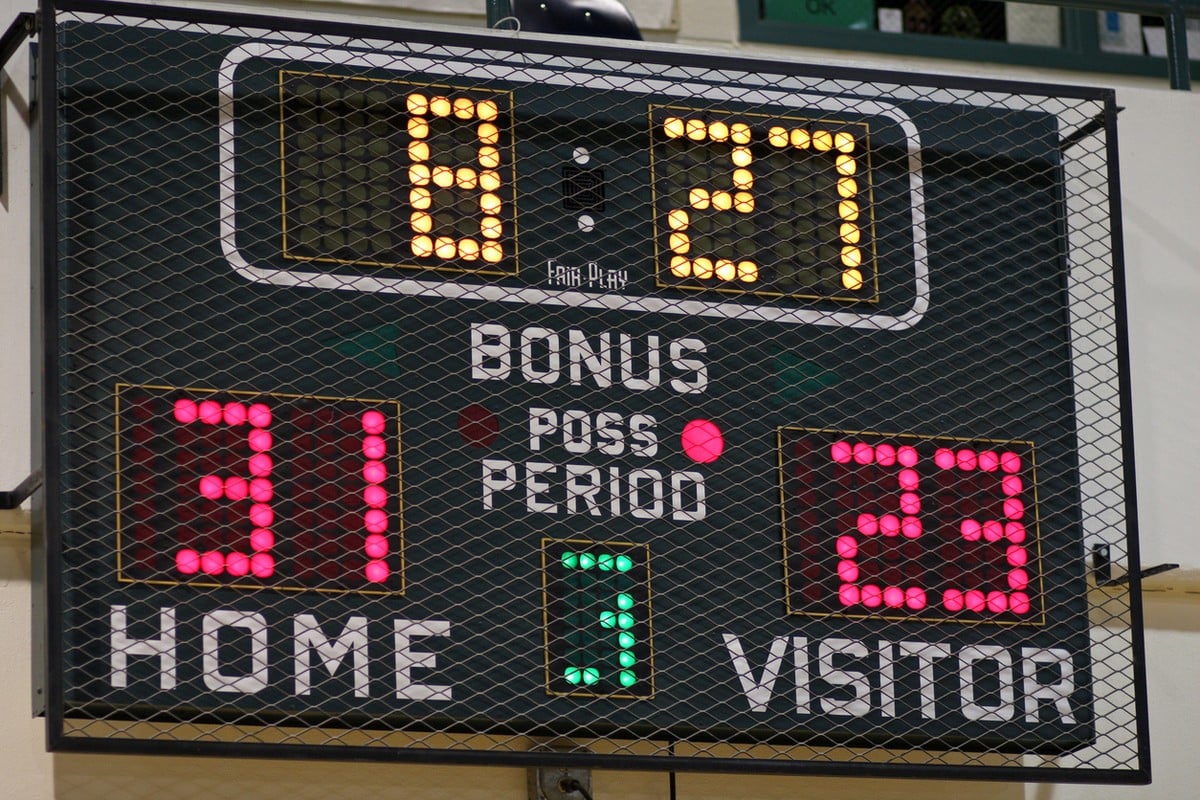
- Proprietary ecosystem — locks you into their service
- Doesn't help your other venues
- Annual maintenance contracts
Comparison Table: League and Department Focus
| Criteria | KeepTheScore | PC Scoreboards | ScoreVision | Daktronics |
|---|---|---|---|---|
| Annual cost | From $168 | $0 (after purchase) | Contact sales | $1k+ maintenance |
| Multi-venue | Yes (any browser) | No (per-PC install) | Yes (cloud) | No (per-venue install) |
| Multi-sport | 15+ included | Per-sport license | All included | Per-sport config |
| Staff training | None (phone control) | Moderate (keyboard) | Some (cloud admin) | Significant |
| Hardware required | Any device + display | Windows PC + display | Specific displays | Proprietary |
| IT involvement | None | Moderate | Significant | Significant |
| Score sharing | Yes (public link) | No | Yes | No |
Evaluation Criteria for Department Buyers
1. Per-Venue Cost
Calculate the total annual cost per venue. Include software, hardware, maintenance, and staff training time.
- KeepTheScore: From $14/month covers all venues (no per-venue fee)
- PC Scoreboards: ~$200-$600 one-time per venue (per-sport licenses)
- ScoreVision: Contact sales for per-venue pricing
- Daktronics: $15,000+ per venue upfront
2. Staff Handoff Time
How long does it take to get a new employee or volunteer operational?
- Phone-controlled software: Under 1 minute. Share a link.
- Desktop software: 10-30 minutes. Show keyboard controls, explain the interface.
- Enterprise systems: Hours to days. Account setup, training sessions, documentation.
3. Sport Coverage vs. Cost
Count the sports your department runs. Multiply by per-sport licensing costs for tools that charge per sport.
- 6 sports at $150/sport/venue = $900 per venue with PC Scoreboards
- 6 sports at $14/month total = $168/year total with KeepTheScore
4. Display Compatibility
Audit the hardware in each venue. Can the tool work with what's already installed?
- Browser-based tools work with any display connected to any computer
- Desktop tools require specific operating systems
- Enterprise tools often require specific display hardware
Setting Up a Department-Wide Scoreboard System
Step 1: Audit Your Venues
List every facility. Note what display hardware exists (TVs, projectors, LED walls). Note what computers are available (laptop carts, fixed PCs, Chromebooks).
Step 2: Choose One Tool
Pick a tool that works across all your venues with existing hardware. Avoid buying different software for different locations — that's how you end up with inconsistency and support headaches.
Step 3: Create Venue-Specific Scoreboards
Create bookmarked scoreboard URLs for each sport at each venue. Staff arrives, opens the bookmark, and starts the game.
Step 4: Share Control Links
Create a simple cheat sheet for each venue:
- Turn on the display
- Open the laptop
- Click the scoreboard bookmark
- Press F11 for fullscreen
- Open control link on phone
- Score the game
Step 5: Share Public Links
Post view-only links on your department website. Parents and community members follow scores from home.
The Bottom Line
Leagues and recreation departments need consistency, not complexity. One tool across all venues, all sports, all staff. The simpler the game-day workflow, the less time you spend on technical support and training.
Browser-based scoreboard software eliminates the hardware dependency, the per-sport licensing math, and the training burden that comes with traditional scoreboard systems.
League and Rec Department FAQs
"Can we use one tool across multiple venues?"
Yes. Browser-based tools like KeepTheScore work anywhere with internet. Create scoreboards for each venue, bookmark the URLs, and reuse them. No per-venue licensing.
"What if we have different sports at different facilities?"
KeepTheScore covers 15+ sports under one subscription. Switch between basketball at the gym and soccer at the outdoor field without buying separate software.
"How do we handle staff turnover?"
Phone-controlled scoreboard software requires no training. Share the control link, and any new staff member or volunteer can operate it immediately. There's nothing to install on their device.
"Can we display scores on existing TVs in our facilities?"
Yes. Connect any laptop or Chromebook to a TV via HDMI, open the scoreboard in a browser, and press fullscreen. Works with any TV, projector, or LED wall.
"Do we need IT support to set this up?"
Not for browser-based tools. No software installation, no network configuration, no server setup. Open a browser, create a scoreboard, connect to a display.
"Can the public follow scores online?"
Yes. Every KeepTheScore scoreboard has a shareable view-only link. Post it on your department's website, share via social media, or print QR codes for venue lobbies.