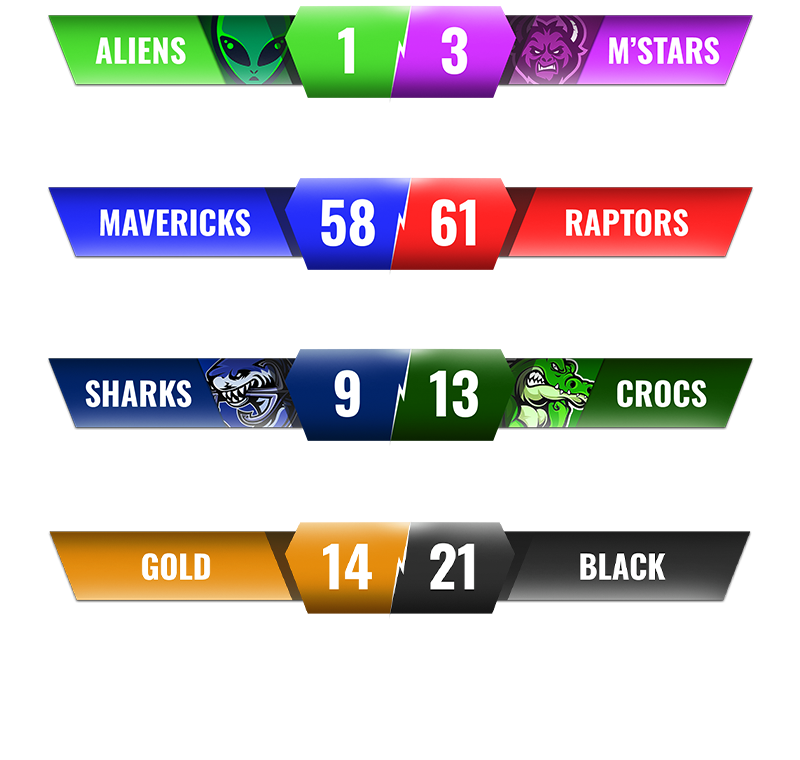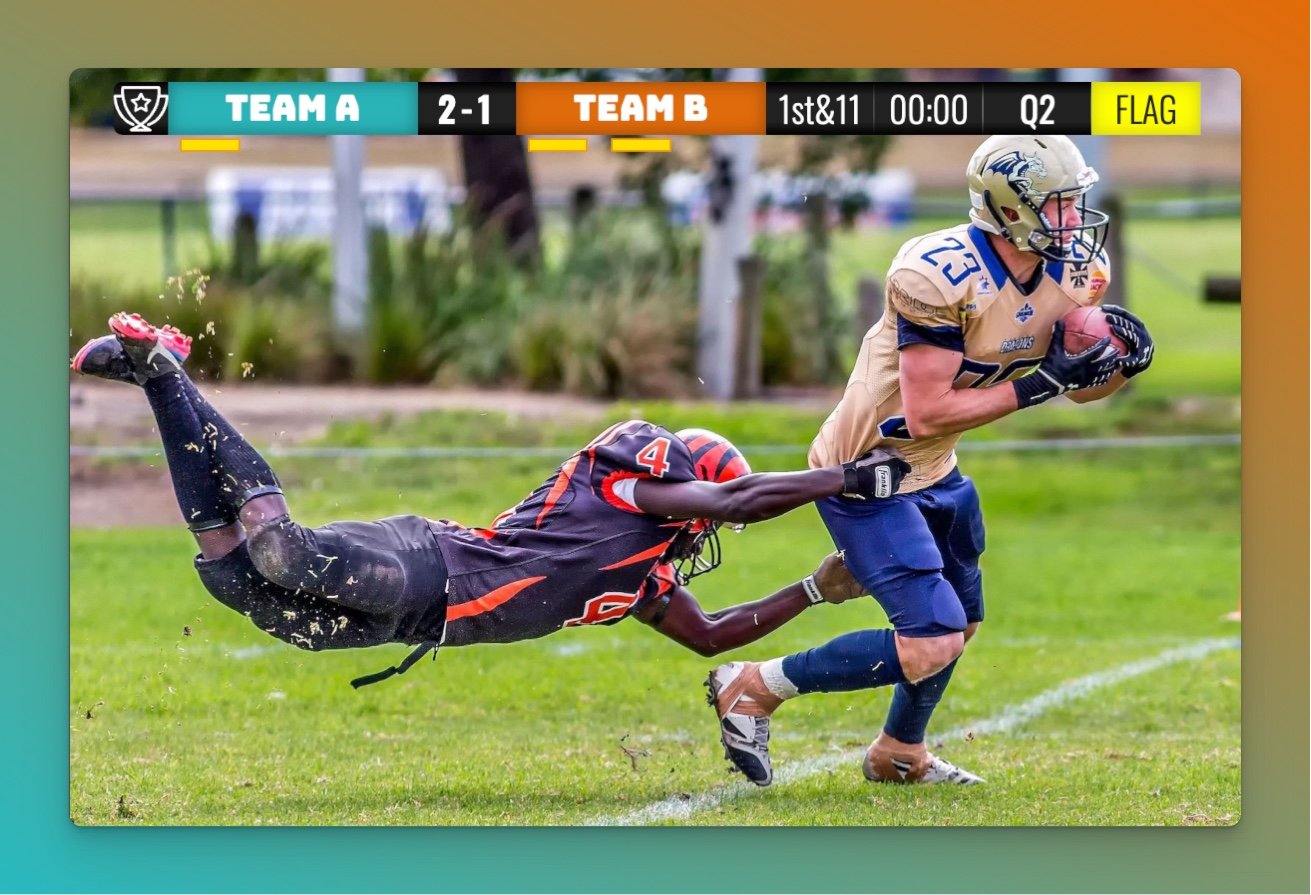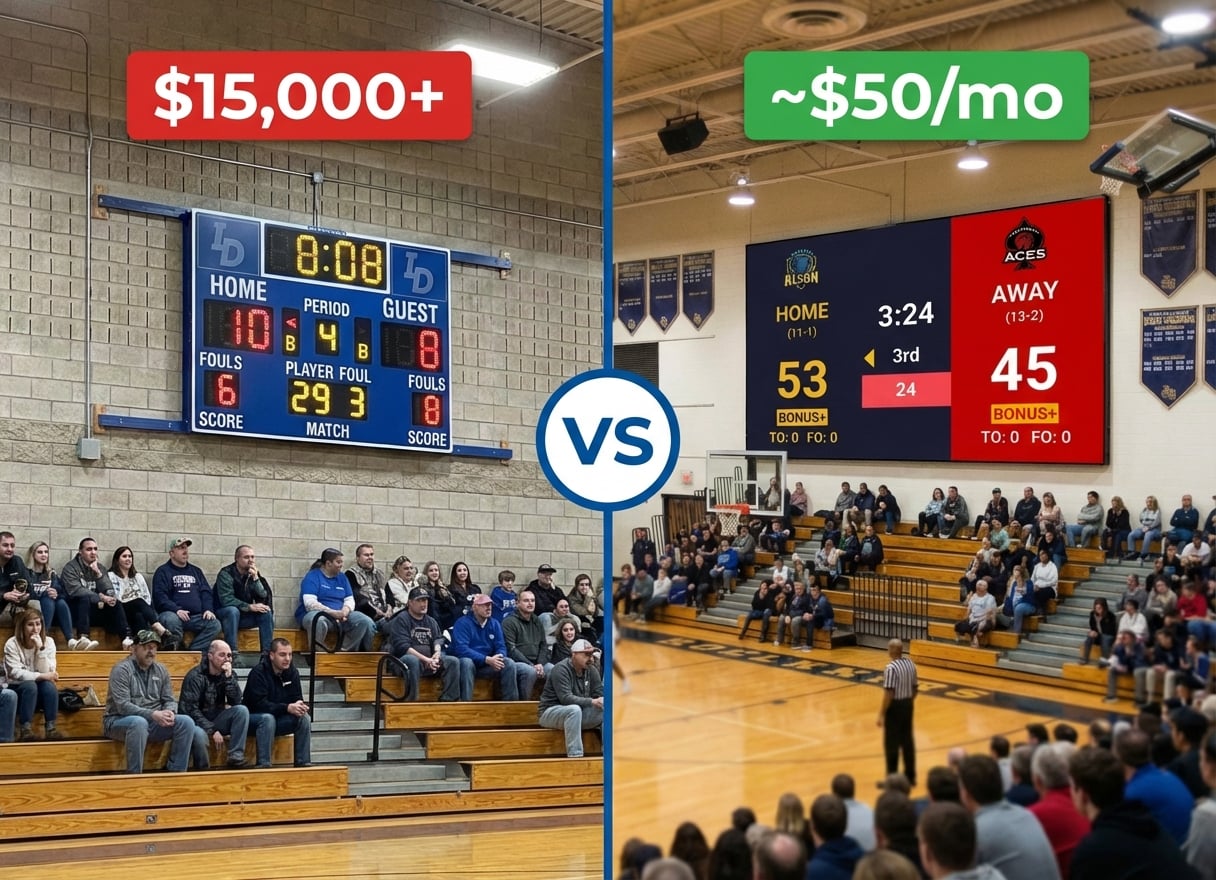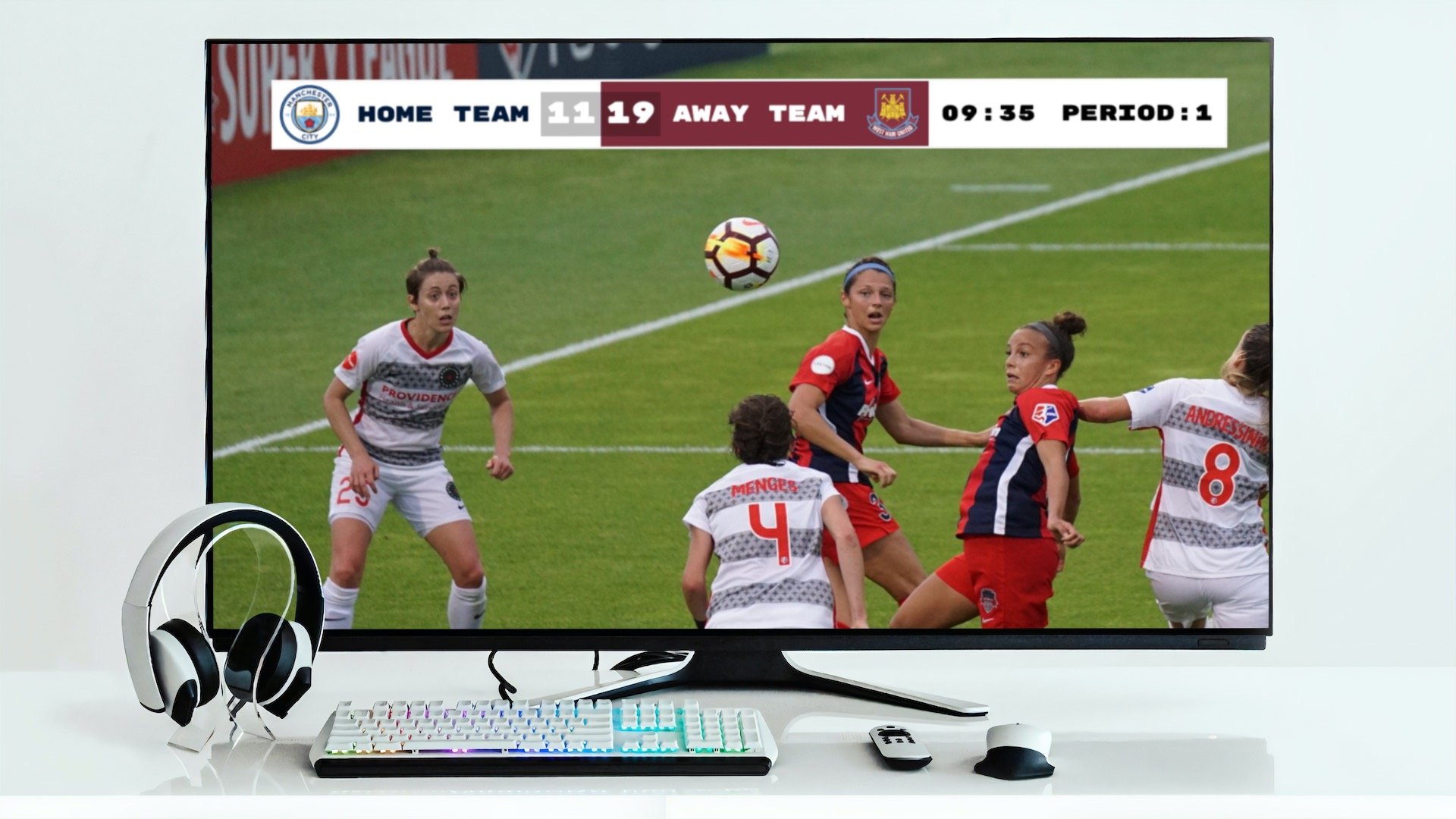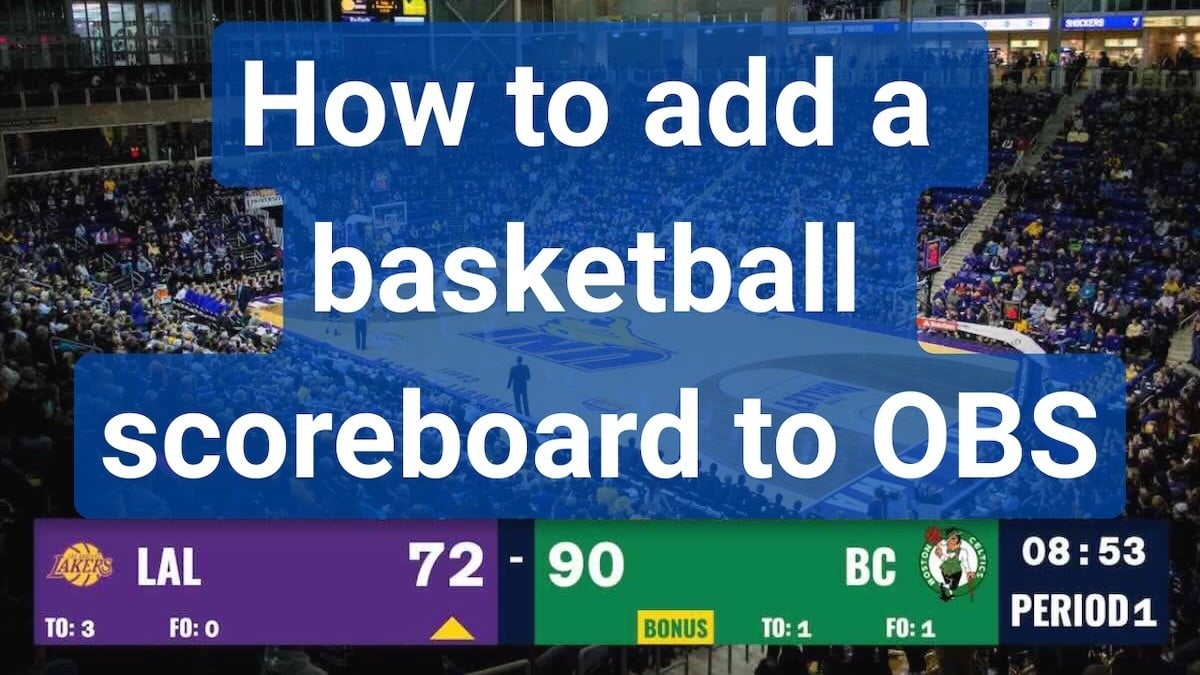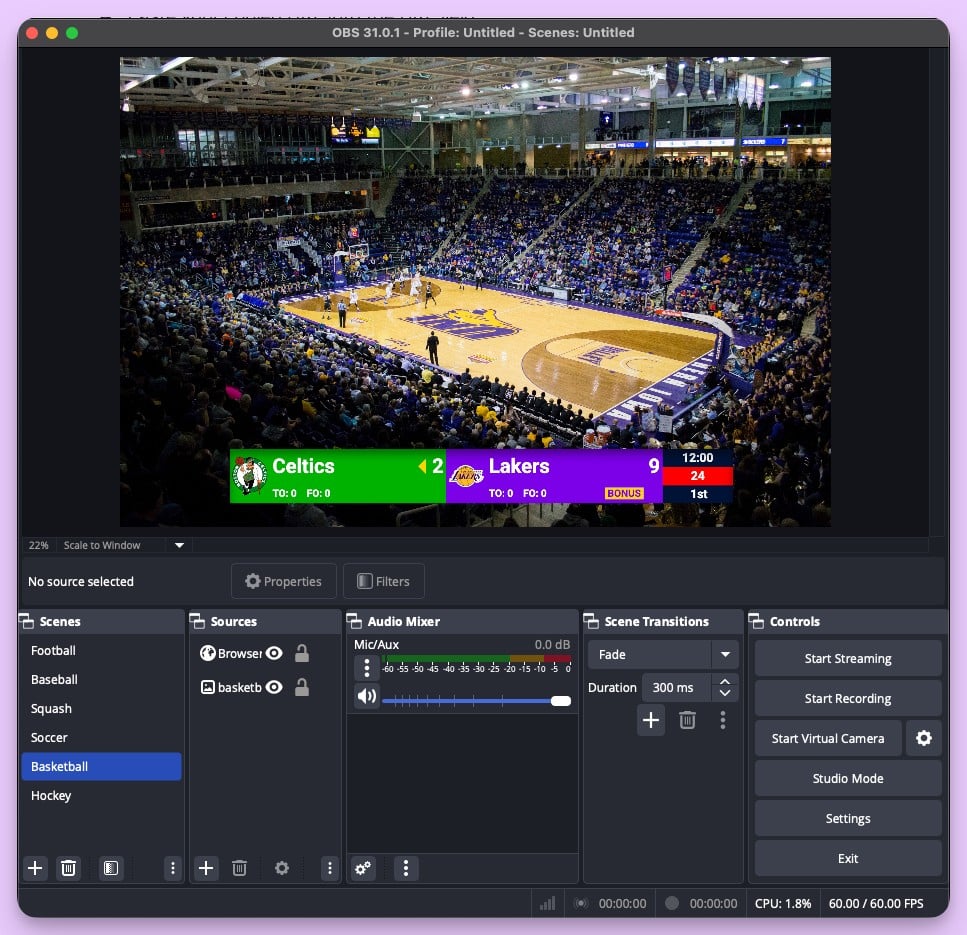
You're streaming a school basketball game on YouTube. The camera's set up, OBS is running, and you added an Uno overlay for the scorebug. It looks clean. Then halftime hits and you realize: there's no way to show the score on the gym TV for the fans in the building. Uno only works as a streaming overlay — it doesn't do in-venue display.
Or maybe you've outgrown Uno's free tier, found the customization limiting for your sport, or need features like a shot clock or game clock that Uno doesn't offer. Either way, there are tools that give you more flexibility.
Where Uno Overlays Falls Short
Uno Overlays (overlays.uno) by Singular.live is a popular free tool for adding scorebugs and tickers to live streams. It offers a library of pre-designed overlays you can customize and paste into OBS as a browser source.
The reality
- Streaming-only — no fullscreen scoreboard mode for TVs or LED walls
- Limited sport-specific features (no shot clock, limited game clock options)
- Free tier includes ads on the control interface
- Customization limited to pre-designed templates
- Phone/iPad control available, but mobile UI is limited
- Dual output requires the $2.99/month Uno Plus subscription
When Uno Overlays makes sense
If you're streaming casual games, only need a basic scorebug overlay, and don't need in-venue display, Uno's free tier is hard to beat. The pre-designed templates look professional and the setup is genuinely fast. For streamers who just need a simple score tracker on screen, it does the job.
Do You Need a Dedicated Overlay Tool, or a Scoreboard That Does Both?
Most sports streamers eventually hit the same wall: the overlay tool handles the stream, but they also need a scoreboard for the venue. That means running two separate systems — one for the stream overlay and one for the gym TV or LED wall.
What if one tool did both?
Modern web-based scoreboards work as OBS browser sources for streaming AND display fullscreen on TVs for in-venue use. Same score data, same controls, two outputs.
Sports Scoreboard Overlay Alternatives
OBS Custom Score Scenes (Free)
What it is: Building your own scoreboard graphics in OBS using text sources, image overlays, and manual scene switching.
Pros
- Completely free
- Total creative control over the look
- No external dependencies
Cons
- Time-consuming to build and maintain
- Manual score updates (click into OBS to change text)
- No game clock or shot clock automation
- Breaks easily if you accidentally move elements
Best for: Streamers with design skills who only need a simple score display and don't mind manual updates.
KeepTheScore (from $14/month)
What it is: Web-based scoreboard software that works as both a streaming overlay (browser source in OBS) and a fullscreen in-venue scoreboard. Control everything from your phone.
How it works for streaming
- Create a scoreboard on KeepTheScore.com and pick your sport
- Copy the scoreboard URL and add it as a browser source in OBS
- Enable transparent background for a clean overlay
- Control scores from your phone — the OBS overlay updates in real-time
How it works for in-venue display
- Open the same scoreboard URL in a browser on a laptop connected to a TV
- Press F11 for fullscreen
- Both the stream overlay and the gym TV update simultaneously from the same phone controls
Sports supported
- Basketball (shot clock, game clock, periods, fouls)
- Football (quarters, downs, play clock)
- Soccer (match timer, halftime, cards)
- Volleyball (rally scoring, sets, timeouts)
- Baseball/Softball (innings, runs, hits, errors)
- Hockey (period timer, penalties)
- Tennis, Pickleball, Badminton
- Wrestling (match timer, period tracking)
Pros
- Works as OBS browser source AND fullscreen in-venue scoreboard
- Transparent background for clean stream overlays
- Control from phone while streaming
- Sport-specific features (shot clocks, game clocks, period tracking)
- All sports included in one subscription
- Stream Deck integration for physical button control
- Compatible with OBS, Streamlabs, vMix, and more
Cons
- Requires internet connection for initial setup
- Free version includes small branding
- Overlay designs are functional, not flashy
Best for: Schools and leagues that need both streaming overlays and in-venue scoreboards from a single tool, with real sport-specific features.
Scoreboard OCR (Free/Paid)
What it is: Software that reads an existing physical scoreboard using a camera and OCR, then generates a digital overlay for streams.
Pros
- Works with existing physical scoreboards
- No manual score entry needed
- Keeps stream in sync with the venue scoreboard
Cons
- Requires a camera pointed at the physical scoreboard
- OCR can misread scores in poor lighting
- Setup is complex (camera positioning, calibration)
- Doesn't help if you don't have a physical scoreboard
Best for: Venues with existing physical scoreboards that want to add score overlays to streams without manual entry.
Singular.live (Free / $150/mo Pro / $350/mo Enterprise)
What it is: The enterprise platform behind Uno Overlays, offering professional broadcast graphics, custom templates, and API integrations for larger operations.
Pros
- Professional broadcast-quality graphics
- Custom template design tools
- API integrations for automated data feeds
- Multi-output support
- Free tier available
Cons
- Pro and Enterprise tiers ($150-$350/month)
- Designed for professional broadcasters
- Overkill for school or recreational sports
- Steep learning curve
Best for: Professional sports broadcasters and media organizations with dedicated production teams and budgets to match.
Comparison Table
| Solution | Price | Streaming Overlay | In-Venue Display | Mobile Control | Sport Features |
|---|---|---|---|---|---|
| Uno Overlays | Free / $2.99/mo | Yes | No | Limited | Basic |
| OBS Custom Scenes | Free | Yes (manual) | No | No | None |
| KeepTheScore | From $14/mo | Yes | Yes | Yes | Shot clock, game clock, periods |
| Scoreboard OCR | Free/Paid | Yes | No (reads existing) | No | Depends on physical board |
| Singular.live | Free / $150 Pro / $350 Enterprise | Yes | Yes | Yes | Custom |
Why KeepTheScore Works for Sports Streamers
The Setup for Streaming (4 Steps)
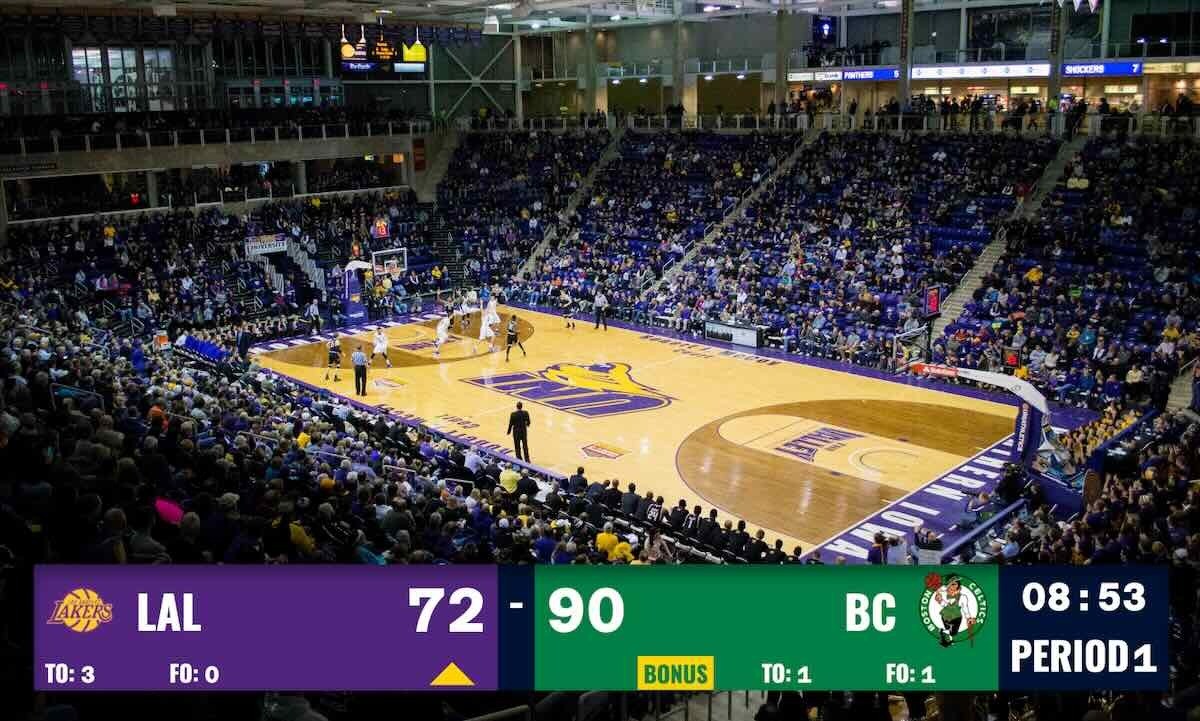
- Create a scoreboard — Pick your sport on KeepTheScore.com (30 seconds, no download required)
- Add to OBS — Copy the scoreboard URL, add as a browser source, enable transparent background
- Position the overlay — Resize and place the scorebug where you want it on screen
- Control from your phone — Open the control panel URL and update scores in real-time
Real Basketball Streaming Example
Before the game
- Create a basketball scoreboard with team names and logos
- Add the scoreboard URL as a browser source in OBS
- Set transparent background and position the scorebug
- Optional: connect a laptop to the gym TV for in-venue display using the same URL
During the game
- Scorekeeper updates from their phone at the scorer's table
- OBS overlay updates automatically on the live stream
- Gym TV updates simultaneously (if connected)
- Game clock and shot clock run in real-time
- Fans at home and fans in the gym see the same score
One Tool, Two Outputs: The Real Advantage
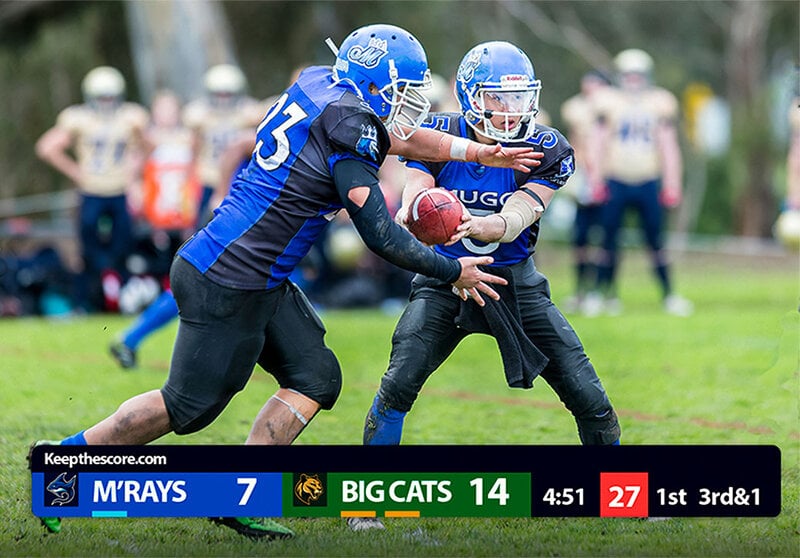
With Uno, you get a stream overlay. With KeepTheScore, you get a stream overlay AND an in-venue scoreboard from the same controls.
What this looks like in practice
- Scorekeeper controls from their phone (one interface)
- OBS picks up the overlay via browser source (stream output)
- Gym TV shows the fullscreen scoreboard via HDMI (venue output)
- Both update in real-time from the same phone controls
- No duplicate data entry, no sync issues
This matters for schools that stream games but also need a visible scoreboard for fans, players, and referees in the building.
The Bottom Line
Uno Overlays is a solid free tool for simple streaming scorebugs. If all you need is a basic score display on a live stream and you're happy with pre-designed templates, Uno's free tier is a great starting point.
But if you need sport-specific features like shot clocks and game clocks, want to control scores from your phone, or need a scoreboard that works for both streaming and in-venue display, a web-based scoreboard gives you more flexibility. KeepTheScore handles both outputs from a single control panel — one subscription, every sport, streaming overlay and gym TV scoreboard in one.
Try KeepTheScore Today
No installation. No ads. Works in OBS, Streamlabs, and vMix.
Set up your first streaming scoreboard in under a minute — then add it to OBS and see it live.
Common Questions
"Can I use KeepTheScore as a streaming overlay in OBS?"
Yes. Add the scoreboard URL as a browser source in OBS, Streamlabs, or vMix. It supports transparent backgrounds for clean scorebug overlays. Full streaming setup guide here.
"Does KeepTheScore work as an in-venue scoreboard too?"
Yes. Open the scoreboard URL in a browser, press F11 for fullscreen, and display it on any TV, projector, or LED wall via HDMI. One tool for both streaming and in-venue display.
"Can I control the scoreboard from my phone while streaming?"
Yes. Share the control panel URL with a scorekeeper who updates from their phone or tablet. The stream overlay updates automatically in real-time.
"What sports does KeepTheScore support for streaming overlays?"
Basketball, football, soccer, volleyball, baseball, hockey, tennis, pickleball, badminton, wrestling, and more — all included in one subscription.
"Does it work with Stream Deck?"
Yes. KeepTheScore offers an Elgato Stream Deck integration so you can control scores with physical buttons during a live broadcast.
"What if my internet drops during a stream?"
Once the scoreboard page loads in OBS, it continues working for basic score updates. For best reliability, use a wired connection or mobile hotspot as backup.