Digital Scoreboard vs LED Scoreboard
Digital vs LED scoreboards explained. Compare cost, setup, maintenance, flexibility, and which approach fits schools, clubs, and venues.
Article Contents
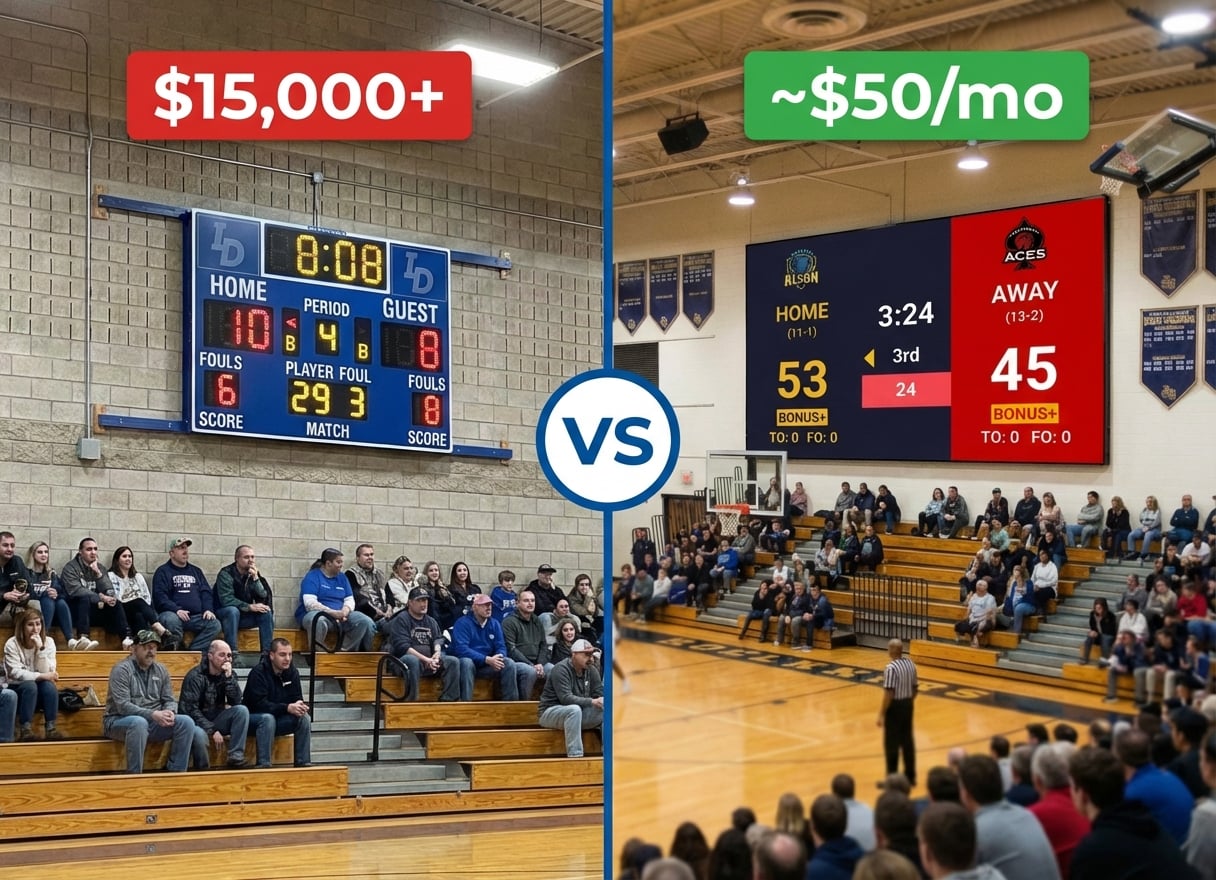
If you've been pricing scoreboards for a school gym, club, or community venue, you've probably hit two very different worlds: a $25,000 LED scoreboard quote from a vendor like Daktronics, and a $14/month web-based "digital scoreboard" that runs in a browser. They sound similar. They are not.
This guide explains what each one actually is, what they cost over five years, and which approach fits which venue.
What people mean by "digital scoreboard"
"Digital scoreboard" is used two different ways, which is half the confusion in this category.
- Web-based / software scoreboard. Runs in a browser on a laptop, tablet, or phone. The display is whatever screen you plug in: a TV, a projector, or — yes — an LED wall over HDMI. KeepTheScore is this kind of product.
- A fixed digital display panel sold as a unit. These are LCD or LED panels with built-in scoreboard firmware. Daktronics, Nevco, and Electro-Mech sell them. They look "digital" because the numbers aren't physical bulbs, but they're still a piece of mounted hardware.
When this guide says digital scoreboard, we mean the first one: software you run on devices you already own. When it says LED scoreboard, we mean a purpose-built LED hardware unit installed in a venue.
What an LED scoreboard actually is
An LED scoreboard is a physical display made up of an LED matrix in a metal housing, mounted to a wall, ceiling, or freestanding pole. It ships with a wired or wireless control console — usually a stadium-style keypad — that talks to the board over a proprietary protocol.
Common buyers: high school gyms, college arenas, baseball fields, outdoor stadiums. Vendors: Daktronics, Nevco, Electro-Mech, Spectrum, Fair-Play.
Cost
The single biggest difference, and the reason most schools end up looking at alternatives.
| Digital (web-based) | LED hardware | |
|---|---|---|
| Scoreboard hardware | $0 — runs on a laptop, tablet, or phone you already own | $8,000 – $50,000+ |
| Display | You supply it: an existing gym TV, projector, or LED wall — or $400 – $3,000 for a new TV if you don't have one | Included |
| Software / subscription | Free tier, or from $14/mo | Often bundled, occasionally extra |
| Installation | None | $2,000 – $10,000 (electrician, mounting, structural) |
| Replacement panels / bulbs | n/a | $500 – $3,000 per failure |
| Five-year total (typical mid-size gym) | ~$1,200 – $4,000 (incl. one new TV if needed) | $15,000 – $60,000+ |
The honest caveat on the digital side: the scoreboard software is free or cheap, but you still need some display to show it on. The savings come from the fact that most schools and clubs already have a TV or projector in the gym — and even buying one from scratch costs a fraction of an LED scoreboard.
Two things drive the LED number up: the display itself is custom-fabricated hardware, and installation requires power runs, structural mounting, and often a network drop. None of that is recoverable if you ever move or rebuild the venue.
For a deeper cost breakdown by venue size, see the gym scoreboard cost guide.
Setup time
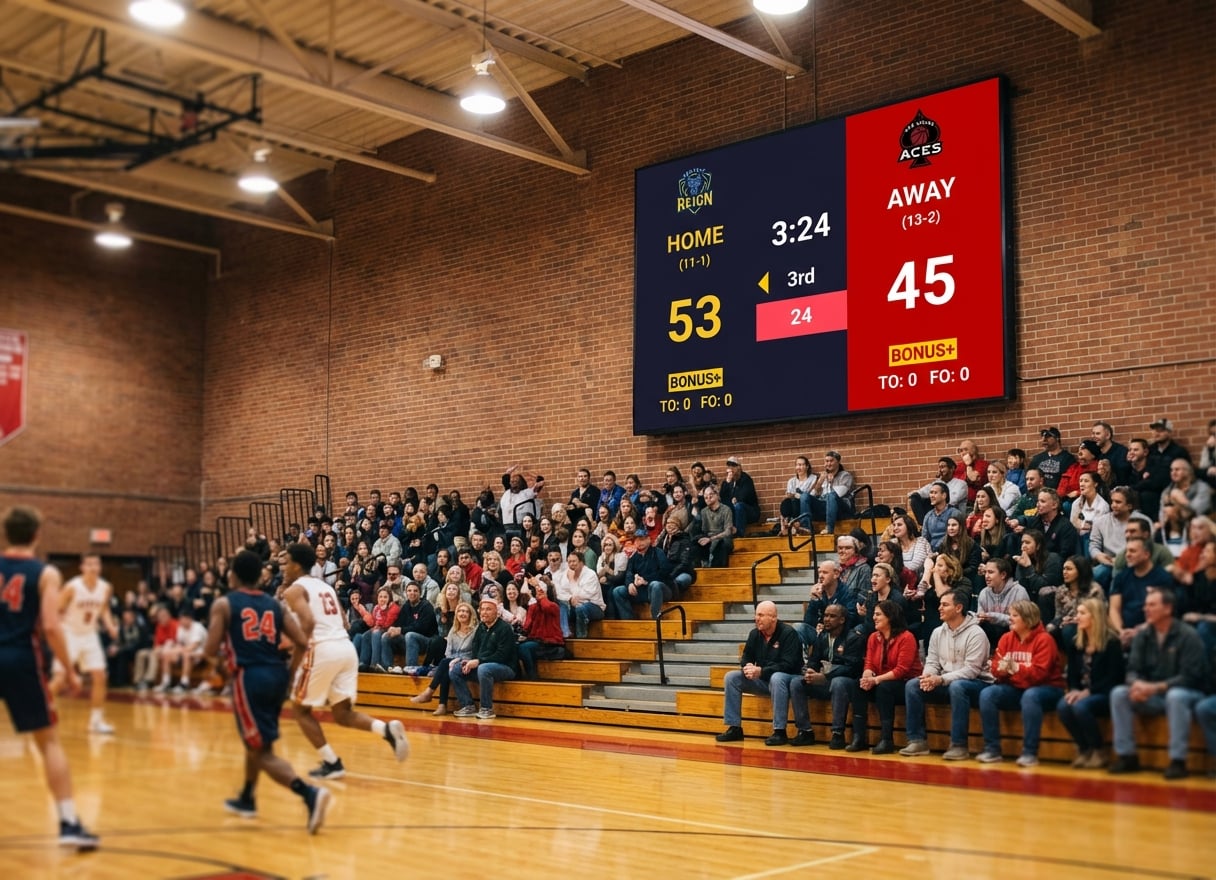
- Digital: under a minute. Open the site, pick a sport, share the display URL. If you want it on a TV in the gym, plug a laptop in via HDMI.
- LED: weeks to months. Vendor quote, board fabrication lead time (often 6–12 weeks), site survey, electrician, install crew, network configuration, vendor training session.
If your season starts in three weeks, this matters.
Maintenance and failure modes
LED scoreboards have moving parts that fail: individual LEDs burn out, control consoles develop dead keys, the wireless link between the keypad and the board drifts. Schools we talk to often have a "the 4 in the away score doesn't work" situation that's been waiting on a service call for two seasons.
Digital scoreboards inherit the failure profile of the devices running them. A laptop dies — swap it for any other laptop. The display TV dies — swap it for any other TV. Nothing is custom and nothing is one-of-a-kind.
Flexibility
This is where the gap is widest.
An LED scoreboard does one sport — the one it was built for. A basketball board can't run a volleyball match. A football board can't run a wrestling meet. Multi-sport venues end up buying multiple boards or a single board with a clunky "sport switch" that still locks the display layout.
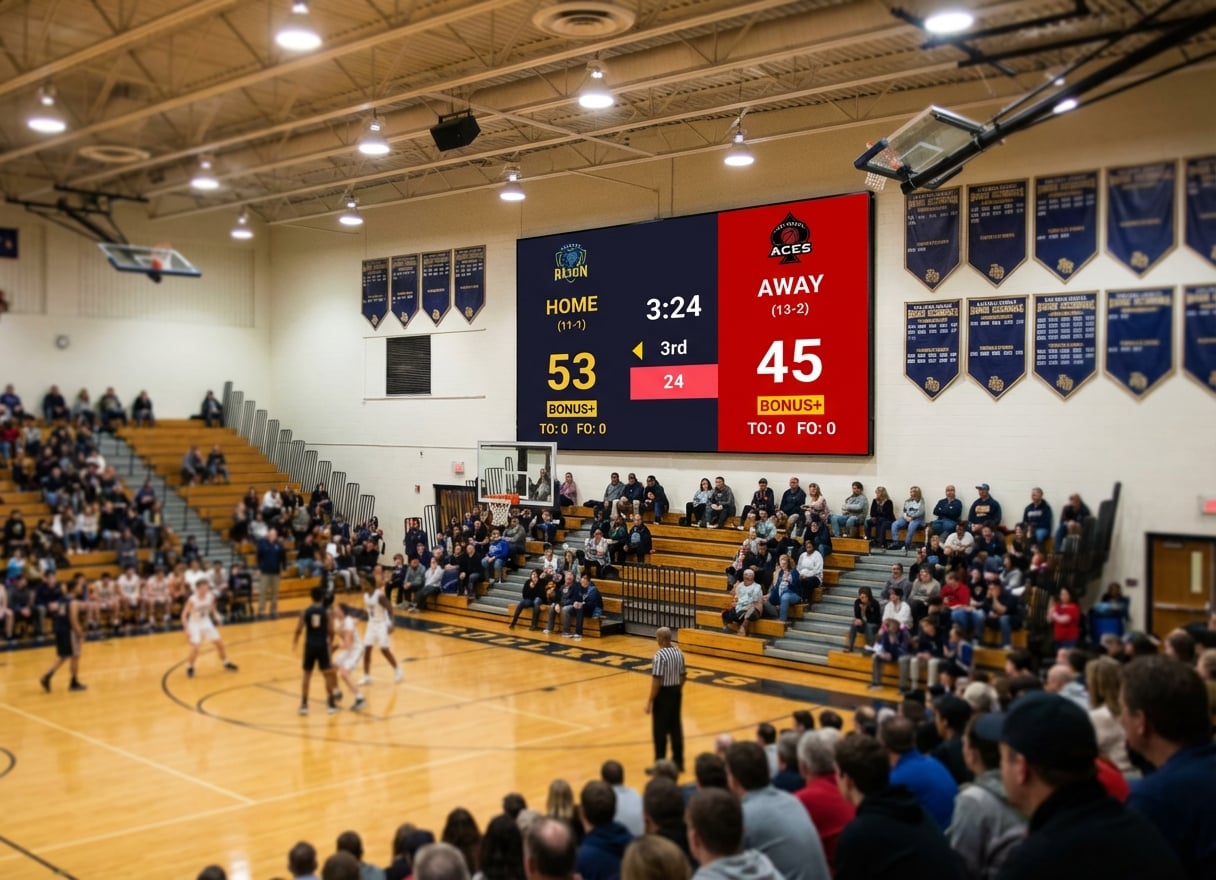
A digital scoreboard is just software. KeepTheScore alone supports 20+ sports natively — basketball, football, hockey, tennis, badminton, pickleball, volleyball, baseball, cricket, and so on — plus generic scoreboards and leaderboards for events that don't map to a standard sport. You change sport from a dropdown.
Other flexibility wins from the software side:
- Team logos and colours — upload a PNG, done. With LED boards, custom graphics typically require a vendor-installed upgrade.
- Sponsor rotations — add a sponsor logo strip without calling anyone.
- Live streaming overlays — the same scoreboard URL becomes a browser-source overlay in OBS, vMix, or Streamlabs. LED boards can't appear in your stream without a camera pointed at them.
- Remote control — score from your phone on the sideline. LED boards require the operator at the keypad.
Portability
A digital scoreboard goes wherever the laptop goes. Away games, tournaments at neutral venues, summer camps in a different gym — the same setup works. An LED scoreboard stays bolted to the wall it was installed on.
Which one fits which buyer
When digital is the right call
- A school gym, sports hall, or club without a five-figure capital budget
- A multi-sport venue that runs basketball, volleyball, and a half-dozen other sports off the same court
- Anyone livestreaming games — the scoreboard belongs in the overlay, not on a wall behind the camera
- A youth league or community organisation that travels between venues
- A venue that already has a TV, projector, or LED video wall and just needs software to drive it
When LED is still the right call
- An outdoor stadium where viewing distances exceed what a TV or projector can do
- A high-profile college or professional venue where the scoreboard is part of the brand identity
- A venue with no power for laptops near the playing surface and existing LED infrastructure
- Running events where a single dedicated operator at a fixed keypad is genuinely faster than tablet-based control
Most schools and clubs we talk to discover they're in the first category by accident — they assumed LED was the standard because that's what they remembered from their own school, and they hadn't realised the same gym TV they bought for assemblies could double as a scoreboard.
How to try a digital scoreboard right now
You don't need to commit. Open a scoreboard, plug the laptop into your gym TV with HDMI, and run one game with it. You'll know within a half by whether the workflow fits.
Free plan, no credit card, no install. Pick your sport, set team names, open the display, and you're scoring.
For a step-by-step setup, see how to turn any computer into a scoreboard. If you specifically have an LED video wall and want to drive it as a scoreboard, the LED scoreboard software guide covers the HDMI side. And if you're already weighing a Daktronics quote, Daktronics ScoreVision alternatives breaks down the trade-offs in more detail.
FAQ
Is a digital scoreboard bright enough for a gym?
Yes, when you pair it with the right display. A 65"–85" TV or a daylight-grade projector handles a standard high-school gym from any spectator seat. The scoreboard software doesn't change brightness — that's a property of the screen you plug it into, the same way it would be for any other content.
Can I run a digital scoreboard on my existing LED video wall?
Yes. Any LED video wall with an HDMI input behaves like a giant external monitor. Plug a laptop in, open the scoreboard's display URL in full-screen browser, and it shows on the wall. This is the most common upgrade path for schools that already invested in an LED wall for assemblies or graduation.
What happens if the internet goes out mid-game?
Web-based scoreboards keep displaying the last state and queue local score updates until the connection comes back. For most school gyms this never matters, but a mobile hotspot off any phone is a fine fallback if the building's wifi is unreliable.
Do I need to buy separate scoreboards for each sport?
No. A single digital scoreboard account covers every sport. You pick the sport when you create the board. With LED hardware, this is the question that pushes most multi-sport venues toward software.
How does it look on a livestream?
The same display URL works as a browser source in OBS, Streamlabs, vMix, and any other software with a browser input. The scoreboard sits on top of your camera feed at whatever size you want. There's no separate "streaming version" — it's the same scoreboard.
What about the shot clock / play clock / period horn?
KeepTheScore includes shot clocks for basketball, play clocks for football, and period timers across every timed sport. The horn is whatever speaker your laptop is plugged into — a portable bluetooth speaker on the scorer's table is the usual setup.
The short version: an LED scoreboard is a piece of furniture, a digital scoreboard is software. For most schools and clubs, the software approach saves five figures, takes a minute to set up, and adapts to every sport you'll ever run. The LED option still earns its place in a few specific venues — just make sure you're in one of them before you sign the quote.

Written by Caspar von Wrede
Founder of KeepTheScore. Building tools that help teams track scores and celebrate wins.