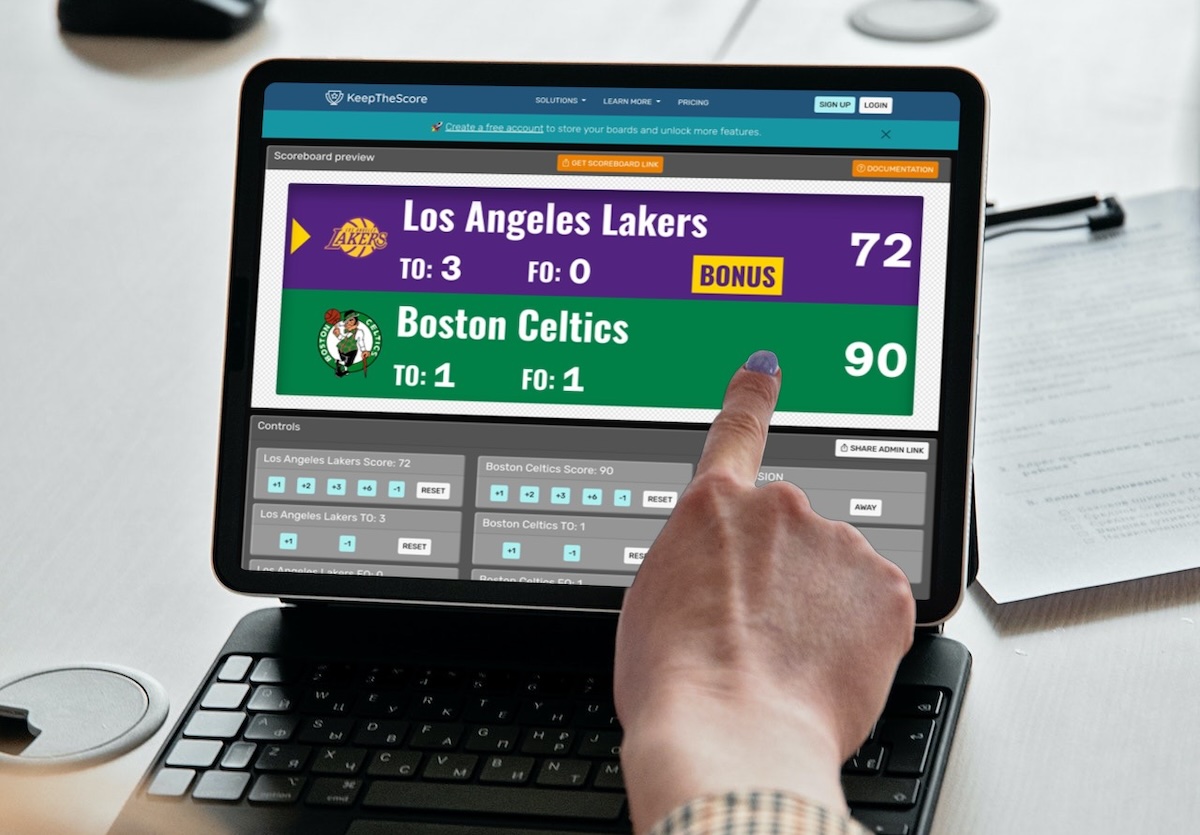
It's Saturday morning. Your U-12 basketball league has three games back to back, a different volunteer parent scoring each one, and the scorer's table has a whiteboard that nobody can read from the bleachers.
You want a real scoreboard. But you're running a youth league, not the NBA. The budget is tight, the volunteers rotate every week, and whatever you pick needs to work the first time someone touches it — with zero training.
Here's what actually works for youth sports programs, and what to avoid.
What Youth Sports Programs Actually Need
Before comparing tools, here's what matters for youth leagues specifically — not school athletic departments, not professional venues, not streaming companies:
Volunteer-proof operation
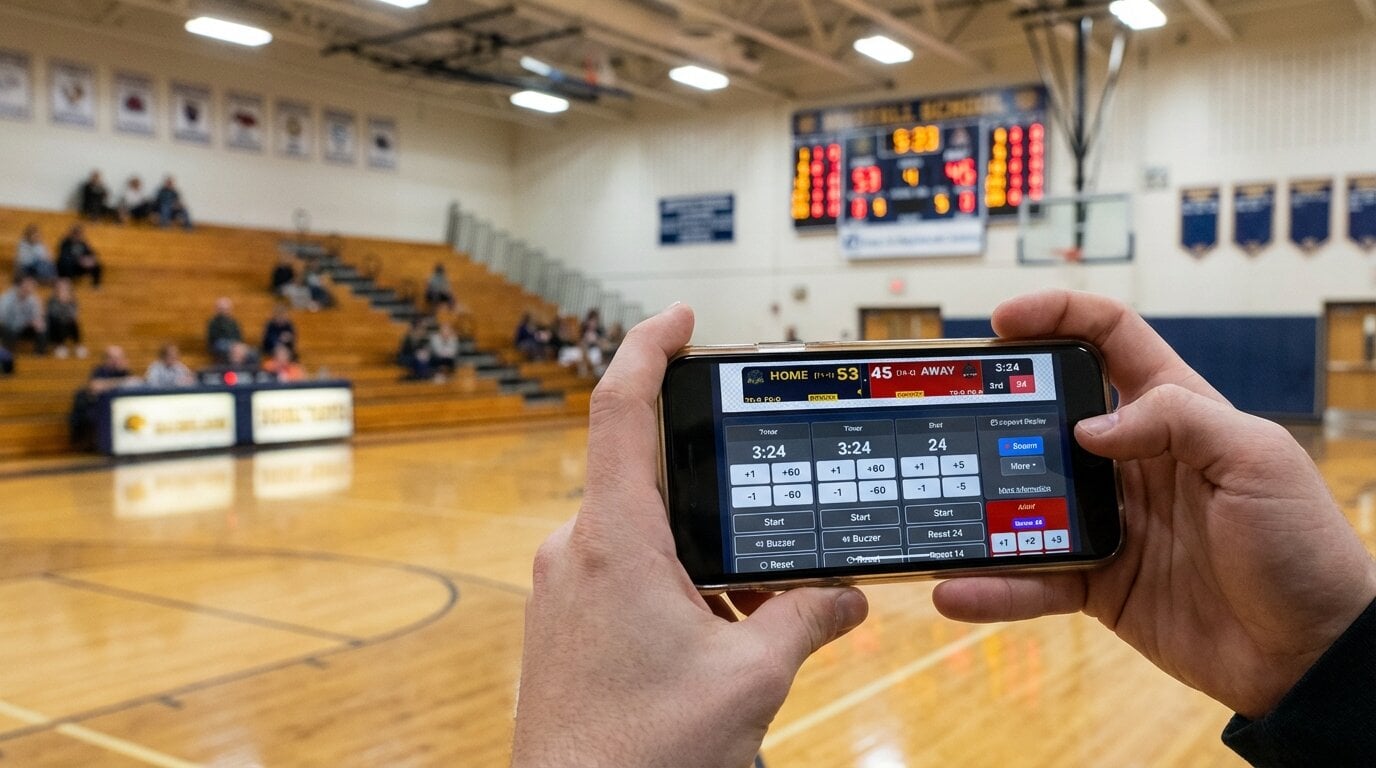
Your scorers change every game. Some are tech-savvy parents. Some are grandparents who just want to help. The tool needs to be obvious — open it, tap the score, done.
Multi-sport coverage
Most youth programs run basketball, soccer, volleyball, baseball, and more across the year. Buying separate software for each sport isn't realistic on a volunteer budget.
Phone and tablet control
Nobody wants to sit behind a laptop keyboard at the scorer's table. Phone control lets the scorer stand, move, and watch the game while updating scores.
Parent accessibility
Parents want to know the score. Whether they're stuck at work, in the parking lot with a sleeping toddler, or at the other kid's game across town — remote score access matters.
Low cost
Youth leagues run on registration fees and bake sale money. An enterprise subscription with custom pricing isn't happening.
Best Options for Youth Sports
KeepTheScore — Best Overall for Youth Leagues
Why it fits: Browser-based, covers 15+ sports, controlled from a phone, works with any display. Built for the exact situation youth leagues face: rotating volunteers, multiple sports, limited budget.
Youth-specific strengths:
- Any parent can run it. Open the control link on a phone. Tap to score. That's the training.
- Multi-sport in one tool. Switch from basketball to soccer to volleyball between games without buying separate licenses.
- Shareable score links. Every scoreboard has a view-only URL. Text it to the team group chat. Parents follow live from anywhere.
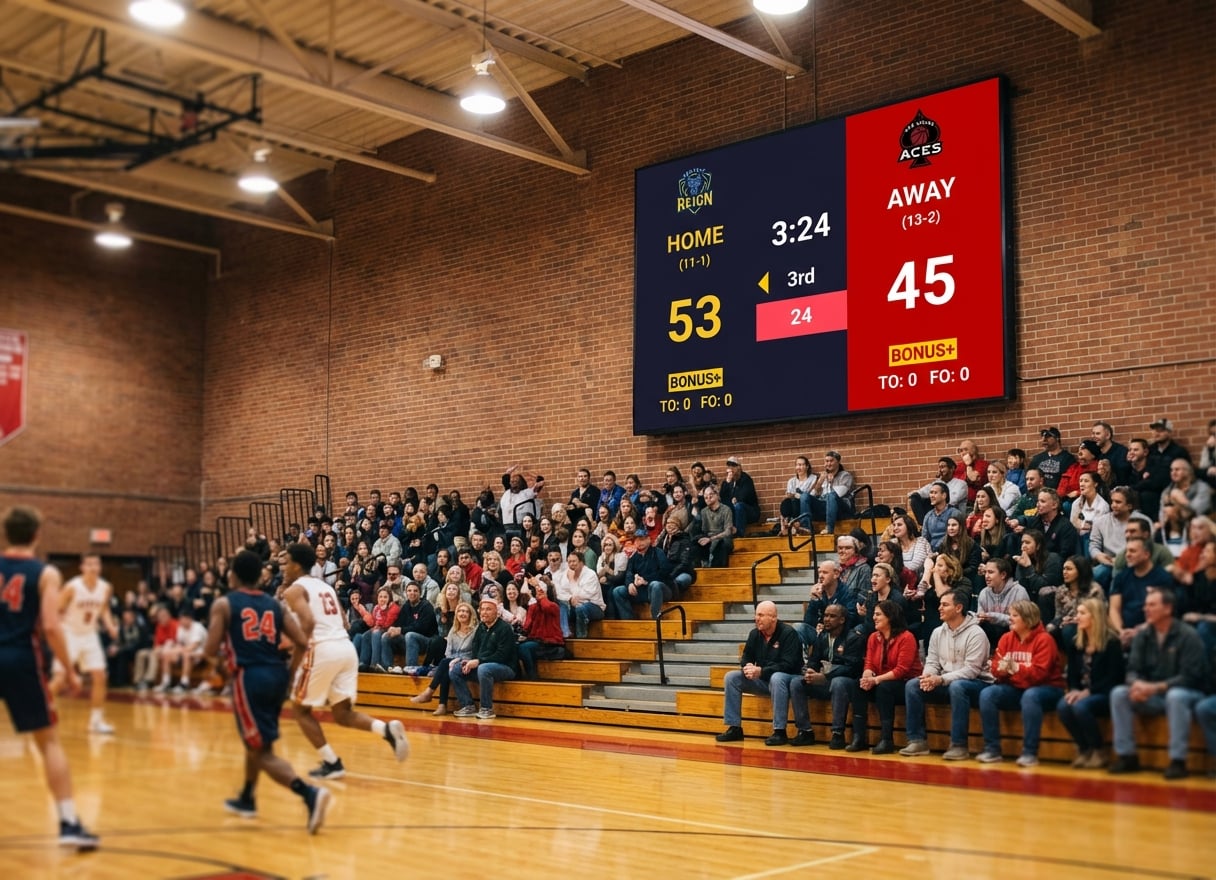
- Works on gym TVs. Connect a laptop via HDMI, open the scoreboard, press fullscreen. The TV becomes your scoreboard.
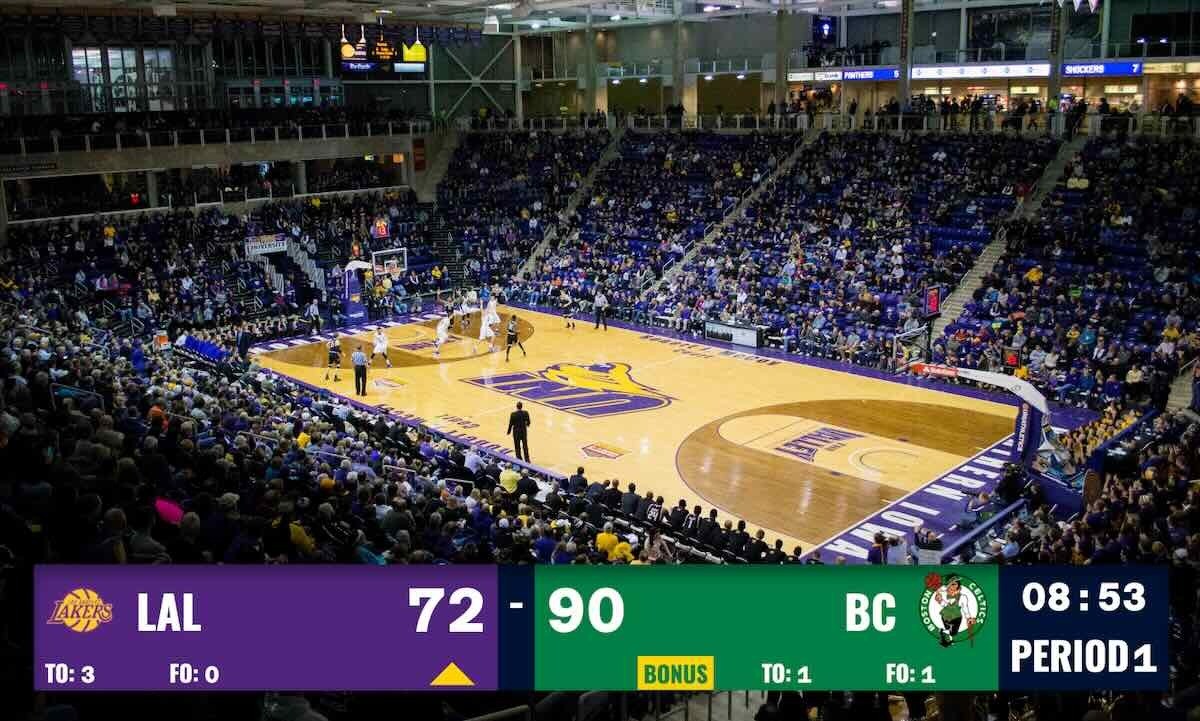
- Streaming ready. Add the scoreboard as an OBS browser source to stream games for remote parents.
Pricing: From $14/month billed annually. Free tier available with all sports.
OBS with Custom Overlays — Best for Streaming-Only
Why it fits: If your league streams games and someone technical can set up OBS once, custom overlays are free and look great.
Limitations for youth sports:
- No phone control — requires a dedicated PC operator
- No venue display — it's a streaming tool, not a gym scoreboard
- Setup takes 30+ minutes per sport
- Not practical for volunteer rotation
Pricing: Free.
PC Scoreboards — Best for Windows-Only, Single-Sport
Why it fits: If your league only plays basketball in one gym with a dedicated Windows PC, the one-time cost is attractive.
Limitations for youth sports:
- Windows only — won't work on the iPad or Chromebook the volunteer brought
- Web Remote on supported versions, but primarily keyboard-driven
- Per-sport licensing ($100-$200 per sport)
- USB dongle required
Pricing: $100-$200 one-time per sport.
ScoreVision — Best for Well-Funded Programs
Why it fits: If your league has sponsor revenue and wants cloud-managed scoreboards with ad rotation across multiple venues.
Limitations for youth sports:
- Custom pricing (contact sales) — far beyond most youth league budgets
- Requires specific hardware
- Overkill for community-run programs
Comparison Table: Youth Sports Focus
| Criteria | KeepTheScore | OBS Overlays | PC Scoreboards | ScoreVision |
|---|---|---|---|---|
| Monthly cost | From $14 (free tier) | Free | $0 (after purchase) | Contact sales |
| Volunteer-friendly | Yes (phone control) | No (technical) | No (keyboard) | Yes (cloud) |
| Multi-sport | 15+ sports included | Manual per sport | Per-sport license | All sports |
| Phone control | Yes | No | Web Remote (supported versions) | Yes |
| Parent score sharing | Yes (link) | No | No | Yes |
| Works on any device | Yes | Windows/Mac | Windows only | Cloud-based |
| Streaming support | Yes (OBS source) | Yes (native) | No | Limited |
| Setup time | 2 minutes | 30+ minutes | 10 minutes | Vendor-managed |
Sport-by-Sport Setup for Youth Leagues
Youth Basketball
Create a basketball scoreboard with game clock, shot clock (if your league uses it), fouls, and period tracking. Control from the scorer's phone. Display on the gym TV.
Youth Soccer/Football
Create a soccer scoreboard with match timer, halves, and score tracking. The scorer can sit on the bench or stand on the sideline with their phone.
Youth Volleyball
Create a volleyball scoreboard with rally scoring and set tracking. Tap the winning team after each rally.
Youth Baseball/Softball
Create a baseball scoreboard with inning tracking, runs, hits, and errors. The book keeper updates from the dugout.
Tournament Days
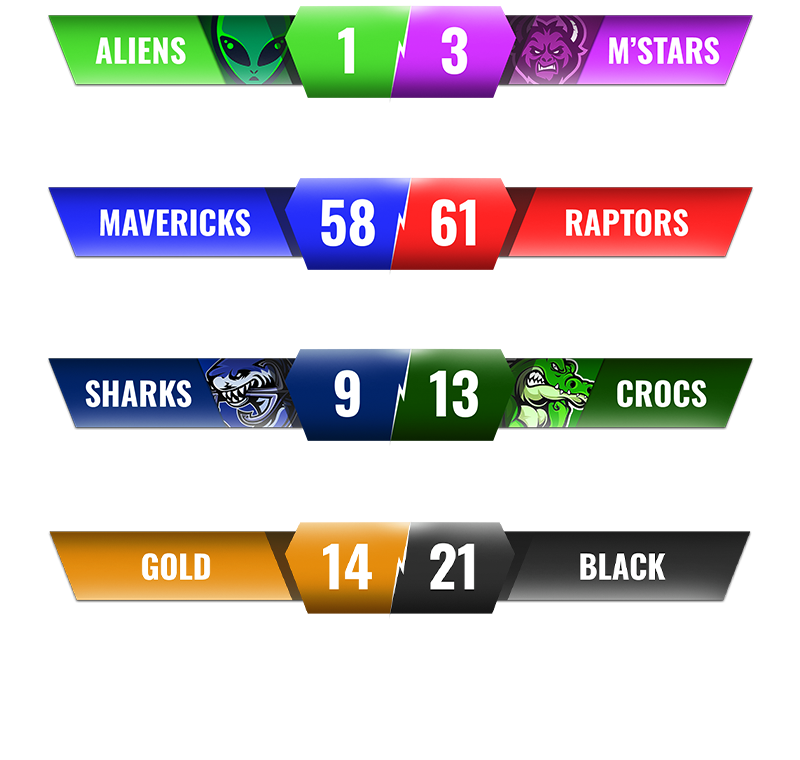
For tournaments with multiple games, create separate scoreboards for each court or field. Share view-only links on a central tournament page or group chat. Parents pick the game they want to follow.
Why KeepTheScore Works for Youth Programs
The Saturday Morning Test
Can a parent who just walked into the gym, coffee in hand, open a link on their phone and start scoring within 60 seconds?
That's the test. If the answer is no, the tool doesn't work for youth sports.
KeepTheScore passes because:
- Open the control link — it's a URL, not an app download
- The interface shows team names and a "+" button for each
- Tap "+" to add points
- The display updates
No login required for the scorer. No training session. No manual.
The Multi-Season Test
Your league runs basketball in winter, soccer in spring, baseball in summer, and volleyball in fall. Does your scoreboard tool cover all of them without additional purchases?
With KeepTheScore, switch sports in seconds. Same subscription, same workflow, different scoreboard layout.
The Grandparent Test
Can grandma in another state follow the game live? Share the view-only link. She opens it in her browser. She sees the score update in real time. She's happy.
The Bottom Line
Youth sports programs need scoreboard software that volunteers can operate, parents can follow, and treasurers can afford. Enterprise tools are overkill. Free tools require too much technical skill for a rotating volunteer roster.
A browser-based tool with phone control, multi-sport support, and shareable links hits the sweet spot for youth leagues.
Youth Sports Scoreboard FAQs
"Can a volunteer parent really run this during a game?"
Yes. With phone-controlled tools like KeepTheScore, a parent opens the control link, taps to add points, and the display updates. No training needed. Most parents figure it out in under a minute.
"Do we need different software for each sport?"
Not with multi-sport tools like KeepTheScore. One subscription covers basketball, soccer, volleyball, baseball, and 10+ other sports. Switch sports between games in seconds.
"Can parents follow scores from home?"
Yes. KeepTheScore generates a shareable view-only link for every scoreboard. Share it via text, email, or QR code. Parents, grandparents, and fans can follow live from anywhere.
"What's the cheapest setup for a youth league?"
If you already have a TV at the venue, the cheapest setup is KeepTheScore's free tier plus any laptop with HDMI output. Total cost: $0 upfront. The free tier includes all sports with small branding.
"Can we stream games for parents who can't attend?"
Yes. KeepTheScore works as a browser source in OBS or Streamlabs. Stream to YouTube or Facebook Live with a professional scoreboard overlay. See our streaming guide.
"What about outdoor fields without TVs?"
For outdoor events, tablets or laptops work as the display for the scorer's table. For spectators, share the view-only link. Some leagues set up a portable TV or projector for tournament days.