StreamYard is great for remote guests and multi-platform streaming. But if you want a live scoreboard overlay, you're out of luck: StreamYard doesn't support browser sources or URL overlays.
What StreamYard Can and Can't Do
StreamYard overlays are limited to static files:
- PNG/JPG images
- GIF animations
- Pre-recorded video clips
What you can't do:
- Add browser sources (URLs that render live HTML)
- Display real-time updating scoreboards
- Use any overlay that needs to fetch or change data
For sports streaming where scores change constantly, this is a dealbreaker. (See StreamYard's overlay documentation.)
The Clunky Workaround
If you must use StreamYard, there's one option: run your scoreboard overlay in OBS, then send OBS's output to StreamYard via Virtual Camera. StreamYard treats the composited video as a camera input.
This works, but it defeats StreamYard's main appeal — simplicity. You're now running two programs. (See OBS Virtual Camera with StreamYard.)
Software That Actually Works for Sports
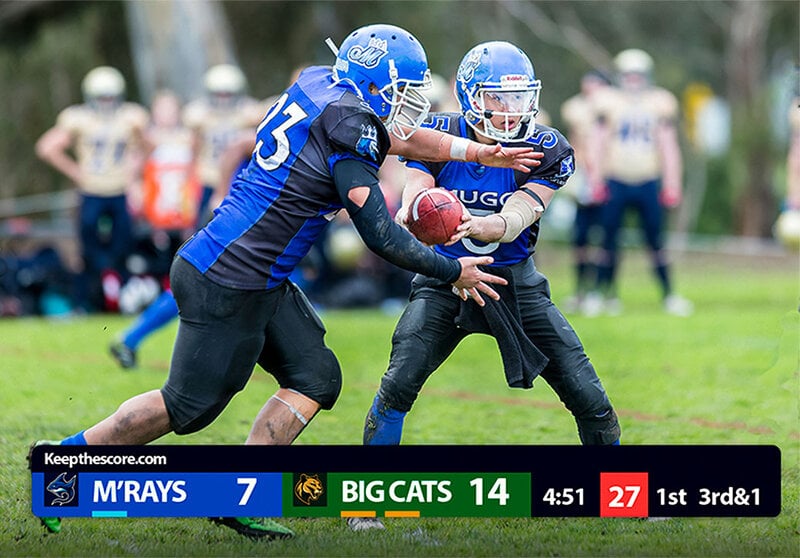
These tools support browser-source overlays for live scoreboards:
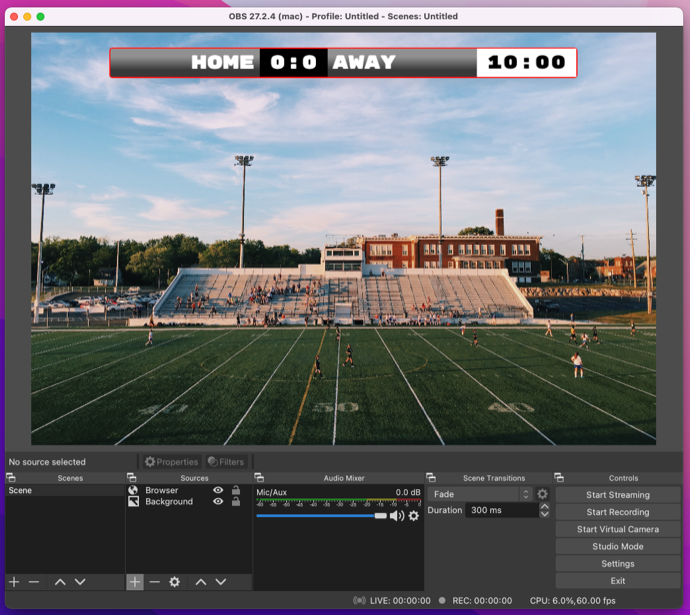
OBS Studio
Free, cross-platform, and the most popular choice. Add a browser source, paste your scoreboard URL, done.
- Platform: Windows, Mac, Linux
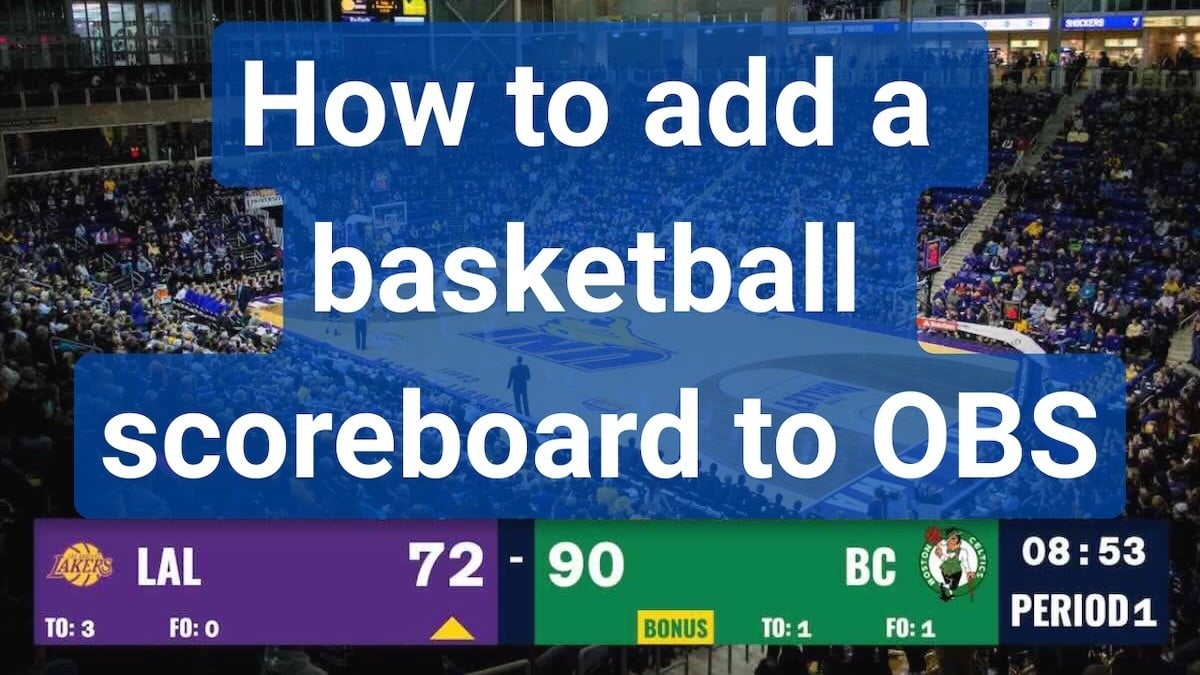
- Guide: How to add a scoreboard to OBS
Streamlabs Desktop
Same browser-source functionality as OBS with a friendlier interface.
- Platform: Windows, Mac
- Guide: Streamlabs scoreboard setup
vMix
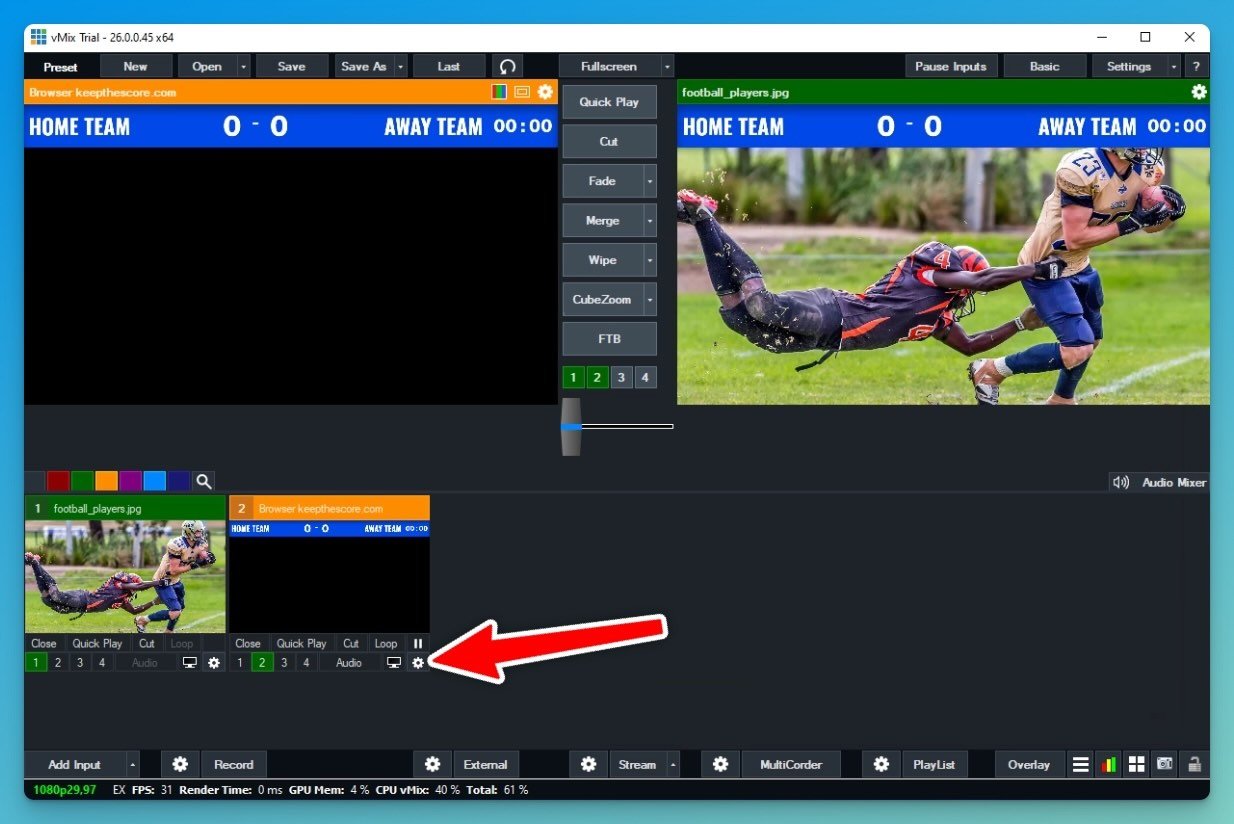
Professional-grade software with "Web Browser" inputs. More complex to learn but powerful.
- Platform: Windows only
- Guide: vMix scoreboard integration
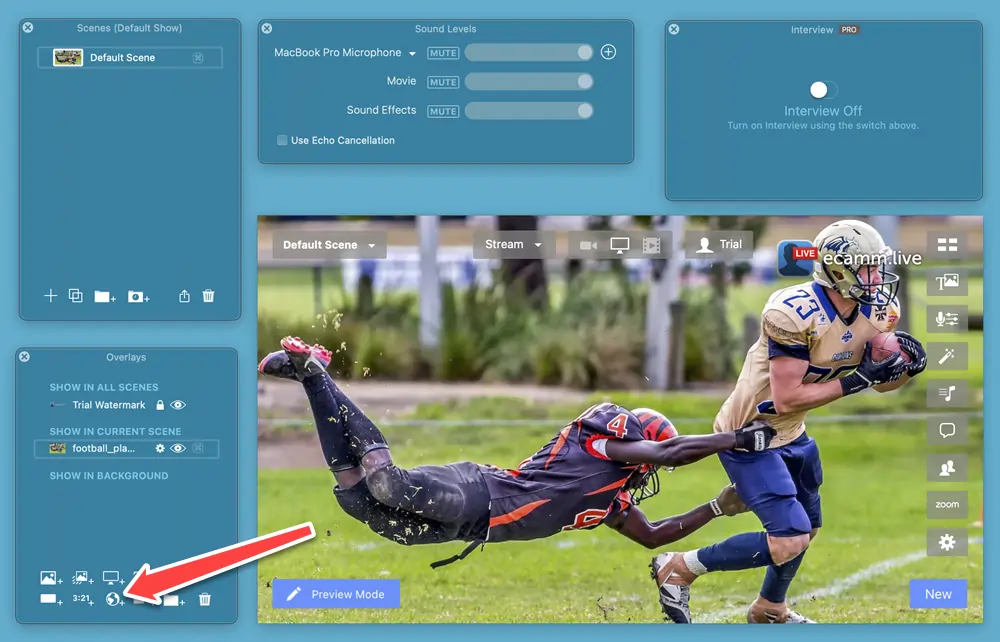
Ecamm Live
Mac-only option with "Web Widget" overlays. Clean interface, easy setup.
- Platform: Mac only
- Guide: Ecamm Live scoreboard setup
Quick Comparison
| Feature | StreamYard | OBS | Streamlabs | vMix | Ecamm Live |
|---|---|---|---|---|---|
| Browser overlays | No | Yes | Yes | Yes | Yes |
| Live scoreboards | No | Yes | Yes | Yes | Yes |
| Price | $20-49/mo | Free | Free | $60+ | $16-40/mo |
| Learning curve | Low | Medium | Low | High | Low |
| Platform | Web | All | Win/Mac | Windows | Mac |
Setup Recommendations
Most Users: OBS Studio + KeepTheScore
- Download OBS Studio (free)
- Create a scoreboard at KeepTheScore.com
- Add browser source with your scoreboard URL
- Full setup guide
Mac Users: Ecamm Live + KeepTheScore
- Get Ecamm Live
- Create your scoreboard at KeepTheScore.com
- Add Web Widget overlay
- Complete instructions
Professional Productions: vMix + KeepTheScore
- Install vMix
- Set up scoreboard at KeepTheScore.com
- Add Web Browser input
- Detailed guide
Common Questions
Can I screen-share a scoreboard website in StreamYard?
You can, but it appears as a separate window — not composited on your video. It looks unprofessional and you lose positioning control.
Will StreamYard add browser-source support?
Nothing in their documentation or roadmap suggests this is coming.
What if I need StreamYard for remote guests?
Use OBS for your scoreboards and stream composition, then send the output to StreamYard via Virtual Camera for guest management.
Can I use animated GIFs for scores in StreamYard?
GIFs don't update with live data. You'd need to upload a new GIF every time the score changes.
The Bottom Line
StreamYard is excellent for podcast-style streams and remote interviews. For sports, it's the wrong tool. OBS Studio is free and handles live scoreboards without friction. Start there.
Create your scoreboard and follow our guides for OBS, Streamlabs, vMix, or Ecamm Live.