Trying to compare scoreboard software is frustrating. Pricing is hidden behind sales calls, feature lists are vague, and every product claims to be "the best."
This page exists to fix that. Here's a spreadsheet-style comparison of the tools that actually matter for schools, leagues, and streamers — with the numbers and limitations laid out plainly.
For narrative reviews and recommendations by use case, see our best online scoreboard software guide.
Full Feature Comparison
| Feature | KeepTheScore | PC Scoreboards | OBS Overlays | ProScoreboard | ScoreVision | Uno Overlays |
|---|---|---|---|---|---|---|
| Price | From $14/mo (free tier available) | $100-$200 one-time (per sport) | Free | From $2,999 | Contact sales | Free (ads) / $15+/mo |
| Platform | Any browser | Windows only | Windows/Mac | Mac only | Cloud + hardware | Browser |
| Installation | None | Desktop install + USB dongle | Desktop install | Desktop install | Vendor-managed | None |
| Sports covered | 15+ | Per-sport license | Custom (manual) | Major sports | All major | Streaming overlays |
| Mobile control | Yes (phone/tablet) | Web Remote (supported versions) | No | Web remote | Yes | Yes (mobile UI limited) |
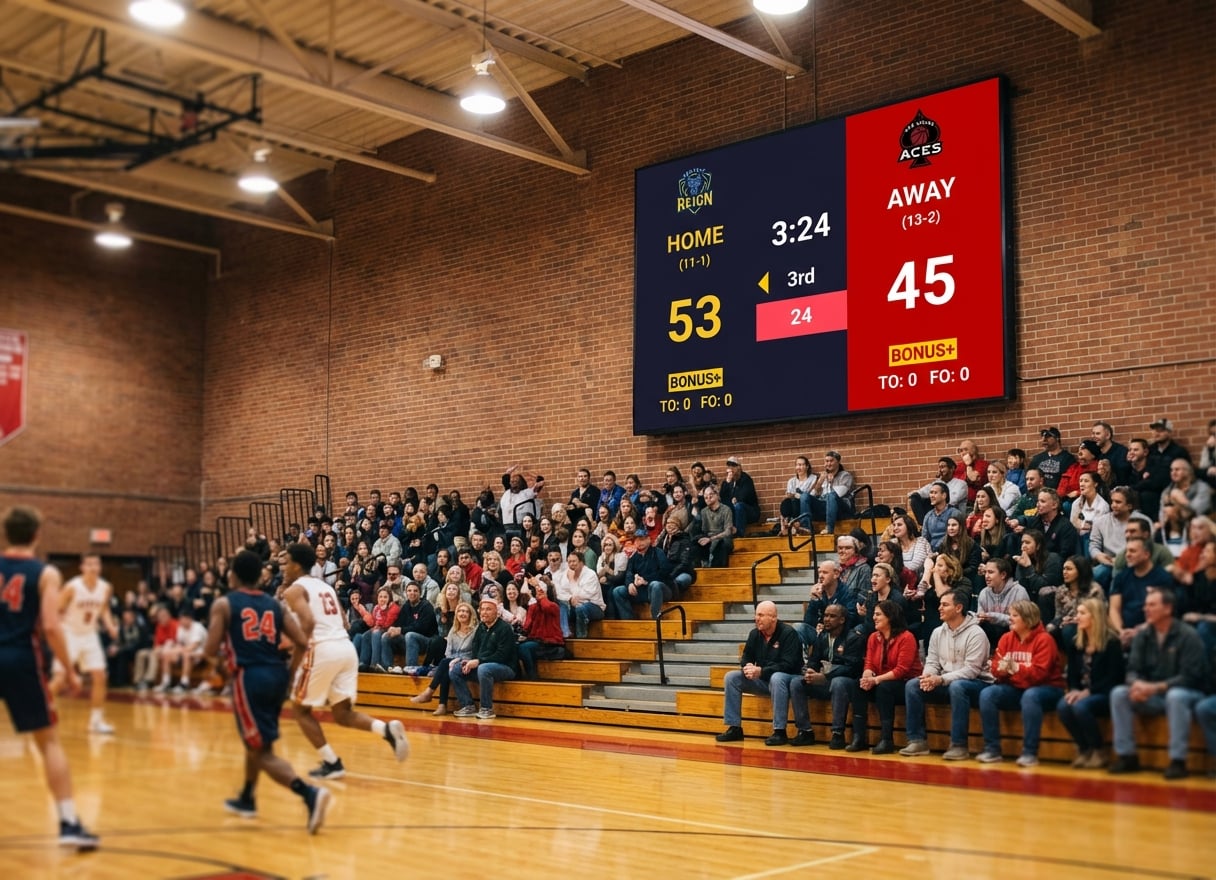
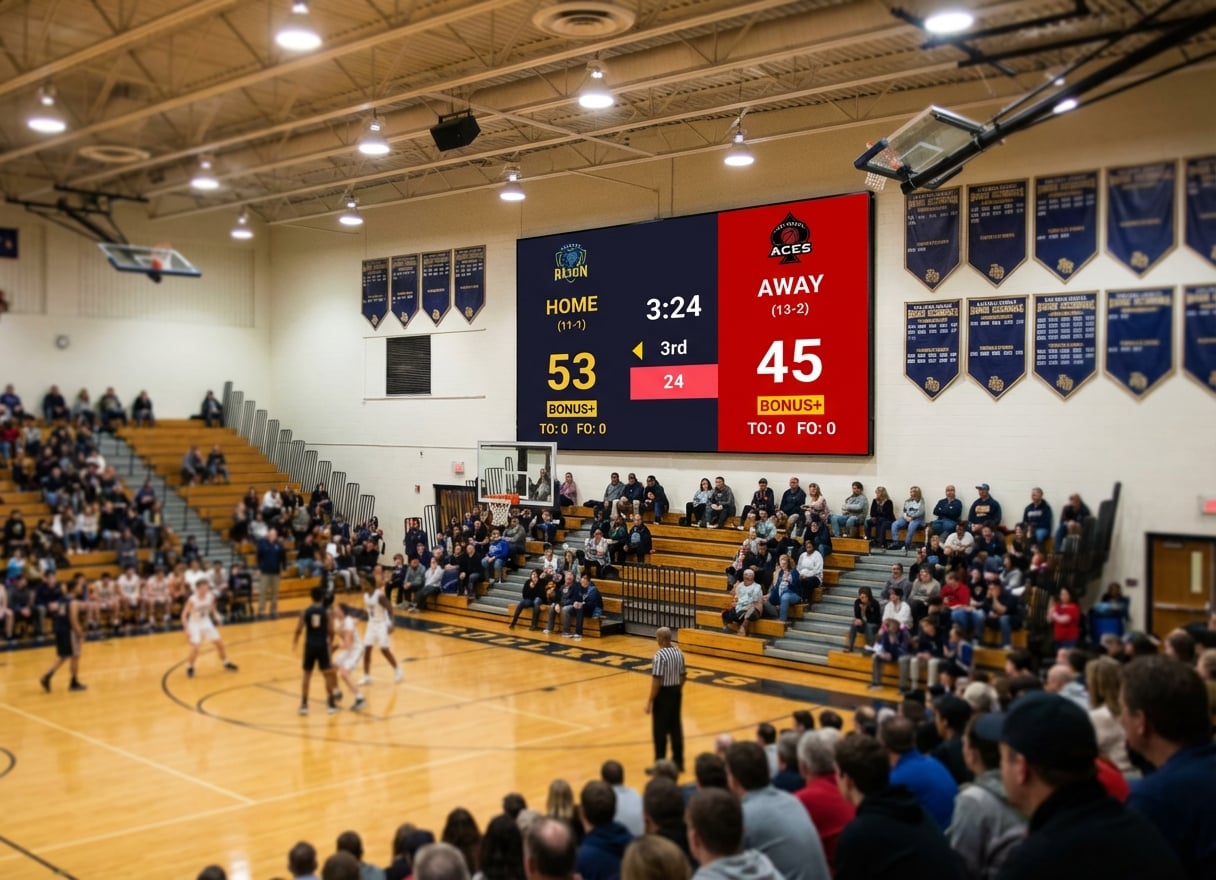
| Fullscreen venue display | Yes (any HDMI display) | Yes (Windows PC) | Not designed for it | Yes (Mac) | Yes | No |
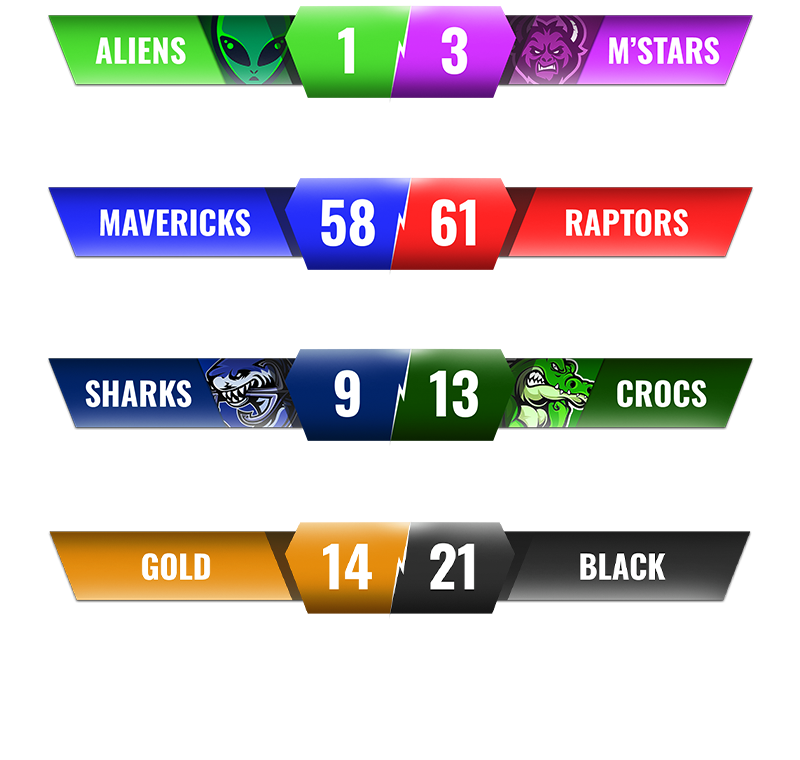
| Streaming overlay | Yes (OBS browser source) | Score Banner (select versions) | Yes (native) | Limited | Yes, package-dependent | Yes (primary use) |
| Dual output | Yes (venue + stream) | No | Stream only | Venue only | Venue primarily | Stream only |
| Remote score sharing | Yes (shareable link) | No | No | No | Yes | No |
| Offline support | No (basic connection needed) | Full | Depends on setup | Full | No | No |
| Stream Deck support | Yes | No | Yes (via OBS) | No | No | No |
| Custom branding | Yes (paid plan) | Limited | Full (manual) | Yes | Yes | Limited |
| Game clock | Yes | Yes | Manual | Yes | Yes | Varies |
| Shot clock | Yes | Some sports | Manual | Some sports | Yes | No |
Pricing Breakdown
Monthly/Annual Costs
| Tool | Upfront | Monthly | Annual | 5-Year Total |
|---|---|---|---|---|
| KeepTheScore | $0 | From $14 | From $168 | From $840 |
| PC Scoreboards | $100-$200 per sport | $0 | $0 | $100-$600 |
| OBS | $0 | $0 | $0 | $0 |
| ProScoreboard | From $2,999 | $0 | $0 | From $2,999 |
| ScoreVision | Setup fees vary | Contact sales | Contact sales | Contact sales |
| Uno Overlays | $0 | $15+ (ad-free) | $180+ | $900+ |
What the Price Gets You
- KeepTheScore: All sports, all features, unlimited scoreboards, phone control, streaming support, branding
- PC Scoreboards: One sport per license, Windows desktop app, keyboard controls, USB dongle
- OBS: Unlimited flexibility, but you build and maintain everything yourself
- ProScoreboard: Mac-native scoreboard with ProPresenter integration
- ScoreVision: Enterprise platform with sponsor management, cloud admin, vendor support
- Uno Overlays: Streaming-focused overlays with limited sport depth
Platform and Device Support
| Tool | Windows | Mac | Chromebook | iPad/Tablet | Phone Control | Linux |
|---|---|---|---|---|---|---|
| KeepTheScore | Yes | Yes | Yes | Yes | Yes | Yes |
| PC Scoreboards | Yes | No | No | No | Web Remote (supported versions) | No |
| OBS | Yes | Yes | No | No | No | Yes |
| ProScoreboard | No | Yes | No | No | Web Remote | No |
| ScoreVision | Via cloud | Via cloud | Via cloud | Via cloud | Via cloud | Via cloud |
| Uno Overlays | Yes | Yes | Yes | Limited | Yes (mobile UI limited) | Yes |
Sports Coverage
| Sport | KeepTheScore | PC Scoreboards | ProScoreboard | ScoreVision |
|---|---|---|---|---|
| Basketball | Yes (clock, fouls, shot clock) | Yes ($139+) | Yes | Yes |
| Volleyball | Yes (sets, rally scoring) | Yes ($139+) | Yes | Yes |
| Soccer/Football | Yes (match timer, halves) | Yes ($139+) | Yes | Yes |
| Baseball/Softball | Yes (innings, runs, hits) | Yes ($139+) | Limited | Yes |
| Hockey | Yes (periods, penalties) | Yes ($139+) | Yes | Yes |
| Tennis | Yes (sets, tiebreaks) | Limited | Limited | Limited |
| Pickleball | Yes (rally scoring, sets) | No | No | No |
| Wrestling | Yes (periods, match timer) | Yes ($139+) | Limited | Yes |
| Badminton | Yes (rally scoring, sets) | No | No | No |
| Table Tennis | Yes | No | No | Limited |
| Futsal | Yes | No | No | Limited |
| Universal/Custom | Yes | No | Limited | Yes |
Display and Streaming Capabilities
| Capability | KeepTheScore | PC Scoreboards | OBS | ProScoreboard |
|---|---|---|---|---|
| Fullscreen on TV (HDMI) | Yes — any browser | Yes — Windows only | Not designed for it | Yes — Mac only |
| LED wall display | Yes — any brand | Yes — Windows PC | Not practical | Yes — Mac only |
| Projector | Yes | Yes | Not practical | Yes |
| OBS browser source | Yes | No | Native | No |
| Streamlabs | Yes | No | Via plugin | No |
| vMix | Yes | No | Via integration | No |
| Score sharing link | Yes (view-only URL) | No | No | No |
Which Tool Fits Your Situation?
You run a multi-sport school program
Pick KeepTheScore. One subscription covers every sport. No per-sport licensing. Works on whatever hardware you already have.
You run a youth sports club with rotating volunteers
KeepTheScore is built for this. Phone control means any parent can score without training. See our youth sports club comparison for a detailed breakdown of what matters for volunteer-run programs.
You only do basketball on a dedicated Windows PC
PC Scoreboards works. Simple, offline, one-time cost. But you're locked to that PC and that sport.
You stream games and want full creative control
Use OBS. It's free and infinitely customizable. But expect to invest hours in setup and maintenance.
You're a community league replacing expensive hardware
Skip Daktronics. A TV + browser-based software delivers a professional scoreboard at a fraction of the cost. See our Daktronics alternatives guide for the full cost comparison.
You're a large school district with sponsor revenue
ScoreVision may justify its cost if sponsor ad rotation offsets the subscription. Get a demo and do the math.
You need both venue display and stream overlay
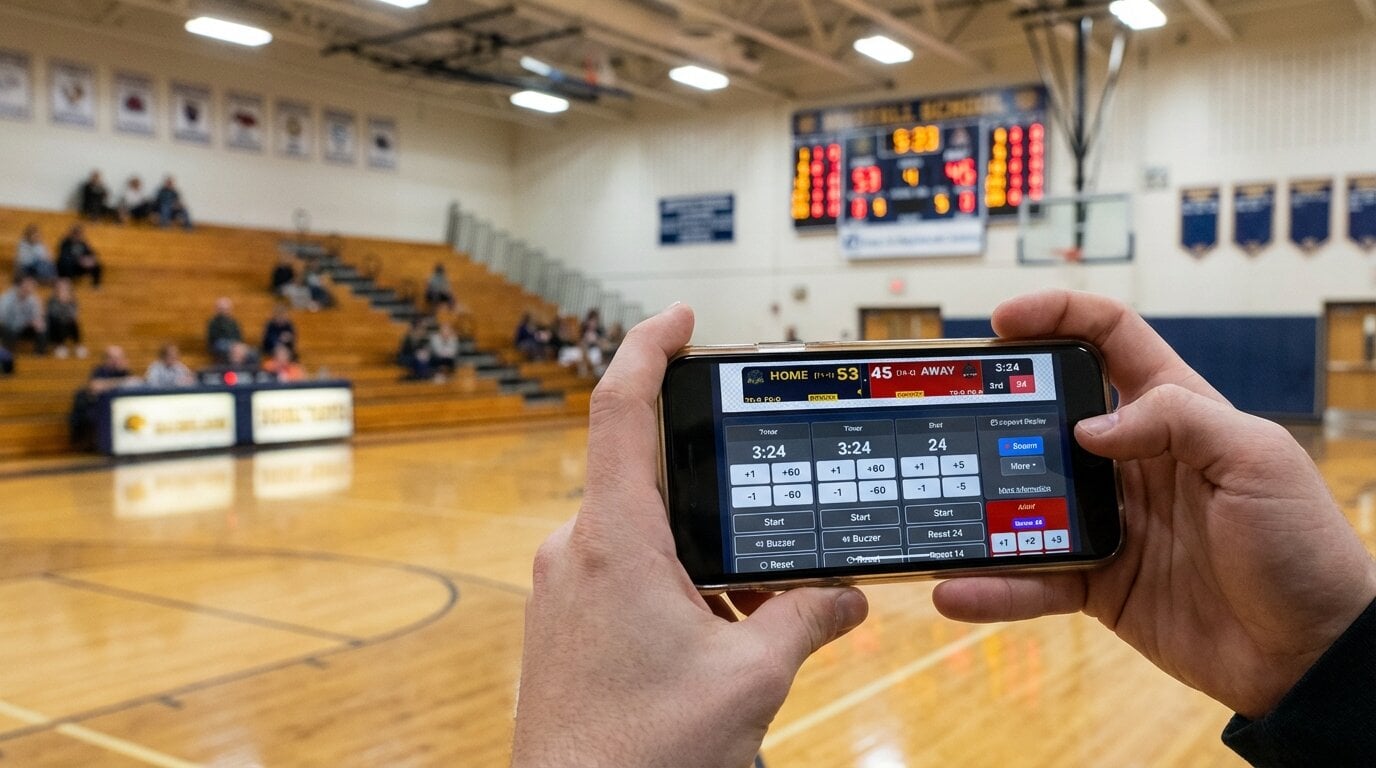
KeepTheScore handles dual output from a single scoreboard. One URL on the HDMI display, the same URL as a browser source in OBS. See our streaming overlay guide for details.
The Bottom Line
There's no single "best" option — it depends on your platform, budget, and how many sports you need to cover. But for most buyers who want broad sport coverage, mobile control, and a tool that works across devices, browser-based solutions offer the best value per dollar.
Use the tables above to match features against your actual requirements. Skip the sales calls and start with a free trial where available.
Comparison FAQs
"Which scoreboard software has the best free tier?"
KeepTheScore offers a functional free tier with all sports and basic features. OBS is completely free but requires technical skills to set up scoreboard overlays manually.
"Can I switch between tools without losing my setup?"
Browser-based tools like KeepTheScore let you bookmark scoreboard URLs and reuse them across seasons. Desktop tools like PC Scoreboards store data locally on one machine.
"What's the cheapest option that supports mobile control?"
KeepTheScore is the most affordable option with mobile phone/tablet control. PC Scoreboards offers a Web Remote on supported versions but has no dedicated phone app. OBS doesn't offer remote control from a separate device.
"Do any of these work without internet?"
PC Scoreboards works fully offline. KeepTheScore requires an internet connection, but only a basic one — a mobile hotspot is enough. OBS overlays depend on how you've configured them.
"Which option is best for streaming and in-venue display at the same time?"
KeepTheScore supports dual output — fullscreen display on a TV via HDMI and a browser source overlay in OBS/Streamlabs simultaneously from the same scoreboard URL.