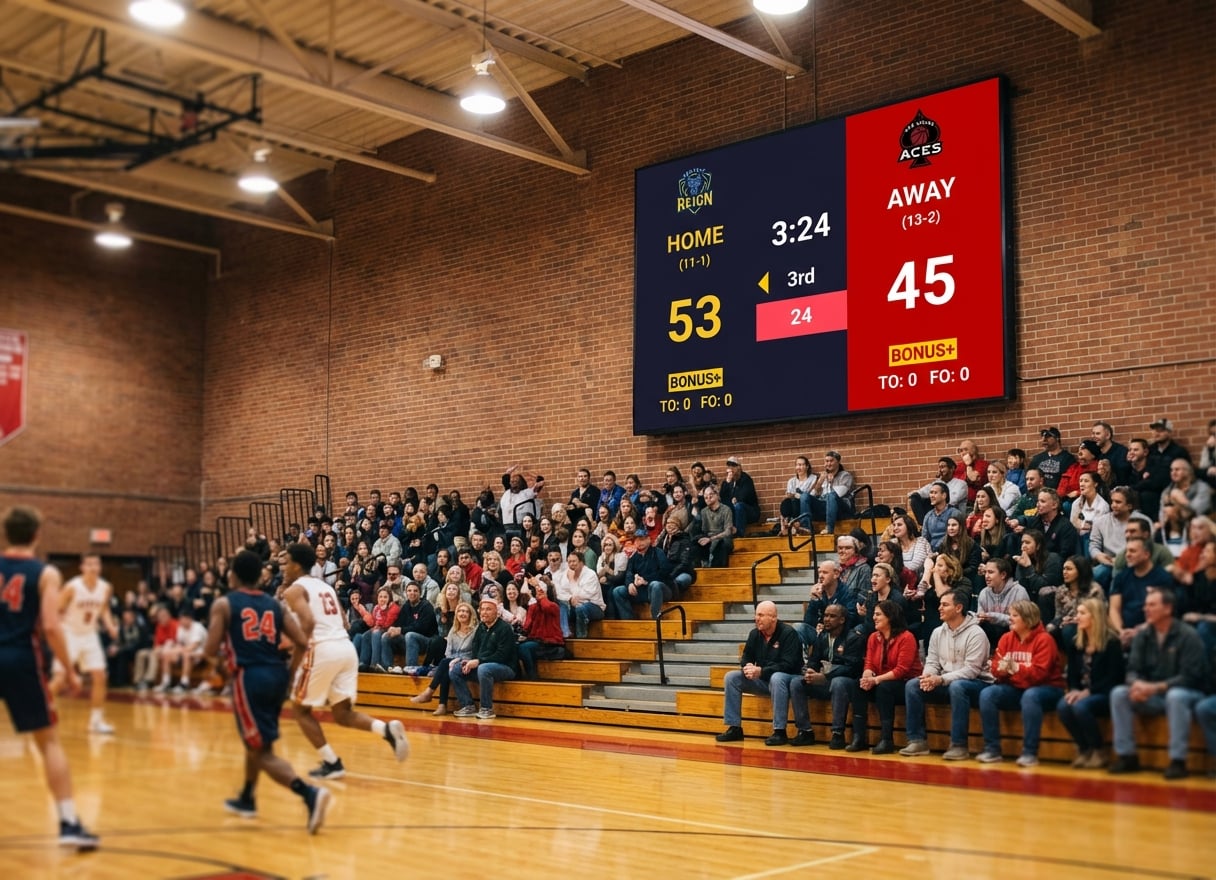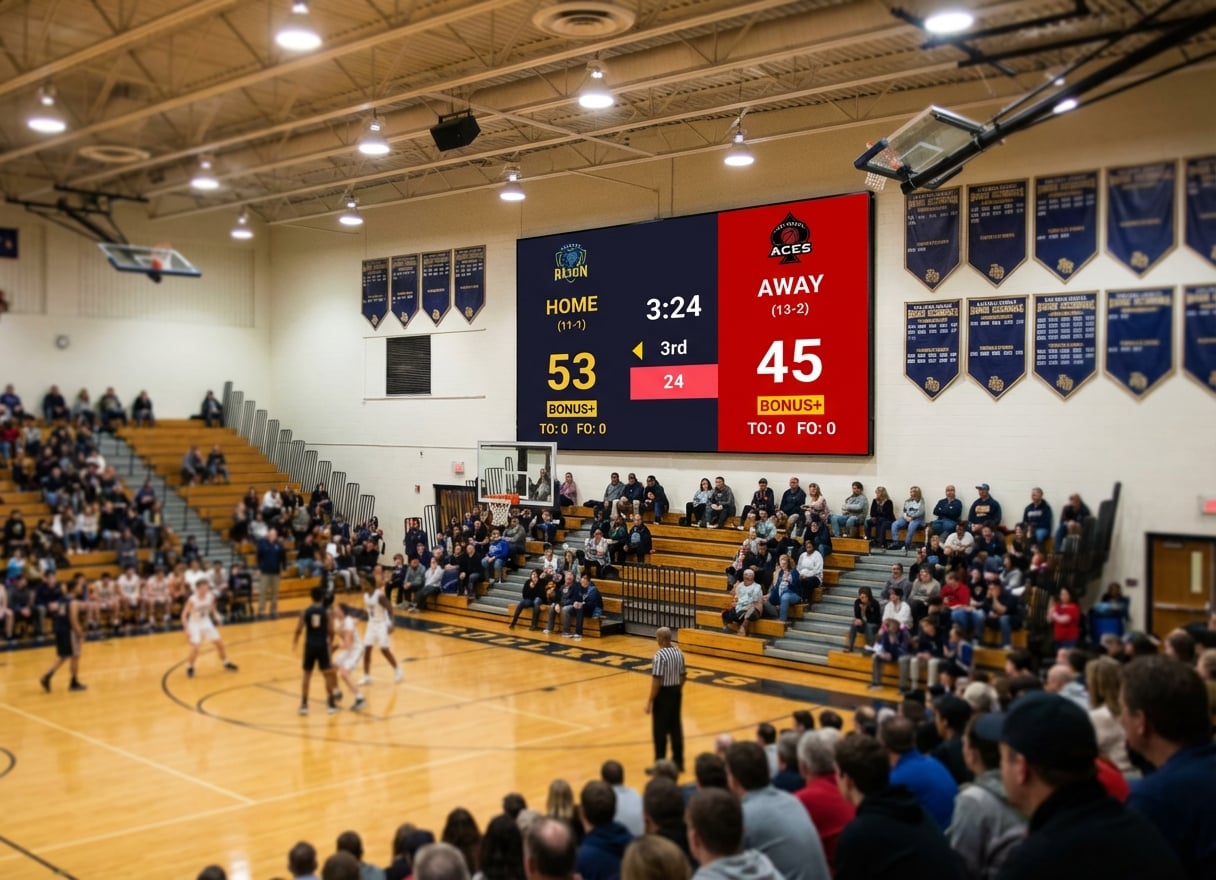
Your school invested in a beautiful LED wall for the gym. The hardware is installed, the HDMI ports are there, and everyone's excited to finally have a modern scoreboard system.
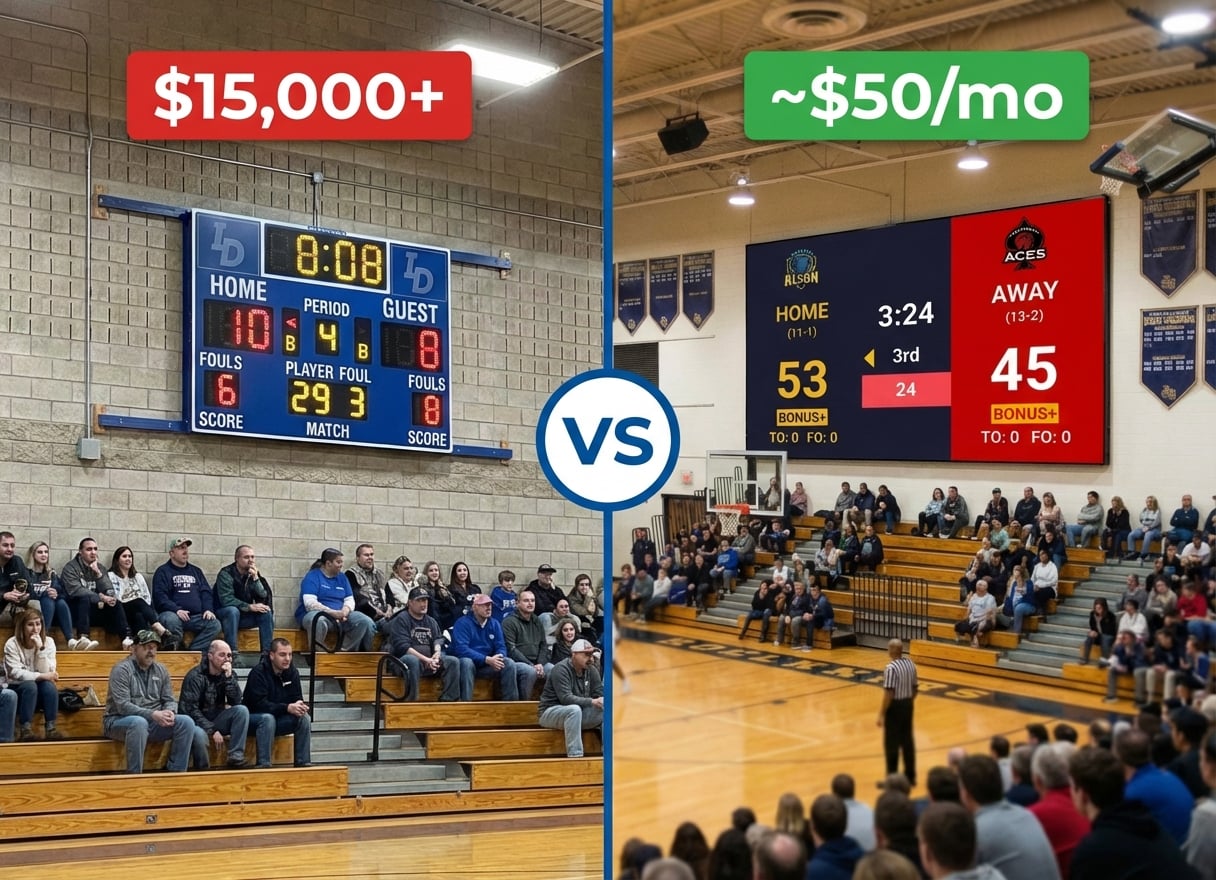
Then you get the quote for the software: $15,000 minimum for Daktronics. ScoreVision wants $8,000 per year. Suddenly, that "complete" LED scoreboard system has a price tag that makes administrators wince.
Here's the good news: you don't need proprietary scoreboard software to run that LED display. Any Windows or Mac computer connected via HDMI can turn your LED wall into a professional sports scoreboard. You just need the right software.
Why Traditional Scoreboard Systems Cost So Much
Daktronics
Daktronics pioneered LED scoreboards, and they've built their business on the integration model: sell the hardware, then lock you into their software ecosystem.
The reality:
- Hardware costs: $15,000 - $100,000+
- Proprietary control systems: $3,000 - $10,000
- Annual support contracts: $1,000+
- Training requirements for staff
- Tied to specific hardware configurations
When Daktronics makes sense: If you're building a new stadium and need a complete turnkey solution with guaranteed support, Daktronics delivers reliability. For Division I athletics with dedicated AV staff, the premium is worth it.
ScoreVision
ScoreVision entered the market as the "modern" alternative, focusing on software-driven displays with cloud control and sponsor management.
The reality:
- Annual subscription: $6,000 - $12,000
- Requires specific compatible displays or adapters
- Monthly cloud fees for advanced features
- Sponsor management tools (valuable for some schools)
When ScoreVision makes sense: If you have multiple venues, need centralized sponsor rotation, and have the budget for annual subscriptions, ScoreVision's cloud features provide value.
The Real Question: Do You Need a $10,000 Solution?
For most K-12 schools and small colleges, the answer is no.
If you already have an LED display or TV in your gym, you need three things:
- A laptop or PC with HDMI output
- Scoreboard software
- A way to control it during games
That's it. No proprietary hardware, no vendor lock-in, no annual contracts.
Affordable Scoreboard Software Alternatives
PC Scoreboards (~$100-$200)
What it is: Windows software that runs on any PC connected to your display.
Pros:
- One-time purchase ($100-$200)
- Works with any HDMI display
- Sports-specific templates (basketball, volleyball, wrestling)
Cons:
- Windows only
- No mobile control
- Basic graphics
Best for: Schools with a dedicated Windows PC at the scorer's table who prefer traditional keyboard controls.
KeepTheScore (~$50/month or less)
What it is: Web-based scoreboard software that runs in any browser. Control from your phone while the scoreboard displays fullscreen on your LED wall.
How it works with LED displays:
- Connect a laptop/PC to your LED wall via HDMI
- Open KeepTheScore.com in a browser
- Set the scoreboard to fullscreen mode
- Control scores from your phone, tablet, or another device
Sports supported:
- Basketball (with shot clock, game clock, periods, fouls)
- Volleyball (rally scoring, sets, timeouts)
- Wrestling (match timer, period tracking)
- Baseball/Softball (innings, runs, hits, errors)
- Hockey (period timer, penalties)
- Soccer/Football (match timer, halftime)
- Tennis, Badminton, Pickleball
- Multi-sport universal scoreboard
Pros:
- Works on any device (Windows, Mac, iPad, Chromebook)
- Control from phone while scoreboard displays on LED wall
- No installation required
- Works with any HDMI display
- Optional Elgato Stream Deck integration for physical button control
Cons:
- Requires internet connection for setup
- Free version includes small branding
Best for: Schools that want a modern, flexible system that works across all their devices without expensive hardware or annual contracts.
OBS with Scoreboard Overlays (Free, but technical)
What it is: Open Broadcaster Software (OBS) with custom scoreboard graphics layered as overlays.
Pros:
- Completely free
- Full customization if you know design
- Great if you're already streaming games
Cons:
- Steep learning curve
- Manual score updates
- Time-consuming setup
Best for: Schools with a dedicated AV student or tech-savvy volunteer who enjoys tinkering.
ProScoreboard by Renewed Vision (~$500-$1,000)
What it is: Professional scoreboard software for Mac, designed for churches and schools using ProPresenter.
Pros:
- Professional graphics
- Mac-compatible
- Integrates with existing Renewed Vision workflows
Cons:
- Mac only
- Higher upfront cost
- Requires ProPresenter knowledge
Best for: Schools already invested in the Renewed Vision ecosystem looking for integrated scoreboard functionality.
Comparison Table
| Solution | Price | Hardware Required | Sports Supported | Mobile Control | Ongoing Costs |
|---|---|---|---|---|---|
| Daktronics | $15k-$100k+ | Proprietary | All major sports | Limited | $1k+/year support |
| ScoreVision | $6k-$12k/year | Compatible displays | All major sports | Yes (cloud) | $6k-$12k/year |
| PC Scoreboards | $100-$200 | Windows PC + display | Basketball, volleyball, wrestling | No | None |
| KeepTheScore | ~$50/mo | Any PC/Mac + display | 15+ sports | Yes (phone/tablet) | ~$50/mo |
| OBS + Overlays | Free | Any PC/Mac + display | Custom | No | None |
| ProScoreboard | $500-$1,000 | Mac + display | Major sports | Limited | None |
Why KeepTheScore Works for School Gyms
The Setup (3 Steps)
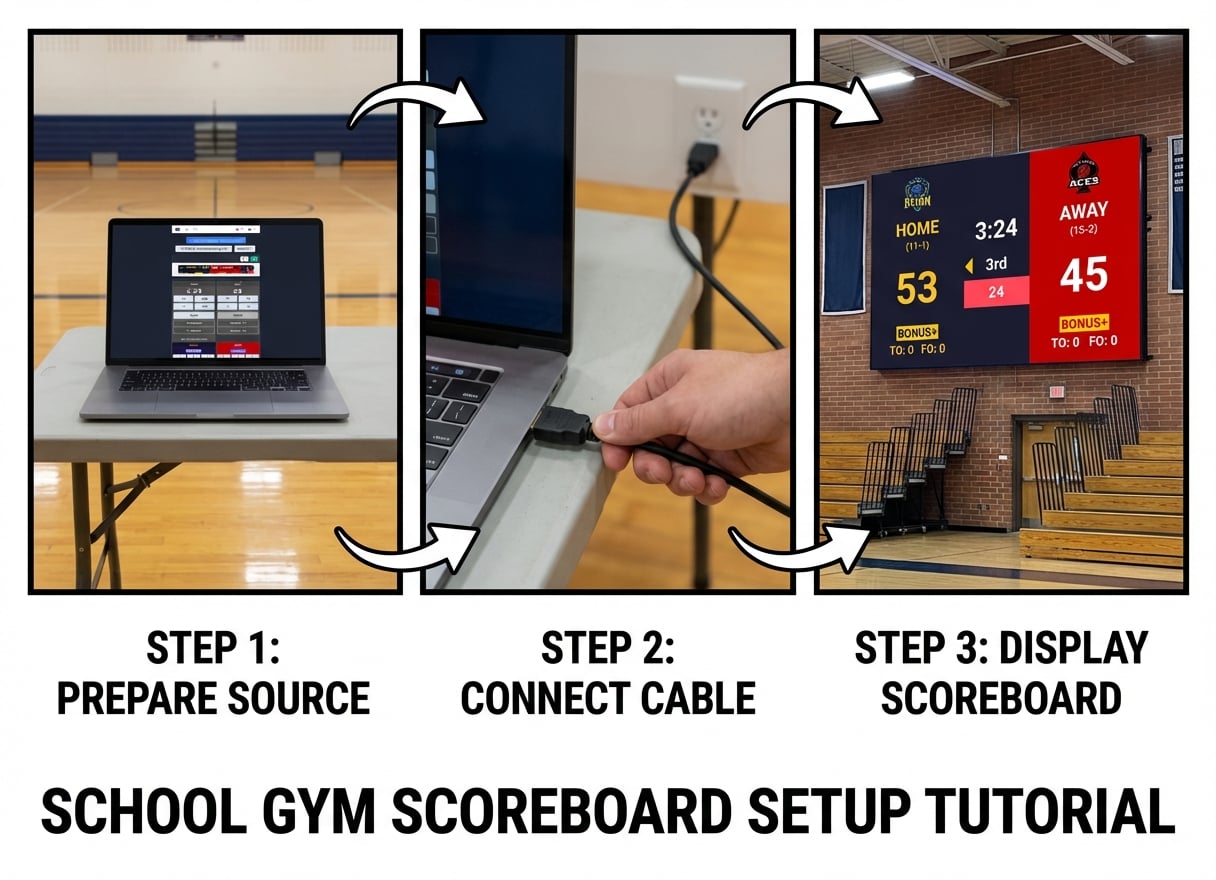
- Connect your laptop to the LED display - Use the existing HDMI connection
- Open KeepTheScore in a browser - Go to keepthescore.com and create your scoreboard (no download, no installation)
- Press fullscreen - Your scoreboard fills the LED wall. Control scores from your phone.
Real Basketball Game Example
Before the game:
- Create a basketball scoreboard on KeepTheScore (30 seconds)
- Set team names and logos (PRO feature)
- Connect your laptop to the LED wall via HDMI
- Open the scoreboard URL and press F11 for fullscreen
During the game:
- Sit at the scorer's table with your phone or tablet
- Open the control panel URL
- Update scores, fouls, timeouts with a tap
- The LED wall updates instantly
- Game clock and shot clock run automatically
Mobile Control: The Real Advantage
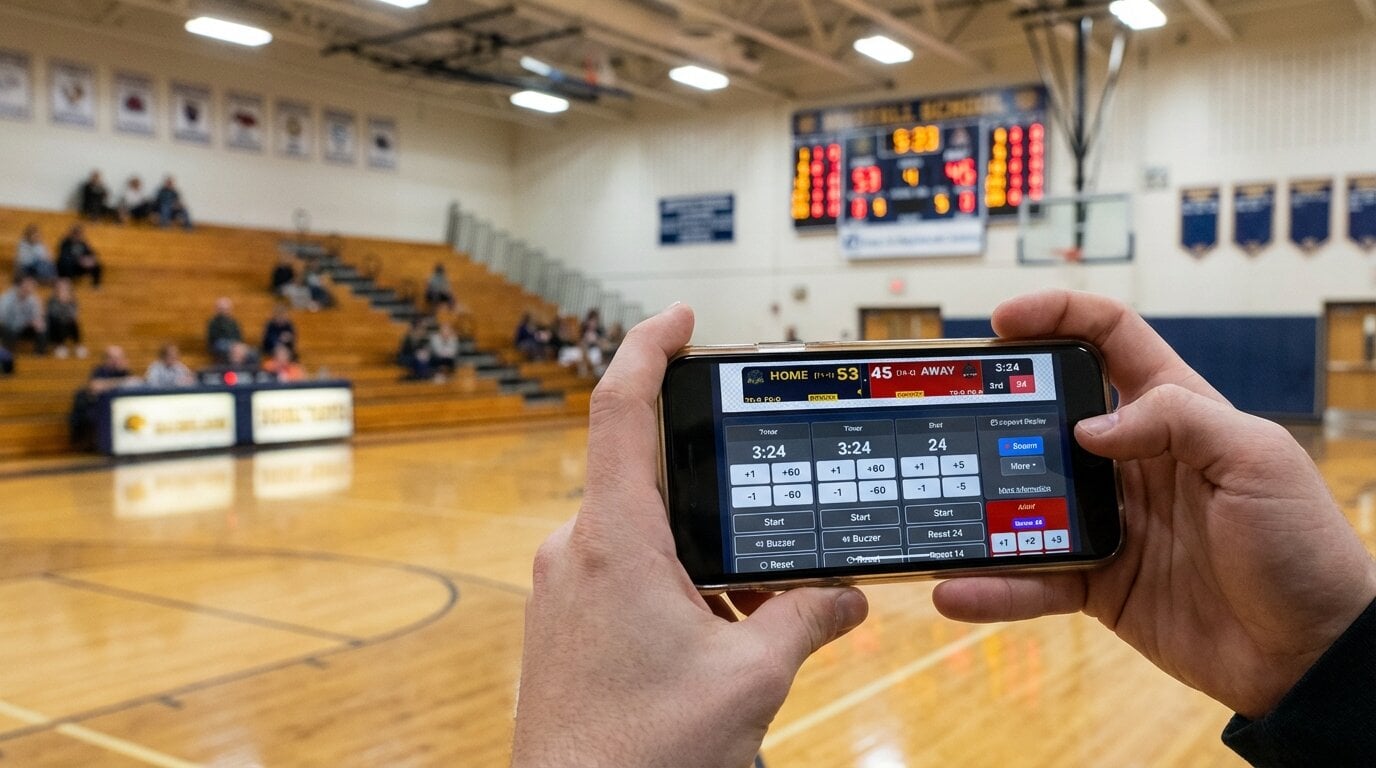
With Daktronics, you're tied to their control console at the scorer's table. With KeepTheScore, anyone with the control URL can update scores from any device.
Why this matters:
- Announcer updates scores from the press box (phone)
- LED wall shows the scoreboard (laptop via HDMI)
- Athletic director monitors from office (iPad)
- All connected, all real-time, no special hardware
Works with What You Already Have
You don't need to buy anything except the laptop (which you probably already have):
- LED walls - any brand, any resolution
- TVs - any size with HDMI
- Projectors - standard or short-throw
- Displays - 1080p, 4K, ultrawide
If it has HDMI input, KeepTheScore will display on it.
The Bottom Line
Most schools don't need a $15,000 Daktronics system or a $6,000/year ScoreVision subscription.
You need:
- A scoreboard that works with your existing LED display
- Something coaches and volunteers can operate without training
- A solution that doesn't require annual contracts or vendor lock-in
- Flexibility for different sports throughout the year
KeepTheScore delivers all of that through any web browser, controlled from any device, for around $50/month or less depending on your package.
If you're a Division I program with dedicated AV staff and unlimited budget, Daktronics or ScoreVision make sense. But if you're a K-12 school or small college looking to maximize your LED display investment without breaking the budget, web-based scoreboard software gives you 90% of the functionality for 1% of the cost.
Try KeepTheScore Today
No software installation. No commitment.
Test it on a TV or projector before your next game. Professional scoreboard software for less than the cost of a few basketballs per month.
Common Questions from Athletic Directors
"Will this work with our existing LED wall?"
If your LED wall has HDMI input (which it almost certainly does), yes. KeepTheScore doesn't care about the brand or model of your display—it's just a browser showing fullscreen content via HDMI.
"What if our internet goes out during a game?"
Once the scoreboard page loads, it works offline for basic score updates. For best reliability, use a mobile hotspot as backup or ensure your gym has stable Wi-Fi.
"Can we use this for multiple gyms?"
Yes. Create different scoreboards for each gym, save the URLs, and use them whenever needed. There's no per-venue licensing fee.
"What about streaming games?"
KeepTheScore works perfectly as a browser source in OBS, Streamlabs, or vMix. Many schools use it for both in-gym display (LED wall) and live stream overlay.
"Can parents see the score remotely?"
Yes! Every scoreboard has a shareable view-only URL. Parents, fans, or scouts can follow the game in real-time from anywhere with the link or QR code.