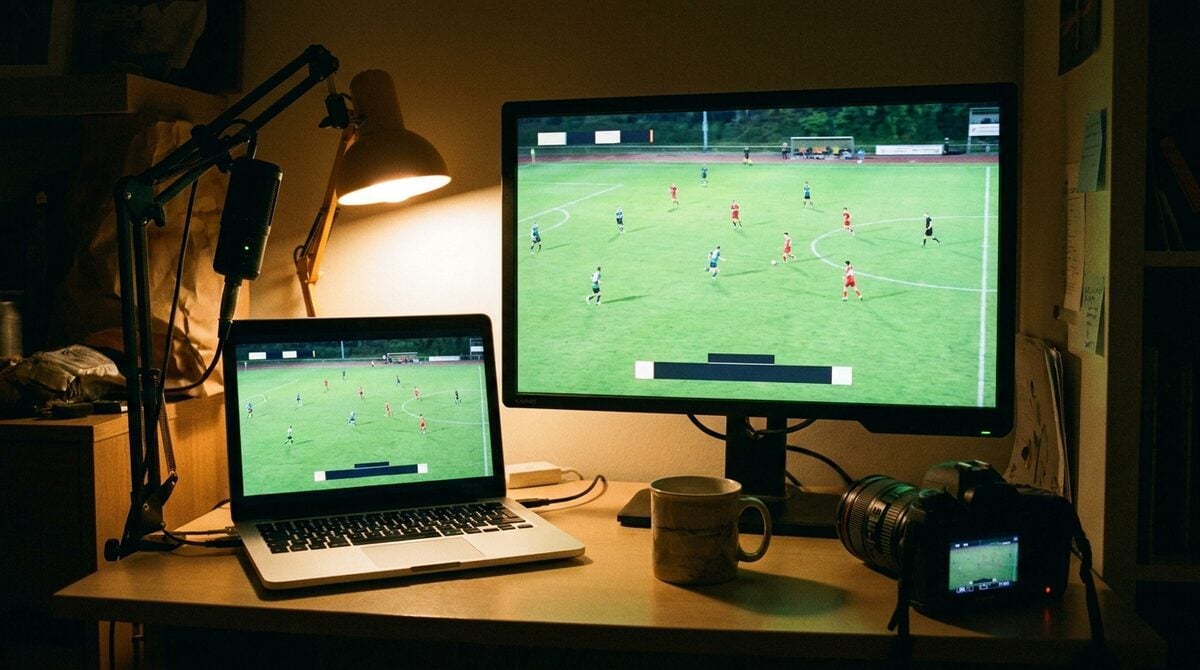
How to Put the Arena Scoreboard on Your Hockey Stream
Four ways to get the rink's clock, score and penalties into OBS or vMix: typing it, camera OCR, the console's data port, or a ScoreLink box.
Article Contents
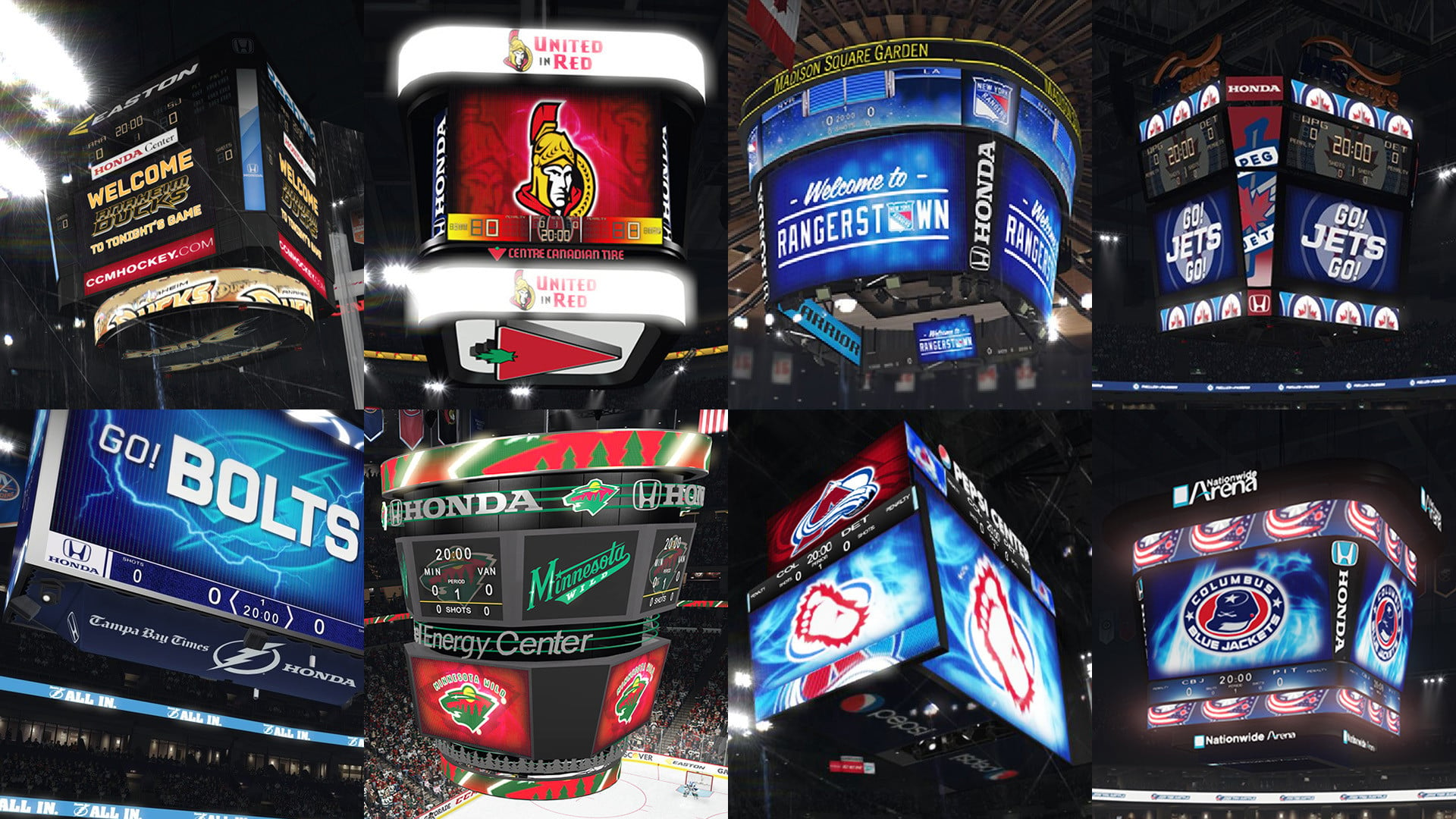
You are streaming a youth hockey game. The clock on the wall says 7:42 in the second. Your stream says 8:15, because the parent typing the score looked away during the last whistle. The grandparents watching from three states away now think the period has longer to go than it does.
Every rink already has the right numbers. They sit inside the scoreboard console at the timekeeper's bench. The question is how to get them onto your stream. There are four ways, and the right one depends on what the rink owns and how much you want to fiddle on game day.
The short answer
| Way | What you need | Accuracy | Works at any rink? | Effort on game day |
|---|---|---|---|---|
| 1. Type it yourself | A phone and a scorebug app | As good as the person typing | Yes | High: one person, the whole game |
| 2. Camera + OCR | A second camera aimed at the scoreboard, OCR software | Good, until glare or a bumped camera | Yes, after setup at each rink | Medium: calibrate every rink |
| 3. The console's data port | Serial cable, adapter, reader software | Exact | Only rinks whose console you can reach | Low, once it is cabled |
| 4. A ScoreLink box | The box, a subscription, internet at the bench | Exact | Wherever the box is installed | Lowest |
If the rink already has a ScoreLink box, use it. If it doesn't and you stream at one home rink, cable the console. If you travel between rinks, type it, and make typing as fast as possible.
1. Type the score yourself
This is how most youth hockey streams run today. Someone at the glass taps the score, the clock and the penalties into a phone, and the scorebug on the stream follows.
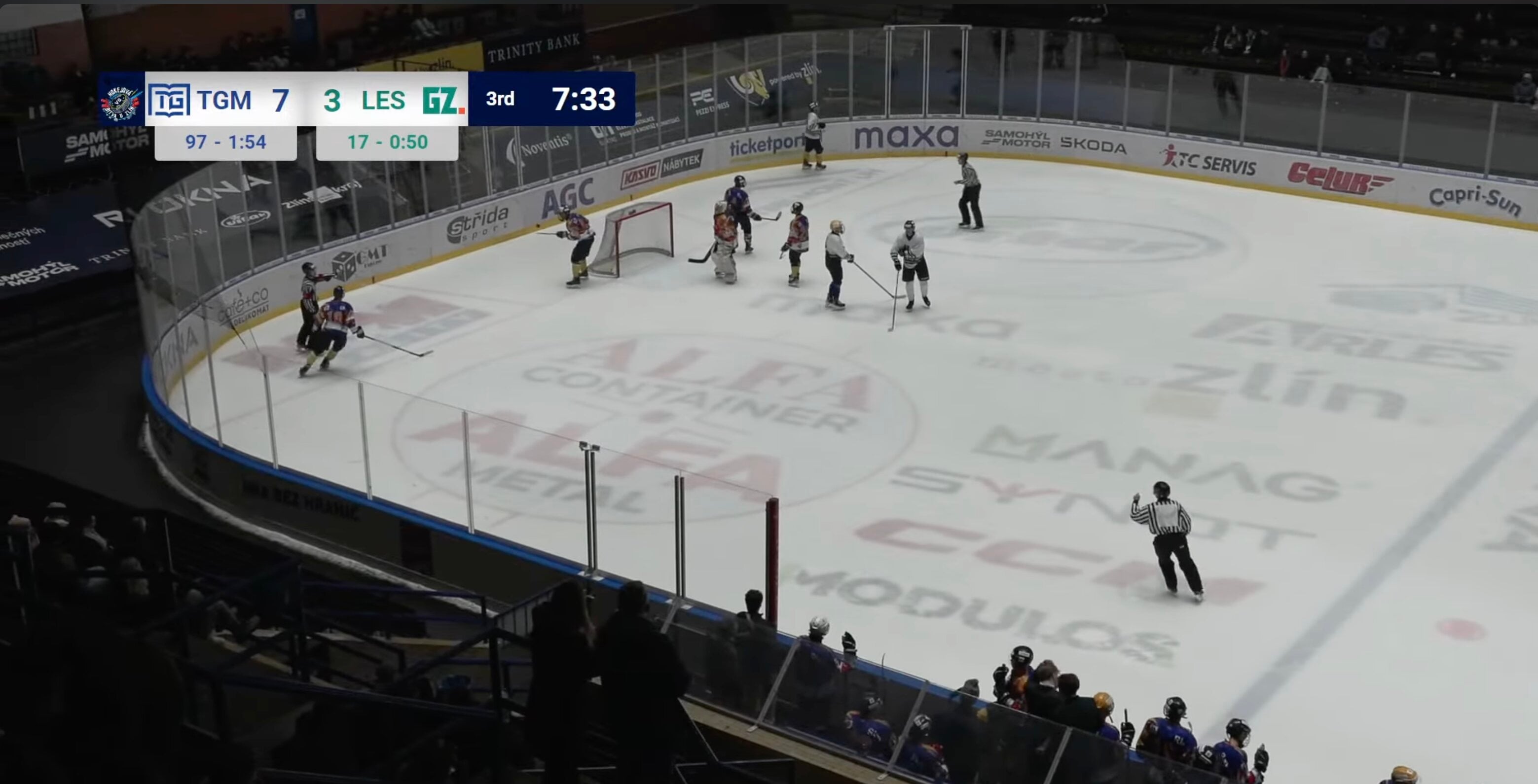 A hockey scorebug driven from a phone
It costs nothing in hardware and it works at every rink, including outdoor rinks with no electronic board at all. The cost is attention. Hockey stops and starts dozens of times a period, and every stop is a chance for the stream clock to drift from the wall clock.
Three things make it bearable:
- Run the clock from physical buttons. An Elgato Stream Deck on the table means start and stop are a thumb press, not a hunt on a touchscreen.
- Let the board do the penalty math. Enter the penalty and the player's number; a good hockey scorebug counts it down, works out the power play, and shows 4-on-4 when both teams have a player in the box.
- Hand off the scorekeeping. Send the control link to a second parent, so the person running the cameras does not also keep score. Summer, a hockey mom who streams 30+ games a season solo, found that running everything alone was too much.
2. Point a camera at the scoreboard (OCR)
OCR (optical character recognition) software watches a video feed of the wall scoreboard and reads the digits. You draw a box around the clock, another around each score, and the software turns them into data your graphics can use.
The commercial option most streamers find first is Scoreboard OCR, which reads clock, score, penalties and shot clock and sends them to vMix, OBS and about 30 other tools. ScoreSight is a free, open-source alternative that feeds OBS and vMix. Vizrt sells an OCR connector for its Flowics graphics.
OCR's appeal is that it needs nothing from the rink. Its problems are physical:
- Glare. Arena lights reflect off the scoreboard face and off the ice, and a reflection over one digit is a misread.
- Angles. A camera that is not square to the board has to be corrected in software, and someone leaning on the tripod undoes it.
- LED flicker. Depending on the camera's shutter speed, LED digits can fade or vanish on video.
- Penalty panels. Small penalty clocks with player numbers are the hardest part of a hockey board to read reliably.
Streamers on the vMix forums describe OCR setups that need regular tuning. It is a good choice for a fixed camera at a home rink. It is a hard one for a travelling team that sets up at a new rink every weekend.
3. Take the data straight from the console
Current consoles from the big scoreboard brands have a data output for broadcast. It is the same information the console sends to the wall, as a stream of text over a serial cable.
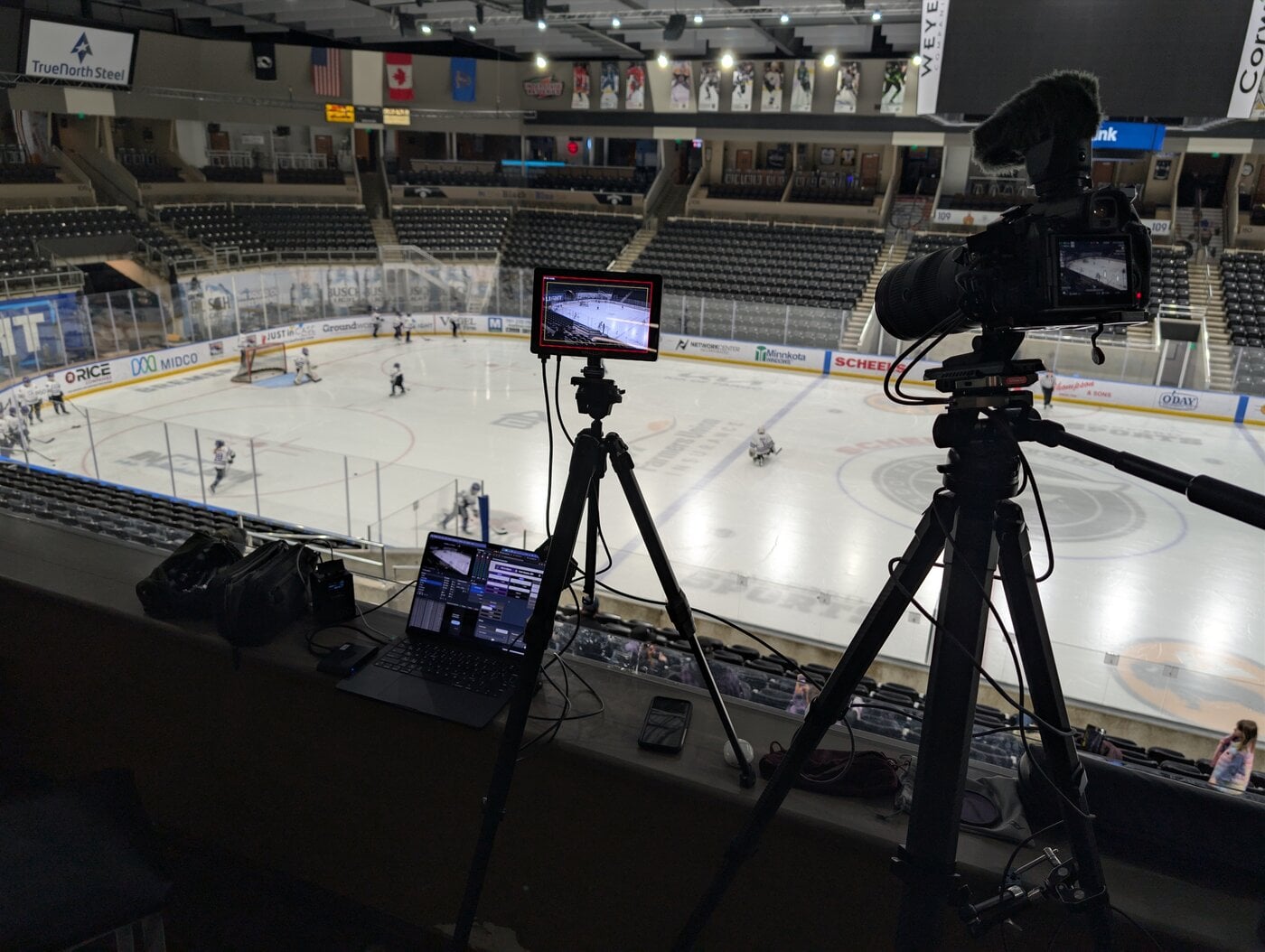 The streaming table is often far from the timekeeper's bench, which is where the console lives
On the Daktronics All Sport 5000, one of the most common consoles in US rinks and gyms, the output is an RS-232 serial port labelled J6. Getting it into a streaming computer takes a null modem cable, a USB serial adapter, and software that understands the data. Daktronics' own graphics software reads it; a free community plugin for OBS reads it too. vMix has no built-in reader for it, so vMix users add a separate tool.
Other brands have their own ports. OES consoles use a port labelled GAME OUT, on Pro models. Fair-Play consoles have an RS-232 port. Nevco sells software that turns its scoreboard data into a format graphics systems can read.
When it works, it is exact, to the tenth of a second, because it is the console's own data. The catch is access. You need a cable from the timekeeper's bench to your streaming table, permission from the rink to plug into its console, and the right settings for that console model. That is fine at a home rink where you do it once. It is not something you do at a new rink every weekend.
4. A ScoreLink box (Genius Sports / Sportzcast)
ScoreLink takes option 3 and moves it to the internet. A small box from Genius Sports, the company that bought Sportzcast, plugs into the console's data port or reads its wireless link. It sends the game state to Genius's cloud, and your graphics read it from there. The streaming table no longer needs a cable to the bench, only an internet connection.
Genius lists support for more than 200 scoreboard types, across Daktronics, OES, Fair-Play, Nevco and many European brands. Daktronics' DakLink software can also push All Sport 5000 data into the same cloud.
The box is sold as a subscription rather than bought outright. One youth hockey streamer we work with leases his for about $100 a month. That buys an exact clock with no typing, at any rink where a box is installed. Many graphics tools already read ScoreLink data, including BoxCast, NewBlue, Vizrt Flowics, Ross and Chyron.
What ScoreLink cannot tell you
The arena feed carries what the console knows: the clock, the score, the period and the penalties. It does not carry what the console has no button for. No American hockey console has a key for empty net or a delayed penalty. Volunteer timekeepers at youth games often skip shots on goal, because the wall board does not show them. And when two players go to the box at once, many overlays read "power play" for both teams, which is wrong: it is 4-on-4.
So the best setup is not "arena only" or "typed only". It is both. The arena owns the clock, score, period and penalties. The person at the stream adds what the arena does not track. And the scorebug should never override the arena's score: if the wall is wrong, the officials fix it at the bench, and the stream follows.
Which one should you pick?
Pick by what the rink owns, not by what sounds most professional.
- The rink has a ScoreLink box: use it. Ask the rink or the team that leases it which account it belongs to.
- You stream at one home rink with a reachable console: cable the console's data port. It is a one-time job.
- You have a fixed camera position and no access to the console: try OCR, and test it at the rink before game day.
- You travel to a different rink every weekend: type it, with physical buttons and a second person if you can.
Where KeepTheScore fits
Our hockey scoreboard is a scorebug you run from a phone, with saved teams, logos and colours, penalty countdowns, power play, 4-on-4, empty net, shots on goal, timeouts and a shootout mode. It works in OBS, vMix and Streamlabs and on a TV.
Today it is way 1: you type it. We are building way 4. When it is ready, you will paste a ScoreLink token and a bot number into the control panel once, and the clock, score, period and penalties will come from the arena. Your saved teams, empty net, shots on goal and shootouts stay under your control. If your rink has a ScoreLink box, join the waitlist and we will tell you when you can try it.
Arena Scoreboard and Live Stream FAQs
"Can I connect a Daktronics scoreboard to OBS?"
Yes. The Daktronics All Sport 5000 console sends its game data over an RS-232 serial port, called J6. A USB serial adapter and a null modem cable bring it into the streaming computer, where a free community plugin for OBS or Daktronics' own graphics software reads it. vMix has no built-in reader for it.
"What is Genius ScoreLink (Sportzcast)?"
ScoreLink is a small box from Genius Sports that plugs into the arena's scoreboard console and sends the clock, score and penalties to the internet. Streaming graphics tools then read that data. It is sold as a subscription, and the cloud data needs one.
"Does scoreboard OCR work for hockey?"
It works, with effort. A camera watches the wall scoreboard and software reads the digits. Glare from the ice, an angled camera and LED flicker cause misreads, and the setup has to be checked at every rink.
"What is the cheapest way to show the rink's score on a stream?"
Typing it into a scorebug app on a phone. It needs no hardware and works at any rink, but someone has to do it for the whole game.
"Can the stream show things the arena scoreboard does not track?"
Yes, if your scorebug lets you add them. Arena consoles have no button for empty net or a delayed penalty, and many volunteer operators skip shots on goal. A scorebug with its own hockey controls can add those on top of the arena's data.
"Does KeepTheScore connect to ScoreLink?"
Not yet. We are building it for hockey first, then basketball. The waitlist is on our ScoreLink page.

Written by Caspar von Wrede
Founder of KeepTheScore. Building tools that help teams track scores and celebrate wins.