How to Get More Google Reviews for Your Gym or Club
When to ask members for a Google review, what to say, how to put a review QR code at the front desk, and how to reply to good and bad reviews.
Article Contents

When someone searches "gym near me" or "tennis club near me", Google shows a map with three businesses on it. The star rating and the number of reviews decide a lot of the clicks. A gym with 180 reviews at 4.8 stars looks safer than one with 12 reviews at 5.0, even if the second one is better.
Most of your members are happy. They just never think to write a review, because nobody asked them at the right moment. This guide covers when to ask, what to say, how to make it a ten-second job with a QR code at the front desk, and how to reply once the reviews come in.
Two rules Google enforces
Break these and Google can remove reviews or restrict your profile.
- No rewards for reviews. You cannot offer a free class, a discount or a raffle entry in return for a review. Not even for a "fair" one.
- No filtering. You cannot ask only the members you think will be happy. Ask everyone, or ask everyone in a group, such as everyone who finished the eight-week program.
Everything below stays inside those rules.
When to ask
Ask when the member is proud of something. The same request gets far more yeses after a good moment than in a random monthly email.
Good moments at a gym or club:
- A personal best. A first pull-up, a new deadlift record, a faster 5K.
- The end of a program. The last session of a beginner course, a six-week challenge or a season.
- A win. A club team wins a match, or a member places at a tournament.
- A renewal. A member who renews has just decided you are worth paying for again.
- About three weeks in. New members are most enthusiastic after the first few weeks, once the habit sticks and before the novelty fades.
If your gym runs a workout leaderboard on a TV, it shows you these moments. When a member jumps to the top of the board, that is the day to ask.
What to say
Keep it short, personal and specific. Use the member's name, name the moment, and make the ask easy to say no to.
In person, at the front desk
"Congrats on the new deadlift record! If you have ten seconds, it would really help us if you left a Google review. The QR code is right here."
By text or email
"Hi Sam, well done on finishing the beginner course. If you enjoyed it, a short Google review helps other beginners find us. Here's the link: (your review link). Thanks either way!"
For a club, after a season
"Thanks for a great season. If you've enjoyed being part of the club, a Google review helps new players find us. It takes a minute: (your review link)."
Three things that make these work:
- One link, straight to the review box. Not your website, not the Google Maps search page. Every extra tap loses people.
- A hint of what to write. "Mention what you liked about the coaching" gets longer, more useful reviews than a blank box.
- No follow-up nagging. Ask once per moment. A second reminder a week later is fine. A third is not.
Put a review QR code at the front desk
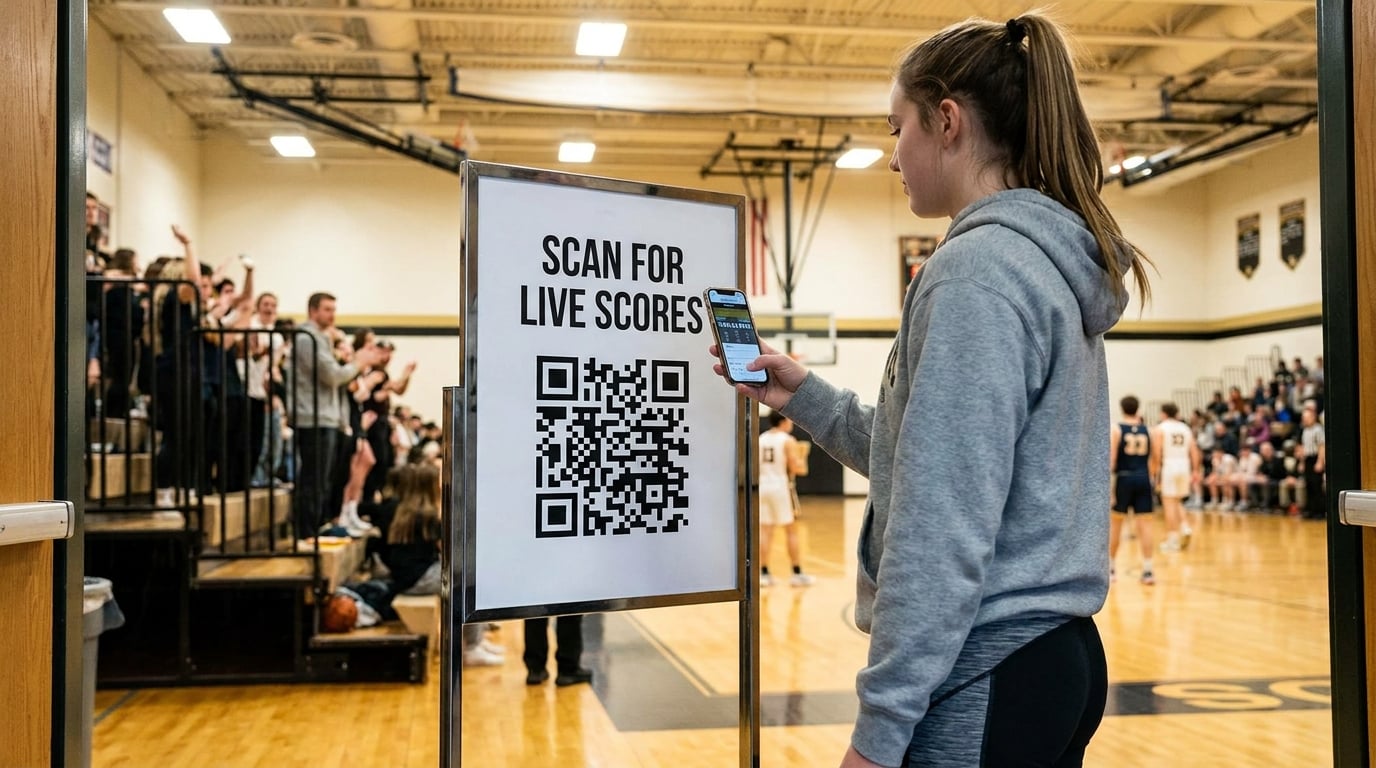
A QR code turns "I'll do it later" into "I'll do it now". The member points their phone at a sign and the review box opens.
- Get your review link. Sign in to your Google Business Profile. Find the option to ask for reviews, and copy the share link it gives you.
- Turn it into a QR code. Paste the link into a free Google review QR code generator. It gives you a short review link and a QR code you can download and print.
- Print it big and clear. At least 5 cm (2 inches) wide on a sign at the desk. Add one line above it: "Enjoyed your workout? Leave us a Google review."
- Put it where people wait. The front desk, the water station, the changing room exit and the club bar. Anywhere members stand still for ten seconds with a phone in their hand.
- Test it. Scan the printed sign from arm's length before you put up the rest.
Use the same short link in your emails, texts and on your class booking confirmation, so one link does every job.
How to reply to reviews
Reply to every review, good and bad. Future members read the replies as much as the reviews, and Google shows that the business is active.
Positive reviews
Thank them by name and mention something specific from their review. Keep it to two sentences.
"Thanks, Priya! Watching you go from zero to three pull-ups in the spring challenge was a highlight for the whole morning crew."
Negative reviews
Reply within a day or two, stay calm and move the conversation offline.
- Thank them for the feedback. Even if it stings.
- Say what you will do, or what you already did. "We've added a second cleaning round after the 6pm classes."
- Offer a direct contact. "Please email the front desk so we can sort this out properly."
Never argue in public and never share details about the member's account. Other readers judge you on your reply, not on who was right.
Fake or abusive reviews
If a review is spam, off-topic or breaks Google's rules, report it from your Business Profile. Do not reply to it while the report is open.
Make the moments easy to spot
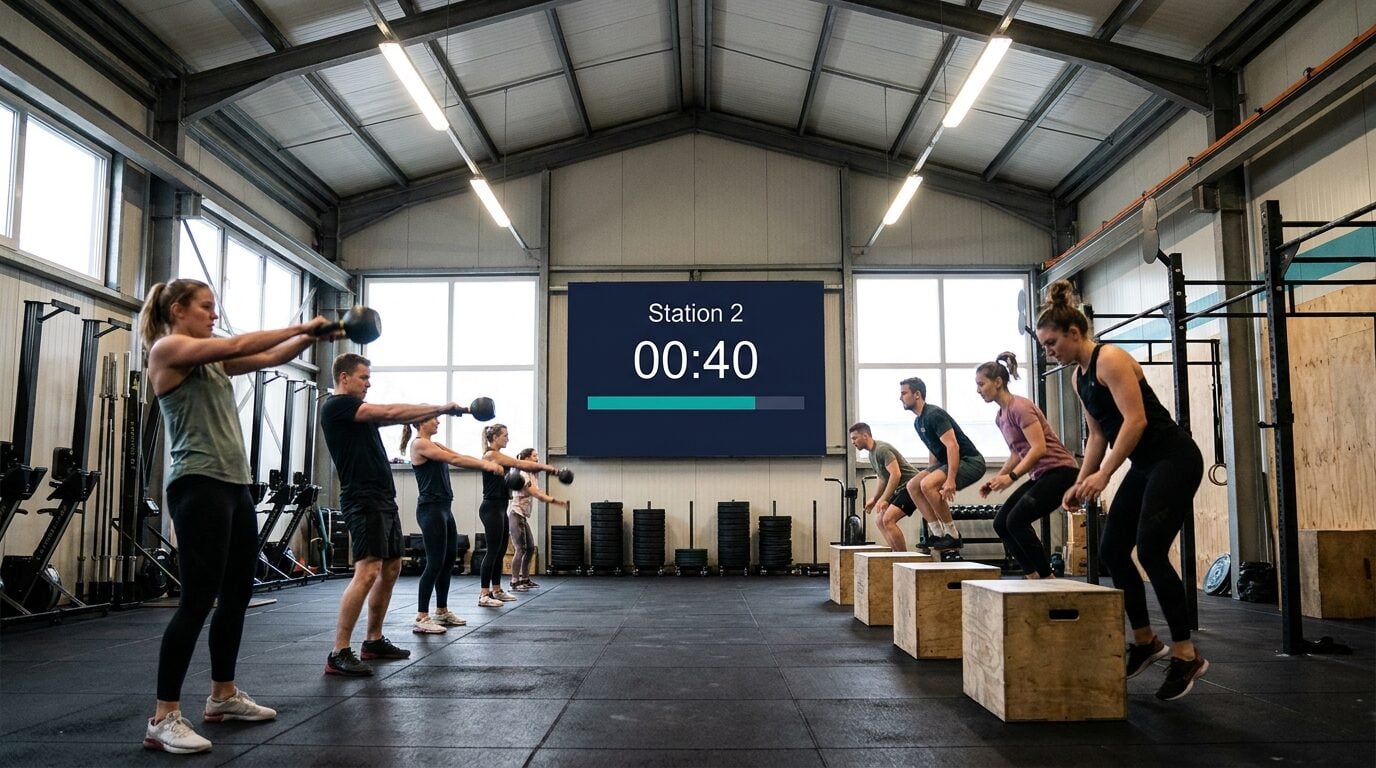
The best review requests happen when a member has just achieved something. A public leaderboard or interval timer on the gym TV makes those moments visible to the member, to their training partners and to your staff at the desk.
If you are pricing a screen for the wall, our gym scoreboard cost guide compares the options.
FAQ
How many Google reviews does a gym need?
There is no fixed number. Look at the three gyms Google shows for your area and aim to match their review count. Steady new reviews also matter: ten reviews a month beat a hundred reviews from three years ago.
Can I ask members for a five-star review?
Ask for an honest review, not a five-star one. Asking for a specific rating looks bad to readers and can break Google's rules.
Can I offer a free class for a review?
No. Google does not allow rewards in return for reviews, and that includes discounts, free sessions and prize draws.
Should I reply to every review?
Yes. A short thank-you for good reviews and a calm, specific reply for bad ones. Reply within a few days.
Does a QR code work better than an email?
They work best together. The QR code catches members in the moment, at the desk. The email or text catches members after a program ends, when they are not in the building.

Written by Caspar von Wrede
Founder of KeepTheScore. Building tools that help teams track scores and celebrate wins.