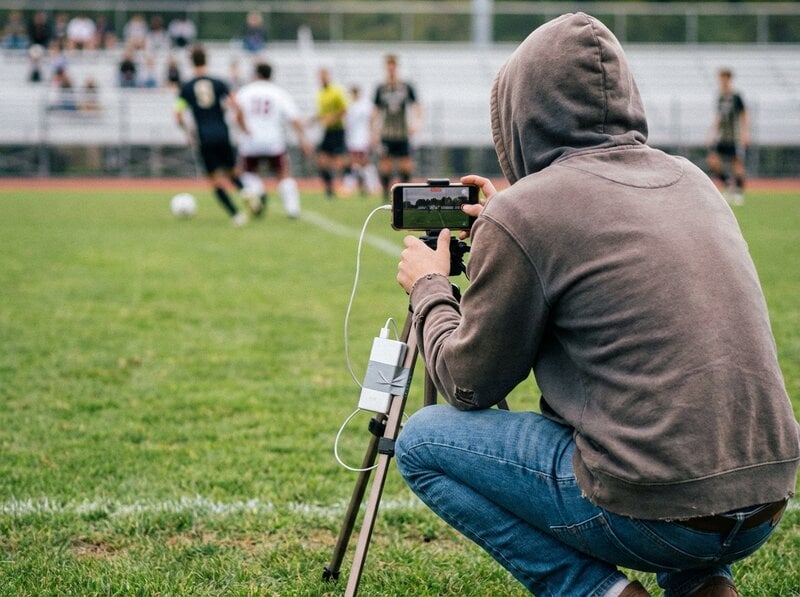
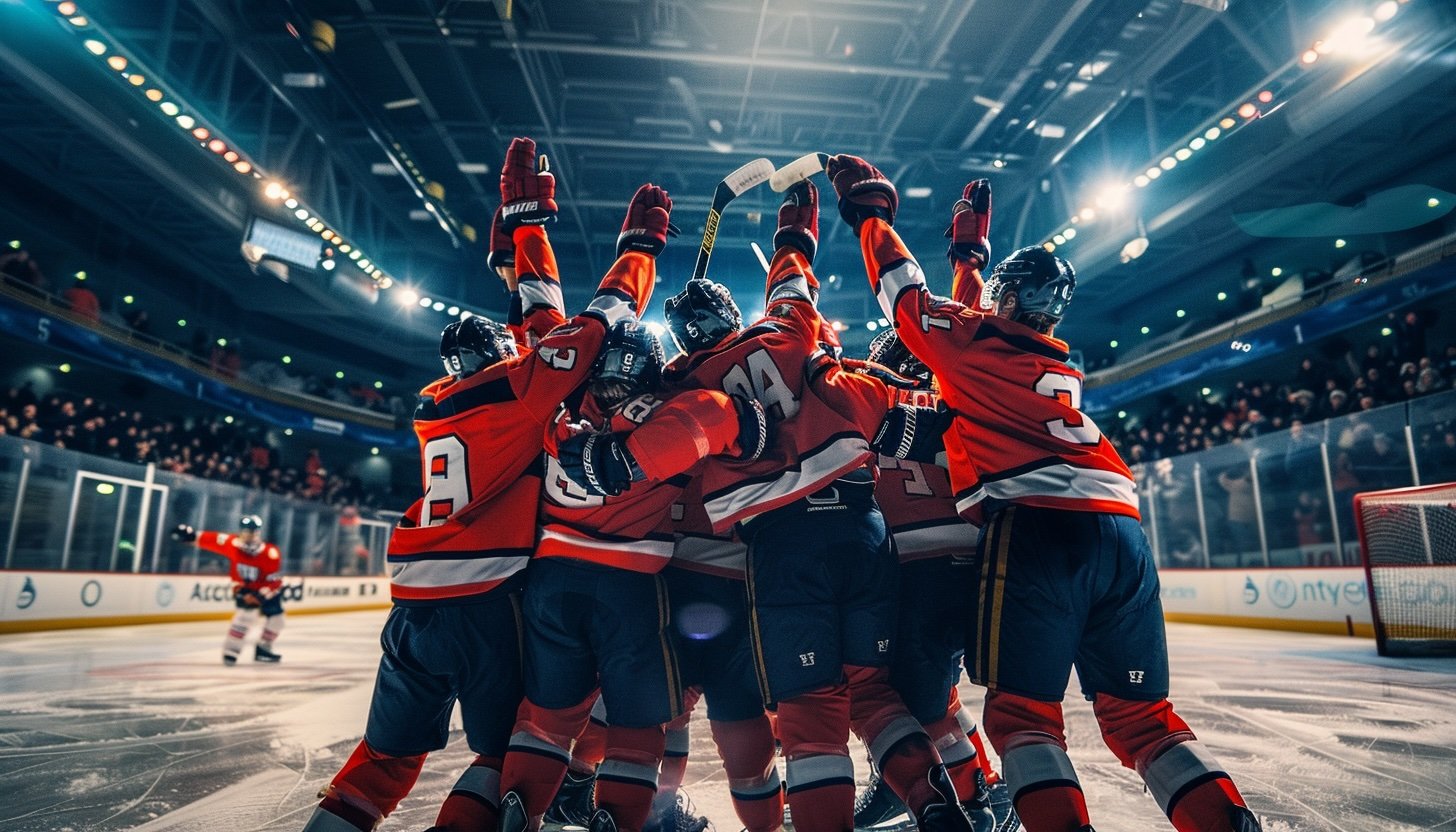
Max Jandora and Martin Látal are 18-year-old students at Grammar and Language School Zlín in the Czech Republic. They run their school's TV station, "Televize T. G. M.", and they've been trying to make their hockey broadcasts look professional.
Multi-camera feeds. Live commentary. Ad breaks. Animated transitions. All with consumer gear and student crews.
The scoreboard was always the weak link.
"We wanted our broadcasts to feel professional, but our scoreboard was holding us back."
— Max Jandora
What They Were Using Before
Custom HTML overlays in OBS. Sounded perfect—full control, easy integration. In practice? Problems.
Goal animations didn't work right. Hockey needs that visual punch when someone scores. Their HTML setup couldn't handle it smoothly. Viewers noticed.
Changing anything meant editing code. New team colors? Edit the CSS. Different logo? Dig into the files. Try doing that five minutes before puck drop.
Random freezing. Sometimes the overlay loaded fine. Sometimes it locked up. Sometimes OBS refused to refresh until they deleted and re-added the source. In a stadium, with a crowd waiting, that's not acceptable.
The scorekeeper needed to know code. Keyboard shortcuts weren't enough. Someone who understood the HTML had to be on standby. Under pressure, they'd get lost and fall behind.
"The last thing you want mid-stream is a scoreboard that might break because a browser source doesn't reload."
The Switch
They tested KeepTheScore during a scrimmage. It clicked immediately.
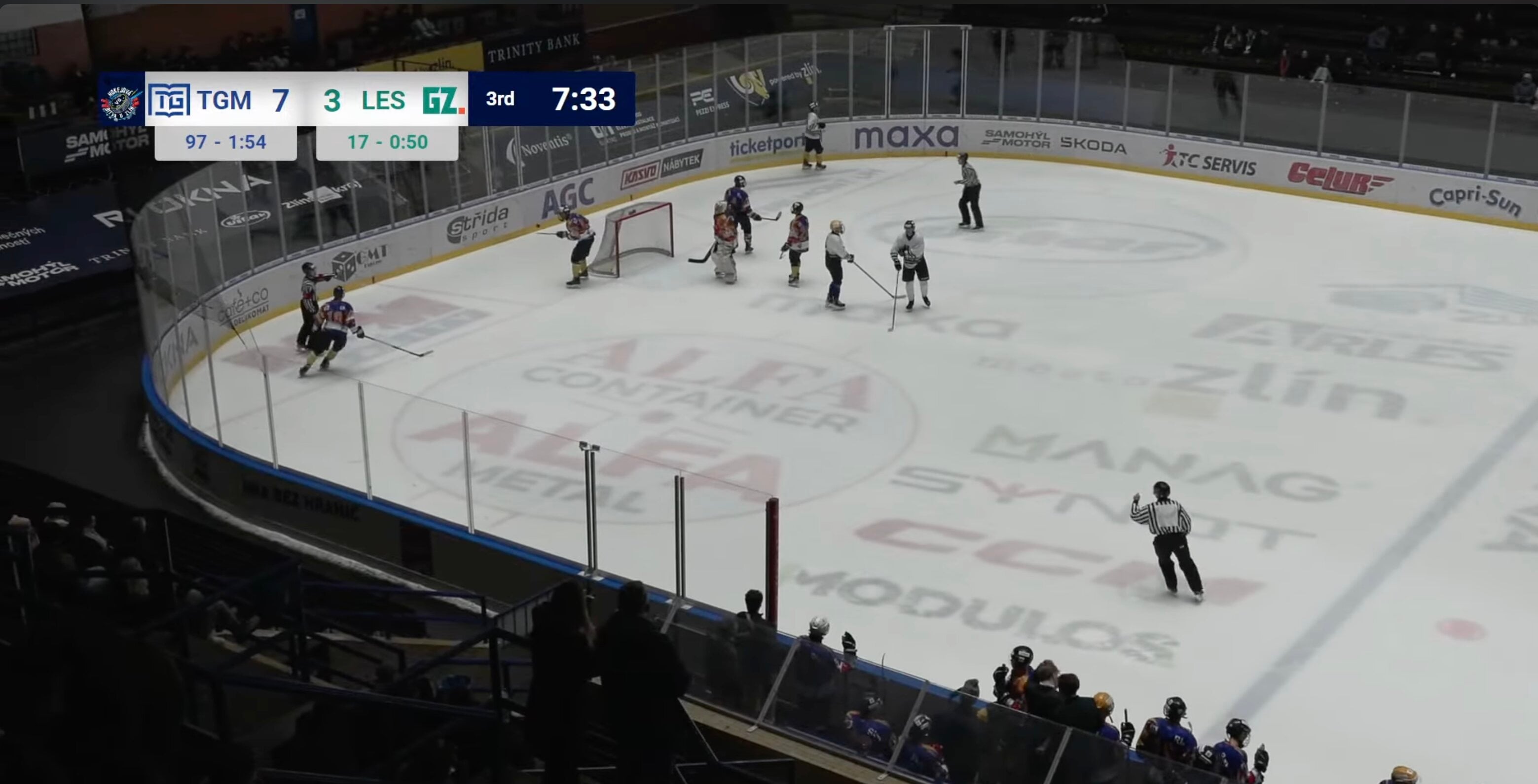
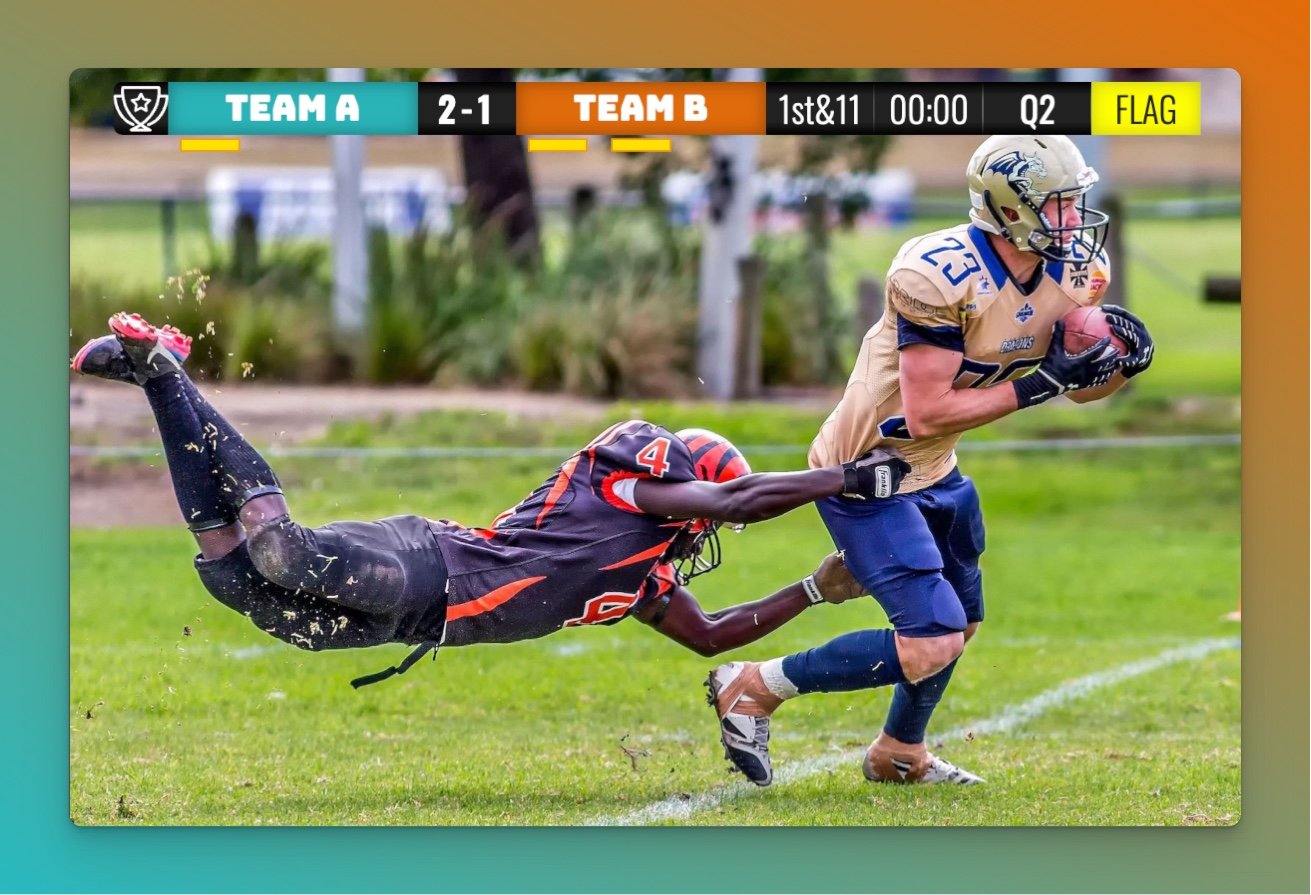
Goal animations that actually work. Built-in, clean, synced with score updates. This was the main reason they switched.
"This instantly made our broadcast feel more professional."
— Max Jandora
No code needed for customization. Team names, colors, logos—change them in seconds through the web interface. Essential when multiple teams cycle through a tournament day.
Browser source that doesn't crash. Loads instantly. Doesn't freeze. Refreshes on command. They run two separate OBS instances—one for the stadium LED cube, one for YouTube—and it works reliably in both.
"This was previously impossible for us."

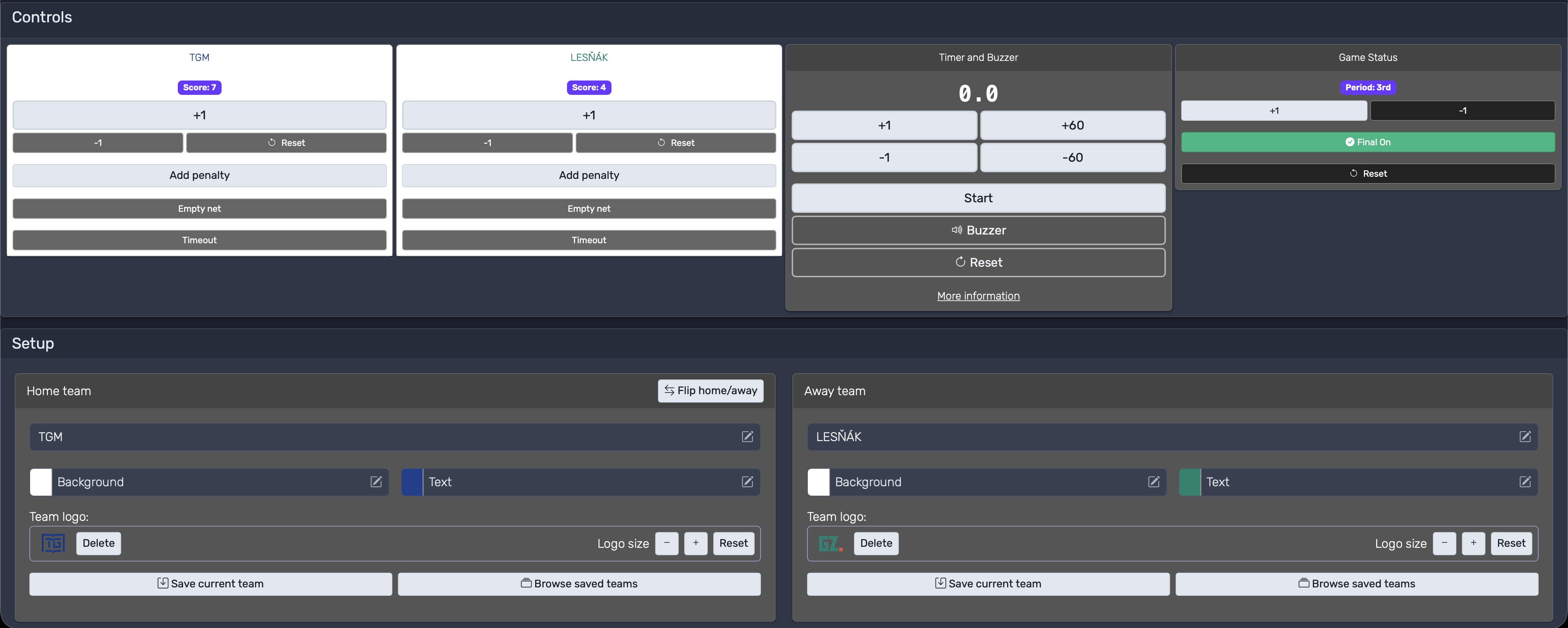
Anyone can run it. Big buttons. Clear layout. Live preview. The scorekeeper doesn't need to know OBS or understand any code.
"We were able to put a person in charge who had no technical background. When she got lost, she could manually enter the time and recover."
What Changed
The scoreboard went from weakest link to one of the strongest parts of their setup.
- Setup time dropped from 30+ minutes to seconds
- No more mid-game freezes
- Non-technical students run the scoreboard independently
- The dual OBS setup (stadium + YouTube) just works
"Now we can focus on the match instead of fighting with our own code."
— Max Jandora
They're planning to use it again next season—and pay for it. "It came out handy."
Lessons
For student productions: You don't need a professional budget to look professional. Pick tools that work reliably over tools with more features. Make sure non-coders can operate them. And don't underestimate small details like goal animations—viewers notice.
For multi-camera setups: Browser source stability isn't optional. You need quick customization between games. If you're running multiple OBS instances, test on different hardware before game day.
Their advice: "Don't fight with your own code when there's something that works out of the box."